ERobot models
ERobot
The various models ERobot models all subclass this class.
@author: Jesse Haviland
- class ERobot(*args, **kwargs)[source]
Bases:
RobotRobot defined by an elementary transform sequence
This is the same as
Robot, which it subclasses and can be used in its place, and is kept for compatibility.- property T: ndarray
Pose of the shape relative to its parent frame in the scene graph (or the world frame if it has no parent), as a 4x4 homogeneous transformation matrix. Set via the
poseargument of the constructor.This is a read/write property. The getter always returns a plain
ndarray; the setter also accepts anSE3.Warning
Because the getter returns an
ndarray, in-place operators likeshape.T *= deltado an elementwise multiply, not a pose composition, even whendeltais anSE3– useshape.T = shape.T * delta(orshape.T @= delta.A) instead.
- classmethod URDF(file, gripper=None, manufacturer=None)
Deprecated. Use
URDFRobotas a base class, or callURDF_read()fromroboticstoolbox.models.URDF.URDFRobotand constructRobotdirectly.- Return type:
- __getitem__(i)
Get link
This also supports iterating over each link in the robot object, from the base to the tool.
Examples
>>> import roboticstoolbox as rtb
>>> robot = rtb.models.DH.Puma560()
>>> print(robot[1]) # print the 2nd link
RevoluteDH:   θ=q,  d=0,  a=0.4318,  ⍺=0.0
>>> print([link.a for link in robot])  # print all the a_j values
[0, 0.4318, 0.0203, 0, 0, 0]
Notes
Robotsupports link lookup by name,eg.
robot['link1']
- __str__()
Pretty prints the ETS Model of the robot.
- Return type:
- Returns:
Pretty print of the robot model
Notes
Constant links are shown in blue.
End-effector links are prefixed with an @
Angles in degrees
- The robot base frame is denoted as
BASEand is equal to the robot’s
baseattribute.
- The robot base frame is denoted as
- accel(q, qd, torque, gravity=None)
Compute acceleration due to applied torque
- Parameters:
q (
Any) – Joint coordinatesqd (
Any) – Joint velocitytorque (
Any) – Joint torques of the robotgravity (
Any) – gravitational acceleration in the world frame, downwards gravitational force is equivalent to robot base acceleration upwards (positive); if not supplied, uses thegravityattribute of self
- Returns:
Joint accelerations
- Return type:
qdd = accel(q, qd, torque)calculates a vector (n) of joint accelerations that result from applying the actuator force/torque (n) to the manipulator in stateq(n) andqd(n), andnis the number of robot joints.\[\ddot{q} = \mathbf{M}^{-1} \left(\tau - \mathbf{C}(q)\dot{q} - \mathbf{g}(q)\right)\]Trajectory operation
If
q,qd, torque are matrices (m,n) thenqddis a matrix (m,n) where each row is the acceleration corresponding to the equivalent rows of q, qd, torque.Examples
>>> import roboticstoolbox as rtb
>>> puma = rtb.models.DH.Puma560()
>>> puma.accel(puma.qz, 0.5 * np.ones(6), np.zeros(6))
array([ -7.5544, -12.22  ,  -6.4022,  -5.4303,  -4.9518,  -2.1178])
Notes
- Useful for simulation of manipulator dynamics, in
conjunction with a numerical integration function.
- Uses the method 1 of Walker and Orin to compute the forward
dynamics.
- Featherstone’s method is more efficient for robots with large
numbers of joints.
Joint friction is considered.
References
- Efficient dynamic computer simulation of robotic mechanisms,
M. W. Walker and D. E. Orin, ASME Journal of Dynamic Systems, Measurement and Control, vol. 104, no. 3, pp. 205-211, 1982.
- accel_x(q, xd, wrench, gravity=None, pinv=False, representation='rpy/xyz')
Operational space acceleration due to applied wrench
- Parameters:
q (
Any) – Joint coordinatesxd (
Any) – Operational space velocity of the end-effectorwrench (
Any) – Wrench applied to the end-effectorgravity (
Any) – gravitational acceleration in the world frame, downwards gravitational force is equivalent to robot base acceleration upwards (positive); if not supplied, uses thegravityattribute of selfpinv (
bool) – use pseudo inverse rather than inverserepresentation (
Literal['rpy/xyz','rpy/zyx','eul','exp']) – the type of analytical Jacobian to use, default is'rpy/xyz'
- Returns:
Operational space accelerations of the end-effector
- Return type:
xdd = accel_x(q, xd, wrench)is the operational space acceleration due towrenchapplied to the end-effector of a robot in joint configurationqand operational space velocityxd.\[\ddot{x} = \dot{\mathbf{J}}_a(q, \dot{q})\dot{q} + \mathbf{J}_a(q) \mathbf{M}(q)^{-1} \left( \mathbf{J}_a(q)^T w - \mathbf{C}(q)\dot{q} - \mathbf{g}(q) \right)\]Trajectory operation
If
qis a matrix (m,n), andxdandwrenchare matrices (m,6), thenxddis a matrix (m,6) where each row is the acceleration corresponding to the equivalent rows ofq,xd, andwrench.Notes
- Useful for simulation of manipulator dynamics, in
conjunction with a numerical integration function.
- Uses the method 1 of Walker and Orin to compute the forward
dynamics.
- Featherstone’s method is more efficient for robots with large
numbers of joints.
Joint friction is considered.
See also
- addconfiguration(name, q)
Add a named joint configuration
Add a named configuration to the robot instance’s dictionary of named configurations.
- Parameters:
- Return type:
Examples
>>> import roboticstoolbox as rtb
>>> robot = rtb.models.DH.Puma560()
>>> robot.addconfiguration_attr("mypos", [0.1, 0.2, 0.3, 0.4, 0.5, 0.6])
>>> robot.configs["mypos"]
array([0.1, 0.2, 0.3, 0.4, 0.5, 0.6])
See also
- addconfiguration_attr(name, q, unit='rad')
Add a named joint configuration as an attribute
- Parameters:
- Return type:
Examples
>>> import roboticstoolbox as rtb
>>> robot = rtb.models.DH.Puma560()
>>> robot.addconfiguration_attr("mypos", [0.1, 0.2, 0.3, 0.4, 0.5, 0.6])
>>> robot.mypos
array([0.1, 0.2, 0.3, 0.4, 0.5, 0.6])
>>> robot.configs["mypos"]
array([0.1, 0.2, 0.3, 0.4, 0.5, 0.6])
Notes
Used in robot model init method to store the
qrconfiguration- Dynamically adding attributes to objects can cause issues with
Python type checking.
- Configuration is also added to the robot instance’s dictionary of
named configurations.
See also
- attach(object)
Attach a child node
- Parameters:
object (
SceneNode) – the node to attach as a child of this node- Seealso:
- Return type:
- attach_to(object)
Attach this node to a parent node
- Parameters:
object (
SceneNode) – the node to attach this node to, this node will become a child of the parent- Seealso:
- Return type:
- property base: SE3
Get/set robot base transform
robot.baseis the robot base transformrobot.base = ...checks and sets the robot base transform
- property base_link: Link
Get the robot base link
robot.base_linkis the robot base link
- Returns:
the first link in the robot tree
- closest_point(q, shape, inf_dist=1.0, skip=False)
Find the closest point between robot and shape
- Parameters:
- Return type:
- Returns:
tuple of (distance, point on robot, point on shape)
closest_point(shape, inf_dist)returns the minimum euclidean distance between this robot and shape, provided it is less than inf_dist. It will also return the points on self and shape in the world frame which connect the line of length distance between the shapes. If the distance is negative then the shapes are collided.
- collided(q, shape, skip=False)
Check if the robot is in collision with a shape (deprecated)
- Parameters:
q (
ndarray|Sequence[float] |None) – joint configuration, or None for the current configurationshape (
Shape|Robot) – the external shape to check, or this robot itself for self-collision checkingskip (
bool) – Skip setting all shape transforms based on q, use this option if using this method in conjunction with Swift to save time
- Return type:
- Returns:
True if shapes have collided
robot.collided(q, shape)issues a warning and returns the result ofiscollided().- Seealso:
- property comment: str
Get/set robot comment
robot.commentis the robot commentrobot.comment = ...checks and sets the robot comment
- Parameters:
name – the new robot comment
- Returns:
robot comment
- property configs: dict[str, ndarray]
Named joint configurations
- Returns:
dictionary of joint configurations, such as
qrandqz, indexed by name
- property control_mode: str
Get/set robot control mode
robot.control_typeis the robot control moderobot.control_type = ...checks and sets the robot control mode
- Parameters:
control_mode – the new robot control mode
- Returns:
the current robot control mode
- copy()
Make a copy of the robot
- Return type:
- Returns:
a deep copy, which shares no state with the original
- coriolis(q, qd)
Coriolis and centripetal term
- Parameters:
- Returns:
Coriolis/centripetal velocity matrix
- Return type:
coriolis(q, qd)calculates the Coriolis/centripetal matrix (n,n) for the robot in configurationqand velocityqd, wherenis the number of joints.The product \(\mathbf{C} \dot{q}\) is the vector of joint force/torque due to velocity coupling. The diagonal elements are due to centripetal effects and the off-diagonal elements are due to Coriolis effects. This matrix is also known as the velocity coupling matrix, since it describes the disturbance forces on any joint due to velocity of all other joints.
Trajectory operation
If
qandqdare matrices (m,n), each row is interpreted as a joint configuration, and the result (n,n,m) is a 3d-matrix where each plane corresponds to a row ofqandqd.Examples
>>> import roboticstoolbox as rtb
>>> puma = rtb.models.DH.Puma560()
>>> puma.coriolis(puma.qz, 0.5 * np.ones((6,)))
array([[-0.4017, -0.5513, -0.2025, -0.0007, -0.0013,  0.    ],
       [ 0.2023, -0.1937, -0.3868, -0.    , -0.002 ,  0.    ],
       [ 0.1987,  0.193 , -0.    ,  0.    , -0.0001,  0.    ],
       [ 0.    ,  0.    ,  0.    ,  0.    ,  0.    ,  0.    ],
       [ 0.0007,  0.0007,  0.0001,  0.    ,  0.    ,  0.    ],
       [ 0.    ,  0.    ,  0.    ,  0.    ,  0.    ,  0.    ]])
Notes
- Joint viscous friction is also a joint force proportional to
velocity but it is eliminated in the computation of this value.
Computationally slow, involves \(n^2/2\) invocations of RNE.
- coriolis_x(q, qd, pinv=False, representation='rpy/xyz', J=None, Ji=None, Jd=None, C=None, Mx=None)
Operational space Coriolis and centripetal term
- Parameters:
q (
Any) – Joint coordinatesqd (
Any) – Joint velocitypinv (
bool) – use pseudo inverse rather than inverse (Default value = False)representation (
Literal['rpy/xyz','rpy/zyx','eul','exp']) – the type of analytical Jacobian to use, default is'rpy/xyz'J (
Any) – pre-computed analytical Jacobian (optional)Ji (
Any) – pre-computed inverse analytical Jacobian (optional)Jd (
Any) – pre-computed time-derivative of analytical Jacobian (optional)C (
Any) – pre-computed joint-space Coriolis matrix (optional)Mx (
Any) – pre-computed operational-space inertia matrix (optional)
- Returns:
Operational space velocity matrix
- Return type:
coriolis_x(q, qd)is the Coriolis/centripetal matrix (m,m) in operational space for the robot in configurationqand velocityqd, wherenis the number of joints.\[\mathbf{C}_x = \mathbf{J}(q)^{-T} \mathbf{C}(q, \dot{q}) \mathbf{J}(q)^{-1} - \mathbf{M}_x(q) \dot{\mathbf{J}}(q, \dot{q}) \mathbf{J}(q)^{-1}\]The product \(\mathbf{C} \dot{x}\) is the operational space wrench due to joint velocity coupling. This matrix is also known as the velocity coupling matrix, since it describes the disturbance forces on any joint due to velocity of all other joints.
The transformation to operational space requires an analytical, rather than geometric, Jacobian.
analyticalcan be one of:Value
Rotational representation
'rpy/xyz'RPY angular rates in XYZ order (default)
'rpy/zyx'RPY angular rates in XYZ order
'eul'Euler angular rates in ZYZ order
'exp'exponential coordinate rates
Trajectory operation
If
qandqdare matrices (m,n), each row is interpreted as a joint configuration, and the result is an array (m,6,6) where each matrix corresponds to a row ofqandqd.Examples
>>> import roboticstoolbox as rtb
>>> puma = rtb.models.DH.Puma560()
>>> puma.coriolis_x(puma.qn, 0.5 * np.ones((6,)))
array([[     12.3365,       4.6387,      13.7633,      -0.0409,
              0.0043,      -0.0409],
       [     -4.788 ,  -31430.2949,      -3.4675,       0.3301,
             -0.3188,       0.3301],
       [    -11.5011,      -1.7324,     -10.0545,      -0.0405,
              0.    ,      -0.0405],
       [     -0.0165, 4869725.6671,      -0.0165,      -0.1245,
              0.0278,      -0.1245],
       [     -0.1112,       0.0531,       0.1332,      -0.0251,
             -0.    ,      -0.0251],
       [     -0.0165, 4869725.6671,      -0.0165,      -0.1245,
              0.0278,      -0.1245]])
Notes
- Joint viscous friction is also a joint force proportional to
velocity but it is eliminated in the computation of this value.
Computationally slow, involves \(n^2/2\) invocations of RNE.
If the robot is not 6 DOF the
pinvoption is set True.pinv()is around 5x slower thaninv()
Warning
Assumes that the operational space has 6 DOF.
See also
- property default_backend: Any
Get default graphical backend
robot.default_backendGet the default graphical backend, used whenno explicit backend is passed to
Robot.plot. This is the value set for the robot, otherwise the value set for all robots byset_default_backend(), otherwiseNone.
robot.default_backend = ...Set the default graphical backend, used whenno explicit backend is passed to
Robot.plot. The default set here will be overridden if the particularRobotsubclass cannot support it.
- Returns:
backend name
- dfs_links(start, func=None)
A link search method
Visit all links from start in depth-first order and will apply func to each visited link
- dotfile(filename, etsbox=False, ets='full', jtype=False, static=True)
Write a link transform graph as a GraphViz dot file
The file can be processed using dot:
% dot -Tpng -o out.png dotfile.dot
The nodes are:
Base is shown as a grey square. This is the world frame origin, but can be changed using the
baseattribute of the robot.Link frames are indicated by circles
ETS transforms are indicated by rounded boxes
The edges are:
an arrow if
jtypeis False or the joint is fixedan arrow with a round head if
jtypeis True and the joint is revolutean arrow with a box head if
jtypeis True and the joint is prismatic
Edge labels or nodes in blue have a fixed transformation to the preceding link.
Notes
If
filenameis a file object then the file will not be closed after the GraphViz model is written.- Parameters:
file – Name of file to write to
etsbox (
bool) – Put the link ETS in a box, otherwise an edge labelets (
Literal['full','brief']) – Display the full ets with “full” or a brief version with “brief”jtype (
bool) – Arrowhead to node indicates revolute or prismatic typestatic (
bool) – Show static joints in blue and bold
- Return type:
See also
- dynamics()
Pretty print the dynamic parameters
The dynamic parameters (inertial and friction) are printed in a table, with one row per link.
Examples
>>> import roboticstoolbox as rtb
>>> robot = rtb.models.DH.Puma560()
>>> robot.dynamics()
┌───────┬───────┬─────────────────────────┬────────────────────────────────────────┬──────────┬───────────┬───────────────────┬───────┐
│   j   │   m   │            r            │                   I                    │    Jm    │     B     │        Tc         │   G   │
├───────┼───────┼─────────────────────────┼────────────────────────────────────────┼──────────┼───────────┼───────────────────┼───────┤
│ link1 │  0    │  0,  0,  0              │  0,  0.35,  0,  0,  0,  0              │  0.0002  │  0.00148  │  0.395, -0.435    │ -62.6 │
│ link2 │  17.4 │ -0.364,  0.006,  0.228  │  0.13,  0.524,  0.539,  0,  0,  0      │  0.0002  │  0.000817 │  0.126, -0.071    │  108  │
│ link3 │  4.8  │ -0.0203, -0.0141,  0.07 │  0.066,  0.086,  0.0125,  0,  0,  0    │  0.0002  │  0.00138  │  0.132, -0.105    │ -53.7 │
│ link4 │  0.82 │  0,  0.019,  0          │  0.0018,  0.0013,  0.0018,  0,  0,  0  │  3.3e-05 │  7.12e-05 │  0.0112, -0.0169  │  76   │
│ link5 │  0.34 │  0,  0,  0              │  0.0003,  0.0004,  0.0003,  0,  0,  0  │  3.3e-05 │  8.26e-05 │  0.00926, -0.0145 │  71.9 │
│ link6 │  0.09 │  0,  0,  0.032          │  0.00015,  0.00015,  4e-05,  0,  0,  0 │  3.3e-05 │  3.67e-05 │  0.00396, -0.0105 │  76.7 │
└───────┴───────┴─────────────────────────┴────────────────────────────────────────┴──────────┴───────────┴───────────────────┴───────┘
- Return type:
- dynamics_list()
Print dynamic parameters
Display the kinematic and dynamic parameters to the console in reable format
- Return type:
- dynchanged(what=None)
Dynamic parameters have changed
Called from a property setter to inform the robot that the cache of dynamic parameters is invalid.
See also
roboticstoolbox.Link._dirties_frne()- Return type:
- ets(start=None, end=None)
Robot to ETS
robot.ets()is an ETS representing the kinematics from base to end-effector.robot.ets(end=link)is an ETS representing the kinematics from base to the linklinkspecified as a Link reference or a name.robot.ets(start=l1, end=l2)is an ETS representing the kinematics from linkl1to linkl2.- Parameters:
- Raises:
ValueError – a link does not belong to this ERobot
TypeError – a bad link argument
- Return type:
- Returns:
elementary transform sequence
Examples
>>> import roboticstoolbox as rtb
>>> panda = rtb.models.ETS.Panda()
>>> panda.ets()
[ET.tz(param=0.333), ET.Rz(jindex=0), ET.Rx(param=-1.5707963267948966), ET.Rz(jindex=1), ET.Rx(param=1.5707963267948966), ET.tz(param=0.316), ET.Rz(jindex=2), ET.tx(param=0.0825), ET.Rx(param=1.5707963267948966), ET.Rz(jindex=3), ET.tx(param=-0.0825), ET.Rx(param=-1.5707963267948966), ET.tz(param=0.384), ET.Rz(jindex=4), ET.Rx(param=1.5707963267948966), ET.Rz(jindex=5), ET.tx(param=0.088), ET.Rx(param=1.5707963267948966), ET.tz(param=0.107), ET.Rz(jindex=6), ET.tz(param=0.10300000000000001), ET.Rz(param=-0.7853981633974483)]
- fdyn(T, q0, Q=None, Q_args=None, qd0=None, solver='RK45', solver_args=None, dt=None, progress=False)
Integrate forward dynamics
- Parameters:
T (
float) – integration timeQ (
Callable[[Any,float,ndarray,ndarray],ndarray] |None) – a function that computes generalized joint force as a function of time and/or stateQ_args (
dict|None) – positional arguments passed totorqueqd0 (
ndarray|Sequence[float] |None) – initial joint velocities, assumed zero if not givensolver (
str) – name of SciPy integrator to use, default'RK45'solver_args (
dict|None) – optional arguments passed to the SciPy integratordt (
float|None) – if given, interpolate the results to this timestepprogress (
bool) – show progress bar, default False
- Returns:
robot trajectory
- Return type:
tg = R.fdyn(T, q)integrates the dynamics of the robot with zero input torques over the time interval 0 toTand returns the trajectory as a namedtuple with elements:tthe time vector (M,)qthe joint coordinates (M,n)qdthe joint velocities (M,n)
tg = R.fdyn(T, q, torqfun)as above but the torque applied to the joints is given by the provided function:tau = function(robot, t, q, qd, **args)
where the inputs are:
the robot object
current time
current joint coordinates (n,)
current joint velocity (n,)
args, optional keyword arguments can be specified, these are passed in from the
targskeyword argument.
The function must return a Numpy array (n,) of joint forces/torques.
Examples
To apply zero joint torque to the robot without Coulomb friction:
>>> def myfunc(robot, t, q, qd):
>>>     return np.zeros((robot.n,))
>>> tg = robot.nofriction().fdyn(5, q0, myfunc)
>>> plt.figure()
>>> plt.plot(tg.t, tg.q)
>>> plt.show()
We could also use a lambda function:
>>> tg = robot.nofriction().fdyn(
>>>     5, q0, lambda r, t, q, qd: np.zeros((r.n,)))
The robot is controlled by a PD controller. We first define a function to compute the control which has additional parameters for the setpoint and control gains (qstar, P, D):
>>> def myfunc(robot, t, q, qd, qstar, P, D):
>>>     return (qstar - q) * P + qd * D  # P, D are (6,)
>>> tg = robot.fdyn(10, q0, myfunc, torque_args=(qstar, P, D))
Many integrators have variable step length which is problematic if we want to animate the result. If
dtis specified then the solver results are interpolated in time steps ofdt.Notes
- This function performs poorly with non-linear joint friction,
such as Coulomb friction. The R.nofriction() method can be used to set this friction to zero.
- If the function is not specified then zero force/torque is
applied to the manipulator joints.
Interpolation is performed using SciPy integrate.ode
The SciPy RK45 integrator is used by default
Interpolation is performed using SciPy interp1d
See also
- fellipse(q, opt='trans', unit='rad', centre='ee', add=True)
Create a force ellipsoid object for plotting with PyPlot.
- Parameters:
q (
ndarray|Sequence[float]) – the joint configuration of the robotopt (
Literal['trans','rot']) –'trans'or'rot'— plot the translational or rotational force ellipsoidunit (
Literal['rad','deg']) –'rad'or'deg'centre (
Union[Literal['ee'],ndarray,Sequence[float]]) – centre of the ellipsoid —'ee'for the end-effector or a 3-vector[x, y, z]in the world frameadd (
bool) – ifTrue, add the ellipsoid to the active plot environment
- Returns:
an EllipsePlot object
- Return type:
EllipsePlot
robot.fellipse(q)creates a force ellipsoid for the robot at poseq. By default the ellipsoid is centered at the end-effector.Notes
By default the ellipsoid related to translational motion is drawn. Use
opt='rot'to draw the rotational velocity ellipsoid.By default the ellipsoid is drawn at the end-effector. The option
centreallows its origin to be set to the specified 3-vector, or the string"ee"ensures it is drawn at the end-effector position.
- fkine(q, end=None, start=None, tool=None, include_base=True)
Forward kinematics
- Parameters:
q (
ndarray|Sequence[float]) – Joint coordinates – either global (lengthrobot.n, addressed by each joint’sjindex, e.g. the whole robot’s currentq) or, whenend/startselect just one branch of a branched robot, compact (length equal to the number of joints on that branch, positionally ordered fromstarttoend– exactly whatikine_LM/ik_LMetc. return when solving for that sameend)end (
str|Link|Gripper|None) – end-effector or gripper to compute forward kinematics tostart (
str|Link|Gripper|None) – the link to compute forward kinematics from
- Raises:
ValueError – if
q’s length matches neither the compact nor the global interpretation for the selectedstart/end- Return type:
- Returns:
The transformation matrix representing the pose of the end-effector
T = robot.fkine(q)evaluates forward kinematics for the robot at joint configurationq.Trajectory operation: If
qhas multiple rows (mxn), it is considered a trajectory and the result is anSE3instance withmvalues.Examples
The following example makes a
pandarobot object, and solves for the forward kinematics at the listed configuration.>>> import roboticstoolbox as rtb >>> panda = rtb.models.Panda() >>> panda.fkine([0, -0.3, 0, -2.2, 0, 2, 0.7854]) SE3(array([[ 0.995 , -0. , 0.0998, 0.484 ], [-0. , -1. , 0. , 0. ], [ 0.0998, -0. , -0.995 , 0.4126], [ 0. , 0. , 0. , 1. ]]))
On a branched robot,
endselects one branch, andqmay be either the whole robot’s globalqor just the solution for that branch on its own – both give the same result:>>> import roboticstoolbox as rtb >>> from spatialmath import SE3 >>> yumi = rtb.models.YuMi() >>> sol = yumi.ikine_LM(SE3(0.4, 0.2, 0.3) * SE3.Rx(0.2), end="l_gripper", method="chan", k=0.1, seed=0) >>> sol.q.shape (7,) >>> yumi.fkine(sol.q, end="l_gripper") SE3(array([[ 1. , -0. , 0. , 0.4 ], [ 0. , 0.9801, -0.1987, 0.2 ], [-0. , 0.1987, 0.9801, 0.3 ], [ 0. , 0. , 0. , 1. ]]))
Notes
- For a robot with a single end-effector there is no need to
specify
end
- For a robot with multiple end-effectors, the
endmust be specified.
- For a robot with multiple end-effectors, the
- The robot’s own base transform (
self.base), if set, is always incorporated into the result.
- The robot’s own base transform (
- The robot’s own tool transform (
self.tool), if set, is incorporated into the result unless the
toolparameter is given explicitly, which overrides it.
- The robot’s own tool transform (
Works from the end-effector link to the base
References
J. Haviland, and P. Corke. “Manipulator Differential Kinematics Part I: Kinematics, Velocity, and Applications.” arXiv preprint arXiv:2207.01796 (2022).
J. Haviland, and P. Corke. “Manipulator Differential Kinematics Part II: Acceleration and Advanced Applications.” arXiv preprint arXiv:2207.01794 (2022).
- fkine_all(q)
Compute the pose of every link frame
- Parameters:
- Return type:
- Returns:
Pose of all links
T = robot.fkine_all(q)is an SE3 instance withrobot.nlinks + 1values:T[0]is the base transformT[i]is the pose of link whosenumberisi
References
J. Haviland, and P. Corke. “Manipulator Differential Kinematics Part I: Kinematics, Velocity, and Applications.” arXiv preprint arXiv:2207.01796 (2022).
- fkine_geometry(q, robot_alpha=1.0, collision_alpha=0.0)
Compute the world-frame pose of every rendered geometry part
- Parameters:
- Returns:
one pose per geometry part, in the same order as
_to_dict()/_fk_dict()- Return type:
Pure with respect to
q– computed directly viafkine_all()and each geometry’s fixed local offset (geom._T, spatialgeometry’sSceneNode), not viaSceneNode._propogate_scene_tree()’s cached/mutated world transform. Intended for consumers (e.g. a Swift animation loop) that want link/geometry poses without needing a robot to carry live scene-graph state.Gripper geometry is included, using each gripper’s own current
.q(grippers keep their own separate joint state – not a parameter of this method, and not yet part of the pure-qcomputation this method provides for the main chain).
- friction(qd)
Manipulator joint friction
- Parameters:
qd (
ndarray) – The joint velocities of the robot- Returns:
The joint friction forces/torques for the robot
- Return type:
robot.friction(qd)is a vector of joint friction forces/torques for the robot moving with joint velocitiesqd.The friction model includes:
Viscous friction which is a linear function of velocity.
Coulomb friction which is proportional to sign(qd).
\[\begin{split}\tau_j = G^2 B \dot{q}_j + |G_j| \left\{ \begin{array}{ll} \tau_{C,j}^+ & \mbox{if $\dot{q}_j > 0$} \\ \tau_{C,j}^- & \mbox{if $\dot{q}_j < 0$} \end{array} \right.\end{split}\]Notes
- The friction value should be added to the motor output torque to
determine the nett torque. It has a negative value when qd > 0.
- The returned friction value is referred to the output of the
gearbox.
- The friction parameters in the Link object are referred to the
motor.
Motor viscous friction is scaled up by \(G^2\).
Motor Coulomb friction is scaled up by \(G\).
- The appropriate Coulomb friction value to use in the
non-symmetric case depends on the sign of the joint velocity, not the motor velocity.
- Coulomb friction is zero for zero joint velocity, stiction is
not modeled.
- The absolute value of the gear ratio is used. Negative gear
ratios are tricky: the Puma560 robot has negative gear ratio for joints 1 and 3.
See also
- get_path(end=None, start=None)
Find a path from start to end
- Parameters:
- Raises:
ValueError – link not known or ambiguous
- Return type:
- Returns:
tuple of the link path, the number of links in that path, and the tool transform present after the end link
- graph(format='dot', filename=None, **kwargs)
Render a link transform graph as text
- Parameters:
format (
Literal['dot','mermaid','mermaid_fenced']) – graph output format:"dot","mermaid"or"mermaid_fenced", defaults to"dot"filename (
Union[str,IO[str],None]) – destination path or open text stream, defaults to Nonekwargs (
Any) – forformat="dot", forwarded todotfile()(etsbox,ets,jtype,static); ignored otherwise
- Return type:
- Returns:
rendered graph text
Creates graph text representing the robot’s link transform graph – the same structure
dotfile()/showgraph()render, in a choice of formats. Iffilenameis provided, the rendered text is also written to it."dot"produces the same GraphViz output asdotfile(), just returned as a string rather than requiring a real file –etsbox/ets/jtype/staticbehave exactly as they do there."mermaid"/"mermaid_fenced"render a simplified Mermaid flowchart: one node per link (a double circle for end-effectors, a hexagon for gripper links), edges labelled with the joint type (R/P) and joint index for actuated joints. Mermaid has no equivalent of DOT’s per-edge arrowhead/colour styling, sojtype/static/etsboxonly affect"dot"output."mermaid_fenced"wraps the same text in a fencedmermaidcode block, ready to paste into Markdown or render directly in a Jupyter cell:from IPython.display import Markdown, display display(Markdown(robot.graph(format="mermaid_fenced")))
See also
- property gravity: ndarray
Get/set default gravitational acceleration
robot.gravityis the default gravitational accelerationrobot.gravity = ...checks and sets default gravitationalacceleration
- gravload(q=None, gravity=None)
Compute gravity load
- Parameters:
- Returns:
The generalised joint force/torques due to gravity
- Return type:
robot.gravload(q)calculates the joint gravity loading (n) for the robot in the joint configurationqand using the default gravitational acceleration specified in the DHRobot object.robot.gravload(q, gravity=g)as above except the gravitational acceleration is explicitly specified asg.The return value is referenced to the load, not the motor, the gear ratio is not taken into account.
Trajectory operation
If q is a matrix (nxm) each column is interpreted as a joint configuration vector, and the result is a matrix (nxm) each column being the corresponding joint torques.
Examples
>>> import roboticstoolbox as rtb
>>> puma = rtb.models.DH.Puma560()
>>> puma.gravload(puma.qz)
array([ 0.    , 37.4837,  0.2489,  0.    ,  0.    ,  0.    ])
- gravload_x(q=None, gravity=None, pinv=False, representation='rpy/xyz', Ji=None)
Operational space gravity load
- Parameters:
q (
Any) – Joint coordinatesgravity (
Any) – gravitational acceleration in the world frame, downwards gravitational force is equivalent to robot base acceleration upwards (positive); if not supplied, uses thegravityattribute of selfpinv (
bool) – use pseudo inverse rather than inverse (Default value = False)representation (
Literal['rpy/xyz','rpy/zyx','eul','exp']) – the type of analytical Jacobian to use, default is'rpy/xyz'Ji (
Any) – pre-computed inverse analytical Jacobian (optional)
- Returns:
The operational space gravity wrench
- Return type:
robot.gravload_x(q)calculates the gravity wrench for the robot in the joint configurationqand using the default gravitational acceleration specified in the robot object.robot.gravload_x(q, gravity=g)as above except the gravitational acceleration is explicitly specified asg.\[\mathbf{G}_x = \mathbf{J}(q)^{-T} \mathbf{G}(q)\]The transformation to operational space requires an analytical, rather than geometric, Jacobian.
analyticalcan be one of:Value
Rotational representation
'rpy/xyz'RPY angular rates in XYZ order (default)
'rpy/zyx'RPY angular rates in XYZ order
'eul'Euler angular rates in ZYZ order
'exp'exponential coordinate rates
Trajectory operation
If q is a matrix (m,n), each row is interpreted as a joint configuration vector, and the result is a matrix (m,6) with one gravity wrench per row.
Examples
>>> import roboticstoolbox as rtb
>>> puma = rtb.models.DH.Puma560()
>>> puma.gravload_x(puma.qn)
array([-30.1218,   7.5797,  53.7378,  -0.    ,  -0.0283,  -0.    ])
Notes
If the robot is not 6 DOF the
pinvoption is set True.pinv()is around 5x slower thaninv()
Warning
Assumes that the operational space has 6 DOF.
See also
- property hascollision: Any
Robot has collision model
- Returns:
True if at least one link has associated collision geometry.
Examples
>>> import roboticstoolbox as rtb
>>> robot = rtb.models.DH.Puma560()
>>> robot.hascollision
False
See also
- property hasdynamics: bool
Robot has dynamic parameters
- Returns:
True if at least one link has a non-zero mass or motor inertia
These are the parameters that the inertial dynamics need. It is false for a model of the kinematics only, such as the default
rtb.models.Panda, and the dynamics methodsgravload,inertia,coriolis,accel,fdyn,itorqueandrneraiseValueErrorfor such a model, rather than return zeros or a confusing error. It is any link and not all, since the first link of the DH Puma560 has a mass of zero.The answer is cached, and recomputed only when the mass or motor inertia of a link has been changed, so it costs nothing to ask.
Changed in version 1.5.0: This was true if any dynamic parameter had been assigned, even to zero, and was not reset when the parameters were set back to zero. A robot made from DH links with no masses reported True. The dynamics methods now raise
ValueErrorif it is False, where they returned zeros or raisedLinAlgError.Warning
Behaviour change. Scripts that call the dynamics methods on a kinematics-only model, and accept the zeros, now get a
ValueError.Examples
>>> import roboticstoolbox as rtb
>>> robot = rtb.models.DH.Puma560()
>>> robot.hasdynamics
True
- property hasgeometry: Any
Robot has geometry model
At least one link has associated mesh to describe its shape.
- Returns:
Robot has geometry model
Examples
>>> import roboticstoolbox as rtb
>>> robot = rtb.models.DH.Puma560()
>>> robot.hasgeometry
True
See also
- hessian0(q=None, end=None, start=None, J0=None, tool=None)
Manipulator Hessian in the start frame
- Overloads:
q (
ndarray|Sequence[float]) =..., end (str|Link|Gripper|None) =None, start (str|Link|Gripper|None) =None, J0 (None) =None, tool (ndarray|SE3|None) =None→ndarrayq (
None) =None, end (str|Link|Gripper|None) =None, start (str|Link|Gripper|None) =None, J0 (ndarray) =..., tool (ndarray|SE3|None) =None→ndarray
- Parameters:
q (
Any) – The joint angles/configuration of the robot (Optional, if not supplied will use the stored q values).end (
str|Link|Gripper|None) – the final link/Gripper which the Hessian representsstart (
str|Link|Gripper|None) – the first link which the Hessian representsJ0 (
Any) – The manipulator Jacobian in thestartframetool (
ndarray|SE3|None) – a static tool transformation matrix to apply to the end of end, defaults to None
- Returns:
The manipulator Hessian in the
startframe
The manipulator Hessian tensor maps joint acceleration to end-effector spatial acceleration, expressed in the
startframe. This function calulcates this based on the ETS of the robot. One of J0 or q is required. Supply J0 if already calculated to save computation timeThis method computes the manipulator Hessian in the
startframe. If we take the time derivative of the differential kinematic relationship\[\begin{split}\nu &= \mat{J}(\vec{q}) \dvec{q} \\ \alpha &= \dmat{J} \dvec{q} + \mat{J} \ddvec{q}\end{split}\]where
\[\dmat{J} = \mat{H} \dvec{q}\]and \(\mat{H} \in \mathbb{R}^{6\times n \times n}\) is the Hessian tensor.
The elements of the Hessian are
\[\mat{H}_{i,j,k} = \frac{d^2 u_i}{d q_j d q_k}\]where \(u = \{t_x, t_y, t_z, r_x, r_y, r_z\}\) are the elements of the spatial velocity vector.
Similarly, we can write
\[\mat{J}_{i,j} = \frac{d u_i}{d q_j}\]Examples
The following example makes a
Pandarobot object, and solves for the base frame Hessian at the given joint angle configuration>>> import roboticstoolbox as rtb >>> panda = rtb.models.Panda() >>> panda.hessian0([0, -0.3, 0, -2.2, 0, 2, 0.7854]) array([[[-0.484 , -0. , -0.486 , -0. , -0.1547, 0. , -0. ], [ 0. , 0.0796, 0. , 0.2466, 0. , 0.2006, 0. ], [ 0. , 0. , 0. , 0. , 0. , 0. , 0. ], [ 0. , -1. , -0. , 1. , 0. , 1. , 0. ], [ 0. , -0. , -0.2955, -0. , 0.9463, -0. , 0.0998], [ 0. , 0. , -0. , -0. , 0. , -0. , 0. ]], [[-0. , -0.484 , -0. , 0.4986, -0. , 0.1086, 0. ], [ 0.0796, 0. , 0. , 0. , 0. , 0. , 0. ], [ 0. , -0.0796, -0. , -0.2466, -0. , -0.2006, -0. ], [ 0. , 0. , 0.9553, 0. , -0.3233, 0. , -0.995 ], [ 0. , 0. , -0. , -0. , 0. , -0. , 0. ], [ 0. , 0. , 0.2955, 0. , -0.9463, 0. , -0.0998]], [[-0.486 , -0. , -0.4643, -0. , -0.1478, 0. , 0. ], [ 0. , 0. , 0. , 0.383 , 0. , 0.2237, 0. ], [ 0. , -0. , -0.1436, -0. , -0.0457, -0. , -0. ], [ 0. , 0. , 0. , 0.9553, 0. , 0.9553, 0. ], [ 0. , 0. , 0. , -0. , 0.8085, -0. , -0.1987], [ 0. , 0. , 0. , 0.2955, 0. , 0.2955, 0. ]], [[-0. , 0.4986, -0. , -0.4986, 0. , -0.1086, -0. ], [ 0.2466, 0. , 0.383 , 0. , 0. , 0. , 0. ], [ 0. , -0.2466, -0. , 0.2466, 0. , 0.2006, 0. ], [ 0. , 0. , 0. , 0. , 0.3233, 0. , 0.995 ], [ 0. , 0. , 0. , 0. , 0. , 0. , -0. ], [ 0. , 0. , 0. , 0. , 0.9463, 0. , 0.0998]], [[-0.1547, -0. , -0.1478, 0. , 0.05 , -0. , 0. ], [ 0. , 0. , 0. , 0. , 0. , -0.1676, -0. ], [ 0. , -0. , -0.0457, 0. , 0.1464, 0. , 0. ], [ 0. , 0. , 0. , 0. , 0. , -0.3233, 0. ], [ 0. , 0. , 0. , 0. , 0. , -0. , 0.9093], [ 0. , 0. , 0. , 0. , 0. , -0.9463, -0. ]], [[ 0. , 0.1086, 0. , -0.1086, -0. , -0.1086, -0. ], [ 0.2006, 0. , 0.2237, 0. , -0.1676, 0. , 0. ], [ 0. , -0.2006, -0. , 0.2006, 0. , 0.2006, 0. ], [ 0. , 0. , 0. , 0. , 0. , 0. , 0.995 ], [ 0. , 0. , 0. , 0. , 0. , 0. , -0. ], [ 0. , 0. , 0. , 0. , 0. , 0. , 0.0998]], [[-0. , 0. , 0. , -0. , 0. , -0. , 0. ], [ 0. , 0. , 0. , 0. , -0. , 0. , -0. ], [ 0. , -0. , -0. , 0. , 0. , 0. , 0. ], [ 0. , 0. , 0. , 0. , 0. , 0. , 0. ], [ 0. , 0. , 0. , 0. , 0. , 0. , 0. ], [ 0. , 0. , 0. , 0. , 0. , 0. , 0. ]]])
References
J. Haviland, and P. Corke. “Manipulator Differential Kinematics Part I: Kinematics, Velocity, and Applications.” arXiv preprint arXiv:2207.01796 (2022).
J. Haviland, and P. Corke. “Manipulator Differential Kinematics Part II: Acceleration and Advanced Applications.” arXiv preprint arXiv:2207.01794 (2022).
- hessiane(q=None, end=None, start=None, Je=None, tool=None)
Manipulator Hessian in the end-effector frame
- Overloads:
q (
ndarray|Sequence[float]) =..., end (str|Link|Gripper|None) =None, start (str|Link|Gripper|None) =None, Je (None) =None, tool (ndarray|SE3|None) =None→ndarrayq (
None) =None, end (str|Link|Gripper|None) =None, start (str|Link|Gripper|None) =None, Je (ndarray) =..., tool (ndarray|SE3|None) =None→ndarray
- Parameters:
q (
Any) – The joint angles/configuration of the robot (Optional, if not supplied will use the stored q values).end (
str|Link|Gripper|None) – the final link/Gripper which the Hessian representsstart (
str|Link|Gripper|None) – the first link which the Hessian representsJe (
Any) – The manipulator Jacobian in theendframetool (
ndarray|SE3|None) – a static tool transformation matrix to apply to the end of end, defaults to None
- Returns:
The manipulator Hessian in
endframe
The manipulator Hessian tensor maps joint acceleration to end-effector spatial acceleration, expressed in the
endcoordinate frame. This function calulcates this based on the ETS of the robot. One of J0 or q is required. Supply J0 if already calculated to save computation timeThis method computes the manipulator Hessian in the
endframe. If we take the time derivative of the differential kinematic relationship\[\begin{split}\nu &= \mat{J}(\vec{q}) \dvec{q} \\ \alpha &= \dmat{J} \dvec{q} + \mat{J} \ddvec{q}\end{split}\]where
\[\dmat{J} = \mat{H} \dvec{q}\]and \(\mat{H} \in \mathbb{R}^{6\times n \times n}\) is the Hessian tensor.
The elements of the Hessian are
\[\mat{H}_{i,j,k} = \frac{d^2 u_i}{d q_j d q_k}\]where \(u = \{t_x, t_y, t_z, r_x, r_y, r_z\}\) are the elements of the spatial velocity vector.
Similarly, we can write
\[\mat{J}_{i,j} = \frac{d u_i}{d q_j}\]Examples
The following example makes a
Pandarobot object, and solves for the end-effector frame Hessian at the given joint angle configuration>>> import roboticstoolbox as rtb >>> panda = rtb.models.Panda() >>> panda.hessiane([0, -0.3, 0, -2.2, 0, 2, 0.7854]) array([[[-0.4816, -0. , -0.4835, -0. , -0.1539, -0. , 0. ], [ 0. , -0.0796, 0. , -0.2466, 0. , -0.2006, 0. ], [-0.0483, -0. , -0.0485, -0. , -0.0154, -0. , 0. ], [ 0. , -0.995 , 0. , 0.995 , -0. , 0.995 , -0. ], [ 0. , 0. , 0.2955, -0. , -0.9463, -0. , -0.0998], [ 0. , -0.0998, 0. , 0.0998, -0. , 0.0998, 0. ]], [[-0. , -0.4896, -0. , 0.4715, -0. , 0.088 , 0. ], [-0.0796, 0. , 0. , -0. , 0. , -0. , 0. ], [-0. , 0.0309, 0. , 0.2952, 0. , 0.2104, -0. ], [ 0. , 0. , 0.9801, 0. , -0.4161, 0. , -1. ], [ 0. , 0. , -0. , -0. , 0. , -0. , 0. ], [ 0. , 0. , -0.1987, -0. , 0.9093, -0. , 0. ]], [[-0.4835, -0. , -0.4763, -0. , -0.1516, -0. , 0. ], [ 0. , 0. , 0. , -0.383 , 0. , -0.2237, 0. ], [-0.0485, 0. , 0.0965, -0. , 0.0307, -0. , 0. ], [ 0. , 0. , 0. , 0.9801, -0. , 0.9801, 0. ], [ 0. , 0. , 0. , -0. , -0.8085, -0. , 0.1987], [ 0. , 0. , 0. , -0.1987, -0. , -0.1987, -0. ]], [[-0. , 0.4715, -0. , -0.4715, 0. , -0.088 , 0. ], [-0.2466, -0. , -0.383 , 0. , -0. , 0. , -0. ], [-0. , 0.2952, -0. , -0.2952, -0. , -0.2104, 0. ], [ 0. , 0. , 0. , 0. , 0.4161, 0. , 1. ], [ 0. , 0. , 0. , 0. , -0. , 0. , -0. ], [ 0. , 0. , 0. , 0. , -0.9093, 0. , 0. ]], [[-0.1539, -0. , -0.1516, 0. , 0.0644, 0. , -0. ], [ 0. , 0. , 0. , -0. , -0. , 0.1676, -0. ], [-0.0154, 0. , 0.0307, -0. , -0.1407, -0. , 0. ], [ 0. , 0. , 0. , 0. , 0. , -0.4161, -0. ], [ 0. , 0. , 0. , 0. , 0. , 0. , -0.9093], [ 0. , 0. , 0. , 0. , 0. , 0.9093, 0. ]], [[-0. , 0.088 , -0. , -0.088 , 0. , -0.088 , 0. ], [-0.2006, -0. , -0.2237, 0. , 0.1676, 0. , -0. ], [-0. , 0.2104, -0. , -0.2104, -0. , -0.2104, 0. ], [ 0. , 0. , 0. , 0. , 0. , 0. , 1. ], [ 0. , 0. , 0. , 0. , 0. , 0. , -0. ], [ 0. , 0. , 0. , 0. , 0. , 0. , 0. ]], [[ 0. , 0. , 0. , 0. , -0. , 0. , 0. ], [ 0. , 0. , 0. , -0. , -0. , -0. , -0. ], [ 0. , -0. , 0. , 0. , 0. , 0. , 0. ], [ 0. , 0. , 0. , 0. , 0. , 0. , 0. ], [ 0. , 0. , 0. , 0. , 0. , 0. , 0. ], [ 0. , 0. , 0. , 0. , 0. , 0. , 0. ]]])
References
J. Haviland, and P. Corke. “Manipulator Differential Kinematics Part I: Kinematics, Velocity, and Applications.” arXiv preprint arXiv:2207.01796 (2022).
J. Haviland, and P. Corke. “Manipulator Differential Kinematics Part II: Acceleration and Advanced Applications.” arXiv preprint arXiv:2207.01794 (2022).
- hierarchy()
Pretty print the robot link hierarchy
- Return type:
- Returns:
Pretty print of the robot model
Examples
Makes a robot and prints the hierarchy
>>> import roboticstoolbox as rtb
>>> robot = rtb.models.URDF.Panda()
>>> robot.hierarchy()
 panda_link0
   panda_link1
     panda_link2
       panda_link3
         panda_link4
           panda_link5
             panda_link6
               panda_link7
                 panda_link8
                   panda_hand
                     panda_leftfinger
                     panda_rightfinger
- ik_GN(Tep, end=None, start=None, q0=None, ilimit=30, slimit=100, tol=1e-06, mask=None, joint_limits=True, pinv=True, pinv_damping=0.0, tool=None)
Fast numerical inverse kinematics by Gauss-Newton optimization
- Parameters:
Tep (
ndarray|SE3) – The desired end-effector pose (a single pose only, for a trajectory useikine_GN())end (
str|Link|Gripper|None) – the link considered as the end-effectorstart (
str|Link|Gripper|None) – the link considered as the base frame, defaults to the robots’s base frameq0 (
ndarray|None) – initial joint configuration (default to random valid joint configuration constrained by the joint limits of the robot)ilimit (
int) – maximum number of iterations per searchslimit (
int) – maximum number of search attemptstol (
float) – final error tolerancemask (
ndarray|None) – a mask vector which weights the end-effector error priority. Corresponds to translation in X, Y and Z and rotation about X, Y and Z respectivelyjoint_limits (
bool) – constrain the solution to being within the joint limits of the robot (reject solution with invalid joint configurations and perform another search up to the slimit)pinv (
int) – Use the pseudo-inverse instead of the normal matrix inversepinv_damping (
float) – Damping factor for the pseudo-inversetool (
ndarray|SE3|None) – a static tool transformation matrix to apply to the end ofend; defaults to the robot’s ownself.toolif not given
- Returns:
an IKSolution containing joint coordinates
q,successflag,iterations,searchesandresidualerror value (reasonis always empty – this fast C++ solver doesn’t produce a granular failure reason string, unlikeikine_GN())- Return type:
Warning
This method needs the compiled C++ extension. It raises
RuntimeErrorif the extension is unavailable, for example in a pure-Python wheel or under Pyodide/JupyterLite, and if the sequence has a SymPy parameter, even a numeric one such assympy.pi/2, or a joint with anoffset, which the compiled code cannot use. In all of these cases useikine_GN(), which has none of these limits.sol = ets.ik_GN(Tep)are the joint coordinates (n) corresponding to the robot end-effector poseTepwhich is anSE3orndarrayobject. This method can be used for robots with any number of degrees of freedom. This is a fast solver implemented in C++.See the Inverse Kinematics Docs Page for more details and for a tutorial on numerical IK, see here.
Note
When using this method with redundant robots (>6 DoF),
pinvmust be set toTrueThe return value
solis anIKSolutionwith fields:Field
Type
Description
qndarray(n)
joint coordinates in units of radians or metres
successbool
whether a solution was found
iterationsint
total number of iterations
searchesint
total number of searches
residualfloat
final value of cost function
reasonstr
always empty for this C++ solver
If
success == Falsetheqvalues will be valid numbers, but the solution will be in error. The amount of error is indicated by theresidual.Each iteration uses the Gauss-Newton optimisation method
\[\begin{split}\vec{q}_{k+1} &= \vec{q}_k + \left( {\mat{J}(\vec{q}_k)}^\top \mat{W}_e \ {\mat{J}(\vec{q}_k)} \right)^{-1} \bf{g}_k \\ \bf{g}_k &= {\mat{J}(\vec{q}_k)}^\top \mat{W}_e \vec{e}_k\end{split}\]where \(\mat{J} = {^0\mat{J}}\) is the base-frame manipulator Jacobian. If \(\mat{J}(\vec{q}_k)\) is non-singular, and \(\mat{W}_e = \mat{1}_n\), then the above provides the pseudoinverse solution. However, if \(\mat{J}(\vec{q}_k)\) is singular, the above can not be computed and the GN solution is infeasible.
Examples
The following example gets a
pandarobot object, makes a goal poseTep, and then solves for the joint coordinates which result in the poseTepusing theik_GNmethod.>>> import roboticstoolbox as rtb >>> panda = rtb.models.Panda() >>> Tep = panda.fkine([0, -0.3, 0, -2.2, 0, 2, 0.7854]) >>> panda.ik_GN(Tep) IKSolution: q=[1.56, -1.05, -1.067, -2.119, -0.9342, 1.549, 1.492], success=True, iterations=71, searches=5, residual=1.36e-11
Notes
When using the this method, the initial joint coordinates \(q_0\), should correspond to a non-singular manipulator pose, since it uses the manipulator Jacobian.
References
J. Haviland, and P. Corke. “Manipulator Differential Kinematics Part I: Kinematics, Velocity, and Applications.” arXiv preprint arXiv:2207.01796 (2022).
J. Haviland, and P. Corke. “Manipulator Differential Kinematics Part II: Acceleration and Advanced Applications.” arXiv preprint arXiv:2207.01794 (2022).
See also
- ik_LM(Tep, end=None, start=None, q0=None, ilimit=30, slimit=100, tol=1e-06, mask=None, joint_limits=True, k=1.0, method='chan', tool=None)
Fast Levenberg-Marquardt Numerical Inverse Kinematics Solver
- Parameters:
end (
str|Link|Gripper|None) – the link considered as the end-effectorstart (
str|Link|Gripper|None) – the link considered as the base frame, defaults to the robots’s base frameilimit (
int) – How many iterations are allowed within a search before a new search is startedslimit (
int) – How many searches are allowed before being deemed unsuccessfultol (
float) – Maximum allowed residual error Emask (
ndarray|None) – A 6 vector which assigns weights to Cartesian degrees-of-freedom error priorityjoint_limits (
bool) – Reject solutions with joint limit violationsk (
float) – Sets the gain value for the damping matrix Wn in the next iterationmethod (
Literal['chan','wampler','sugihara']) – One of “chan”, “sugihara” or “wampler”. Defines which method is used to calculate the damping matrix Wn in thestepmethodtool (
ndarray|SE3|None) – a static tool transformation matrix to apply to the end ofend; defaults to the robot’s ownself.toolif not given
- Returns:
an IKSolution containing joint coordinates
q,successflag,iterations,searchesandresidualerror value (reasonis always empty – this fast C++ solver doesn’t produce a granular failure reason string, unlikeikine_LM())- Return type:
Warning
This method needs the compiled C++ extension. It raises
RuntimeErrorif the extension is unavailable, for example in a pure-Python wheel or under Pyodide/JupyterLite, and if the sequence has a SymPy parameter, even a numeric one such assympy.pi/2, or a joint with anoffset, which the compiled code cannot use. In all of these cases useikine_LM(), which has none of these limits.A method which provides functionality to perform numerical inverse kinematics (IK) using the Levenberg-Marquardt method. This is a fast solver implemented in C++.
See the Inverse Kinematics Docs Page for more details and for a tutorial on numerical IK, see here.
The operation is defined by the choice of the
methodkwarg.The step is defined as
\[\begin{split}\vec{q}_{k+1} &= \vec{q}_k + \left( \mat{A}_k \right)^{-1} \bf{g}_k \\ % \mat{A}_k &= {\mat{J}(\vec{q}_k)}^\top \mat{W}_e \ {\mat{J}(\vec{q}_k)} + \mat{W}_n\end{split}\]where \(\mat{W}_n = \text{diag}(\vec{w_n})(\vec{w_n} \in \mathbb{R}^n_{>0})\) is a diagonal damping matrix. The damping matrix ensures that \(\mat{A}_k\) is non-singular and positive definite. The performance of the LM method largely depends on the choice of \(\mat{W}_n\).
Chan’s Method
Chan proposed
\[\mat{W}_n = λ E_k \mat{1}_n\]where λ is a constant which reportedly does not have much influence on performance. Use the kwarg
kto adjust the weighting term λ.Sugihara’s Method
Sugihara proposed
\[\mat{W}_n = E_k \mat{1}_n + \text{diag}(\hat{\vec{w}}_n)\]where \(\hat{\vec{w}}_n \in \mathbb{R}^n\), \(\hat{w}_{n_i} = l^2 \sim 0.01 l^2\), and \(l\) is the length of a typical link within the manipulator. We provide the variable
kas a kwarg to adjust the value of \(w_n\).Wampler’s Method
Wampler proposed \(\vec{w_n}\) to be a constant. This is set through the
kkwarg.Examples
The following example makes a
pandarobot object, makes a goal poseTep, and then solves for the joint coordinates which result in the poseTepusing theik_LMmethod.>>> import roboticstoolbox as rtb >>> panda = rtb.models.Panda() >>> Tep = panda.fkine([0, -0.3, 0, -2.2, 0, 2, 0.7854]) >>> panda.ik_LM(Tep) IKSolution: q=[1.08, -0.5322, -0.9077, -2.178, -0.4606, 1.901, 1.146], success=True, iterations=17, searches=2, residual=1.81e-07
Notes
The value for the
kkwarg will depend on themethodchosen and the arm you are using. Use the following as a rough guidechan, k = 1.0 - 0.01,wampler, k = 0.01 - 0.0001, andsugihara, k = 0.1 - 0.0001When using the this method, the initial joint coordinates \(q_0\), should correspond to a non-singular manipulator pose, since it uses the manipulator Jacobian.
This class supports null-space motion to assist with maximising manipulability and avoiding joint limits. These are enabled by setting kq and km to non-zero values.
References
J. Haviland, and P. Corke. “Manipulator Differential Kinematics Part I: Kinematics, Velocity, and Applications.” arXiv preprint arXiv:2207.01796 (2022).
J. Haviland, and P. Corke. “Manipulator Differential Kinematics Part II: Acceleration and Advanced Applications.” arXiv preprint arXiv:2207.01794 (2022).
See also
Changed in version 1.0.4: Merged the Levenberg-Marquardt IK solvers into the ik_LM method
- ik_NR(Tep, end=None, start=None, q0=None, ilimit=30, slimit=100, tol=1e-06, mask=None, joint_limits=True, pinv=True, pinv_damping=0.0, tool=None)
Fast numerical inverse kinematics using Newton-Raphson optimization
- Parameters:
Tep (
ndarray|SE3) – The desired end-effector pose (a single pose only, for a trajectory useikine_NR())end (
str|Link|Gripper|None) – the link considered as the end-effectorstart (
str|Link|Gripper|None) – the link considered as the base frame, defaults to the robots’s base frameq0 (
ndarray|None) – initial joint configuration (default to random valid joint configuration constrained by the joint limits of the robot)ilimit (
int) – maximum number of iterations per searchslimit (
int) – maximum number of search attemptstol (
float) – final error tolerancemask (
ndarray|None) – a mask vector which weights the end-effector error priority. Corresponds to translation in X, Y and Z and rotation about X, Y and Z respectivelyjoint_limits (
bool) – constrain the solution to being within the joint limits of the robot (reject solution with invalid joint configurations and perform another search up to the slimit)pinv (
int) – Use the pseudo-inverse instead of the normal matrix inversepinv_damping (
float) – Damping factor for the pseudo-inversetool (
ndarray|SE3|None) – a static tool transformation matrix to apply to the end ofend; defaults to the robot’s ownself.toolif not given
- Returns:
an IKSolution containing joint coordinates
q,successflag,iterations,searchesandresidualerror value (reasonis always empty – this fast C++ solver doesn’t produce a granular failure reason string, unlikeikine_NR())- Return type:
Warning
This method needs the compiled C++ extension. It raises
RuntimeErrorif the extension is unavailable, for example in a pure-Python wheel or under Pyodide/JupyterLite, and if the sequence has a SymPy parameter, even a numeric one such assympy.pi/2, or a joint with anoffset, which the compiled code cannot use. In all of these cases useikine_NR(), which has none of these limits.sol = ets.ik_NR(Tep)are the joint coordinates (n) corresponding to the robot end-effector poseTepwhich is anSE3orndarrayobject. This method can be used for robots with any number of degrees of freedom. This is a fast solver implemented in C++.See the Inverse Kinematics Docs Page for more details and for a tutorial on numerical IK, see here.
Note
When using this method with redundant robots (>6 DoF),
pinvmust be set toTrueThe return value
solis anIKSolutionwith fields:Field
Type
Description
qndarray(n)
joint coordinates in units of radians or metres
successbool
whether a solution was found
iterationsint
total number of iterations
searchesint
total number of searches
residualfloat
final value of cost function
reasonstr
always empty for this C++ solver
If
success == Falsetheqvalues will be valid numbers, but the solution will be in error. The amount of error is indicated by theresidual.Each iteration uses the Newton-Raphson optimisation method
\[\vec{q}_{k+1} = \vec{q}_k + {^0\mat{J}(\vec{q}_k)}^{-1} \vec{e}_k\]Examples
The following example gets a
pandarobot object, makes a goal poseTep, and then solves for the joint coordinates which result in the poseTepusing theik_NRmethod.>>> import roboticstoolbox as rtb >>> panda = rtb.models.Panda() >>> Tep = panda.fkine([0, -0.3, 0, -2.2, 0, 2, 0.7854]) >>> panda.ik_NR(Tep) IKSolution: q=[0.9204, -0.4499, -0.7936, -2.187, -0.3566, 1.942, 1.066], success=True, iterations=87, searches=6, residual=2.67e-08
Notes
When using the this method, the initial joint coordinates \(q_0\), should correspond to a non-singular manipulator pose, since it uses the manipulator Jacobian.
References
J. Haviland, and P. Corke. “Manipulator Differential Kinematics Part I: Kinematics, Velocity, and Applications.” arXiv preprint arXiv:2207.01796 (2022).
J. Haviland, and P. Corke. “Manipulator Differential Kinematics Part II: Acceleration and Advanced Applications.” arXiv preprint arXiv:2207.01794 (2022).
See also
- ikine_GN(Tep, end=None, start=None, q0=None, ilimit=30, slimit=100, tol=1e-06, mask=None, joint_limits=True, seed=None, pinv=False, kq=0.0, km=0.0, ps=0.0, pi=0.3, tool=None, **kwargs)
Gauss-Newton Numerical Inverse Kinematics Solver
- Parameters:
Tep (
ndarray|SE3) – The desired end-effector pose or pose trajectoryend (
str|Link|Gripper|None) – the link considered as the end-effectorstart (
str|Link|Gripper|None) – the link considered as the base frame, defaults to the robots’s base frameq0 (
ndarray|Sequence[float] |None) – The initial joint coordinates, a vector (n,), or a matrix (m, n) whose rows are the starting points of the first m searches (any further searches start from random valid coordinates)ilimit (
int) – How many iterations are allowed within a search before a new search is startedslimit (
int) – How many searches are allowed before being deemed unsuccessfultol (
float) – Maximum allowed residual error Emask (
ndarray|Sequence[float] |None) – A 6 vector which assigns weights to Cartesian degrees-of-freedom error priorityjoint_limits (
bool) – Reject solutions with joint limit violationsseed (
int|None) – A seed for the private RNG used to generate random joint coordinate vectorspinv (
bool) – If True, will use the pseudoinverse in thestepmethod instead of the normal inversekq (
float) – The gain for joint limit avoidance. Setting to 0.0 will remove this completely from the solutionkm (
float) – The gain for maximisation. Setting to 0.0 will remove this completely from the solutionps (
float) – The minimum angle/distance (in radians or metres) in which the joint is allowed to approach to its limitpi (
ndarray|float) – The influence angle/distance (in radians or metres) in null space motion becomes activetool (
ndarray|SE3|None) – a static tool transformation matrix to apply to the end ofend; defaults to the robot’s ownself.toolif not given
- Returns:
an IKSolution containing joint coordinates
q,successflag,iterations,searches,residualerror value, andreasonstring if applicable- Return type:
If
Tepis a trajectory (anSE3with N poses, or an array with shape (N, 4, 4)) each pose is solved independently from the sameq0, so consecutive solutions are not guaranteed to be on the same IK branch.qhas shape (N, n),successis True only if every pose succeeded, andresidualis the maximum over the poses. Seesolve().Changed in version 1.5.0: For a trajectory,
residualis the maximum over the poses, it was the minimum.A method which provides functionality to perform numerical inverse kinematics (IK) using the Gauss-Newton method.
See the Inverse Kinematics Docs Page for more details and for a tutorial on numerical IK, see here.
Note
When using this method with redundant robots (>6 DoF),
pinvmust be set toTrueEach iteration uses the Gauss-Newton optimisation method
\[\begin{split}\vec{q}_{k+1} &= \vec{q}_k + \left( {\mat{J}(\vec{q}_k)}^\top \mat{W}_e \ {\mat{J}(\vec{q}_k)} \right)^{-1} \bf{g}_k \\ \bf{g}_k &= {\mat{J}(\vec{q}_k)}^\top \mat{W}_e \vec{e}_k\end{split}\]where \(\mat{J} = {^0\mat{J}}\) is the base-frame manipulator Jacobian. If \(\mat{J}(\vec{q}_k)\) is non-singular, and \(\mat{W}_e = \mat{1}_n\), then the above provides the pseudoinverse solution. However, if \(\mat{J}(\vec{q}_k)\) is singular, the above can not be computed and the GN solution is infeasible.
Examples
The following example gets a
pandarobot object, makes a goal poseTep, and then solves for the joint coordinates which result in the poseTepusing theikine_GNmethod.>>> import roboticstoolbox as rtb >>> panda = rtb.models.Panda() >>> Tep = panda.fkine([0, -0.3, 0, -2.2, 0, 2, 0.7854]) >>> panda.ikine_GN(Tep) IKSolution: q=[-0.4583, -0.906, 2.086, -1.923, 2.752, 2.284, 1.97], success=False, reason=iteration and search limit reached, 100 numpy.LinAlgError encountered, iterations=100, searches=100, residual=2.22
Notes
When using the this method, the initial joint coordinates \(q_0\), should correspond to a non-singular manipulator pose, since it uses the manipulator Jacobian.
This class supports null-space motion to assist with maximising manipulability and avoiding joint limits. These are enabled by setting kq and km to non-zero values.
References
J. Haviland, and P. Corke. “Manipulator Differential Kinematics Part I: Kinematics, Velocity, and Applications.” arXiv preprint arXiv:2207.01796 (2022).
J. Haviland, and P. Corke. “Manipulator Differential Kinematics Part II: Acceleration and Advanced Applications.” arXiv preprint arXiv:2207.01794 (2022).
See also
Changed in version 1.0.4: Added the Gauss-Newton IK solver method on the
Robotclass
- ikine_LM(Tep, end=None, start=None, q0=None, ilimit=30, slimit=100, tol=1e-06, mask=None, joint_limits=True, seed=None, k=1.0, method='chan', kq=0.0, km=0.0, ps=0.0, pi=0.3, tool=None, **kwargs)
Levenberg-Marquardt Numerical Inverse Kinematics Solver
- Parameters:
Tep (
ndarray|SE3) – The desired end-effector pose or pose trajectoryend (
str|Link|Gripper|None) – the link considered as the end-effectorstart (
str|Link|Gripper|None) – the link considered as the base frame, defaults to the robots’s base frameq0 (
ndarray|Sequence[float] |None) – The initial joint coordinates, a vector (n,), or a matrix (m, n) whose rows are the starting points of the first m searches (any further searches start from random valid coordinates)ilimit (
int) – How many iterations are allowed within a search before a new search is startedslimit (
int) – How many searches are allowed before being deemed unsuccessfultol (
float) – Maximum allowed residual error Emask (
ndarray|Sequence[float] |None) – A 6 vector which assigns weights to Cartesian degrees-of-freedom error priorityjoint_limits (
bool) – Reject solutions with joint limit violationsseed (
int|None) – A seed for the private RNG used to generate random joint coordinate vectorsk (
float) – Sets the gain value for the damping matrix Wn in the next iterationmethod (
Literal['chan','wampler','sugihara']) – One of “chan”, “sugihara” or “wampler”. Defines which method is used to calculate the damping matrix Wn in thestepmethodkq (
float) – The gain for joint limit avoidance. Setting to 0.0 will remove this completely from the solutionkm (
float) – The gain for maximisation. Setting to 0.0 will remove this completely from the solutionps (
float) – The minimum angle/distance (in radians or metres) in which the joint is allowed to approach to its limitpi (
ndarray|float) – The influence angle/distance (in radians or metres) in null space motion becomes activetool (
ndarray|SE3|None) – a static tool transformation matrix to apply to the end ofend; defaults to the robot’s ownself.toolif not given
- Returns:
an IKSolution containing joint coordinates
q,successflag,iterations,searches,residualerror value, andreasonstring if applicable- Return type:
If
Tepis a trajectory (anSE3with N poses, or an array with shape (N, 4, 4)) each pose is solved independently from the sameq0, so consecutive solutions are not guaranteed to be on the same IK branch.qhas shape (N, n),successis True only if every pose succeeded, andresidualis the maximum over the poses. Seesolve().Changed in version 1.5.0: For a trajectory,
residualis the maximum over the poses, it was the minimum.A method which provides functionality to perform numerical inverse kinematics (IK) using the Levenberg-Marquardt method.
See the Inverse Kinematics Docs Page for more details and for a tutorial on numerical IK, see here.
The operation is defined by the choice of the
methodkwarg.The step is defined as
\[\begin{split}\vec{q}_{k+1} &= \vec{q}_k + \left( \mat{A}_k \right)^{-1} \bf{g}_k \\ % \mat{A}_k &= {\mat{J}(\vec{q}_k)}^\top \mat{W}_e \ {\mat{J}(\vec{q}_k)} + \mat{W}_n\end{split}\]where \(\mat{W}_n = \text{diag}(\vec{w_n})(\vec{w_n} \in \mathbb{R}^n_{>0})\) is a diagonal damping matrix. The damping matrix ensures that \(\mat{A}_k\) is non-singular and positive definite. The performance of the LM method largely depends on the choice of \(\mat{W}_n\).
Chan’s Method
Chan proposed
\[\mat{W}_n = λ E_k \mat{1}_n\]where λ is a constant which reportedly does not have much influence on performance. Use the kwarg
kto adjust the weighting term λ.Sugihara’s Method
Sugihara proposed
\[\mat{W}_n = E_k \mat{1}_n + \text{diag}(\hat{\vec{w}}_n)\]where \(\hat{\vec{w}}_n \in \mathbb{R}^n\), \(\hat{w}_{n_i} = l^2 \sim 0.01 l^2\), and \(l\) is the length of a typical link within the manipulator. We provide the variable
kas a kwarg to adjust the value of \(w_n\).Wampler’s Method
Wampler proposed \(\vec{w_n}\) to be a constant. This is set through the
kkwarg.Examples
The following example makes a
pandarobot object, makes a goal poseTep, and then solves for the joint coordinates which result in the poseTepusing theikine_LMmethod.>>> import roboticstoolbox as rtb >>> panda = rtb.models.Panda() >>> Tep = panda.fkine([0, -0.3, 0, -2.2, 0, 2, 0.7854]) >>> panda.ikine_LM(Tep) IKSolution: q=[0.9337, -0.455, -0.8038, -2.186, -0.3641, 1.94, 1.072], success=True, iterations=12, searches=1, residual=1.2e-10
Notes
The value for the
kkwarg will depend on themethodchosen and the arm you are using. Use the following as a rough guidechan, k = 1.0 - 0.01,wampler, k = 0.01 - 0.0001, andsugihara, k = 0.1 - 0.0001When using the this method, the initial joint coordinates \(q_0\), should correspond to a non-singular manipulator pose, since it uses the manipulator Jacobian.
This class supports null-space motion to assist with maximising manipulability and avoiding joint limits. These are enabled by setting kq and km to non-zero values.
References
J. Haviland, and P. Corke. “Manipulator Differential Kinematics Part I: Kinematics, Velocity, and Applications.” arXiv preprint arXiv:2207.01796 (2022).
J. Haviland, and P. Corke. “Manipulator Differential Kinematics Part II: Acceleration and Advanced Applications.” arXiv preprint arXiv:2207.01794 (2022).
See also
IK_LMAn IK Solver class which implements the Levenberg-Marquardt optimisation technique
- ikine_NR
Implements the
IK_NRclass as a method within theRobotclass- ikine_GN
Implements the
IK_GNclass as a method within theRobotclass- ikine_QP
Implements the
IK_QPclass as a method within theRobotclassik_LM()The fast, C++-backed equivalent of this method (requires the compiled extension)
Changed in version 1.0.4: Added the Levenberg-Marquardt IK solver method on the
Robotclass
- ikine_NR(Tep, end=None, start=None, q0=None, ilimit=30, slimit=100, tol=1e-06, mask=None, joint_limits=True, seed=None, pinv=False, kq=0.0, km=0.0, ps=0.0, pi=0.3, tool=None, **kwargs)
Newton-Raphson Numerical Inverse Kinematics Solver
- Parameters:
Tep (
ndarray|SE3) – The desired end-effector pose or pose trajectoryend (
str|Link|Gripper|None) – the link considered as the end-effectorstart (
str|Link|Gripper|None) – the link considered as the base frame, defaults to the robots’s base frameq0 (
ndarray|Sequence[float] |None) – The initial joint coordinates, a vector (n,), or a matrix (m, n) whose rows are the starting points of the first m searches (any further searches start from random valid coordinates)ilimit (
int) – How many iterations are allowed within a search before a new search is startedslimit (
int) – How many searches are allowed before being deemed unsuccessfultol (
float) – Maximum allowed residual error Emask (
ndarray|Sequence[float] |None) – A 6 vector which assigns weights to Cartesian degrees-of-freedom error priorityjoint_limits (
bool) – Reject solutions with joint limit violationsseed (
int|None) – A seed for the private RNG used to generate random joint coordinate vectorspinv (
bool) – If True, will use the pseudoinverse in thestepmethod instead of the normal inversekq (
float) – The gain for joint limit avoidance. Setting to 0.0 will remove this completely from the solutionkm (
float) – The gain for maximisation. Setting to 0.0 will remove this completely from the solutionps (
float) – The minimum angle/distance (in radians or metres) in which the joint is allowed to approach to its limitpi (
ndarray|float) – The influence angle/distance (in radians or metres) in null space motion becomes activetool (
ndarray|SE3|None) – a static tool transformation matrix to apply to the end ofend; defaults to the robot’s ownself.toolif not given
- Returns:
an IKSolution containing joint coordinates
q,successflag,iterations,searches,residualerror value, andreasonstring if applicable- Return type:
If
Tepis a trajectory (anSE3with N poses, or an array with shape (N, 4, 4)) each pose is solved independently from the sameq0, so consecutive solutions are not guaranteed to be on the same IK branch.qhas shape (N, n),successis True only if every pose succeeded, andresidualis the maximum over the poses. Seesolve().Changed in version 1.5.0: For a trajectory,
residualis the maximum over the poses, it was the minimum.A method which provides functionality to perform numerical inverse kinematics (IK) using the Newton-Raphson method.
See the Inverse Kinematics Docs Page for more details and for a tutorial on numerical IK, see here.
Note
When using this method with redundant robots (>6 DoF),
pinvmust be set toTrueEach iteration uses the Newton-Raphson optimisation method
\[\vec{q}_{k+1} = \vec{q}_k + {^0\mat{J}(\vec{q}_k)}^{-1} \vec{e}_k\]Examples
The following example gets a
pandarobot object, makes a goal poseTep, and then solves for the joint coordinates which result in the poseTepusing theikine_NRmethod.>>> import roboticstoolbox as rtb >>> panda = rtb.models.Panda() >>> Tep = panda.fkine([0, -0.3, 0, -2.2, 0, 2, 0.7854]) >>> panda.ikine_NR(Tep) IKSolution: q=[2.588, 0.2904, 1.853, -0.6111, -2.618, 3.193, 1.271], success=False, reason=iteration and search limit reached, 100 numpy.LinAlgError encountered, iterations=100, searches=100, residual=3.92
Notes
When using the this method, the initial joint coordinates \(q_0\), should correspond to a non-singular manipulator pose, since it uses the manipulator Jacobian.
This class supports null-space motion to assist with maximising manipulability and avoiding joint limits. These are enabled by setting kq and km to non-zero values.
References
J. Haviland, and P. Corke. “Manipulator Differential Kinematics Part I: Kinematics, Velocity, and Applications.” arXiv preprint arXiv:2207.01796 (2022).
J. Haviland, and P. Corke. “Manipulator Differential Kinematics Part II: Acceleration and Advanced Applications.” arXiv preprint arXiv:2207.01794 (2022).
See also
Changed in version 1.0.4: Added the Newton-Raphson IK solver method on the
Robotclass
- ikine_QP(Tep, end=None, start=None, q0=None, ilimit=30, slimit=100, tol=1e-06, mask=None, joint_limits=True, seed=None, kj=1.0, ks=1.0, kq=0.0, km=0.0, ps=0.0, pi=0.3, tool=None, **kwargs)
Quadratic Programming Numerical Inverse Kinematics Solver
- Parameters:
Tep (
ndarray|SE3) – The desired end-effector pose or pose trajectoryend (
str|Link|Gripper|None) – the link considered as the end-effectorstart (
str|Link|Gripper|None) – the link considered as the base frame, defaults to the robots’s base frameq0 (
ndarray|Sequence[float] |None) – The initial joint coordinates, a vector (n,), or a matrix (m, n) whose rows are the starting points of the first m searches (any further searches start from random valid coordinates)ilimit (
int) – How many iterations are allowed within a search before a new search is startedslimit (
int) – How many searches are allowed before being deemed unsuccessfultol (
float) – Maximum allowed residual error Emask (
ndarray|Sequence[float] |None) – A 6 vector which assigns weights to Cartesian degrees-of-freedom error priorityjoint_limits (
bool) – Reject solutions with joint limit violationsseed (
int|None) – A seed for the private RNG used to generate random joint coordinate vectorskj (
float) – A gain for joint velocity norm minimisationks (
float) – A gain which adjusts the cost of slack (intentional error)kq (
float) – The gain for joint limit avoidance. Setting to 0.0 will remove this completely from the solutionkm (
float) – The gain for maximisation. Setting to 0.0 will remove this completely from the solutionps (
float) – The minimum angle/distance (in radians or metres) in which the joint is allowed to approach to its limitpi (
ndarray|float) – The influence angle/distance (in radians or metres) in null space motion becomes activetool (
ndarray|SE3|None) – a static tool transformation matrix to apply to the end ofend; defaults to the robot’s ownself.toolif not given
- Raises:
ImportError – If the package
qpsolversis not installed, see the note below- Returns:
an IKSolution containing joint coordinates
q,successflag,iterations,searches,residualerror value, andreasonstring if applicable- Return type:
If
Tepis a trajectory (anSE3with N poses, or an array with shape (N, 4, 4)) each pose is solved independently from the sameq0, so consecutive solutions are not guaranteed to be on the same IK branch.qhas shape (N, n),successis True only if every pose succeeded, andresidualis the maximum over the poses. Seesolve().Changed in version 1.5.0: For a trajectory,
residualis the maximum over the poses, it was the minimum.A method that provides functionality to perform numerical inverse kinematics (IK) using a quadratic programming approach.
Note
This needs the packages
qpsolversandquadprog, which are not installed with the Toolbox by default. Install them with theqpextra:pip install roboticstoolbox-python[qp].See the Inverse Kinematics Docs Page for more details and for a tutorial on numerical IK, see here.
Each iteration uses the following approach
\[\vec{q}_{k+1} = \vec{q}_{k} + \dot{\vec{q}}.\]where the QP is defined as
\[\begin{split}\min_x \quad f_o(\vec{x}) &= \frac{1}{2} \vec{x}^\top \mathcal{Q} \vec{x}+ \mathcal{C}^\top \vec{x}, \\ \text{subject to} \quad \mathcal{J} \vec{x} &= \vec{\nu}, \\ \mathcal{A} \vec{x} &\leq \mathcal{B}, \\ \vec{x}^- &\leq \vec{x} \leq \vec{x}^+\end{split}\]with
\[\begin{split}\vec{x} &= \begin{pmatrix} \dvec{q} \\ \vec{\delta} \end{pmatrix} \in \mathbb{R}^{(n+6)} \\ \mathcal{Q} &= \begin{pmatrix} \lambda_q \mat{1}_{n} & \mathbf{0}_{6 \times 6} \\ \mathbf{0}_{n \times n} & \lambda_\delta \mat{1}_{6} \end{pmatrix} \in \mathbb{R}^{(n+6) \times (n+6)} \\ \mathcal{J} &= \begin{pmatrix} \mat{J}(\vec{q}) & \mat{1}_{6} \end{pmatrix} \in \mathbb{R}^{6 \times (n+6)} \\ \mathcal{C} &= \begin{pmatrix} \mat{J}_m \\ \bf{0}_{6 \times 1} \end{pmatrix} \in \mathbb{R}^{(n + 6)} \\ \mathcal{A} &= \begin{pmatrix} \mat{1}_{n \times n + 6} \\ \end{pmatrix} \in \mathbb{R}^{(l + n) \times (n + 6)} \\ \mathcal{B} &= \eta \begin{pmatrix} \frac{\rho_0 - \rho_s} {\rho_i - \rho_s} \\ \vdots \\ \frac{\rho_n - \rho_s} {\rho_i - \rho_s} \end{pmatrix} \in \mathbb{R}^{n} \\ \vec{x}^{-, +} &= \begin{pmatrix} \dvec{q}^{-, +} \\ \vec{\delta}^{-, +} \end{pmatrix} \in \mathbb{R}^{(n+6)},\end{split}\]where \(\vec{\delta} \in \mathbb{R}^6\) is the slack vector, \(\lambda_\delta \in \mathbb{R}^+\) is a gain term which adjusts the cost of the norm of the slack vector in the optimiser, \(\dvec{q}^{-,+}\) are the minimum and maximum joint velocities, and \(\dvec{\delta}^{-,+}\) are the minimum and maximum slack velocities.
Examples
The following example gets a
pandarobot object, makes a goal poseTep, and then solves for the joint coordinates which result in the poseTepusing theikine_QPmethod.>>> import roboticstoolbox as rtb >>> panda = rtb.models.Panda() >>> Tep = panda.fkine([0, -0.3, 0, -2.2, 0, 2, 0.7854]) >>> panda.ikine_QP(Tep) IKSolution: q=[0.9564, -0.465, -0.821, -2.185, -0.3775, 1.935, 1.082], success=True, iterations=53, searches=2, residual=5.51e-09
Notes
When using the this method, the initial joint coordinates \(q_0\), should correspond to a non-singular manipulator pose, since it uses the manipulator Jacobian.
This class supports null-space motion to assist with maximising manipulability and avoiding joint limits. These are enabled by setting kq and km to non-zero values.
References
J. Haviland, and P. Corke. “Manipulator Differential Kinematics Part I: Kinematics, Velocity, and Applications.” arXiv preprint arXiv:2207.01796 (2022).
J. Haviland, and P. Corke. “Manipulator Differential Kinematics Part II: Acceleration and Advanced Applications.” arXiv preprint arXiv:2207.01794 (2022).
See also
Changed in version 1.0.4: Added the Quadratic Programming IK solver method on the
Robotclass
- inertia(q)
Manipulator inertia matrix
inertia(q)is the symmetric joint inertia matrix (n,n) which relates joint torque to joint acceleration for the robot at joint configuration q.Trajectory operation
If
qis a matrix (m,n), each row is interpreted as a joint state vector, and the result is a 3d-matrix (nxnxk) where each plane corresponds to the inertia for the corresponding row of q.Examples
>>> import roboticstoolbox as rtb
>>> puma = rtb.models.DH.Puma560()
>>> puma.inertia(puma.qz)
array([[ 3.9611, -0.1627, -0.1389,  0.0016, -0.0004,  0.    ],
       [-0.1627,  4.4566,  0.3727,  0.    ,  0.0019,  0.    ],
       [-0.1389,  0.3727,  0.9387,  0.    ,  0.0019,  0.    ],
       [ 0.0016,  0.    ,  0.    ,  0.1924,  0.    ,  0.    ],
       [-0.0004,  0.0019,  0.0019,  0.    ,  0.1713,  0.    ],
       [ 0.    ,  0.    ,  0.    ,  0.    ,  0.    ,  0.1941]])
Notes
- The diagonal elements
M[j,j]are the inertia seen by joint actuator
j.
- The diagonal elements
- The off-diagonal elements
M[j,k]are coupling inertias that relate acceleration on joint
jto force/torque on jointk.
- The off-diagonal elements
- The diagonal terms include the motor inertia reflected through
the gear ratio.
See also
- inertia_x(q=None, pinv=False, representation='rpy/xyz', Ji=None)
Operational space inertia matrix
- Parameters:
- Returns:
The operational space inertia matrix
- Return type:
robot.inertia_x(q)is the operational space (Cartesian) inertia matrix which relates Cartesian force/torque to Cartesian acceleration at the joint configuration q.\[\mathbf{M}_x = \mathbf{J}(q)^{-T} \mathbf{M}(q) \mathbf{J}(q)^{-1}\]The transformation to operational space requires an analytical, rather than geometric, Jacobian.
analyticalcan be one of:Value
Rotational representation
'rpy/xyz'RPY angular rates in XYZ order (default)
'rpy/zyx'RPY angular rates in XYZ order
'eul'Euler angular rates in ZYZ order
'exp'exponential coordinate rates
Trajectory operation
If
qis a matrix (m,n), each row is interpreted as a joint state vector, and the result is a 3d-matrix (m,n,n) where each plane corresponds to the Cartesian inertia for the corresponding row ofq.Examples
>>> import roboticstoolbox as rtb
>>> puma = rtb.models.DH.Puma560()
>>> puma.inertia_x(puma.qn)
array([[17.2954, -2.7542, -9.6233,  0.    ,  0.2795,  0.    ],
       [-2.7542, 11.6452,  1.2459,  0.0001, -0.0703,  0.0001],
       [-9.6233,  1.2459, 13.3348,  0.    ,  0.2767,  0.    ],
       [ 0.    ,  0.0001,  0.    ,  0.1941,  0.    ,  0.1941],
       [ 0.2795, -0.0703,  0.2767,  0.    ,  0.1713,  0.    ],
       [ 0.    ,  0.0001,  0.    ,  0.1941,  0.    ,  0.1941]])
Notes
If the robot is not 6 DOF the
pinvoption is set True.pinv()is around 5x slower thaninv()
Warning
Assumes that the operational space has 6 DOF.
See also
- iscollided(q, shape, skip=False)
Check if the robot is in collision with a shape
- Parameters:
q (
ndarray|Sequence[float] |None) – joint configuration, or None for the current configurationshape (
Shape|Robot) – the external shape to check, or this robot itself for self-collision checkingskip (
bool) – Skip setting all shape transforms based on q, use this option if using this method in conjunction with Swift to save time
- Return type:
- Returns:
True if shapes have collided
robot.iscollided(q, shape)checks for collision with an external shape.robot.iscollided(q, robot)callsisselfcollided().- Seealso:
- isprismatic(j)
Check if joint is prismatic
- Return type:
- Returns:
True if prismatic
Examples
>>> import roboticstoolbox as rtb
>>> puma = rtb.models.DH.Puma560()
>>> puma.prismaticjoints
[False, False, False, False, False, False]
>>> stanford = rtb.models.DH.Stanford()
>>> stanford.isprismatic(1)
False
See also
- isrevolute(j)
Check if joint is revolute
- Return type:
- Returns:
True if revolute
Examples
>>> import roboticstoolbox as rtb
>>> puma = rtb.models.DH.Puma560()
>>> puma.revolutejoints
[True, True, True, True, True, True]
>>> stanford = rtb.models.DH.Stanford()
>>> stanford.isrevolute(1)
True
See also
- isselfcollided(q=None, skip=False)
Check for collisions between non-adjacent links of this robot
- Parameters:
- Return type:
- Returns:
True if any non-adjacent link pair is in collision
- Raises:
ValueError – the model has no collision geometry, or
qis not a single finite joint configuration
Checks the collision geometry of the robot and all its grippers. Shapes attached to the same link, neighbouring links, and links in the same gripper are not tested against each other. Links without collision geometry are transparent when determining neighbours: a link’s nearest ancestor with collision geometry is its neighbour. Links in separate branches are tested, including siblings outside a shared gripper and links belonging to different grippers. Touching counts as a collision, as in
iscollided().Each gripper uses its own current joint configuration. The robot’s stored joint configuration is not changed. With
skip=True,qis ignored and the caller must have updated all world transforms.Collision checking requires the optional
coaldependency. A model with only visual geometry cannot be checked; collision geometry must be supplied explicitly. Only pairs with geometry are checked, so a False result does not establish clearance for links without geometry.- Seealso:
- itorque(q, qdd)
Inertia torque
- Parameters:
- Returns:
The inertia torque vector
- Return type:
itorque(q, qdd)is the inertia force/torque vector (n) at the specified joint configuration q (n) and acceleration qdd (n), andnis the number of robot joints. It is \(\mathbf{I}(q) \ddot{q}\).Trajectory operation
If
qandqddare matrices (m,n), each row is interpreted as a joint configuration, and the result is a matrix (m,n) where each row is the corresponding joint torques.Examples
>>> import roboticstoolbox as rtb
>>> puma = rtb.models.DH.Puma560()
>>> puma.itorque(puma.qz, 0.5 * np.ones((6,)))
array([1.8304, 2.3343, 0.5872, 0.0971, 0.0873, 0.0971])
Notes
- If the robot model contains non-zero motor inertia then this
will be included in the result.
See also
- jacob0(q, end=None, start=None, tool=None)
Manipulator geometric Jacobian in the
startframe- Parameters:
end (
str|Link|Gripper|None) – the particular link or gripper whose velocity the Jacobian describes, defaults to the end-effector if only one is presentstart (
str|Link|Gripper|None) – the link considered as the base frame, defaults to the robots’s base frametool (
ndarray|SE3|None) – a static tool transformation matrix to apply to the end of end, defaults to None
- Return type:
- Returns:
Manipulator Jacobian in the
startframe
robot.jacobo(q)is the manipulator Jacobian matrix which maps joint velocity to end-effector spatial velocity expressed in the base frame.End-effector spatial velocity \(\nu = (v_x, v_y, v_z, \omega_x, \omega_y, \omega_z)^T\) is related to joint velocity by \({}^{E}\!\nu = \mathbf{J}_m(q) \dot{q}\).
Examples
The following example makes a
Puma560robot object, and solves for the base-frame Jacobian at the zero joint angle configuration>>> import roboticstoolbox as rtb >>> puma = rtb.models.Puma560() >>> puma.jacob0([0, 0, 0, 0, 0, 0]) array([[ 0.1295, -0.4854, -0.4854, -0. , -0.0533, 0. ], [ 0.4318, 0. , 0. , 0. , 0. , 0. ], [-0. , 0.4318, 0. , 0. , 0. , 0. ], [ 0. , 0. , 0. , 0. , 0. , 0. ], [ 0. , -1. , -1. , 0. , -1. , 0. ], [ 1. , 0. , 0. , 1. , 0. , 1. ]])
Notes
- This is the geometric Jacobian as described in texts by
Corke, Spong etal., Siciliano etal. The end-effector velocity is described in terms of translational and angular velocity, not a velocity twist as per the text by Lynch & Park.
References
J. Haviland, and P. Corke. “Manipulator Differential Kinematics Part I: Kinematics, Velocity, and Applications.” arXiv preprint arXiv:2207.01796 (2022).
- jacob0_analytical(q, representation='rpy/xyz', end=None, start=None, tool=None)
Manipulator analytical Jacobian in the
startframe- Parameters:
representation (
Literal['rpy/xyz','rpy/zyx','eul','exp']) – angular representationend (
str|Link|Gripper|None) – the particular link or gripper whose velocity the Jacobian describes, defaults to the base linkstart (
str|Link|Gripper|None) – the link considered as the end-effector, defaults to the robots’s end-effectortool (
ndarray|SE3|None) – a static tool transformation matrix to apply to the end of end, defaults to None
- Return type:
- Returns:
Manipulator Jacobian in the
startframe
robot.jacob0_analytical(q)is the manipulator Jacobian matrix which maps joint velocity to end-effector spatial velocity expressed in thestartframe.End-effector spatial velocity \(\nu = (v_x, v_y, v_z, \omega_x, \omega_y, \omega_z)^T\) is related to joint velocity by \({}^{E}\!\nu = \mathbf{J}_m(q) \dot{q}\).
representationRotational representation
'rpy/xyz'RPY angular rates in XYZ order
'rpy/zyx'RPY angular rates in ZYX order
'eul'Euler angular rates in ZYZ order
'exp'exponential coordinate rates
Examples
Makes a robot object and computes the analytic Jacobian for the given joint configuration
>>> import roboticstoolbox as rtb
>>> puma = rtb.models.ETS.Puma560()
>>> puma.jacob0_analytical([0, 0, 0, 0, 0, 0])
array([[ 0.15  ,  0.8636,  0.4318,  0.    ,  0.    ,  0.    ],
       [ 0.2203,  0.    ,  0.    ,  0.2   ,  0.    ,  0.2   ],
       [ 0.    , -0.2203, -0.2   ,  0.    , -0.2   ,  0.    ],
       [ 1.    ,  0.    ,  0.    ,  1.    ,  0.    ,  1.    ],
       [ 0.    ,  1.    ,  1.    ,  0.    ,  1.    ,  0.    ],
       [ 0.    ,  0.    ,  0.    ,  0.    ,  0.    ,  0.    ]])
- jacob0_dot(q, qd, J0=None, representation=None)
Time derivative of manipulator Jacobian in frame {0}
- Overloads:
q (
ndarray|Sequence[float]), qd (ndarray|Sequence[float]), J0 (None) =None, representation (Optional[Literal['rpy/xyz','rpy/zyx','eul','exp']]) =None→ndarrayq (
None), qd (ndarray|Sequence[float]), J0 (ndarray) =..., representation (Optional[Literal['rpy/xyz','rpy/zyx','eul','exp']]) =None→ndarray
- Parameters:
q (
Any) – The joint configuration of the robot. Must be provided ifrepresentationis specified; may be omitted ifJ0is provided andrepresentationis not.qd (
ndarray|Sequence[float]) – The joint velocity of the robotJ0 (
Any) – Jacobian in {0} frame. Ignored ifrepresentationis specified; may be provided to save computation ifrepresentationis not specified.representation (
Optional[Literal['rpy/xyz','rpy/zyx','eul','exp']]) – Angular representation for analytical Jacobian (‘rpy/xyz’, ‘rpy/zyx’, ‘eul’, or ‘exp’)
- Returns:
The time derivative of the manipulator Jacobian
- Return type:
ndarray(6,n)
robot.jacob0_dot(q, qd)computes the rate of change of the manipulator Jacobian elements\[\dmat{J} = \frac{d \mat{J}}{d \vec{q}} \frac{d \vec{q}}{dt}\]where the first term is the rank-3 Hessian.
If
J0is already calculated for the joint coordinatesqit can be passed in to save computation time.For the geometric Jacobian (
representation=None), it is computed analytically as the mode-3 product of the Hessian tensor and the joint velocity vector:\[\dmat{J}_0 = \mathcal{H}_0 \times_3 \dot{\vec{q}}\]The derivative of an analytical Jacobian can be obtained by setting
representationasrepresentationRotational representation
'rpy/xyz'RPY angular rates in XYZ order
'rpy/zyx'RPY angular rates in ZYX order
'eul'Euler angular rates in ZYZ order
'exp'exponential coordinate rates
When
representationis specified, the Hessian of the analytical Jacobian is evaluated numerically using finite differences viaspatialmath.base.numhess()and contracted withqd. This is an approximate, numerical calculation and is slower than the closed-form geometric Jacobian derivative.Parameter interaction between representation,q, andJ0representationqJ0Behavior
Omitted /
NoneProvided
Omitted /
NoneGeometric Jacobian: computes \(\mat{J}_0\) and Hessian \(\mathcal{H}_0\) from
q, then \(\dmat{J}_0 = \mathcal{H}_0 \times_3 \dot{\vec{q}}\).Omitted /
NoneOmitted (or
None)Provided
Geometric Jacobian: reuses precomputed
J0to compute Hessian \(\mathcal{H}_0\), then \(\dmat{J}_0 = \mathcal{H}_0 \times_3 \dot{\vec{q}}\).Specified (e.g.
'rpy/xyz')Provided
Ignored
Analytical Jacobian: evaluates numerical Hessian via
spatialmath.base.numhess()atqand contracts withqd.Specified (e.g.
'rpy/xyz')Omitted (or
None)Any
Raises
ValueError(qis required to evaluate the analytical Jacobian).References
Kinematic Derivatives using the Elementary Transform Sequence, J. Haviland and P. Corke
See also
jacob0(),hessian0Examples
>>> import roboticstoolbox as rtb
>>> robot = rtb.models.DH.Puma560()
>>> q = robot.qn
>>> qd = [0.1, -0.2, 0.3, -0.1, 0.2, -0.3]
>>> j0_dot = robot.jacob0_dot(q, qd)
>>> j0_dot.shape
(6, 6)
>>> (6, 6)
(6, 6)
>>> # If J0 is already computed, it can be passed in directly:
>>> J0 = robot.jacob0(q)
>>> j0_dot_fast = robot.jacob0_dot(None, qd, J0=J0)
>>> import numpy as np
>>> np.allclose(j0_dot, j0_dot_fast)
True
>>> True
True
- jacobe(q, end=None, start=None, tool=None)
Manipulator geometric Jacobian in the end-effector frame
- Parameters:
end (
str|Link|Gripper|None) – the particular link or gripper whose velocity the Jacobian describes, defaults to the end-effector if only one is presentstart (
str|Link|Gripper|None) – the link considered as the base frame, defaults to the robots’s base frametool (
ndarray|SE3|None) – a static tool transformation matrix to apply to the end of end, defaults to None
- Return type:
- Returns:
Manipulator Jacobian in the
endframe
robot.jacobe(q)is the manipulator Jacobian matrix which maps joint velocity to end-effector spatial velocity expressed in theendframe.End-effector spatial velocity \(\nu = (v_x, v_y, v_z, \omega_x, \omega_y, \omega_z)^T\) is related to joint velocity by \({}^{E}\!\nu = \mathbf{J}_m(q) \dot{q}\).
Examples
The following example makes a
Puma560robot object, and solves for the end-effector frame Jacobian at the zero joint angle configuration>>> import roboticstoolbox as rtb >>> puma = rtb.models.Puma560() >>> puma.jacobe([0, 0, 0, 0, 0, 0]) array([[ 0.1295, -0.4854, -0.4854, -0. , -0.0533, 0. ], [ 0.4318, 0. , 0. , 0. , 0. , 0. ], [-0. , 0.4318, 0. , 0. , 0. , 0. ], [ 0. , 0. , 0. , 0. , 0. , 0. ], [ 0. , -1. , -1. , 0. , -1. , 0. ], [ 1. , 0. , 0. , 1. , 0. , 1. ]])
Notes
- This is the geometric Jacobian as described in texts by
Corke, Spong etal., Siciliano etal. The end-effector velocity is described in terms of translational and angular velocity, not a velocity twist as per the text by Lynch & Park.
References
J. Haviland, and P. Corke. “Manipulator Differential Kinematics Part I: Kinematics, Velocity, and Applications.” arXiv preprint arXiv:2207.01796 (2022).
- jacobm(q=None, J=None, H=None, end=None, start=None, axes='all')
The manipulability Jacobian
- Overloads:
q (
ndarray|Sequence[float]) =..., J (None) =None, H (None) =None, end (str|Link|Gripper|None) =None, start (str|Link|Gripper|None) =None, axes (Union[Literal['all','trans','rot'],list[bool]]) ='all'→ndarrayq (
None) =None, J (ndarray) =..., H (ndarray) =..., end (str|Link|Gripper|None) =None, start (str|Link|Gripper|None) =None, axes (Union[Literal['all','trans','rot'],list[bool]]) ='all'→ndarray
- Parameters:
q (
Any) – The joint angles/configuration of the robot (Optional, if not supplied will use the stored q values).J (
Any) – The manipulator Jacobian in any frameH (
Any) – The manipulator Hessian in any frameend (
str|Link|Gripper|None) – the final link or Gripper which the Hessian representsstart (
str|Link|Gripper|None) – the first link which the Hessian represents
- Returns:
The manipulability Jacobian
This measure relates the rate of change of the manipulability to the joint velocities of the robot. One of J or q is required. Supply J and H if already calculated to save computation time.
Yoshikawa’s manipulability measure
\[m(\vec{q}) = \sqrt{\mat{J}(\vec{q}) \mat{J}(\vec{q})^T}\]This method returns its Jacobian with respect to configuration
\[\frac{\partial m(\vec{q})}{\partial \vec{q}}\]References
J. Haviland, and P. Corke. “Manipulator Differential Kinematics Part I: Kinematics, Velocity, and Applications.” arXiv preprint arXiv:2207.01796 (2022).
J. Haviland, and P. Corke. “Manipulator Differential Kinematics Part II: Acceleration and Advanced Applications.” arXiv preprint arXiv:2207.01794 (2022).
- joint_velocity_damper(q=None, ps=0.05, pi=0.1, n=None, gain=1.0)
Compute the joint velocity damper for QP motion control
- Parameters:
ps (
float) – The minimum angle (in radians) in which the joint is allowed to approach to its limitpi (
float) – The influence angle (in radians) in which the velocity damper becomes activen (
int|None) – The number of joints to consider. Defaults to all jointsgain (
float) – The gain for the velocity damper
- Return type:
- Returns:
tuple of (Ain, Bin) inequality constraint matrices for an optimiser
Formulates an inequality constraint which, when optimised for will make it impossible for the robot to run into joint limits. Requires the joint limits of the robot to be specified. See examples/mmc.py for use case.
- jointdynamics(q, qd=None)
Transfer function of joint actuator
- Parameters:
- Returns:
transfer function denominators
- Return type:
tf = jointdynamics(qd, q)calculates a vector of n continuous-time transfer functions that represent the transfer function 1/(Js+B) for each joint based on the dynamic parameters of the robot and the configuration q (n). n is the number of robot joints. The result is a list of tuples (J, B) for each joint.tf = jointdynamics(q, qd)as above but include the linearized effects of Coulomb friction when operating at joint velocity QD (1xN).
- jtraj(q0, qf, t, qd0=None, qd1=None)
Joint-space trajectory between two joint configurations
- Parameters:
- Raises:
TypeError – if
q0orqfis anSE3- Return type:
- Returns:
trajectory
traj = robot.jtraj(q0, qf, t)is a trajectory object whose attributetraj.qis a row-wise joint-space trajectory, a quintic polynomial in time fromq0toqf. It is the method form ofjtraj().Deprecated since version 1.5.0: Passing
SE3poses forq0orqfis deprecated and now raisesTypeError. The poses were converted to joint coordinates by inverse kinematics, which is never simple: which solution is chosen depends on the solver and its starting point, and it can fail. Do that explicitly, so you control and can check it::q0 = robot.ikine_LM(T0, q0=robot.qr).q qf = robot.ikine_LM(Tf, q0=q0).q traj = robot.jtraj(q0, qf, t)
For a Cartesian trajectory see
ctraj().Changed in version 1.5.0: The arguments are joint coordinates only, they were named
T1andT2and could be poses. The**kwargsthat were passed to the inverse kinematics method are gone.
- property keywords: list[str]
Keywords that describe the robot
- Returns:
the keywords, which the model catalog can filter on
- link_collision_damper(shape, q, di=0.3, ds=0.05, xi=1.0, end=None, start=None, collision_list=None)
Compute a collision constrain for QP motion control
- Parameters:
ds (
float) – The minimum distance in which a joint is allowed to approach the collision object shapedi (
float) – The influence distance in which the velocity damper becomes activexi (
float) – The gain for the velocity damperstart (
Link|None) – The start link of the robot to considercollision_list (
list[Shape] |None) – A list of shapes to consider for collision
- Return type:
- Returns:
tuple of (Ain, Bin) inequality constraint matrices for an optimiser
Formulates an inequality constraint which, when optimised for will make it impossible for the robot to run into a collision. Requires See examples/neo.py for use case.
- linkcolormap(linkcolors='viridis')
Create a colormap for robot joints.
- Parameters:
linkcolors (
list[Any] |str) – list of colors or colormap name, defaults to"viridis"- Return type:
- Returns:
the color map
cm = robot.linkcolormap()is an n-element colormap that gives a unique color for every link. The RGBA colors for linkjarecm(j).cm = robot.linkcolormap(cmap)as above butcmapis the name of a valid matplotlib colormap. The default, example above, is theviridiscolormap.cm = robot.linkcolormap(list of colors)as above but a colormap is created from a list of n color names given as strings, tuples or hexstrings.
>>> import roboticstoolbox as rtb
>>> robot = rtb.models.DH.Puma560()
>>> cm = robot.linkcolormap("inferno")
>>> print(cm(range(6))) # cm(i) is 3rd color in colormap
>>> cm = robot.linkcolormap(
...     ['red', 'g', (0,0.5,0), '#0f8040', 'yellow', 'cyan'])
>>> print(cm(range(6)))
Notes
Colormaps have 4-elements: red, green, blue, alpha (RGBA)
Names of supported colors and colormaps are defined in the matplotlib documentation.
- property links: list[Link]
Robot links
- Returns:
A list of link objects
Notes
It is probably more concise to index the robot object rather than the list of links, ie. the following are equivalent: -
robot.links[i]-robot[i]
- manipulability(q=None, J=None, end=None, start=None, method='yoshikawa', axes='all', **kwargs)
Manipulability measure
- Overloads:
q (
ndarray|Sequence[float]) =..., J (None) =None, end (str|Link|Gripper|None) =None, start (str|Link|Gripper|None) =None, method (Literal['yoshikawa','asada','minsingular','invcondition']) ='yoshikawa', axes (Union[Literal['all','trans','rot'],list[bool]]) ='all', **kwargs (Any) →float|ndarrayq (
None) =None, J (ndarray) =..., end (str|Link|Gripper|None) =None, start (str|Link|Gripper|None) =None, method (Literal['yoshikawa','asada','minsingular','invcondition']) ='yoshikawa', axes (Union[Literal['all','trans','rot'],list[bool]]) ='all', **kwargs (Any) →float|ndarray
- Parameters:
q (
Any) – Joint coordinates, one of J or q requiredJ (
Any) – Jacobian in base frame if already computed, one of J or q requiredmethod (
Literal['yoshikawa','asada','minsingular','invcondition']) – method to use, “yoshikawa” (default), “invcondition”, “minsingular” or “asada”axes (
Union[Literal['all','trans','rot'],list[bool]]) – Task space axes to consider: “all” [default], “trans”, or “rot”
- Returns:
manipulability index
manipulability(q)is the scalar manipulability index for the robot at the joint configurationq. It indicates dexterity, that is, how well conditioned the robot is for motion with respect to the 6 degrees of Cartesian motion. The values is zero if the robot is at a singularity.Various measures are supported:
"yoshikawa"– volume of the velocity ellipsoid, distance from singularity [Yoshikawa85]"invcondition"– inverse condition number of Jacobian, isotropy of the velocity ellipsoid [Klein87]"minsingular"– minimum singular value of the Jacobian, distance from singularity [Klein87]"asada"– isotropy of the task-space acceleration ellipsoid which is a function of the Cartesian inertia matrix which depends on the inertial parameters [Asada83]
Trajectory operation:
If
qis a matrix (m,n) then the result (m,) is a vector of manipulability indices for each joint configuration specified by a row ofq.Notes
Invokes the
jacob0method of the robot ifJis not passed- The “all” option includes rotational and translational
dexterity, but this involves adding different units. It can be more useful to look at the translational and rotational manipulability separately.
- Examples in the RVC book (1st edition) can be replicated by
using the “all” option
- Asada’s measure requires inertial a robot model with inertial
parameters.
References
[Yoshikawa85]Manipulability of Robotic Mechanisms. Yoshikawa T., The International Journal of Robotics Research. 1985;4(2):3-9. doi:10.1177/027836498500400201
[Asada83]A geometrical representation of manipulator dynamics and its application to arm design, H. Asada, Journal of Dynamic Systems, Measurement, and Control, vol. 105, p. 131, 1983.
Robotics, Vision & Control, Chap 8, P. Corke, Springer 2011.
Changed in version 1.0.3: Removed ‘both’ option for axes, added a custom list option.
- property manufacturer: Any
Get/set robot manufacturer’s name
robot.manufactureris the robot manufacturer’s namerobot.manufacturer = ...checks and sets the manufacturer’s name
- Returns:
robot manufacturer’s name
- property n: int
Number of joints
- Returns:
Number of joints
Examples
>>> import roboticstoolbox as rtb
>>> robot = rtb.models.DH.Puma560()
>>> robot.n
6
See also
- property name: str
Get/set robot name
robot.nameis the robot namerobot.name = ...checks and sets the robot name
- Parameters:
name – the new robot name
- Returns:
the current robot name
- property nbranches: int
Number of branches
Number of branches in this robot. Computed as the number of links with zero children
- Returns:
number of branches in the robot’s kinematic tree
Examples
>>> import roboticstoolbox as rtb
>>> robot = rtb.models.ETS.Panda()
>>> robot.nbranches
1
- property nlinks: Any
Number of links
The returned number is the total of both variable joints and static links
- Returns:
Number of links
Examples
>>> import roboticstoolbox as rtb
>>> robot = rtb.models.DH.Puma560()
>>> robot.nlinks
6
See also
- nofriction(coulomb=True, viscous=False)
Remove manipulator joint friction
- Parameters:
- Return type:
- Returns:
A copy of the robot with dynamic parameters perturbed
nofriction()copies the robot and returns a robot with the same link parameters except the Coulomb and/or viscous friction parameter are set to zero.See also
- partial_fkine0(q, n=3, end=None, start=None)
Manipulator Forward Kinematics nth Partial Derivative
- Parameters:
q (
ndarray|Sequence[float]) – The joint angles/configuration of the robot (Optional, if not supplied will use the stored q values).n (
int) – The derivative order, must be >= 3end (
str|Link|Gripper|None) – the final link/Gripper which the Hessian representsstart (
str|Link|Gripper|None) – the first link which the Hessian represents
- Return type:
- Returns:
The nth Partial Derivative of the forward kinematics
This method computes the nth derivative of the forward kinematics where
nis greater than or equal to 3. This is an extension of the differential kinematics where the Jacobian is the first partial derivative and the Hessian is the second.Examples
The following example makes a
Pandarobot object, and solves for the base-effector frame 4th defivative of the forward kinematics at the given joint angle configuration>>> import roboticstoolbox as rtb >>> panda = rtb.models.Panda() >>> panda.partial_fkine0([0, -0.3, 0, -2.2, 0, 2, 0.7854], n=4) array([[[[[ 0.484 , 0. , 0.486 , ..., 0.1547, -0. , 0. ], [-0. , -0.0796, -0. , ..., -0. , -0.2006, 0. ], [-0. , -0. , -0. , ..., -0. , -0. , 0. ], [ 0. , 1. , 0. , ..., -0. , -1. , -0. ], [ 0. , 0. , 0.2955, ..., -0.9463, 0. , -0.0998], [ 0. , -0. , 0. , ..., -0. , 0. , -0. ]], [[ 0. , 0.484 , 0. , ..., 0. , -0.1086, 0. ], [-0. , -0. , -0. , ..., -0. , -0. , 0. ], [ 0. , -0. , -0. , ..., -0. , 0. , 0. ], [-1. , 0. , -0.9553, ..., 0.3233, -0. , 0.995 ], [-0. , 0. , 0. , ..., -0. , 0. , -0. ], [ 0. , 0. , 0. , ..., 0. , 0. , -0. ]], [[ 0.4624, 0. , 0.4643, ..., 0.1478, -0. , 0. ], [-0. , 0.067 , -0. , ..., -0. , -0.2237, 0. ], [-0. , 0. , -0. , ..., -0. , -0. , 0. ], [-0. , 0.9553, 0. , ..., -0. , -0.9553, -0. ], [-0.2955, -0. , 0. , ..., -0.8085, 0. , 0.1987], [-0. , -0. , 0. , ..., -0. , 0. , 0. ]], ..., [[-0.1565, -0. , -0.1571, ..., -0.05 , 0. , 0. ], [ 0. , -0.4323, 0. , ..., -0. , 0.1676, 0. ], [ 0. , -0. , 0. , ..., 0. , 0. , 0. ], [ 0. , -0.3233, 0. , ..., 0. , 0.3233, -0. ], [ 0.9463, 0. , 0.8085, ..., 0. , 0. , -0.9093], [ 0. , 0. , 0. , ..., 0. , 0. , -0. ]], [[ 0. , -0.484 , 0. , ..., -0. , 0.1086, 0. ], [-0. , 0. , -0. , ..., -0. , -0. , 0. ], [ 0. , 0. , -0. , ..., 0. , 0. , 0. ], [ 1. , 0. , 0.9553, ..., -0.3233, 0. , -0.995 ], [-0. , -0. , -0. , ..., -0. , 0. , 0. ], [-0. , -0. , -0. , ..., 0. , 0. , 0. ]], [[-0.4816, -0. , -0.4835, ..., -0.1539, 0. , 0. ], [ 0. , 0.0309, 0. , ..., 0. , 0.2104, 0. ], [ 0. , 0. , 0. , ..., 0. , 0. , 0. ], [ 0. , -0.995 , 0. , ..., 0. , 0.995 , 0. ], [ 0.0998, 0. , -0.1987, ..., 0.9093, -0. , 0. ], [ 0. , 0. , -0. , ..., 0. , -0. , 0. ]]], [[[ 0. , 0. , 0. , ..., 0. , -0. , 0. ], [-0. , -0. , -0. , ..., -0. , -0. , 0. ], [-0. , -0.0796, -0. , ..., -0. , -0.2006, 0. ], [ 0. , 0. , 0. , ..., -0. , -0. , 0. ], [ 0. , 0. , 0. , ..., -0. , 0. , -0. ], [ 0. , -0. , 0.2955, ..., -0.9463, 0. , -0.0998]], [[-0. , 0. , 0. , ..., 0. , -0. , 0. ], [ 0. , -0.0796, -0. , ..., -0. , -0.2006, 0. ], [-0.0796, -0. , 0. , ..., 0. , -0. , 0. ], [-0. , 0. , -0. , ..., 0. , -0. , 0. ], [-0. , 0. , 0.2955, ..., -0.9463, 0. , -0.0998], [ 0. , 0. , 0. , ..., -0. , 0. , -0. ]], [[ 0. , 0. , 0. , ..., 0. , 0. , 0. ], [-0.143 , -0. , -0.1436, ..., -0.0457, -0. , 0. ], [-0. , 0. , -0. , ..., -0. , 0. , 0. ], [ 0. , 0. , 0. , ..., 0. , -0. , 0. ], [-0. , -0.2955, 0. , ..., -0. , 0.2955, 0. ], [-0.2955, -0. , 0. , ..., -0. , 0. , 0. ]], ..., [[ 0. , 0. , -0. , ..., -0. , 0. , 0. ], [ 0.4581, 0. , 0.4599, ..., 0.1464, 0. , 0. ], [ 0. , 0. , 0. , ..., 0. , 0. , 0. ], [ 0. , -0. , 0. , ..., 0. , 0. , 0. ], [ 0. , 0.9463, 0. , ..., 0. , -0.9463, -0. ], [ 0.9463, 0. , 0. , ..., 0. , -0. , 0. ]], [[ 0. , -0. , 0. , ..., -0. , 0. , 0. ], [-0. , 0.0796, 0. , ..., 0. , 0.2006, 0. ], [ 0.0796, 0. , -0. , ..., -0. , 0. , 0. ], [ 0. , 0. , 0. , ..., -0. , 0. , -0. ], [-0. , -0. , -0.2955, ..., 0.9463, 0. , 0.0998], [-0. , -0. , -0. , ..., 0. , 0. , 0. ]], [[-0. , 0. , -0. , ..., -0. , -0. , 0. ], [ 0.0483, 0. , 0.0485, ..., 0.0154, 0. , 0. ], [ 0. , 0. , 0. , ..., 0. , -0. , 0. ], [ 0. , -0. , 0. , ..., -0. , 0. , 0. ], [ 0. , 0.0998, -0. , ..., 0. , -0.0998, 0. ], [ 0.0998, 0. , 0. , ..., 0. , -0. , 0. ]]], [[[ 0.4624, 0. , 0.4643, ..., 0.1478, -0. , 0. ], [-0. , -0.0761, -0. , ..., -0. , -0.1916, 0. ], [-0.143 , -0. , -0.1436, ..., -0.0457, -0. , 0. ], [ 0. , 0.9553, 0. , ..., -0. , -0.9553, -0. ], [ 0. , 0. , 0.2823, ..., -0.904 , 0. , -0.0954], [ 0. , -0.2955, 0. , ..., 0. , 0.2955, 0. ]], [[ 0. , 0.4624, 0. , ..., 0. , -0.1037, 0. ], [-0. , -0. , -0.1436, ..., -0.0457, -0. , 0. ], [ 0. , 0.0091, 0. , ..., 0. , 0.1916, 0. ], [-0.9553, 0. , -0.9127, ..., 0.3089, -0. , 0.9506], [-0. , 0. , 0. , ..., -0. , 0.2955, 0. ], [ 0.2955, 0. , -0.2823, ..., 0.904 , -0. , 0.0954]], [[ 0.4418, 0. , 0.486 , ..., 0.1547, -0. , 0. ], [-0. , 0.064 , -0. , ..., -0. , -0.2137, 0. ], [-0.007 , 0. , -0. , ..., -0. , -0. , 0. ], [-0. , 0.9127, 0. , ..., -0. , -1. , -0. ], [-0.2823, -0. , 0. , ..., -0.7724, 0. , 0.1898], [-0. , 0.2823, 0. , ..., -0. , 0. , 0. ]], ..., [[-0.1495, -0. , -0.286 , ..., -0.091 , 0. , 0. ], [ 0. , -0.413 , 0. , ..., -0. , 0.1601, 0. ], [ 0.0223, -0. , 0. , ..., 0. , 0. , 0. ], [ 0. , -0.3089, 0. , ..., -0. , 0.5885, -0. ], [ 0.904 , 0. , 0.7724, ..., 0. , 0. , -0.8687], [-0. , -0.904 , 0. , ..., 0. , -0. , -0. ]], [[ 0. , -0.486 , 0. , ..., -0. , 0.0444, 0. ], [-0.143 , 0. , -0. , ..., -0. , -0. , 0. ], [-0. , 0.067 , 0. , ..., 0. , -0. , 0. ], [ 0.9553, 0. , 1. , ..., -0.5885, 0. , -0.9801], [-0. , -0.2955, -0. , ..., -0. , 0. , 0. ], [-0.2955, 0. , -0. , ..., 0. , 0. , 0. ]], [[-0.4601, -0. , -0.4763, ..., -0.1516, 0. , 0. ], [ 0. , 0.0295, 0. , ..., 0. , 0.201 , 0. ], [ 0.0023, 0. , 0. , ..., 0. , 0. , 0. ], [ 0. , -0.9506, 0. , ..., 0. , 0.9801, 0. ], [ 0.0954, -0. , -0.1898, ..., 0.8687, -0. , 0. ], [-0. , -0.0954, -0. , ..., 0. , -0. , 0. ]]], ..., [[[-0.1565, -0. , -0.1571, ..., -0.05 , 0. , 0. ], [ 0. , 0.0257, 0. , ..., 0. , 0.0648, 0. ], [ 0.4581, 0. , 0.4599, ..., 0.1464, 0. , 0. ], [ 0. , -0.3233, -0. , ..., 0. , 0.3233, 0. ], [ 0. , -0. , -0.0955, ..., 0.3059, -0. , 0.0323], [ 0. , 0.9463, -0. , ..., 0. , -0.9463, -0. ]], [[-0. , -0.1565, -0. , ..., -0. , 0.0351, 0. ], [ 0. , -0. , -0.0457, ..., 0.1464, 0. , 0. ], [-0. , 0.4066, -0. , ..., 0. , -0.0648, 0. ], [ 0.3233, 0. , 0.3089, ..., -0.1045, 0. , -0.3217], [ 0. , 0. , -0. , ..., 0. , -0.9463, -0. ], [-0.9463, 0. , -0.713 , ..., -0.3059, -0. , -0.0323]], [[-0.1495, -0. , -0.1366, ..., -0.091 , -0. , 0. ], [ 0. , -0.0217, 0. , ..., 0. , 0.0723, 0. ], [ 0.2994, 0. , 0.3028, ..., 0.1251, 0. , 0. ], [ 0. , -0.3089, 0. , ..., 0. , 0.5885, 0. ], [ 0.0955, 0. , 0. , ..., 0.2614, -0. , -0.0642], [ 0. , 0.713 , 0. , ..., 0. , -0.8085, -0. ]], ..., [[ 0.0506, 0. , 0.0075, ..., 0.1547, 0. , 0. ], [-0. , 0.1398, -0. , ..., -0. , -0.0542, 0. ], [ 0.2945, 0. , 0.2885, ..., -0. , -0. , 0. ], [-0. , 0.1045, -0. , ..., 0. , -1. , -0. ], [-0.3059, -0. , -0.2614, ..., 0. , 0. , 0.294 ], [-0. , 0.3059, -0. , ..., 0. , 0. , 0. ]], [[ 0. , 0.2318, 0. , ..., 0. , 0.1547, 0. ], [ 0.4581, 0. , 0.5056, ..., -0. , -0. , 0. ], [ 0. , -0.4323, 0. , ..., -0. , -0. , 0. ], [-0.3233, -0. , -0.5885, ..., 1. , 0. , 0.4161], [ 0. , 0.9463, 0. , ..., -0. , 0. , -0. ], [ 0.9463, 0. , 0.8085, ..., -0. , 0. , 0. ]], [[ 0.1557, 0. , 0.1518, ..., 0.0644, 0. , 0. ], [ 0. , -0.01 , 0. , ..., -0. , -0.068 , 0. ], [ 0.0311, -0. , 0.0304, ..., -0. , -0. , 0. ], [-0. , 0.3217, -0. , ..., 0. , -0.4161, 0. ], [-0.0323, 0. , 0.0642, ..., -0.294 , 0. , 0. ], [ 0. , 0.0323, 0. , ..., -0. , 0. , 0. ]]], [[[ 0. , 0. , 0. , ..., 0. , 0. , 0. ], [-0. , -0. , -0. , ..., -0. , -0. , 0. ], [ 0. , 0.0796, 0. , ..., 0. , 0.2006, 0. ], [ 0. , 0. , 0. , ..., 0. , -0. , 0. ], [ 0. , 0. , 0. , ..., -0. , 0. , -0. ], [ 0. , -0. , -0.2955, ..., 0.9463, 0. , 0.0998]], [[-0. , 0. , -0. , ..., 0. , -0. , 0. ], [ 0. , -0.2006, -0. , ..., 0. , 0.2006, 0. ], [-0.2006, -0. , -0.2237, ..., 0.1676, 0. , 0. ], [-0. , 0. , -0. , ..., 0. , -0. , 0. ], [-0. , 0. , -0. , ..., -0. , 0. , 0.0998], [ 0. , 0. , -0. , ..., 0. , -0. , 0. ]], [[ 0. , 0.0593, 0. , ..., 0. , -0.0593, 0. ], [-0. , 0. , -0. , ..., -0. , -0. , 0. ], [ 0. , -0.0349, 0. , ..., 0. , 0.1916, 0. ], [ 0. , 0. , 0. , ..., 0. , -0. , -0.0295], [-0. , 0. , 0. , ..., -0. , 0. , 0. ], [ 0.2955, 0. , 0. , ..., 0.8085, -0. , 0.0954]], ..., [[-0. , -0.1898, -0. , ..., 0. , 0.1898, 0. ], [ 0. , -0. , 0. , ..., -0. , -0. , 0. ], [-0. , 0.3296, -0. , ..., -0. , -0.0648, 0. ], [-0. , -0. , -0. , ..., 0. , 0. , 0.0945], [ 0. , 0. , 0. , ..., 0. , 0. , -0. ], [-0.9463, -0. , -0.8085, ..., 0. , 0. , -0.0323]], [[ 0. , -0. , 0. , ..., -0. , -0. , 0. ], [-0. , 0.2006, 0. , ..., -0. , -0.2006, 0. ], [ 0.2006, 0. , 0.2237, ..., -0.1676, -0. , 0. ], [ 0. , 0. , 0. , ..., -0. , 0. , -0. ], [-0. , 0. , -0. , ..., -0. , 0. , -0.0998], [-0. , 0. , 0. , ..., -0. , 0. , -0. ]], [[-0. , -0.028 , -0. , ..., -0. , 0. , 0. ], [-0.0483, 0. , -0.0485, ..., -0.0154, -0. , 0. ], [ 0. , 0.0375, 0. , ..., -0. , 0. , 0. ], [ 0. , -0. , 0.0295, ..., -0.0945, 0. , 0. ], [ 0. , -0.0998, -0. , ..., 0. , 0.0998, 0. ], [-0.0998, -0. , -0.0954, ..., 0.0323, 0. , 0. ]]], [[[-0.4816, -0. , -0.4835, ..., -0.1539, 0. , 0. ], [ 0. , 0.0792, 0. , ..., 0. , 0.1996, 0. ], [ 0.0483, 0. , 0.0485, ..., 0.0154, 0. , 0. ], [ 0. , -0.995 , -0. , ..., 0. , 0.995 , 0. ], [ 0. , -0. , -0.294 , ..., 0.9416, -0. , 0.0993], [ 0. , 0.0998, -0. , ..., 0. , -0.0998, 0. ]], [[-0. , -0.4816, -0. , ..., -0. , 0.108 , 0. ], [ 0. , 0. , 0. , ..., 0. , 0. , 0. ], [-0. , -0.1101, -0. , ..., -0. , -0.41 , 0. ], [ 0.995 , 0. , 0.9506, ..., -0.3217, 0. , -0.99 ], [ 0. , 0. , -0. , ..., 0. , -0. , 0. ], [-0.0998, 0. , 0.4927, ..., -1.8509, 0. , -0.0993]], [[-0.4601, -0. , -0.4619, ..., -0.147 , 0. , 0. ], [ 0. , -0.0666, 0. , ..., 0. , 0.2226, 0. ], [-0.2385, -0. , -0.2394, ..., -0.0762, 0. , 0. ], [ 0. , -0.9506, 0. , ..., 0. , 0.9506, 0. ], [ 0.294 , 0. , 0. , ..., 0.8045, -0. , -0.1977], [ 0. , -0.4927, 0. , ..., 0. , 0.4927, 0. ]], ..., [[ 0.1557, 0. , 0.1563, ..., 0.0498, -0. , 0. ], [-0. , 0.4302, -0. , ..., 0. , -0.1667, 0. ], [ 0.8959, 0. , 0.8994, ..., 0.2863, 0. , 0. ], [-0. , 0.3217, -0. , ..., 0. , -0.3217, 0. ], [-0.9416, -0. , -0.8045, ..., 0. , -0. , 0.9048], [-0. , 1.8509, -0. , ..., 0. , -1.8509, -0. ]], [[-0. , 0.4816, -0. , ..., 0. , -0.108 , 0. ], [ 0. , -0. , 0. , ..., 0. , 0. , 0. ], [ 0. , 0.1101, 0. , ..., 0. , 0.41 , 0. ], [-0.995 , -0. , -0.9506, ..., 0.3217, 0. , 0.99 ], [ 0. , 0. , 0. , ..., 0. , 0. , -0. ], [ 0.0998, -0. , -0.4927, ..., 1.8509, 0. , 0.0993]], [[ 0.4792, 0. , 0.4811, ..., 0.1532, -0. , 0. ], [-0. , -0.0308, -0. , ..., -0. , -0.2093, 0. ], [ 0.0481, 0. , 0.0483, ..., 0.0154, 0. , 0. ], [-0. , 0.99 , -0. , ..., -0. , -0.99 , 0. ], [-0.0993, -0. , 0.1977, ..., -0.9048, 0. , 0. ], [-0. , 0.0993, -0. , ..., 0. , -0.0993, 0. ]]]], [[[[ 0. , 0.484 , 0. , ..., 0. , -0.1086, 0. ], [-0.0796, -0. , -0. , ..., -0. , -0. , 0. ], [-0. , -0. , -0. , ..., -0. , 0. , 0. ], [ 0. , 0. , -0.9553, ..., 0.3233, -0. , 0.995 ], [ 0. , 0. , 0. , ..., -0. , 0. , -0. ], [ 0. , 0. , 0. , ..., -0. , 0. , -0. ]], [[ 0. , 0. , 0. , ..., 0. , -0. , 0. ], [-0. , -0.0796, -0. , ..., -0. , -0.2006, 0. ], [ 0. , -0. , -0. , ..., -0. , -0. , 0. ], [ 0. , 0. , -0. , ..., 0. , -0. , 0. ], [ 0. , 0. , 0.2955, ..., -0.9463, 0. , -0.0998], [ 0. , 0. , 0. , ..., -0. , 0. , -0. ]], [[ 0. , 0. , 0. , ..., 0. , -0. , 0. ], [-0.2191, -0. , -0.1436, ..., -0.0457, -0. , 0. ], [-0. , 0. , -0. , ..., -0. , 0. , 0. ], [ 0.9553, 0. , 0. , ..., -0. , -0. , 0. ], [-0. , -0.2955, 0. , ..., -0. , 0.2955, 0. ], [-0. , -0. , 0. , ..., 0. , 0. , 0. ]], ..., [[ 0. , -0. , -0. , ..., -0. , 0. , 0. ], [ 0.4838, 0. , 0.4599, ..., 0.1464, 0. , 0. ], [ 0. , 0. , 0. , ..., 0. , 0. , 0. ], [-0.3233, -0. , 0. , ..., 0. , 0. , 0. ], [ 0. , 0.9463, 0. , ..., 0. , -0.9463, -0. ], [ 0. , 0. , 0. , ..., -0. , -0. , 0. ]], [[-0. , -0. , 0. , ..., -0. , 0. , 0. ], [-0. , 0.0796, 0. , ..., 0. , 0.2006, 0. ], [ 0. , 0. , 0. , ..., 0. , 0. , 0. ], [ 0. , 0. , 0. , ..., -0. , 0. , -0. ], [-0. , -0. , -0.2955, ..., 0.9463, 0. , 0.0998], [-0. , -0. , -0. , ..., 0. , 0. , 0. ]], [[-0. , 0. , -0. , ..., -0. , 0. , 0. ], [ 0.1276, 0. , 0.0485, ..., 0.0154, 0. , 0. ], [ 0. , 0. , 0. , ..., 0. , 0. , 0. ], [-0.995 , -0. , 0. , ..., 0. , 0. , 0. ], [ 0. , 0.0998, -0. , ..., 0. , -0.0998, 0. ], [ 0. , 0. , 0. , ..., 0. , -0. , 0. ]]], [[[ 0. , 0. , 0. , ..., 0. , -0. , 0. ], [-0. , -0.0796, -0. , ..., -0. , -0.2006, 0. ], [-0. , -0. , -0. , ..., -0. , -0. , 0. ], [ 0. , 0. , -0. , ..., 0. , -0. , 0. ], [ 0. , 0. , 0.2955, ..., -0.9463, 0. , -0.0998], [ 0. , 0. , 0. , ..., -0. , 0. , -0. ]], [[ 0. , 0.484 , 0. , ..., 0. , -0.1086, 0. ], [-0. , -0. , -0. , ..., -0. , -0. , 0. ], [ 0. , 0.0796, 0. , ..., 0. , 0.2006, 0. ], [ 0. , 0. , -0.9553, ..., 0.3233, -0. , 0.995 ], [ 0. , 0. , 0. , ..., -0. , 0. , -0. ], [ 0. , 0. , -0.2955, ..., 0.9463, -0. , 0.0998]], [[ 0.4154, 0. , 0.4643, ..., 0.1478, -0. , 0. ], [-0. , 0. , -0. , ..., -0. , -0. , 0. ], [ 0.2952, 0. , 0.1436, ..., 0.0457, 0. , 0. ], [ 0. , 0.9553, 0. , ..., -0. , -0.9553, -0. ], [-0.2955, -0. , 0. , ..., 0. , 0. , 0. ], [-0. , 0.2955, 0. , ..., 0. , -0.2955, -0. ]], ..., [[-0.0058, -0. , -0.1571, ..., -0.05 , 0. , 0. ], [ 0. , 0. , 0. , ..., 0. , 0. , 0. ], [-0.5095, -0. , -0.4599, ..., -0.1464, -0. , 0. ], [-0. , -0.3233, 0. , ..., 0. , 0.3233, -0. ], [ 0.9463, 0. , 0. , ..., 0. , -0. , 0. ], [ 0. , -0.9463, -0. , ..., 0. , 0.9463, 0. ]], [[ 0. , -0.484 , 0. , ..., -0. , 0.1086, 0. ], [-0. , 0. , 0. , ..., 0. , 0. , 0. ], [ 0. , -0.0796, -0. , ..., -0. , -0.2006, 0. ], [ 0. , 0. , 0.9553, ..., -0.3233, 0. , -0.995 ], [-0. , -0. , -0. , ..., 0. , 0. , 0. ], [-0. , 0. , 0.2955, ..., -0.9463, 0. , -0.0998]], [[-0.4657, -0. , -0.4835, ..., -0.1539, 0. , 0. ], [ 0. , -0. , 0. , ..., 0. , -0. , 0. ], [-0.2068, -0. , -0.0485, ..., -0.0154, -0. , 0. ], [-0. , -0.995 , 0. , ..., 0. , 0.995 , 0. ], [ 0.0998, 0. , -0. , ..., -0. , -0. , 0. ], [ 0. , -0.0998, 0. , ..., -0. , 0.0998, 0. ]]], [[[ 0. , 0.4624, 0. , ..., 0. , -0.1037, 0. ], [-0.2191, -0. , -0.1436, ..., -0.0457, -0. , 0. ], [ 0. , 0.0761, 0. , ..., 0. , 0.1916, 0. ], [ 0. , 0. , -0.9127, ..., 0.3089, -0. , 0.9506], [ 0. , -0.2955, 0. , ..., -0. , 0.2955, 0. ], [ 0. , -0. , -0.2823, ..., 0.904 , -0. , 0.0954]], [[-0.0235, 0. , 0. , ..., 0. , -0. , 0. ], [ 0. , -0.067 , 0. , ..., 0. , 0.2237, 0. ], [ 0.0761, 0. , 0. , ..., 0. , 0. , 0. ], [-0. , 0. , -0. , ..., 0. , 0. , 0. ], [ 0.2955, 0. , 0. , ..., 0.8085, -0. , -0.1987], [ 0. , 0. , -0. , ..., 0. , 0. , -0. ]], [[-0. , 0. , 0. , ..., 0. , -0.0661, 0. ], [-0.2232, 0. , 0. , ..., -0. , -0. , 0. ], [ 0. , 0. , 0. , ..., 0. , 0.2137, 0. ], [ 0.9127, 0. , 0. , ..., -0.2389, -0. , 0.0587], [-0. , -0. , 0. , ..., -0. , 0. , 0. ], [ 0.2823, 0. , 0. , ..., 0.7724, -0. , -0.1898]], ..., [[ 0. , -0.0644, -0. , ..., -0. , 0.0495, 0. ], [ 0.1154, -0. , 0. , ..., 0. , 0. , 0. ], [ 0. , 0.3914, -0. , ..., 0. , -0.1601, 0. ], [-0.3089, -0. , 0.2389, ..., 0. , 0. , -0.2687], [ 0. , -0.8085, 0. , ..., 0. , 0. , -0. ], [-0.904 , -0. , -0.7724, ..., -0. , -0. , 0.8687]], [[ 0. , -0. , 0. , ..., -0. , -0. , 0. ], [-0. , 0. , -0. , ..., 0. , -0. , 0. ], [ 0. , -0. , 0. , ..., -0. , 0. , 0. ], [ 0. , 0. , 0. , ..., -0. , 0. , -0. ], [-0.2955, 0. , -0. , ..., -0. , 0. , -0. ], [ 0. , 0. , 0. , ..., 0. , 0. , -0. ]], [[-0. , 0.0158, -0. , ..., -0. , 0.0622, 0. ], [ 0.2227, -0. , 0. , ..., 0. , 0. , 0. ], [-0. , -0.0962, -0. , ..., -0. , -0.201 , 0. ], [-0.9506, -0. , -0.0587, ..., 0.2687, 0. , 0. ], [-0. , 0.1987, -0. , ..., 0. , 0. , 0. ], [-0.0954, 0. , 0.1898, ..., -0.8687, 0. , 0. ]]], ..., [[[ 0. , -0.1565, -0. , ..., -0. , 0.0351, 0. ], [ 0.4838, 0. , 0.4599, ..., 0.1464, 0. , 0. ], [ 0. , -0.0257, 0. , ..., 0. , -0.0648, 0. ], [ 0. , -0. , 0.3089, ..., -0.1045, 0. , -0.3217], [ 0. , 0.9463, -0. , ..., 0. , -0.9463, -0. ], [ 0. , 0. , 0.0955, ..., -0.3059, -0. , -0.0323]], [[ 0.0754, -0. , 0. , ..., 0. , 0. , 0. ], [ 0. , 0.4323, 0. , ..., 0. , -0.1676, 0. ], [-0.0257, 0. , 0. , ..., -0. , -0. , 0. ], [ 0. , 0. , 0. , ..., -0. , 0. , -0. ], [-0.9463, 0. , -0.8085, ..., -0. , -0. , 0.9093], [-0. , 0. , -0. , ..., -0. , 0. , 0. ]], [[-0. , -0. , -0. , ..., -0. , 0.0495, 0. ], [ 0.3925, 0. , 0.3929, ..., 0. , 0. , 0. ], [ 0. , 0. , 0. , ..., 0. , -0.1601, 0. ], [-0.3089, -0. , 0. , ..., 0. , 0. , -0.2687], [ 0. , 0.8085, 0. , ..., 0. , 0. , -0. ], [-0.0955, 0. , 0. , ..., -0. , -0. , 0.8687]], ..., [[ 0. , 0. , 0. , ..., 0. , -0.1586, 0. ], [ 0.0668, 0. , 0.1251, ..., 0. , -0. , 0. ], [ 0. , 0. , 0. , ..., 0. , 0.0542, 0. ], [ 0.1045, 0. , -0. , ..., 0. , -0. , 0.8605], [-0. , 0. , -0. , ..., 0. , -0. , 0. ], [ 0.3059, 0. , 0. , ..., 0. , -0. , -0.294 ]], [[-0. , 0. , -0. , ..., -0. , 0. , 0. ], [ 0. , -0. , 0. , ..., 0. , -0. , 0. ], [ 0. , -0. , 0. , ..., 0. , 0. , 0. ], [-0. , 0. , -0. , ..., 0. , 0. , 0. ], [ 0.9463, 0. , 0. , ..., 0. , 0. , 0. ], [ 0. , 0. , 0. , ..., 0. , 0. , 0. ]], [[ 0. , -0.0724, 0. , ..., 0. , -0.1991, 0. ], [-0.4578, -0. , -0.4726, ..., 0. , -0. , 0. ], [-0. , 0.4401, -0. , ..., 0. , 0.068 , 0. ], [ 0.3217, 0. , 0.2687, ..., -0.8605, -0. , 0. ], [ 0. , -0.9093, 0. , ..., -0. , -0. , 0. ], [ 0.0323, -0. , -0.8687, ..., 0.294 , -0. , -0. ]]], [[[-0. , 0. , 0. , ..., 0. , -0. , 0. ], [-0. , 0.0796, 0. , ..., 0. , 0.2006, 0. ], [ 0. , 0. , 0. , ..., 0. , 0. , 0. ], [ 0. , 0. , -0. , ..., 0. , -0. , 0. ], [ 0. , -0. , -0.2955, ..., 0.9463, 0. , 0.0998], [ 0. , -0. , -0. , ..., 0. , -0. , 0. ]], [[-0. , -0.484 , -0. , ..., -0. , 0.1086, 0. ], [ 0. , -0. , 0. , ..., 0. , 0. , 0. ], [ 0. , -0.0796, -0. , ..., -0. , -0.2006, 0. ], [-0. , 0. , 0.9553, ..., -0.3233, 0. , -0.995 ], [ 0. , 0. , -0. , ..., 0. , -0. , -0. ], [ 0. , 0. , 0.2955, ..., -0.9463, 0. , -0.0998]], [[-0.5217, -0. , -0.5304, ..., -0.0983, -0. , 0. ], [ 0. , 0.0897, 0. , ..., -0. , 0.2237, 0. ], [ 0.0486, 0. , 0.0701, ..., -0.2058, 0. , 0. ], [ 0. , -0.9553, 0. , ..., 0. , 0.9553, 0. ], [ 0.2955, 0. , 0. , ..., 1.617 , -0. , -0.1987], [ 0. , -0.2955, 0. , ..., 0. , 0.2955, 0. ]], ..., [[ 0.3463, 0. , 0.3688, ..., -0.1086, 0. , 0. ], [-0. , 0.697 , -0. , ..., 0. , -0.1676, 0. ], [ 0.3932, 0. , 0.3875, ..., 0.2006, 0. , 0. ], [-0. , 0.3233, -0. , ..., 0. , -0.3233, 0. ], [-0.9463, -0. , -1.617 , ..., 0. , -0. , 0.9093], [-0. , 0.9463, -0. , ..., 0. , -0.9463, -0. ]], [[-0. , 0.484 , -0. , ..., 0. , -0.1086, 0. ], [-0. , 0. , 0. , ..., -0. , -0. , 0. ], [ 0. , 0.0796, 0. , ..., -0. , 0.2006, 0. ], [ 0. , -0. , -0.9553, ..., 0.3233, 0. , 0.995 ], [-0. , 0. , 0. , ..., 0. , 0. , -0. ], [ 0. , -0. , -0.2955, ..., 0.9463, 0. , 0.0998]], [[ 0.4937, 0. , 0.5059, ..., 0.1372, -0. , 0. ], [-0. , -0.2413, -0. , ..., 0. , 0. , 0. ], [-0.072 , -0. , -0.1741, ..., 0.1822, 0. , 0. ], [-0. , 0.995 , -0. , ..., -0. , -0.995 , 0. ], [-0.0998, 0. , 0.1987, ..., -0.9093, 0. , 0. ], [-0. , 0.0998, -0. , ..., 0. , -0.0998, 0. ]]], [[[-0. , -0.4816, -0. , ..., -0. , 0.108 , 0. ], [ 0.1276, 0. , 0.0485, ..., 0.0154, 0. , 0. ], [-0. , -0.0792, -0. , ..., -0. , -0.1996, 0. ], [ 0. , -0. , 0.9506, ..., -0.3217, 0. , -0.99 ], [ 0. , 0.0998, -0. , ..., 0. , -0.0998, 0. ], [ 0. , 0. , 0.294 , ..., -0.9416, 0. , -0.0993]], [[ 0.0079, -0. , 0. , ..., -0. , 0. , 0. ], [-0. , -0.0309, -0. , ..., -0. , -0.2104, 0. ], [-0.0792, -0. , 0. , ..., -0. , -0. , 0. ], [ 0. , 0. , 0. , ..., -0. , 0. , -0. ], [-0.0998, 0. , 0.1987, ..., -0.9093, 0. , 0. ], [-0. , 0. , 0. , ..., -0. , 0. , -0. ]], [[-0. , -0. , -0. , ..., -0. , -0. , 0. ], [-0.0181, -0. , -0.0965, ..., -0.0307, 0. , 0. ], [-0. , -0. , -0. , ..., -0. , -0. , 0. ], [-0.9506, -0. , 0. , ..., -0. , 0. , 0. ], [ 0. , -0.1987, 0. , ..., 0. , 0.1987, -0. ], [-0.294 , -0. , 0. , ..., -0. , 0. , 0. ]], ..., [[ 0. , -0. , 0. , ..., 0. , 0. , 0. ], [ 0.407 , 0. , 0.4419, ..., 0.1407, -0. , 0. ], [ 0. , -0. , 0. , ..., 0. , 0. , 0. ], [ 0.3217, 0. , 0. , ..., 0. , -0. , -0. ], [-0. , 0.9093, -0. , ..., 0. , -0.9093, 0. ], [ 0.9416, 0. , 0. , ..., 0. , -0. , -0. ]], [[-0.0079, 0. , -0. , ..., 0. , -0. , 0. ], [ 0. , 0.0309, 0. , ..., 0. , 0.2104, 0. ], [ 0.0792, 0. , 0. , ..., 0. , 0. , 0. ], [-0. , 0. , -0. , ..., 0. , 0. , 0. ], [ 0.0998, -0. , -0.1987, ..., 0.9093, 0. , 0. ], [-0. , 0. , -0. , ..., 0. , 0. , 0. ]], [[ 0. , 0. , 0. , ..., 0. , 0. , 0. ], [-0.0796, -0. , 0. , ..., 0. , -0. , 0. ], [ 0. , 0. , 0. , ..., 0. , 0. , 0. ], [ 0.99 , 0. , -0. , ..., 0. , -0. , 0. ], [-0. , 0. , 0. , ..., -0. , 0. , 0. ], [ 0.0993, 0. , -0. , ..., 0. , -0. , 0. ]]]], [[[[ 0.486 , 0. , 0.4643, ..., 0.1478, -0. , 0. ], [-0. , -0. , -0. , ..., -0. , -0.2237, 0. ], [-0. , -0. , -0. , ..., -0. , -0. , 0. ], [ 0. , 0. , 0. , ..., -0. , -0.9553, -0. ], [ 0. , 0. , 0. , ..., -0.8085, 0. , 0.1987], [ 0. , 0. , 0. , ..., -0. , 0. , 0. ]], [[ 0. , 0. , 0. , ..., 0. , 0. , 0. ], [-0. , -0. , -0.1436, ..., -0.0457, -0. , 0. ], [-0. , -0. , -0. , ..., -0. , 0. , 0. ], [ 0. , 0. , 0. , ..., -0. , -0. , -0. ], [ 0. , 0. , 0. , ..., -0. , 0.2955, 0. ], [ 0. , 0. , 0. , ..., 0. , 0. , 0. ]], [[ 0.4643, 0. , 0.486 , ..., 0.1547, -0. , 0. ], [-0. , -0. , -0. , ..., -0. , -0.2137, 0. ], [-0. , -0. , -0. , ..., -0. , -0. , 0. ], [ 0. , 0. , 0. , ..., -0. , -1. , -0. ], [ 0. , 0. , 0. , ..., -0.7724, 0. , 0.1898], [ 0. , 0. , 0. , ..., -0. , 0. , 0. ]], ..., [[-0.1571, -0. , -0.286 , ..., -0.091 , 0. , 0. ], [-0. , -0.3914, 0. , ..., -0. , 0.1601, 0. ], [ 0. , -0. , 0. , ..., 0. , 0. , 0. ], [ 0. , 0. , 0. , ..., 0. , 0.5885, -0. ], [ 0.8085, 0. , 0.7724, ..., 0. , 0. , -0.8687], [ 0. , 0. , 0. , ..., 0. , 0. , -0. ]], [[ 0. , -0.486 , 0. , ..., -0. , 0.0444, 0. ], [-0.143 , 0. , -0. , ..., -0. , -0. , 0. ], [-0. , 0. , 0. , ..., 0. , 0. , 0. ], [ 0.9553, 0. , 1. , ..., -0.5885, -0. , -0.9801], [-0. , -0.2955, -0. , ..., -0. , 0. , 0. ], [-0. , -0. , -0. , ..., 0. , 0. , 0. ]], [[-0.4835, -0. , -0.4763, ..., -0.1516, 0. , 0. ], [ 0. , 0.0962, 0. , ..., 0. , 0.201 , 0. ], [ 0. , 0. , 0. , ..., 0. , 0. , 0. ], [ 0. , 0. , 0. , ..., 0. , 0.9801, 0. ], [-0.1987, -0. , -0.1898, ..., 0.8687, -0. , 0. ], [-0. , 0. , -0. , ..., 0. , -0. , 0. ]]], [[[ 0. , 0. , 0. , ..., 0. , -0. , 0. ], [-0. , -0. , -0.1436, ..., -0.0457, -0. , 0. ], [-0. , -0. , -0. , ..., -0. , -0. , 0. ], [ 0. , 0. , 0. , ..., -0. , -0. , -0. ], [ 0. , 0. , 0. , ..., -0. , 0.2955, 0. ], [ 0. , 0. , 0. , ..., -0. , 0. , 0. ]], [[ 0.486 , 0. , 0.4643, ..., 0.1478, -0. , 0. ], [ 0. , -0. , -0. , ..., -0. , -0. , 0. ], [-0. , 0. , 0.1436, ..., 0.0457, 0. , 0. ], [ 0. , 0. , 0. , ..., -0. , -0.9553, -0. ], [ 0. , 0. , 0. , ..., -0. , 0. , 0. ], [ 0. , 0. , 0. , ..., 0. , -0.2955, -0. ]], [[ 0. , 0. , 0. , ..., 0. , -0.0661, 0. ], [ 0. , 0. , 0. , ..., -0. , -0. , 0. ], [ 0. , 0. , 0. , ..., 0. , 0.2137, 0. ], [ 0. , 0. , 0. , ..., -0.2389, -0. , 0.0587], [ 0. , 0. , 0. , ..., -0. , 0. , 0. ], [ 0. , 0. , 0. , ..., 0.7724, -0. , -0.1898]], ..., [[ 0. , -0.0644, -0. , ..., -0. , 0.0495, 0. ], [ 0. , -0. , 0. , ..., 0. , 0. , 0. ], [ 0. , 0.3914, -0. , ..., 0. , -0.1601, 0. ], [ 0. , 0. , 0.2389, ..., 0. , 0. , -0.2687], [ 0. , 0. , 0. , ..., -0. , 0. , -0. ], [ 0. , -0. , -0.7724, ..., 0. , -0. , 0.8687]], [[-0.0471, -0. , 0. , ..., -0. , -0. , 0. ], [-0. , 0. , -0. , ..., 0. , -0. , 0. ], [ 0.2191, -0. , 0. , ..., -0. , 0. , 0. ], [ 0. , 0.9553, 0. , ..., -0. , 0. , -0. ], [-0.2955, -0. , -0. , ..., -0. , 0. , -0. ], [-0. , 0.2955, 0. , ..., 0. , 0. , -0. ]], [[-0. , 0.0158, -0. , ..., -0. , 0.0622, 0. ], [ 0. , 0. , 0. , ..., 0. , 0. , 0. ], [-0. , -0.0962, -0. , ..., -0. , -0.201 , 0. ], [ 0. , 0. , -0.0587, ..., 0.2687, 0. , 0. ], [-0. , -0. , -0. , ..., 0. , 0. , -0. ], [-0. , 0. , 0.1898, ..., -0.8687, 0. , 0. ]]], [[[ 0.4643, 0. , 0.486 , ..., 0.1547, -0. , 0. ], [-0. , -0. , -0. , ..., -0. , -0.2137, 0. ], [-0. , -0. , -0. , ..., -0. , -0. , 0. ], [ 0. , 0. , 0. , ..., -0. , -1. , -0. ], [ 0. , 0. , 0. , ..., -0.7724, 0. , 0.1898], [ 0. , 0. , 0. , ..., -0. , 0. , 0. ]], [[ 0. , 0. , 0. , ..., 0. , -0.0661, 0. ], [-0. , -0. , -0. , ..., -0. , -0. , 0. ], [ 0. , 0. , 0. , ..., 0. , 0.2137, 0. ], [ 0. , 0. , 0. , ..., -0.2389, -0. , 0.0587], [ 0. , 0. , 0. , ..., -0. , 0. , 0. ], [ 0. , 0. , 0. , ..., 0.7724, -0. , -0.1898]], [[ 0.4435, 0. , 0.4643, ..., 0.1478, -0. , 0. ], [-0. , -0. , -0. , ..., -0. , -0.2237, 0. ], [ 0.1372, 0. , 0.1436, ..., 0.0457, 0. , 0. ], [ 0. , 0. , 0. , ..., -0. , -0.9553, -0. ], [ 0. , 0. , 0. , ..., -0.8085, 0. , 0.1987], [ 0. , 0. , 0. , ..., -0. , -0.2955, -0. ]], ..., [[-0.0344, -0. , -0.2732, ..., -0.087 , 0. , 0. ], [-0. , -0.3929, 0. , ..., -0. , 0.1676, 0. ], [-0.0274, -0. , -0.0845, ..., -0.0269, 0. , 0. ], [ 0. , 0.2389, 0. , ..., 0. , 0.5622, -0. ], [ 0.7724, 0. , 0.8085, ..., 0. , 0. , -0.9093], [ 0. , -0.7724, 0. , ..., 0. , 0.1739, -0. ]], [[ 0. , -0.484 , 0. , ..., -0. , 0.0425, 0. ], [-0.2872, 0. , -0. , ..., -0. , -0. , 0. ], [-0. , -0.0796, 0. , ..., -0. , 0.0131, 0. ], [ 1. , 0. , 0.9553, ..., -0.5622, 0. , -0.9363], [-0. , -0. , -0. , ..., -0. , 0. , 0. ], [-0. , 0. , 0.2955, ..., -0.1739, 0. , -0.2896]], [[-0.4904, -0. , -0.455 , ..., -0.1448, 0. , 0. ], [ 0. , 0.0965, 0. , ..., 0. , 0.2104, 0. ], [-0.1476, -0. , -0.1407, ..., -0.0448, 0. , 0. ], [ 0. , -0.0587, 0. , ..., 0. , 0.9363, 0. ], [-0.1898, -0. , -0.1987, ..., 0.9093, -0. , 0. ], [-0. , 0.1898, 0. , ..., 0. , 0.2896, 0. ]]], ..., [[[-0.1571, -0. , -0.286 , ..., -0.091 , -0. , 0. ], [-0. , 0. , 0. , ..., 0. , 0.0723, 0. ], [ 0.3914, 0. , 0.3929, ..., 0.1251, 0. , 0. ], [ 0. , 0. , 0. , ..., 0. , 0.5885, 0. ], [ 0. , -0. , 0. , ..., 0.2614, -0. , -0.0642], [ 0. , 0.8085, -0. , ..., 0. , -0.8085, -0. ]], [[-0. , -0.0644, -0. , ..., -0. , 0.0495, 0. ], [ 0. , -0. , 0. , ..., 0. , 0. , 0. ], [ 0. , 0.3914, -0. , ..., 0. , -0.1601, 0. ], [-0. , 0. , 0.2389, ..., 0. , 0. , -0.2687], [ 0. , 0. , -0. , ..., 0. , -0. , -0. ], [-0.8085, 0. , -0.7724, ..., 0. , -0. , 0.8687]], [[-0.2657, -0. , -0.3893, ..., -0.1239, -0. , 0. ], [ 0. , 0. , 0. , ..., 0. , 0.1316, 0. ], [ 0.3274, 0. , 0.2908, ..., 0.0926, 0. , 0. ], [-0. , -0.2389, 0. , ..., 0. , 0.8011, 0. ], [ 0. , 0. , 0. , ..., 0.4758, -0. , -0.1169], [ 0. , 0.7724, 0. , ..., 0. , -0.5985, -0. ]], ..., [[ 0.0508, 0. , 0.0555, ..., 0.1478, 0. , 0. ], [ 0. , 0.1874, -0. , ..., -0. , -0.0986, 0. ], [ 0.2737, 0. , 0.3901, ..., 0.0457, 0. , 0. ], [-0. , -0. , -0. , ..., 0. , -0.9553, -0. ], [-0.2614, -0. , -0.4758, ..., 0. , 0. , 0.5351], [-0. , -0. , -0. , ..., 0. , -0.2955, -0. ]], [[ 0. , 0.3492, 0. , ..., 0. , 0.1478, 0. ], [ 0.4141, 0. , 0.3929, ..., -0. , -0. , 0. ], [ 0. , -0.3445, 0. , ..., 0. , 0.0457, 0. ], [-0.5885, -0. , -0.8011, ..., 0.9553, 0. , 0.3976], [ 0. , 0. , 0. , ..., -0. , 0. , 0. ], [ 0.8085, 0. , 0.5985, ..., 0.2955, 0. , 0.123 ]], [[ 0.2864, 0. , 0.2936, ..., 0.0615, 0. , 0. ], [ 0. , -0.0461, 0. , ..., -0. , -0.1238, 0. ], [ 0.0063, -0. , -0.0008, ..., 0.019 , 0. , 0. ], [-0. , 0.2687, -0. , ..., 0. , -0.3976, 0. ], [ 0.0642, 0. , 0.1169, ..., -0.5351, -0. , 0. ], [ 0. , -0.8687, 0. , ..., 0. , -0.123 , 0. ]]], [[[ 0. , -0.0235, 0. , ..., 0. , -0.0593, 0. ], [-0.143 , 0. , 0. , ..., -0. , -0. , 0. ], [ 0. , 0.0761, 0. , ..., 0. , 0.1916, 0. ], [ 0. , 0. , 0.0873, ..., -0.2797, -0. , -0.0295], [ 0. , -0.2955, -0. , ..., -0. , 0. , 0. ], [ 0. , -0. , -0.2823, ..., 0.904 , -0. , 0.0954]], [[-0.486 , -0. , -0.4643, ..., -0.1478, -0. , 0. ], [ 0. , -0.067 , 0. , ..., 0. , 0.2237, 0. ], [ 0. , -0. , -0.1436, ..., -0.0457, 0. , 0. ], [-0. , 0. , -0. , ..., 0. , 0.9553, 0. ], [ 0.2955, 0. , 0. , ..., 0.8085, -0. , -0.1987], [ 0. , 0. , 0. , ..., 0. , 0.2955, 0. ]], [[ 0. , 0.0198, 0. , ..., 0. , -0.0661, 0. ], [-0.1436, 0. , 0. , ..., -0. , -0. , 0. ], [ 0. , -0.064 , 0. , ..., 0. , 0.2137, 0. ], [-0.0873, 0. , 0. , ..., -0.2389, -0. , 0.0587], [ 0. , -0. , 0. , ..., -0. , 0. , 0. ], [ 0.2823, -0. , 0. , ..., 0.7724, -0. , -0.1898]], ..., [[ 0. , -0.2899, -0. , ..., 0. , 0.2117, 0. ], [ 0.0685, -0. , -0. , ..., -0. , -0. , 0. ], [-0. , 0.3252, -0. , ..., -0. , -0.0723, 0. ], [ 0.2797, -0. , 0.2389, ..., 0. , 0. , -0.188 ], [ 0. , -0.8085, 0. , ..., 0. , 0. , -0. ], [-0.904 , -0. , -0.7724, ..., 0. , 0. , 0.0642]], [[-0.0357, -0. , -0.0661, ..., 0.0495, -0. , 0. ], [-0. , 0.2237, 0. , ..., -0. , -0.2237, 0. ], [ 0.0486, 0. , 0.2137, ..., -0.1601, 0. , 0. ], [ 0. , -0.9553, 0. , ..., -0. , 0. , -0. ], [-0. , 0. , -0. , ..., -0. , 0. , 0.1987], [ 0. , -0.2955, 0. , ..., -0. , 0. , -0. ]], [[-0. , 0.049 , -0. , ..., -0. , 0. , 0. ], [ 0.0962, 0. , 0.0965, ..., 0.0307, -0. , 0. ], [-0. , -0.008 , 0. , ..., -0. , 0. , 0. ], [ 0.0295, -0. , -0.0587, ..., 0.188 , 0. , 0. ], [-0. , 0.1987, -0. , ..., 0. , -0.1987, 0. ], [-0.0954, -0. , 0.1898, ..., -0.0642, 0. , 0. ]]], [[[-0.4835, -0. , -0.4763, ..., -0.1516, -0. , 0. ], [ 0. , 0. , 0. , ..., 0. , 0.2226, 0. ], [-0.0962, 0. , -0.0965, ..., -0.0307, 0. , 0. ], [ 0. , -0. , 0. , ..., 0. , 0.9801, 0. ], [ 0. , -0. , 0. , ..., 0.8045, -0. , -0.1977], [ 0. , -0.1987, -0. , ..., 0. , 0.1987, 0. ]], [[-0. , 0.0158, -0. , ..., -0. , 0.0622, 0. ], [ 0. , -0. , 0. , ..., 0. , 0. , 0. ], [-0. , -0.0962, -0. , ..., -0. , -0.201 , 0. ], [ 0. , 0. , -0.0587, ..., 0.2687, 0. , 0. ], [ 0. , 0. , 0. , ..., 0. , -0. , -0. ], [ 0.1987, 0. , 0.1898, ..., -0.8687, 0. , 0. ]], [[-0.4335, -0. , -0.4265, ..., -0.1358, -0. , 0. ], [ 0. , 0. , 0. , ..., 0. , 0.2192, 0. ], [-0.2348, -0. , -0.233 , ..., -0.0742, 0. , 0. ], [-0. , 0.0587, 0. , ..., 0. , 0.8776, 0. ], [ 0. , -0. , 0. , ..., 0.7924, -0. , -0.1947], [ 0. , -0.1898, 0. , ..., 0. , 0.4794, 0. ]], ..., [[ 0.0262, 0. , 0.0234, ..., 0.0074, -0. , 0. ], [-0. , 0.3958, -0. , ..., 0. , -0.1642, 0. ], [ 0.8781, 0. , 0.8728, ..., 0.2779, 0. , 0. ], [-0. , -0.2687, -0. , ..., 0. , -0.0481, 0. ], [-0.8045, -0. , -0.7924, ..., 0. , -0. , 0.8912], [-0. , 0.8687, -0. , ..., 0. , -1.7961, -0. ]], [[-0. , 0.4586, -0. , ..., 0. , -0.1686, 0. ], [ 0. , -0. , 0. , ..., 0. , 0. , 0. ], [ 0. , 0.1742, 0. , ..., 0. , 0.3976, 0. ], [-0.9801, -0. , -0.8776, ..., 0.0481, 0. , 0.9752], [ 0. , 0. , 0. , ..., 0. , 0. , -0. ], [-0.1987, -0. , -0.4794, ..., 1.7961, 0. , 0.0978]], [[ 0.4811, 0. , 0.4739, ..., 0.1509, -0. , 0. ], [-0. , -0.0973, -0. , ..., -0. , -0.2062, 0. ], [ 0.0483, 0. , 0.0475, ..., 0.0151, 0. , 0. ], [-0. , -0. , -0. , ..., -0. , -0.9752, 0. ], [ 0.1977, 0. , 0.1947, ..., -0.8912, 0. , 0. ], [-0. , -0. , -0. , ..., 0. , -0.0978, 0. ]]]], ..., [[[[ 0.1547, 0. , 0.1478, ..., -0.05 , 0. , 0. ], [-0. , -0. , -0. , ..., -0. , 0.1676, 0. ], [-0. , -0. , -0. , ..., 0. , 0. , 0. ], [ 0. , 0. , 0. , ..., 0. , 0.3233, -0. ], [ 0. , 0. , 0. , ..., 0. , 0. , -0.9093], [ 0. , 0. , 0. , ..., 0. , -0. , -0. ]], [[ 0. , 0. , 0. , ..., -0. , 0. , 0. ], [-0. , -0. , -0.0457, ..., 0.1464, 0. , 0. ], [-0. , -0. , -0. , ..., 0. , 0. , 0. ], [ 0. , 0. , 0. , ..., 0. , 0. , -0. ], [ 0. , 0. , 0. , ..., 0. , -0.9463, -0. ], [ 0. , 0. , 0. , ..., 0. , -0. , 0. ]], [[ 0.1478, 0. , 0.1547, ..., -0.091 , 0. , 0. ], [-0. , -0. , -0. , ..., -0. , 0.1601, 0. ], [-0. , -0. , -0. , ..., 0. , 0. , 0. ], [ 0. , 0. , 0. , ..., 0. , 0.5885, -0. ], [ 0. , 0. , 0. , ..., 0. , 0. , -0.8687], [ 0. , 0. , 0. , ..., 0. , -0. , -0. ]], ..., [[-0.05 , -0. , -0.091 , ..., 0.1547, 0. , 0. ], [ 0. , 0. , 0. , ..., -0. , -0.0542, 0. ], [ 0. , 0. , 0. , ..., -0. , -0. , 0. ], [ 0. , 0. , 0. , ..., 0. , -1. , -0. ], [ 0. , 0. , 0. , ..., 0. , 0. , 0.294 ], [ 0. , 0. , 0. , ..., 0. , 0. , 0. ]], [[ 0. , 0.2318, 0. , ..., 0. , 0.1547, 0. ], [ 0.4581, 0. , 0.5056, ..., -0. , -0. , 0. ], [ 0. , -0. , 0. , ..., -0. , -0. , 0. ], [-0.3233, -0. , -0.5885, ..., 1. , 0. , 0.4161], [-0. , 0.9463, -0. , ..., -0. , 0. , -0. ], [ 0. , 0. , 0. , ..., -0. , 0. , 0. ]], [[-0.1539, -0. , -0.1516, ..., 0.0644, 0. , 0. ], [ 0. , -0.4401, 0. , ..., -0. , -0.068 , 0. ], [ 0. , -0. , -0. , ..., 0. , -0. , 0. ], [ 0. , 0. , 0. , ..., 0. , -0.4161, 0. ], [ 0.9093, 0. , 0.8687, ..., -0.294 , 0. , 0. ], [ 0. , 0. , 0. , ..., -0. , 0. , 0. ]]], [[[ 0. , 0. , 0. , ..., -0. , 0. , 0. ], [-0. , -0. , -0.0457, ..., 0.1464, 0. , 0. ], [-0. , -0. , -0. , ..., 0. , 0. , 0. ], [ 0. , 0. , 0. , ..., 0. , 0. , -0. ], [ 0. , 0. , 0. , ..., 0. , -0.9463, -0. ], [ 0. , 0. , 0. , ..., 0. , -0. , -0. ]], [[ 0.1547, 0. , 0.1478, ..., -0.05 , 0. , 0. ], [ 0. , -0. , -0. , ..., 0. , 0. , 0. ], [-0. , 0. , 0.0457, ..., -0.1464, -0. , 0. ], [ 0. , 0. , 0. , ..., 0. , 0.3233, -0. ], [ 0. , 0. , 0. , ..., 0. , -0. , -0. ], [ 0. , 0. , 0. , ..., 0. , 0.9463, 0. ]], [[ 0. , 0. , 0. , ..., -0. , 0.0495, 0. ], [ 0. , 0. , -0. , ..., 0. , 0. , 0. ], [ 0. , 0. , 0. , ..., 0. , -0.1601, 0. ], [ 0. , 0. , 0. , ..., 0. , 0. , -0.2687], [ 0. , 0. , 0. , ..., 0. , 0. , -0. ], [ 0. , 0. , 0. , ..., 0. , -0. , 0.8687]], ..., [[-0. , -0. , -0. , ..., 0. , -0.1586, 0. ], [ 0. , 0. , 0. , ..., -0. , -0. , 0. ], [-0. , -0. , -0. , ..., 0. , 0.0542, 0. ], [ 0. , 0. , 0. , ..., 0. , -0. , 0.8605], [ 0. , 0. , 0. , ..., 0. , -0. , 0. ], [ 0. , 0. , 0. , ..., 0. , -0. , -0.294 ]], [[-0.2358, -0. , -0.3049, ..., -0. , 0. , 0. ], [ 0. , 0. , 0. , ..., 0. , 0. , 0. ], [-0.4838, -0. , -0.5056, ..., 0. , 0. , 0. ], [-0. , -0.3233, -0. , ..., 0. , 0. , 0. ], [ 0.9463, 0. , 0. , ..., 0. , -0. , 0. ], [ 0. , -0.9463, 0. , ..., 0. , 0. , 0. ]], [[ 0. , -0.0724, -0. , ..., 0. , -0.1991, 0. ], [ 0. , -0. , 0. , ..., 0. , -0. , 0. ], [-0. , 0.4401, -0. , ..., 0. , 0.068 , 0. ], [ 0. , 0. , 0.2687, ..., -0.8605, -0. , 0. ], [ 0. , 0. , 0. , ..., -0. , -0. , 0. ], [ 0. , -0. , -0.8687, ..., 0.294 , -0. , -0. ]]], [[[ 0.1478, 0. , 0.1547, ..., -0.091 , 0. , 0. ], [-0. , -0. , -0. , ..., -0. , 0.1601, 0. ], [-0. , -0. , -0. , ..., 0. , 0. , 0. ], [ 0. , 0. , 0. , ..., 0. , 0.5885, -0. ], [ 0. , 0. , 0. , ..., 0. , 0. , -0.8687], [ 0. , 0. , 0. , ..., 0. , -0. , -0. ]], [[ 0. , 0. , 0. , ..., -0. , 0.0495, 0. ], [-0. , -0. , -0. , ..., -0. , 0. , 0. ], [ 0. , 0. , 0. , ..., 0. , -0.1601, 0. ], [ 0. , 0. , 0. , ..., 0. , 0. , -0.2687], [ 0. , 0. , 0. , ..., 0. , 0. , -0. ], [ 0. , 0. , 0. , ..., 0. , -0. , 0.8687]], [[ 0.1412, 0. , 0.1478, ..., -0.087 , 0. , 0. ], [-0. , -0. , -0. , ..., -0. , 0.1676, 0. ], [ 0.0437, 0. , 0.0457, ..., -0.0269, 0. , 0. ], [ 0. , 0. , 0. , ..., 0. , 0.5622, -0. ], [ 0. , 0. , 0. , ..., 0. , 0. , -0.9093], [ 0. , 0. , 0. , ..., 0. , 0.1739, -0. ]], ..., [[-0.0478, -0. , -0.087 , ..., 0.1478, 0. , 0. ], [ 0. , 0. , 0. , ..., -0. , -0.0986, 0. ], [-0.0148, -0. , -0.0269, ..., 0.0457, 0. , 0. ], [ 0. , 0. , 0. , ..., 0. , -0.9553, -0. ], [ 0. , 0. , 0. , ..., 0. , 0. , 0.5351], [ 0. , 0. , 0. , ..., 0. , -0.2955, -0. ]], [[ 0. , 0.2849, 0. , ..., 0. , 0.1478, 0. ], [ 0.4141, 0. , 0.3929, ..., -0. , -0. , 0. ], [ 0. , 0.0469, 0. , ..., 0. , 0.0457, 0. ], [-0.5885, -0. , -0.5622, ..., 0.9553, 0. , 0.3976], [-0. , -0. , -0. , ..., -0. , 0. , 0. ], [ 0. , 0. , -0.1739, ..., 0.2955, 0. , 0.123 ]], [[-0.017 , -0. , -0.1448, ..., 0.0615, 0. , 0. ], [ 0. , -0.4419, 0. , ..., -0. , -0.1238, 0. ], [-0.0241, -0. , -0.0448, ..., 0.019 , 0. , 0. ], [ 0. , 0.2687, 0. , ..., 0. , -0.3976, 0. ], [ 0.8687, 0. , 0.9093, ..., -0.5351, -0. , 0. ], [ 0. , -0.8687, 0. , ..., 0. , -0.123 , 0. ]]], ..., [[[-0.05 , -0. , -0.091 , ..., 0.1547, 0. , 0. ], [ 0. , 0. , 0. , ..., -0. , -0.0542, 0. ], [ 0. , 0. , 0. , ..., -0. , -0. , 0. ], [ 0. , 0. , 0. , ..., 0. , -1. , -0. ], [ 0. , 0. , 0. , ..., 0. , 0. , 0.294 ], [ 0. , 0. , 0. , ..., 0. , 0. , 0. ]], [[-0. , -0. , -0. , ..., 0. , -0.1586, 0. ], [ 0. , 0. , 0. , ..., -0. , -0. , 0. ], [-0. , -0. , -0. , ..., 0. , 0.0542, 0. ], [ 0. , 0. , 0. , ..., 0. , -0. , 0.8605], [ 0. , 0. , 0. , ..., 0. , 0. , 0. ], [ 0. , 0. , 0. , ..., 0. , -0. , -0.294 ]], [[-0.0478, -0. , -0.087 , ..., 0.1478, 0. , 0. ], [ 0. , 0. , 0. , ..., -0. , -0.0986, 0. ], [-0.0148, -0. , -0.0269, ..., 0.0457, 0. , 0. ], [ 0. , 0. , 0. , ..., 0. , -0.9553, -0. ], [ 0. , 0. , 0. , ..., 0. , 0. , 0.5351], [ 0. , 0. , 0. , ..., 0. , -0.2955, -0. ]], ..., [[ 0.0162, 0. , 0.0294, ..., -0.05 , 0. , 0. ], [ 0. , 0. , 0. , ..., -0. , 0.1676, 0. ], [ 0.0473, 0. , 0.0861, ..., -0.1464, -0. , 0. ], [ 0. , 0. , 0. , ..., 0. , 0.3233, -0. ], [ 0. , 0. , 0. , ..., 0. , 0. , -0.9093], [ 0. , 0. , 0. , ..., 0. , 0.9463, 0. ]], [[ 0. , -0.484 , 0. , ..., -0. , -0.05 , 0. ], [ 0.2928, 0. , 0.2501, ..., 0. , 0. , 0. ], [-0. , -0.0796, -0. , ..., -0. , -0.1464, 0. ], [ 1. , 0. , 0.9553, ..., -0.3233, 0. , -0.1345], [-0. , -0. , -0. , ..., -0. , 0. , -0. ], [-0. , 0. , 0.2955, ..., -0.9463, 0. , -0.3938]], [[-0.3667, -0. , -0.4107, ..., -0.0208, 0. , 0. ], [ 0. , 0.2108, 0. , ..., -0. , 0.2104, 0. ], [ 0.4286, 0. , 0.4207, ..., -0.0609, -0. , 0. ], [ 0. , -0.8605, 0. , ..., 0. , 0.1345, 0. ], [-0.294 , -0. , -0.5351, ..., 0.9093, 0. , 0. ], [-0. , 0.294 , 0. , ..., -0. , 0.3938, 0. ]]], [[[ 0. , 0.0754, 0. , ..., 0. , 0.1898, 0. ], [ 0.4581, 0. , 0.5056, ..., -0. , -0. , 0. ], [-0. , -0.0257, -0. , ..., -0. , -0.0648, 0. ], [ 0. , -0. , -0.2797, ..., 0.8955, 0. , 0.0945], [ 0. , 0.9463, 0. , ..., -0. , 0. , -0. ], [ 0. , -0. , 0.0955, ..., -0.3059, 0. , -0.0323]], [[-0.1547, -0. , -0.1478, ..., 0.05 , 0. , 0. ], [ 0. , 0.4323, 0. , ..., 0. , -0.1676, 0. ], [ 0. , -0. , -0.0457, ..., 0.1464, 0. , 0. ], [ 0. , 0. , -0. , ..., 0. , -0.3233, 0. ], [-0.9463, 0. , -0.8085, ..., -0. , -0. , 0.9093], [ 0. , 0. , 0. , ..., -0. , -0.9463, -0. ]], [[ 0. , -0.0634, 0. , ..., 0. , 0.2117, 0. ], [ 0.3456, 0. , 0.3929, ..., -0. , -0. , 0. ], [-0. , 0.0217, -0. , ..., -0. , -0.0723, 0. ], [ 0.2797, 0. , 0. , ..., 0.7651, 0. , -0.188 ], [-0. , 0.8085, 0. , ..., -0. , 0. , -0. ], [-0.0955, -0. , 0. , ..., -0.2614, 0. , 0.0642]], ..., [[-0. , 0.4091, -0. , ..., -0. , -0.1586, 0. ], [ 0.1464, -0. , 0.1251, ..., 0. , 0. , 0. ], [ 0. , -0.1398, 0. , ..., -0. , 0.0542, 0. ], [-0.8955, -0. , -0.7651, ..., 0. , 0. , 0.8605], [ 0. , 0. , 0. , ..., 0. , 0. , -0. ], [ 0.3059, 0. , 0.2614, ..., 0. , 0. , -0.294 ]], [[ 0.501 , 0. , 0.5166, ..., -0.1586, 0. , 0. ], [ 0. , -0.1676, 0. , ..., 0. , 0.1676, 0. ], [ 0.3932, 0. , 0.4333, ..., 0.0542, -0. , 0. ], [-0. , 0.3233, -0. , ..., -0. , 0. , -0. ], [-0. , 0. , -0. , ..., -0. , 0. , -0.9093], [-0. , 0.9463, -0. , ..., -0. , 0. , 0. ]], [[-0. , -0.2116, -0. , ..., -0. , 0. , 0. ], [-0.4401, -0. , -0.4419, ..., -0.1407, 0. , 0. ], [ 0. , -0.0887, 0. , ..., 0. , 0. , 0. ], [-0.0945, -0. , 0.188 , ..., -0.8605, 0. , 0. ], [ 0. , -0.9093, 0. , ..., 0. , 0.9093, -0. ], [ 0.0323, 0. , -0.0642, ..., 0.294 , -0. , -0. ]]], [[[-0.1539, -0. , -0.1516, ..., 0.0644, 0. , 0. ], [ 0. , 0. , 0. , ..., 0. , -0.1667, 0. ], [ 0.4401, 0. , 0.4419, ..., 0.1407, 0. , 0. ], [ 0. , 0. , -0. , ..., 0. , -0.4161, 0. ], [ 0. , 0. , 0. , ..., 0. , -0. , 0.9048], [ 0. , 0.9093, -0. , ..., -0. , -0.9093, -0. ]], [[-0. , -0.0724, -0. , ..., -0. , -0.1991, 0. ], [ 0. , 0. , 0. , ..., 0. , -0. , 0. ], [ 0. , 0.4401, 0. , ..., 0. , 0.068 , 0. ], [-0. , 0. , 0.2687, ..., -0.8605, -0. , 0. ], [-0. , 0. , -0. , ..., 0. , -0. , 0. ], [-0.9093, 0. , -0.8687, ..., 0.294 , -0. , -0. ]], [[-0.2771, -0. , -0.2754, ..., 0.0199, 0. , 0. ], [ 0. , -0. , 0. , ..., 0. , -0.1642, 0. ], [ 0.375 , 0. , 0.3773, ..., 0.1534, 0. , 0. ], [ 0. , -0.2687, 0. , ..., 0. , -0.1288, 0. ], [ 0. , 0. , 0. , ..., 0. , -0. , 0.8912], [ 0. , 0.8687, 0. , ..., -0. , -0.9917, -0. ]], ..., [[ 0.4663, 0. , 0.4672, ..., 0.1123, 0. , 0. ], [-0. , 0. , -0. , ..., -0. , 0.0697, 0. ], [ 0.0034, -0. , 0.0006, ..., -0.1064, -0. , 0. ], [-0. , 0.8605, -0. , ..., 0. , -0.7259, -0. ], [ 0. , -0. , 0. , ..., 0. , 0. , -0.3784], [ 0. , -0.294 , 0. , ..., 0. , 0.6878, 0. ]], [[ 0. , -0.129 , 0. , ..., 0. , 0.2443, 0. ], [-0. , -0. , -0. , ..., -0. , -0. , 0. ], [ 0. , -0.4733, 0. , ..., -0. , -0.1515, 0. ], [ 0.4161, 0. , 0.1288, ..., 0.7259, 0. , -0.4141], [ 0. , 0. , 0. , ..., -0. , 0. , 0. ], [ 0.9093, 0. , 0.9917, ..., -0.6878, 0. , -0.0415]], [[ 0.1532, 0. , 0.1509, ..., -0.0641, 0. , 0. ], [-0. , 0.4452, -0. , ..., 0. , 0.0876, 0. ], [ 0.0154, -0. , 0.0151, ..., -0.0064, -0. , 0. ], [-0. , -0. , -0. , ..., 0. , 0.4141, 0. ], [-0.9048, -0. , -0.8912, ..., 0.3784, -0. , 0. ], [ 0. , 0. , 0. , ..., -0. , 0.0415, 0. ]]]], [[[[-0. , -0.1086, -0. , ..., 0. , 0.1086, 0. ], [-0.2006, -0. , -0.2237, ..., 0.1676, -0. , 0. ], [-0. , 0. , -0. , ..., 0. , -0. , 0. ], [ 0. , 0. , 0. , ..., 0. , 0. , -0.995 ], [ 0. , 0. , 0. , ..., 0. , 0. , 0. ], [ 0. , 0. , 0. , ..., 0. , 0. , 0. ]], [[ 0. , -0. , 0. , ..., 0. , 0. , 0. ], [-0. , -0.2006, -0. , ..., 0. , 0.2006, 0. ], [ 0. , -0. , 0. , ..., 0. , 0. , 0. ], [ 0. , 0. , 0. , ..., 0. , 0. , -0. ], [ 0. , 0. , 0. , ..., 0. , 0. , 0.0998], [ 0. , 0. , 0. , ..., 0. , 0. , 0. ]], [[-0. , -0.0444, -0. , ..., 0. , 0.0444, 0. ], [-0.1916, -0. , -0.2137, ..., 0.1601, -0. , 0. ], [-0. , 0. , -0. , ..., 0. , -0. , 0. ], [ 0. , 0. , 0. , ..., 0. , 0. , -0.9801], [ 0. , 0. , 0. , ..., 0. , 0. , 0. ], [ 0. , 0. , 0. , ..., 0. , 0. , 0. ]], ..., [[ 0. , -0.1547, 0. , ..., 0. , 0.1547, 0. ], [ 0.0648, 0. , 0.0723, ..., -0.0542, -0. , 0. ], [ 0. , 0. , 0. , ..., -0. , -0. , 0. ], [ 0. , 0. , 0. , ..., 0. , 0. , 0.4161], [ 0. , 0. , 0. , ..., 0. , 0. , -0. ], [ 0. , 0. , 0. , ..., 0. , 0. , 0. ]], [[ 0. , 0. , 0. , ..., -0. , -0. , 0. ], [-0. , 0.2006, -0. , ..., -0. , -0.2006, 0. ], [ 0. , 0. , 0. , ..., 0. , -0. , 0. ], [ 0. , 0. , 0. , ..., 0. , 0. , -0. ], [ 0. , 0. , 0. , ..., 0. , 0. , -0.0998], [ 0. , 0. , 0. , ..., 0. , 0. , -0. ]], [[-0. , -0.4016, 0. , ..., -0. , 0. , 0. ], [ 0.1512, 0. , 0.1741, ..., -0.1822, -0. , 0. ], [ 0. , 0. , 0. , ..., -0. , -0. , 0. ], [ 0.995 , 0. , 0.9801, ..., -0.4161, 0. , 0. ], [-0. , -0.0998, -0. , ..., 0. , 0.0998, 0. ], [-0. , -0. , -0. , ..., 0. , 0. , 0. ]]], [[[-0. , -0. , -0. , ..., 0. , 0. , 0. ], [-0. , -0.2006, -0. , ..., 0. , 0.2006, 0. ], [-0. , -0. , -0. , ..., 0. , 0. , 0. ], [ 0. , 0. , 0. , ..., 0. , 0. , -0. ], [ 0. , 0. , 0. , ..., 0. , 0. , 0.0998], [ 0. , 0. , 0. , ..., 0. , 0. , 0. ]], [[-0. , -0.1086, -0. , ..., 0. , 0.1086, 0. ], [-0. , -0. , -0. , ..., 0. , 0. , 0. ], [ 0. , 0.2006, 0. , ..., -0. , -0.2006, 0. ], [ 0. , 0. , 0. , ..., 0. , 0. , -0.995 ], [ 0. , 0. , 0. , ..., 0. , 0. , 0. ], [ 0. , 0. , 0. , ..., 0. , 0. , -0.0998]], [[-0.0593, -0. , -0.0661, ..., 0.0495, -0. , 0. ], [-0. , 0. , -0. , ..., 0. , 0. , 0. ], [ 0.1916, 0. , 0.2137, ..., -0.1601, 0. , 0. ], [ 0. , 0. , 0. , ..., 0. , 0. , -0. ], [ 0. , 0. , 0. , ..., 0. , 0. , -0. ], [ 0. , 0. , 0. , ..., 0. , 0. , -0. ]], ..., [[ 0.1898, 0. , 0.2117, ..., -0.1586, 0. , 0. ], [ 0. , 0. , 0. , ..., -0. , 0. , 0. ], [-0.0648, -0. , -0.0723, ..., 0.0542, 0. , 0. ], [ 0. , 0. , 0. , ..., 0. , 0. , 0. ], [ 0. , 0. , 0. , ..., 0. , 0. , 0. ], [ 0. , 0. , 0. , ..., 0. , 0. , 0. ]], [[-0. , 0.1086, -0. , ..., -0. , -0.1086, 0. ], [-0. , 0. , -0. , ..., -0. , -0. , 0. ], [ 0. , -0.2006, 0. , ..., 0. , 0.2006, 0. ], [ 0. , 0. , 0. , ..., 0. , 0. , 0.995 ], [ 0. , 0. , 0. , ..., 0. , 0. , -0. ], [ 0. , 0. , 0. , ..., 0. , 0. , 0.0998]], [[ 0.4937, 0. , 0.5059, ..., 0.1372, -0. , 0. ], [-0. , -0. , 0. , ..., -0. , 0. , 0. ], [-0.072 , -0. , -0.1741, ..., 0.1822, 0. , 0. ], [ 0. , 0.995 , 0. , ..., -0. , -0.995 , 0. ], [-0.0998, -0. , 0. , ..., 0. , 0. , 0. ], [-0. , 0.0998, 0. , ..., -0. , -0.0998, 0. ]]], [[[-0. , -0.0444, -0. , ..., 0. , 0.0444, 0. ], [-0.1916, -0. , -0.2137, ..., 0.1601, -0. , 0. ], [-0. , 0. , -0. , ..., 0. , -0. , 0. ], [ 0. , 0. , 0. , ..., 0. , 0. , -0.9801], [ 0. , 0. , 0. , ..., 0. , 0. , 0. ], [ 0. , 0. , 0. , ..., 0. , 0. , 0. ]], [[-0.0593, -0. , -0.0661, ..., 0.0495, -0. , 0. ], [-0. , -0. , -0. , ..., 0. , -0. , 0. ], [ 0.1916, 0. , 0.2137, ..., -0.1601, 0. , 0. ], [ 0. , 0. , 0. , ..., 0. , 0. , -0. ], [ 0. , 0. , 0. , ..., 0. , 0. , 0. ], [ 0. , 0. , 0. , ..., 0. , 0. , -0. ]], [[-0. , -0.0425, -0. , ..., 0. , 0.0425, 0. ], [-0.2006, -0. , -0.2237, ..., 0.1676, -0. , 0. ], [ 0. , -0.0131, 0. , ..., 0. , 0.0131, 0. ], [ 0. , 0. , 0. , ..., 0. , 0. , -0.9363], [ 0. , 0. , 0. , ..., 0. , 0. , 0. ], [ 0. , 0. , 0. , ..., 0. , 0. , -0.2896]], ..., [[ 0. , -0.1478, 0. , ..., 0. , 0.1478, 0. ], [ 0.118 , 0. , 0.1316, ..., -0.0986, -0. , 0. ], [-0. , -0.0457, -0. , ..., 0. , 0.0457, 0. ], [ 0. , 0. , 0. , ..., 0. , 0. , 0.3976], [ 0. , 0. , 0. , ..., 0. , 0. , 0. ], [ 0. , 0. , 0. , ..., 0. , 0. , 0.123 ]], [[-0. , 0. , -0. , ..., 0. , -0. , 0. ], [-0. , 0.2237, -0. , ..., -0. , -0.2237, 0. ], [ 0. , -0. , 0. , ..., 0. , 0. , 0. ], [ 0. , 0. , 0. , ..., 0. , 0. , -0. ], [ 0. , 0. , 0. , ..., 0. , 0. , 0.1987], [ 0. , 0. , 0. , ..., 0. , 0. , -0. ]], [[-0. , -0.3903, 0. , ..., -0. , 0. , 0. ], [ 0.1481, 0. , 0.3158, ..., -0.1335, -0. , 0. ], [-0. , -0.052 , 0. , ..., -0. , -0. , 0. ], [ 0.9801, 0. , 0.9363, ..., -0.3976, 0. , 0. ], [-0. , -0. , -0. , ..., -0. , -0.1987, 0. ], [-0. , 0. , 0.2896, ..., -0.123 , 0. , 0. ]]], ..., [[[ 0. , -0.1547, 0. , ..., 0. , 0.1547, 0. ], [ 0.0648, 0. , 0.0723, ..., -0.0542, -0. , 0. ], [ 0. , 0. , 0. , ..., -0. , -0. , 0. ], [ 0. , 0. , 0. , ..., 0. , 0. , 0.4161], [ 0. , 0. , 0. , ..., 0. , 0. , -0. ], [ 0. , 0. , 0. , ..., 0. , 0. , -0. ]], [[ 0.1898, 0. , 0.2117, ..., -0.1586, 0. , 0. ], [ 0. , 0. , 0. , ..., -0. , -0. , 0. ], [-0.0648, -0. , -0.0723, ..., 0.0542, 0. , 0. ], [ 0. , 0. , 0. , ..., 0. , 0. , 0. ], [ 0. , 0. , 0. , ..., 0. , 0. , -0. ], [ 0. , 0. , 0. , ..., 0. , 0. , 0. ]], [[ 0. , -0.1478, 0. , ..., 0. , 0.1478, 0. ], [ 0.118 , 0. , 0.1316, ..., -0.0986, -0. , 0. ], [-0. , -0.0457, -0. , ..., 0. , 0.0457, 0. ], [ 0. , 0. , 0. , ..., 0. , 0. , 0.3976], [ 0. , 0. , 0. , ..., 0. , 0. , 0. ], [ 0. , 0. , 0. , ..., 0. , 0. , 0.123 ]], ..., [[-0. , 0.05 , -0. , ..., 0. , -0.05 , 0. ], [-0.2006, -0. , -0.2237, ..., 0.1676, 0. , 0. ], [ 0. , 0.1464, 0. , ..., -0. , -0.1464, 0. ], [ 0. , 0. , 0. , ..., 0. , 0. , -0.1345], [ 0. , 0. , 0. , ..., 0. , 0. , -0. ], [ 0. , 0. , 0. , ..., 0. , 0. , -0.3938]], [[ 0. , -0. , 0. , ..., 0. , 0. , 0. ], [ 0. , -0.1676, 0. , ..., 0. , 0.1676, 0. ], [-0. , 0. , -0. , ..., 0. , -0. , 0. ], [ 0. , 0. , 0. , ..., 0. , 0. , -0. ], [ 0. , 0. , 0. , ..., 0. , 0. , -0.9093], [ 0. , 0. , 0. , ..., 0. , 0. , 0. ]], [[-0. , 0.173 , -0. , ..., -0. , 0. , 0. ], [-0.0989, -0. , -0.0624, ..., -0.0709, 0. , 0. ], [ 0. , -0.0501, 0. , ..., 0. , 0. , 0. ], [-0.4161, -0. , -0.3976, ..., 0.1345, 0. , 0. ], [ 0. , 0. , -0. , ..., 0. , 0.9093, -0. ], [ 0. , -0. , -0.123 , ..., 0.3938, -0. , -0. ]]], [[[-0. , 0. , -0. , ..., -0. , -0. , 0. ], [-0. , 0.2006, -0. , ..., -0. , -0.2006, 0. ], [-0. , 0. , -0. , ..., -0. , -0. , 0. ], [ 0. , 0. , 0. , ..., 0. , 0. , -0. ], [ 0. , 0. , 0. , ..., 0. , 0. , -0.0998], [ 0. , 0. , 0. , ..., 0. , 0. , -0. ]], [[-0. , 0.1086, -0. , ..., -0. , -0.1086, 0. ], [-0. , 0. , -0. , ..., -0. , -0. , 0. ], [ 0. , -0.2006, 0. , ..., 0. , 0.2006, 0. ], [ 0. , 0. , 0. , ..., 0. , 0. , 0.995 ], [ 0. , 0. , 0. , ..., 0. , 0. , -0. ], [ 0. , 0. , 0. , ..., 0. , 0. , 0.0998]], [[-0. , 0. , -0. , ..., -0. , -0. , 0. ], [-0. , 0.2237, -0. , ..., -0. , -0.2237, 0. ], [ 0. , -0. , 0. , ..., 0. , 0. , 0. ], [ 0. , 0. , 0. , ..., 0. , 0. , -0. ], [ 0. , 0. , 0. , ..., 0. , 0. , 0.1987], [ 0. , 0. , 0. , ..., 0. , 0. , -0. ]], ..., [[ 0. , -0. , 0. , ..., 0. , 0. , 0. ], [ 0. , -0.1676, 0. , ..., 0. , 0.1676, 0. ], [-0. , 0. , -0. , ..., -0. , -0. , 0. ], [ 0. , 0. , 0. , ..., 0. , 0. , -0. ], [ 0. , 0. , 0. , ..., 0. , 0. , -0.9093], [ 0. , 0. , 0. , ..., 0. , 0. , 0. ]], [[ 0. , -0.1086, 0. , ..., 0. , 0.1086, 0. ], [-0. , 0. , -0. , ..., -0. , -0. , 0. ], [-0. , 0.2006, -0. , ..., -0. , -0.2006, 0. ], [ 0. , 0. , 0. , ..., 0. , 0. , -0.995 ], [ 0. , 0. , 0. , ..., 0. , 0. , 0. ], [ 0. , 0. , 0. , ..., 0. , 0. , -0.0998]], [[-0.5217, -0. , -0.5282, ..., -0.1205, 0. , 0. ], [ 0. , 0.2413, 0. , ..., -0. , -0. , 0. ], [ 0.3508, 0. , 0.3966, ..., -0.3489, -0. , 0. ], [ 0. , -0.995 , 0. , ..., 0. , 0.995 , 0. ], [ 0.0998, 0. , -0.1987, ..., 0.9093, -0. , 0. ], [ 0. , -0.0998, 0. , ..., -0. , 0.0998, 0. ]]], [[[-0. , 0.0801, -0. , ..., -0. , -0.108 , 0. ], [ 0.1512, 0. , 0.1741, ..., -0.1822, -0. , 0. ], [ 0. , 0.0792, 0. , ..., 0. , 0.1996, 0. ], [ 0. , 0. , 0.0295, ..., -0.0945, 0. , 0.99 ], [ 0. , -0.0998, -0. , ..., 0. , 0.0998, -0. ], [ 0. , -0. , -0.294 , ..., 0.9416, -0. , 0.0993]], [[ 0.02 , 0. , 0.0223, ..., -0.0167, -0. , 0. ], [ 0. , 0.0309, 0. , ..., 0. , 0.2104, 0. ], [-0.1996, -0. , -0.2226, ..., 0.1667, 0. , 0. ], [-0. , 0. , -0. , ..., 0. , 0. , 0. ], [ 0.0998, 0. , -0.1987, ..., 0.9093, -0. , 0. ], [ 0. , 0. , 0. , ..., 0. , 0. , 0. ]], [[-0. , 0.0908, 0. , ..., -0. , -0.1064, 0. ], [ 0.2927, 0. , 0.3158, ..., -0.1335, -0. , 0. ], [ 0. , -0.0406, 0. , ..., 0. , 0.1966, 0. ], [-0.0295, 0. , 0. , ..., -0.0807, -0. , 0.9752], [ 0. , 0.1987, 0. , ..., -0. , -0.1987, -0. ], [ 0.294 , -0. , 0. , ..., 0.8045, 0. , 0.0978]], ..., [[-0. , -0.0716, -0. , ..., -0. , 0.0452, 0. ], [-0.5236, -0. , -0.535 , ..., -0.0709, -0. , 0. ], [ 0. , 0.3469, 0. , ..., 0. , -0.0835, 0. ], [ 0.0945, -0. , 0.0807, ..., 0. , 0. , -0.4141], [-0. , -0.9093, 0. , ..., 0. , 0.9093, 0. ], [-0.9416, -0. , -0.8045, ..., 0. , -0. , -0.0415]], [[-0.02 , -0. , -0.0223, ..., 0.0167, -0. , 0. ], [-0. , -0.0309, -0. , ..., -0. , -0.2104, 0. ], [ 0.1996, 0. , 0.2226, ..., -0.1667, -0. , 0. ], [-0. , 0. , 0. , ..., -0. , 0. , -0. ], [-0.0998, 0. , 0.1987, ..., -0.9093, 0. , 0. ], [ 0. , 0. , -0. , ..., 0. , 0. , -0. ]], [[-0. , 0.3996, -0. , ..., 0. , -0. , 0. ], [-0.2006, -0. , -0.2237, ..., 0.1676, 0. , 0. ], [ 0. , 0.0401, 0. , ..., -0. , -0. , 0. ], [-0.99 , -0. , -0.9752, ..., 0.4141, 0. , 0. ], [ 0. , 0. , 0. , ..., -0. , 0. , 0. ], [-0.0993, -0. , -0.0978, ..., 0.0415, 0. , 0. ]]]], [[[[ 0. , 0. , 0. , ..., 0. , 0. , 0. ], [ 0. , 0. , 0. , ..., 0. , 0. , 0. ], [ 0. , 0. , 0. , ..., 0. , 0. , 0. ], [ 0. , 0. , 0. , ..., 0. , 0. , 0. ], [ 0. , 0. , 0. , ..., 0. , 0. , 0. ], [ 0. , 0. , 0. , ..., 0. , 0. , 0. ]], [[ 0. , 0. , 0. , ..., 0. , 0. , 0. ], [ 0. , 0. , 0. , ..., 0. , 0. , 0. ], [ 0. , 0. , 0. , ..., 0. , 0. , 0. ], [ 0. , 0. , 0. , ..., 0. , 0. , 0. ], [ 0. , 0. , 0. , ..., 0. , 0. , 0. ], [ 0. , 0. , 0. , ..., 0. , 0. , 0. ]], [[ 0. , 0. , 0. , ..., 0. , 0. , 0. ], [ 0. , 0. , 0. , ..., 0. , 0. , 0. ], [ 0. , 0. , 0. , ..., 0. , 0. , 0. ], [ 0. , 0. , 0. , ..., 0. , 0. , 0. ], [ 0. , 0. , 0. , ..., 0. , 0. , 0. ], [ 0. , 0. , 0. , ..., 0. , 0. , 0. ]], ..., [[ 0. , 0. , 0. , ..., 0. , 0. , 0. ], [ 0. , 0. , 0. , ..., 0. , 0. , 0. ], [ 0. , 0. , 0. , ..., 0. , 0. , 0. ], [ 0. , 0. , 0. , ..., 0. , 0. , 0. ], [ 0. , 0. , 0. , ..., 0. , 0. , 0. ], [ 0. , 0. , 0. , ..., 0. , 0. , 0. ]], [[ 0. , 0. , 0. , ..., 0. , 0. , 0. ], [ 0. , 0. , 0. , ..., 0. , 0. , 0. ], [ 0. , 0. , 0. , ..., 0. , 0. , 0. ], [ 0. , 0. , 0. , ..., 0. , 0. , 0. ], [ 0. , 0. , 0. , ..., 0. , 0. , 0. ], [ 0. , 0. , 0. , ..., 0. , 0. , 0. ]], [[ 0. , 0. , 0. , ..., 0. , 0. , 0. ], [ 0. , 0. , 0. , ..., 0. , 0. , 0. ], [ 0. , 0. , 0. , ..., 0. , 0. , 0. ], [ 0. , 0. , 0. , ..., 0. , 0. , 0. ], [ 0. , 0. , 0. , ..., 0. , 0. , 0. ], [ 0. , 0. , 0. , ..., 0. , 0. , 0. ]]], [[[ 0. , 0. , 0. , ..., 0. , 0. , 0. ], [ 0. , 0. , 0. , ..., 0. , 0. , 0. ], [ 0. , 0. , 0. , ..., 0. , 0. , 0. ], [ 0. , 0. , 0. , ..., 0. , 0. , 0. ], [ 0. , 0. , 0. , ..., 0. , 0. , 0. ], [ 0. , 0. , 0. , ..., 0. , 0. , 0. ]], [[ 0. , 0. , 0. , ..., 0. , 0. , 0. ], [ 0. , 0. , 0. , ..., 0. , 0. , 0. ], [ 0. , 0. , 0. , ..., 0. , 0. , 0. ], [ 0. , 0. , 0. , ..., 0. , 0. , 0. ], [ 0. , 0. , 0. , ..., 0. , 0. , 0. ], [ 0. , 0. , 0. , ..., 0. , 0. , 0. ]], [[ 0. , 0. , 0. , ..., 0. , 0. , 0. ], [ 0. , 0. , 0. , ..., 0. , 0. , 0. ], [ 0. , 0. , 0. , ..., 0. , 0. , 0. ], [ 0. , 0. , 0. , ..., 0. , 0. , 0. ], [ 0. , 0. , 0. , ..., 0. , 0. , 0. ], [ 0. , 0. , 0. , ..., 0. , 0. , 0. ]], ..., [[ 0. , 0. , 0. , ..., 0. , 0. , 0. ], [ 0. , 0. , 0. , ..., 0. , 0. , 0. ], [ 0. , 0. , 0. , ..., 0. , 0. , 0. ], [ 0. , 0. , 0. , ..., 0. , 0. , 0. ], [ 0. , 0. , 0. , ..., 0. , 0. , 0. ], [ 0. , 0. , 0. , ..., 0. , 0. , 0. ]], [[ 0. , 0. , 0. , ..., 0. , 0. , 0. ], [ 0. , 0. , 0. , ..., 0. , 0. , 0. ], [ 0. , 0. , 0. , ..., 0. , 0. , 0. ], [ 0. , 0. , 0. , ..., 0. , 0. , 0. ], [ 0. , 0. , 0. , ..., 0. , 0. , 0. ], [ 0. , 0. , 0. , ..., 0. , 0. , 0. ]], [[ 0. , 0. , 0. , ..., 0. , 0. , 0. ], [ 0. , 0. , 0. , ..., 0. , 0. , 0. ], [ 0. , 0. , 0. , ..., 0. , 0. , 0. ], [ 0. , 0. , 0. , ..., 0. , 0. , 0. ], [ 0. , 0. , 0. , ..., 0. , 0. , 0. ], [ 0. , 0. , 0. , ..., 0. , 0. , 0. ]]], [[[ 0. , 0. , 0. , ..., 0. , 0. , 0. ], [ 0. , 0. , 0. , ..., 0. , 0. , 0. ], [ 0. , 0. , 0. , ..., 0. , 0. , 0. ], [ 0. , 0. , 0. , ..., 0. , 0. , 0. ], [ 0. , 0. , 0. , ..., 0. , 0. , 0. ], [ 0. , 0. , 0. , ..., 0. , 0. , 0. ]], [[ 0. , 0. , 0. , ..., 0. , 0. , 0. ], [ 0. , 0. , 0. , ..., 0. , 0. , 0. ], [ 0. , 0. , 0. , ..., 0. , 0. , 0. ], [ 0. , 0. , 0. , ..., 0. , 0. , 0. ], [ 0. , 0. , 0. , ..., 0. , 0. , 0. ], [ 0. , 0. , 0. , ..., 0. , 0. , 0. ]], [[ 0. , 0. , 0. , ..., 0. , 0. , 0. ], [ 0. , 0. , 0. , ..., 0. , 0. , 0. ], [ 0. , 0. , 0. , ..., 0. , 0. , 0. ], [ 0. , 0. , 0. , ..., 0. , 0. , 0. ], [ 0. , 0. , 0. , ..., 0. , 0. , 0. ], [ 0. , 0. , 0. , ..., 0. , 0. , 0. ]], ..., [[ 0. , 0. , 0. , ..., 0. , 0. , 0. ], [ 0. , 0. , 0. , ..., 0. , 0. , 0. ], [ 0. , 0. , 0. , ..., 0. , 0. , 0. ], [ 0. , 0. , 0. , ..., 0. , 0. , 0. ], [ 0. , 0. , 0. , ..., 0. , 0. , 0. ], [ 0. , 0. , 0. , ..., 0. , 0. , 0. ]], [[ 0. , 0. , 0. , ..., 0. , 0. , 0. ], [ 0. , 0. , 0. , ..., 0. , 0. , 0. ], [ 0. , 0. , 0. , ..., 0. , 0. , 0. ], [ 0. , 0. , 0. , ..., 0. , 0. , 0. ], [ 0. , 0. , 0. , ..., 0. , 0. , 0. ], [ 0. , 0. , 0. , ..., 0. , 0. , 0. ]], [[ 0. , 0. , 0. , ..., 0. , 0. , 0. ], [ 0. , 0. , 0. , ..., 0. , 0. , 0. ], [ 0. , 0. , 0. , ..., 0. , 0. , 0. ], [ 0. , 0. , 0. , ..., 0. , 0. , 0. ], [ 0. , 0. , 0. , ..., 0. , 0. , 0. ], [ 0. , 0. , 0. , ..., 0. , 0. , 0. ]]], ..., [[[ 0. , 0. , 0. , ..., 0. , 0. , 0. ], [ 0. , 0. , 0. , ..., 0. , 0. , 0. ], [ 0. , 0. , 0. , ..., 0. , 0. , 0. ], [ 0. , 0. , 0. , ..., 0. , 0. , 0. ], [ 0. , 0. , 0. , ..., 0. , 0. , 0. ], [ 0. , 0. , 0. , ..., 0. , 0. , 0. ]], [[ 0. , 0. , 0. , ..., 0. , 0. , 0. ], [ 0. , 0. , 0. , ..., 0. , 0. , 0. ], [ 0. , 0. , 0. , ..., 0. , 0. , 0. ], [ 0. , 0. , 0. , ..., 0. , 0. , 0. ], [ 0. , 0. , 0. , ..., 0. , 0. , 0. ], [ 0. , 0. , 0. , ..., 0. , 0. , 0. ]], [[ 0. , 0. , 0. , ..., 0. , 0. , 0. ], [ 0. , 0. , 0. , ..., 0. , 0. , 0. ], [ 0. , 0. , 0. , ..., 0. , 0. , 0. ], [ 0. , 0. , 0. , ..., 0. , 0. , 0. ], [ 0. , 0. , 0. , ..., 0. , 0. , 0. ], [ 0. , 0. , 0. , ..., 0. , 0. , 0. ]], ..., [[ 0. , 0. , 0. , ..., 0. , 0. , 0. ], [ 0. , 0. , 0. , ..., 0. , 0. , 0. ], [ 0. , 0. , 0. , ..., 0. , 0. , 0. ], [ 0. , 0. , 0. , ..., 0. , 0. , 0. ], [ 0. , 0. , 0. , ..., 0. , 0. , 0. ], [ 0. , 0. , 0. , ..., 0. , 0. , 0. ]], [[ 0. , 0. , 0. , ..., 0. , 0. , 0. ], [ 0. , 0. , 0. , ..., 0. , 0. , 0. ], [ 0. , 0. , 0. , ..., 0. , 0. , 0. ], [ 0. , 0. , 0. , ..., 0. , 0. , 0. ], [ 0. , 0. , 0. , ..., 0. , 0. , 0. ], [ 0. , 0. , 0. , ..., 0. , 0. , 0. ]], [[ 0. , 0. , 0. , ..., 0. , 0. , 0. ], [ 0. , 0. , 0. , ..., 0. , 0. , 0. ], [ 0. , 0. , 0. , ..., 0. , 0. , 0. ], [ 0. , 0. , 0. , ..., 0. , 0. , 0. ], [ 0. , 0. , 0. , ..., 0. , 0. , 0. ], [ 0. , 0. , 0. , ..., 0. , 0. , 0. ]]], [[[ 0. , 0. , 0. , ..., 0. , 0. , 0. ], [ 0. , 0. , 0. , ..., 0. , 0. , 0. ], [ 0. , 0. , 0. , ..., 0. , 0. , 0. ], [ 0. , 0. , 0. , ..., 0. , 0. , 0. ], [ 0. , 0. , 0. , ..., 0. , 0. , 0. ], [ 0. , 0. , 0. , ..., 0. , 0. , 0. ]], [[ 0. , 0. , 0. , ..., 0. , 0. , 0. ], [ 0. , 0. , 0. , ..., 0. , 0. , 0. ], [ 0. , 0. , 0. , ..., 0. , 0. , 0. ], [ 0. , 0. , 0. , ..., 0. , 0. , 0. ], [ 0. , 0. , 0. , ..., 0. , 0. , 0. ], [ 0. , 0. , 0. , ..., 0. , 0. , 0. ]], [[ 0. , 0. , 0. , ..., 0. , 0. , 0. ], [ 0. , 0. , 0. , ..., 0. , 0. , 0. ], [ 0. , 0. , 0. , ..., 0. , 0. , 0. ], [ 0. , 0. , 0. , ..., 0. , 0. , 0. ], [ 0. , 0. , 0. , ..., 0. , 0. , 0. ], [ 0. , 0. , 0. , ..., 0. , 0. , 0. ]], ..., [[ 0. , 0. , 0. , ..., 0. , 0. , 0. ], [ 0. , 0. , 0. , ..., 0. , 0. , 0. ], [ 0. , 0. , 0. , ..., 0. , 0. , 0. ], [ 0. , 0. , 0. , ..., 0. , 0. , 0. ], [ 0. , 0. , 0. , ..., 0. , 0. , 0. ], [ 0. , 0. , 0. , ..., 0. , 0. , 0. ]], [[ 0. , 0. , 0. , ..., 0. , 0. , 0. ], [ 0. , 0. , 0. , ..., 0. , 0. , 0. ], [ 0. , 0. , 0. , ..., 0. , 0. , 0. ], [ 0. , 0. , 0. , ..., 0. , 0. , 0. ], [ 0. , 0. , 0. , ..., 0. , 0. , 0. ], [ 0. , 0. , 0. , ..., 0. , 0. , 0. ]], [[ 0. , 0. , 0. , ..., 0. , 0. , 0. ], [ 0. , 0. , 0. , ..., 0. , 0. , 0. ], [ 0. , 0. , 0. , ..., 0. , 0. , 0. ], [ 0. , 0. , 0. , ..., 0. , 0. , 0. ], [ 0. , 0. , 0. , ..., 0. , 0. , 0. ], [ 0. , 0. , 0. , ..., 0. , 0. , 0. ]]], [[[ 0. , 0. , 0. , ..., 0. , 0. , 0. ], [ 0. , 0. , 0. , ..., 0. , 0. , 0. ], [ 0. , 0. , 0. , ..., 0. , 0. , 0. ], [ 0. , 0. , 0. , ..., 0. , 0. , 0. ], [ 0. , 0. , 0. , ..., 0. , 0. , 0. ], [ 0. , 0. , 0. , ..., 0. , 0. , 0. ]], [[ 0. , 0. , 0. , ..., 0. , 0. , 0. ], [ 0. , 0. , 0. , ..., 0. , 0. , 0. ], [ 0. , 0. , 0. , ..., 0. , 0. , 0. ], [ 0. , 0. , 0. , ..., 0. , 0. , 0. ], [ 0. , 0. , 0. , ..., 0. , 0. , 0. ], [ 0. , 0. , 0. , ..., 0. , 0. , 0. ]], [[ 0. , 0. , 0. , ..., 0. , 0. , 0. ], [ 0. , 0. , 0. , ..., 0. , 0. , 0. ], [ 0. , 0. , 0. , ..., 0. , 0. , 0. ], [ 0. , 0. , 0. , ..., 0. , 0. , 0. ], [ 0. , 0. , 0. , ..., 0. , 0. , 0. ], [ 0. , 0. , 0. , ..., 0. , 0. , 0. ]], ..., [[ 0. , 0. , 0. , ..., 0. , 0. , 0. ], [ 0. , 0. , 0. , ..., 0. , 0. , 0. ], [ 0. , 0. , 0. , ..., 0. , 0. , 0. ], [ 0. , 0. , 0. , ..., 0. , 0. , 0. ], [ 0. , 0. , 0. , ..., 0. , 0. , 0. ], [ 0. , 0. , 0. , ..., 0. , 0. , 0. ]], [[ 0. , 0. , 0. , ..., 0. , 0. , 0. ], [ 0. , 0. , 0. , ..., 0. , 0. , 0. ], [ 0. , 0. , 0. , ..., 0. , 0. , 0. ], [ 0. , 0. , 0. , ..., 0. , 0. , 0. ], [ 0. , 0. , 0. , ..., 0. , 0. , 0. ], [ 0. , 0. , 0. , ..., 0. , 0. , 0. ]], [[ 0. , 0. , 0. , ..., 0. , 0. , 0. ], [ 0. , 0. , 0. , ..., 0. , 0. , 0. ], [ 0. , 0. , 0. , ..., 0. , 0. , 0. ], [ 0. , 0. , 0. , ..., 0. , 0. , 0. ], [ 0. , 0. , 0. , ..., 0. , 0. , 0. ], [ 0. , 0. , 0. , ..., 0. , 0. , 0. ]]]]], shape=(7, 7, 7, 6, 7))
References
J. Haviland, and P. Corke. “Manipulator Differential Kinematics Part I: Kinematics, Velocity, and Applications.” arXiv preprint arXiv:2207.01796 (2022).
J. Haviland, and P. Corke. “Manipulator Differential Kinematics Part II: Acceleration and Advanced Applications.” arXiv preprint arXiv:2207.01794 (2022).
- payload(m, p=None)
Add a payload to the end-effector
- Parameters:
- Return type:
payload(m, p) adds a payload with point mass m at position p in the end-effector coordinate frame.
payload(m) adds a payload with point mass m at the origin of the end-effector coordinate frame.
payload(0) removes added payload.
The point mass is combined with the mass, centre of mass and inertia of the end-effector link, and
pis expressed in that link’s frame. The link’s own parameters are kept, so each call replaces the payload added by the previous one, and a payload of zero mass leaves the dynamics unchanged.Note
The end-effector link is
ee_links[0]when the robot has a single end-effector. A robot with several end-effectors has no single end-effector link, and the payload is added tolinks[n - 1]as in earlier releases.
- payload_capacity(q, tau_m, w, frame='base')
Compute the payload capacity of the manipulator
- Parameters:
q (
ndarray|Sequence[float]) – Joint coordinates for trajectoryw (
ndarray|Sequence[float]) – External wrench applied to the end-effectorframe (
Literal['base','ee']) – the frame in whichwis expressed,"base"for the base frame (default) and"ee"for the end-effector frame, which includes the tool transform
- Returns:
Payload capacity of the manipulator
- Return type:
For each configuration, row of
q, compute the multiple of the applied external wrenchwthat can be applied to the end-effector without exceeding the actuator torque limitstau_m. Ifwis the weight of a 1 kg mass then the multiple is the capacity in kg. A load such as a weight is fixed in the world, sowis in the base frame by default; useframe="ee"for a wrench that is fixed to the end-effector, such as a force along the tool axis. This multiple is computed for each joint and can bea positive real number
infthe joint has no role in determining the payload capacitynanthe gravity load already exceeds the joint torque limit
The joint with the lowest payload capacity is the one that determines the overall payload capacity for that configuration.
The result is a matrix of payload capacities for each joint and configuration.
The joint force/torque limits
tau_mare given as an array of shape (n,) or (1,n) of maximum values, in which case the minimum is the negative of the maximum, or (2,n), in which case the first row is the minimum and the second row is the maximum.Examples
In this example we compute the payload capacity of the Puma560 robot along a straight line trajectory in the x-direction, moving from tightly folded to almost straight. The end-effector is oriented with the tool frame pointing in the x-direction, and a tool offset is added so that the load causes a moment on the wrist. The external wrench is a downward force of 9.81 N, which is equivalent to a 1 kg mass. The torque limits are the motor fuse limits from Table 2.17 of “Visual Control of Robots”, Corke (1996). The payload capacity, as well as the limiting joint, is plotted as a function of the x-position of the end-effector. The minimum payload capacity is also plotted, along with the index of the joint that determines the payload capacity.
>>> from roboticstoolbox import models
>>> import matplotlib.pyplot as plt
>>> import numpy as np
>>> from spatialmath import SE3
>>> puma = models.DH.Puma560()
>>> puma.tool = SE3.Tz(0.05)
>>> T = SE3.Tx(np.arange(0.35, 0.85, 0.01)) * SE3.Tz(puma.links[0].d) * SE3.Ry(90, "deg")
>>> sol = puma.ikine_a(T)
>>> w = [0,0,-9.81,0,0,0]
>>> cap = puma.payload_capacity(sol.q, [56, 97, 52,10,10,10], w)
>>> plt.plot(T.x, [np.min(c) for c in cap])
>>> plt.plot(T.x, [np.argmin(c) for c in cap])
(
Source code,png,hires.png,pdf)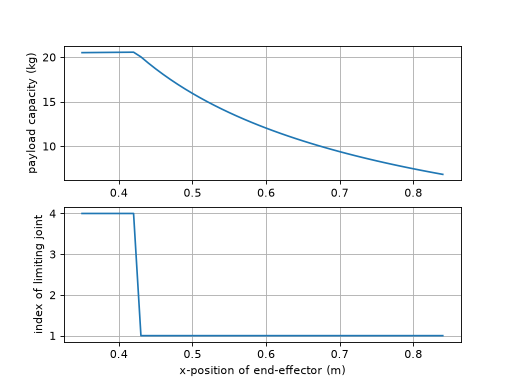
Derived from the MATLAB functions
payandpaycaporiginally contributed to the MATLAB Robotics Toolbox by Bryan Moutrie (@au-phiware). Ported to Python and adapted forrobotics-toolbox-pythonwith permission from the original author.Added in version 1.5.0.
- Seealso:
- perturb(p=0.1)
Perturb robot parameters
- Parameters:
p (
float) – The percent (+/-) to be perturbed. Default 10%- Return type:
- Returns:
A copy of the robot with dynamic parameters perturbed
rp = perturb(p) is a new robot object in which the dynamic parameters (link mass and inertia) have been perturbed. The perturbation is multiplicative so that values are multiplied by random numbers in the interval (1-p) to (1+p). The name string of the perturbed robot is prefixed by ‘P/’.
Useful for investigating the robustness of various model-based control schemes. For example to vary parameters in the range +/- 10 percent is: r2 = puma.perturb(0.1)
- plot(q, backend=None, block=False, dt=0.05, limits=None, vellipse=False, fellipse=False, fig=None, movie=None, loop=False, notebook=None, ax=None, env=None, view=None, **kwargs)
Graphical display and animation
robot.plot(q, 'pyplot')displays a graphical view of a robot based on the kinematic model and the joint configurationq. This is a stick figure polyline which joins the origins of the link coordinate frames. The plot will autoscale with an aspect ratio of 1.If
q(m,n) representing a joint-space trajectory it will create an animation with a pause ofdtseconds between each frame.- Parameters:
q (
ndarray|Sequence[float]) – The joint configuration of the robot.backend (
Optional[Literal['swift','pyplot','pyplot2']]) – The graphical backend to use, currently ‘swift’ and ‘pyplot’ are implemented. Defaults to ‘swift’ of aRobotand ‘pyplot` for aDHRobotblock (
bool) –Truewaits until the window is closed; the PyPlot backend has already shown the figure, soFalseandNonereturn at once, defaults to Falsedt (
float) – if q is a trajectory, this describes the delay in seconds between frameslimits (
ndarray|Sequence[float] |None) – Custom view limits for the plot. If not supplied will autoscale, [x1, x2, y1, y2, z1, z2] (this option is for ‘pyplot’ only)vellipse (
bool) – (Plot Option) Plot the velocity ellipse at the end-effector (this option is for ‘pyplot’ only)fellipse (
bool) – (Plot Option) Plot the force ellipse at the end-effector (this option is for ‘pyplot’ only)fig (
str|None) – (Plot Option) The figure label to plot in (this option is for ‘pyplot’ only)ax (
Any) – (Plot Option) Existing Matplotlib 3D axes to draw the scene on, instead of making a figure (this option is for ‘pyplot’ only)env (
Connector|None) – The scene returned by an earlierplot, to add this robot to, instead of making a new scene; see Several configurations below. The backend of the scene is used, sobackendis ignored, and the options that are set when a scene is made (limits,fig,ax,render_mode,inline_*,notebookandbrowser) cannot be givencolor – (Plot Option) The color of the robot’s line, any Matplotlib color (this option is for ‘pyplot’ only)
view (
str|None) – (Plot Option)"xy","xz"or"yz"to start with a flat view of that plane, the first axis to the right and the second up, orNone(default) for the usual three-dimensional view. The view is not locked, the plot can be rotated as usual. Withenvit changes the view of that scene (this option is for ‘pyplot’ only)movie (
str|None) – (Plot Option) The filename to save the movie to (this option is for ‘pyplot’ only)loop (
bool) – (Plot Option) Loop the movie (this option is for ‘pyplot’ only)notebook (
bool|None) – (Plot Option, Swift only)Trueshows Swift in a frame of the current notebook cell,Falseopens it in a browser window, andNone(default) chooses the frame in a notebook, unless abrowseris named, and a window otherwise, so the same call works in a script and in a notebook. The browser showing the notebook must be on the machine running the kernel, since the frame points atlocalhostbrowser – (Plot Option, Swift only) the browser for the window, or
None(default) for the system’s. This is a name known to Python’swebbrowsermodule, which depends on the operating system, for example"chrome","firefox"or"safari"on macOS and"google-chrome"or"chromium"on Linux, or a command line with%swhere the URL goes, for any other browser;webbrowser.get(name)tells you whether a name works. Naming a browser means a window, not the notebook frame.browser="notebook"is deprecated, usenotebook=True. Seeswift.Swift.Swift.launch()realtime – (Plot Option) Pace the steps of a trajectory in real time, one each
dt, defaults to True for a trajectory (this option is for ‘swift’ only)jointaxes – (Plot Option) Plot an arrow indicating the axes in which the joint revolves around(revolute joint) or translates along (prosmatic joint) (this option is for ‘pyplot’ only)
eeframe – (Plot Option) Plot the end-effector coordinate frame at the location of the end-effector. Uses three arrows, red, green and blue to indicate the x, y, and z-axes. (this option is for ‘pyplot’ only)
shadow – (Plot Option) Plot a shadow of the robot in the x-y plane. (this option is for ‘pyplot’ only)
name – (Plot Option) Plot the name of the robot near its base (this option is for ‘pyplot’ only)
render_mode – (Plot Option) Rendering mode for matplotlib backends:
'window','notebook-widget', or'notebook-inline'. If omitted, a mode is chosen from the environment, so the same call works for any%matplotlibsetting: for the interactiveipymplbackend a single pose is a widget that can be rotated, but a trajectory uses'notebook-inline', since a widget cannot update while the cell is running.inline_every_n – (Plot Option) In notebook-inline mode, push one rendered frame every N simulation steps. Larger N reduces output load.
inline_format – (Plot Option) In notebook-inline mode, frame format:
'svg'(default) or'png'.inline_dpi – (Plot Option) DPI for PNG inline frames only; ignored when
inline_format='svg'.
- Return type:
- Returns:
A reference to the environment object which controls the figure
Note
Python’s
webbrowsermodule cannot tell whether a browser is installed, so a browser that cannot be opened is not reported as such. On macOS the names"chrome","firefox"and"safari"are always accepted, whether or not the app is installed. If it is not, no window opens and there is no error: Swift waits about 10 seconds for the page to connect and then reportsCould not connect to the Swift simulator. If you see that, check that the browser named bybrowseris installed, or leave it asNoneto use the system’s default browser. Seeswift.Swift.Swift.launch().Several configurations
plotreturns the scene it made, and passing that asenvto anotherplotadds a robot to it instead of making a new scene. The robot is the same model, and each plot of it holds the pose it was given, so the robot is shown in two configurations at once, here the initial and the final. Give each acolor, and turn off what would be drawn twice.import roboticstoolbox as rtb puma = rtb.models.DH.Puma560() env = puma.plot(puma.qr, color="gray", block=False) puma.plot(puma.qn, env=env, color="red", name=False, block=False)
(
Source code,png,hires.png,pdf)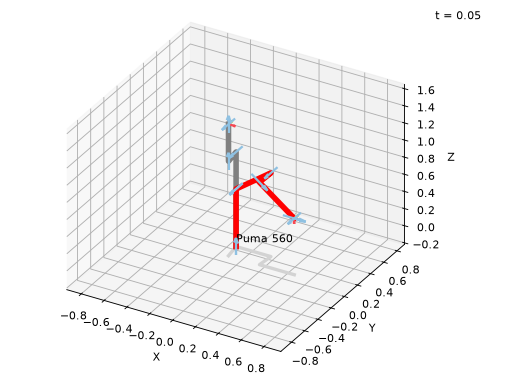
The scene can be given a pose to draw directly,
handle = env.add(puma, q=q), andhandle.q = qmoves only that drawing. A robot that is added without aqfollowspuma.q, as it always has. A trajectory can be plotted on top of an earlier plot in the same way; the earlier plot stays where it was. In a notebook, an animation needs the scene to have been made withrender_mode="notebook-inline".Notes
- By default this method will block until the figure is dismissed.
To avoid this set
block=False.
- For PyPlot, the polyline joins the origins of the link frames,
but for some Denavit-Hartenberg models those frames may not actually be on the robot, ie. the lines to not necessarily represent the links of the robot.
See also
- plot_ellipse(ellipse, block=True, limits=None, jointaxes=True, eeframe=True, shadow=True, name=True)
Plot an ellipsoid.
- Parameters:
ellipse (
EllipsePlot) – the ellipsoid to plotblock (
bool) –Truewaits until the window is closed; the PyPlot backend has already shown the figure, soFalseandNonereturn at once, defaults to Truelimits (
ndarray|Sequence[float] |None) – custom view limits[x1, x2, y1, y2, z1, z2]; autoscales if not suppliedjointaxes (
bool) – plot an arrow indicating the joint axiseeframe (
bool) – plot the end-effector coordinate frameshadow (
bool) – plot a shadow of the robot in the x-y planename (
bool) – plot the name of the robot near its base
- Returns:
a reference to the PyPlot object controlling the matplotlib figure
- Return type:
robot.plot_ellipse(ellipsoid)displays the ellipsoid.
- plot_fellipse(q, block=True, fellipse=None, limits=None, opt='trans', centre='ee', jointaxes=True, eeframe=True, shadow=True, name=True)
Plot the force ellipsoid for a manipulator.
- Parameters:
q (
ndarray|Sequence[float] |None) – the joint configuration of the robotblock (
bool) –Truewaits until the window is closed; the PyPlot backend has already shown the figure, soFalseandNonereturn at once, defaults to Truefellipse (
EllipsePlot|None) – a pre-built force ellipsoid to plotlimits (
ndarray|Sequence[float] |None) – custom view limits[x1, x2, y1, y2, z1, z2]; autoscales if not suppliedopt (
Literal['trans','rot']) –'trans'or'rot'— plot the translational or rotational force ellipsoidcentre (
Union[Literal['ee'],ndarray,Sequence[float]]) – coordinates to plot the ellipse —[x, y, z]or"ee"jointaxes (
bool) – plot an arrow indicating the joint axiseeframe (
bool) – plot the end-effector coordinate frameshadow (
bool) – plot a shadow of the robot in the x-y planename (
bool) – plot the name of the robot near its base
- Raises:
ValueError – if neither
qnorfellipseis supplied- Returns:
a reference to the PyPlot object controlling the matplotlib figure
- Return type:
robot.plot_fellipse(q)displays the force ellipsoid for the robot at poseq. The plot will autoscale with an aspect ratio of 1.robot.plot_fellipse(vellipse=ell)uses a pre-built ellipse object.Notes
By default the ellipsoid related to translational motion is drawn. Use
opt='rot'to draw the rotational velocity ellipsoid.By default the ellipsoid is drawn at the origin. Use
centreto specify a 3-vector, or"ee"to draw at the end-effector.
- plot_vellipse(q, block=True, vellipse=None, limits=None, opt='trans', centre='ee', jointaxes=True, eeframe=True, shadow=True, name=True)
Plot the velocity ellipsoid for a manipulator.
- Parameters:
q (
ndarray|Sequence[float] |None) – the joint configuration of the robotblock (
bool) –Truewaits until the window is closed; the PyPlot backend has already shown the figure, soFalseandNonereturn at once, defaults to Truevellipse (
EllipsePlot|None) – a pre-built velocity ellipsoid to plotlimits (
ndarray|Sequence[float] |None) – custom view limits[x1, x2, y1, y2, z1, z2]; autoscales if not suppliedopt (
Literal['trans','rot']) –'trans'or'rot'— plot the translational or rotational velocity ellipsoidcentre (
Union[Literal['ee'],ndarray,Sequence[float]]) – coordinates to plot the ellipse —[x, y, z]or"ee"jointaxes (
bool) – plot an arrow indicating the joint axiseeframe (
bool) – plot the end-effector coordinate frameshadow (
bool) – plot a shadow of the robot in the x-y planename (
bool) – plot the name of the robot near its base
- Raises:
ValueError – if neither
qnorvellipseis supplied- Returns:
a reference to the PyPlot object controlling the matplotlib figure
- Return type:
robot.plot_vellipse(q)displays the velocity ellipsoid for the robot at poseq. The plot will autoscale with an aspect ratio of 1.robot.plot_vellipse(vellipse=ell)uses a pre-built ellipse object.Notes
By default the ellipsoid related to translational motion is drawn. Use
opt='rot'to draw the rotational velocity ellipsoid.By default the ellipsoid is drawn at the origin. Use
centreto specify a 3-vector, or"ee"to draw at the end-effector.
- property prismaticjoints: list[bool]
Prismatic joints as bool array
- Returns:
array of joint type, True if prismatic
Examples
>>> import roboticstoolbox as rtb
>>> puma = rtb.models.DH.Puma560()
>>> puma.prismaticjoints
[False, False, False, False, False, False]
>>> stanford = rtb.models.DH.Stanford()
>>> stanford.prismaticjoints
[False, False, True, False, False, False]
Notes
Fixed joints, that maintain a constant link relative pose, are not included.
See also
- property q: ndarray
Get/set robot joint configuration
robot.qis the robot joint configurationrobot.q = ...checks and sets the joint configuration
- property qd: ndarray
Get/set robot joint velocity
robot.qdis the robot joint velocityrobot.qd = ...checks and sets the joint velocity
- property qdd: ndarray
Get/set robot joint acceleration
robot.qddis the robot joint accelerationrobot.qdd = ...checks and sets the robot joint acceleration
- property qlim: ndarray
Joint limits
Limits are extracted from the link objects. If joints limits are not set for:
a revolute joint [-𝜋. 𝜋] is returned
a prismatic joint an exception is raised
- Parameters:
qlim – An array of joints limits (2, n)
- Raises:
ValueError – unset limits for a prismatic joint
- Returns:
Array of joint limit values
Examples
>>> import roboticstoolbox as rtb
>>> robot = rtb.models.DH.Puma560()
>>> robot.qlim
array([[-2.7925, -0.7854, -3.927 , -1.9199, -1.7453, -4.6426],
       [ 2.7925,  3.927 ,  0.7854,  2.9671,  1.7453,  4.6426]])
- random_q()
Return a random joint configuration
The value for each joint is uniform randomly distributed between the limits set for the robot.
Notes
The joint limit for all joints must be set.
- Return type:
- Returns:
Random joint configuration :rtype: ndarray(n)
- property reach: float
Reach of the robot
- Returns:
Maximum reach of the robot
- Return type:
A conservative estimate of the reach of the robot. It is computed as the sum of the translational ETs that define the link transform.
Computed on the first access. If kinematic parameters subsequently change this will not be reflected.
Notes
Probably an overestimate of reach
Used by numerical inverse kinematics to scale translational error.
For a prismatic joint, uses
qlimif it is set
- property revolutejoints: list[bool]
Revolute joints as bool array
- Returns:
array of joint type, True if revolute
Examples
>>> import roboticstoolbox as rtb
>>> puma = rtb.models.DH.Puma560()
>>> puma.revolutejoints
[True, True, True, True, True, True]
>>> stanford = rtb.models.DH.Stanford()
>>> stanford.revolutejoints
[True, True, False, True, True, True]
Notes
Fixed joints, that maintain a constant link relative pose, are not included.
See also
- rne(q, qd, qdd, symbolic=False, gravity=None)
Compute inverse dynamics via recursive Newton-Euler formulation
- Parameters:
q (
ndarray) – Joint coordinatesqd (
ndarray) – Joint velocityqdd (
ndarray) – Joint accelerationsymbolic (
bool) – If True, supports symbolic expressionsgravity (
ndarray|Sequence[float] |None) – gravitational acceleration in the world frame, downwards gravitational force is equivalent to robot base acceleration upwards (positive); defaults to attribute of self
- Return type:
- Returns:
Joint force/torques
rne_dh(q, qd, qdd)where the arguments have shape (n,) where n is the number of robot joints. The result has shape (n,).rne_dh(q, qd, qdd)where the arguments have shape (m,n) where n is the number of robot joints and where m is the number of steps in the joint trajectory. The result has shape (m,n).rne_dh(p)where the input is a 1D arrayp= [q, qd, qdd] with shape (3n,), and the result has shape (n,).rne_dh(p)where the input is a 2D arrayp= [q, qd, qdd] with shape (m,3n) and the result has shape (m,n).Notes
This version supports symbolic model parameters
Verified against MATLAB code
Warning
Assumes each link’s joint is the last element of its own ETS segment (Featherstone’s spatial-vector convention – fixed geometry gets you to the joint, the joint is the last thing applied before the next link’s frame). This is guaranteed for any
Robot/ERobotbuilt normally, either from a raw ETS (Robot.__init__splits it viaETS.split(), whose default “last” method enforces this per segment), from a URDF (each link’s ETS is built fixed-transform-then-joint, in that order), or from aPoERobot(_update_ets()appends the joint ET last too). It does not hold for aDHRobotusing standard DH conventions (mdh=False), where the joint comes first, followed byd/a/alpha– callingRobot.rne(dh_instance, ...)directly (bypassingDHRobot’s own correctrne()/rne_python()) gives silently wrong answers. ADHRobotbuilt withmdh=Trueis joint-last (DHLink._to_ets()’s MDH branch reorders a revolute link’sdtranslation to precede the joint rotation – valid since a z-rotation and a z-translation commute – so the joint ET is always last regardless ofd) and works correctly through this path. See rne.md. Revisit this guard if the Robot/Link class hierarchy is ever redesigned – see https://github.com/petercorke/robotics-toolbox-python/issues/571.
- property scene_children: list[SceneNode]
Return the child nodes of this object in the scene graph.
Setting a new list of children updates each child’s
scene_parentto this object, but does not remove this object from any previous parent’sscene_children.This is a read/write property.
- Return type:
list(SceneNode)
- Seealso:
- property scene_parent: SceneNode | None
Return the parent node of this object in the scene graph.
Setting a new parent adds this object to the new parent’s
scene_children.This is a read/write property.
- Return type:
SceneNode | None
- Seealso:
- Setter accepts:
- segments()
Segments of branched robot
For a single-chain robot with structure:
L1 - L2 - L3
the return is
[[None, L1, L2, L3]]For a robot with structure:
L1 - L2 +-  L3 - L4
        +- L5 - L6
the return is
[[None, L1, L2], [L2, L3, L4], [L2, L5, L6]]Notes
the length of the list is the number of segments in the robot
- the first segment always starts with
Nonewhich represents the base transform (since there is no base link)
- the first segment always starts with
- the last link of one segment is also the first link of subsequent
segments
- classmethod set_default_backend(be)
Set the default graphical backend for all robots
Robot.set_default_backend("swift")sets the backend used byplot()for every robot, existing or created later, that has not been given one of its own byrobot.default_backend = .... The robot’s own value takes precedence.See also
- showgraph(display_graph=True, **kwargs)
Display a link transform graph in browser
robot.showgraph()displays a graph of the robot’s link frames and the ETS between them. It uses GraphViz dot.- The nodes are:
Base is shown as a grey square. This is the world frame origin, but can be changed using the
baseattribute of the robot.Link frames are indicated by circles
ETS transforms are indicated by rounded boxes
- The edges are:
an arrow if
jtypeis False or the joint is fixedan arrow with a round head if
jtypeis True and the joint is revolutean arrow with a box head if
jtypeis True and the joint is prismatic
Edge labels or nodes in blue have a fixed transformation to the preceding link.
- Parameters:
display_graph (
bool) – Open the graph in a browser if True. Otherwise will return the file pathetsbox – Put the link ETS in a box, otherwise an edge label
jtype – Arrowhead to node indicates revolute or prismatic type
static – Show static joints in blue and bold
- Return type:
Examples
>>> import roboticstoolbox as rtb
>>> panda = rtb.models.URDF.Panda()
>>> panda.showgraph()

- property structure: str
Return the joint structure string
A string with one letter per joint:
Rfor a revolute joint, andPfor a prismatic joint.- Returns:
joint configuration string
Examples
>>> import roboticstoolbox as rtb
>>> puma = rtb.models.DH.Puma560()
>>> puma.structure
'RRRRRR'
>>> stanford = rtb.models.DH.Stanford()
>>> stanford.structure
'RRPRRR'
Notes
Fixed joints, that maintain a constant link relative pose, are not included.
len(self.structure) == self.n.
- teach(q, block=True, limits=None, vellipse=False, fellipse=False, backend=None, view=None)
Graphical teach pendant
robot.teach(q)opens a graphical view (PyPlot or Swift – seebackend) which allows the user to “drive” a graphical robot using a graphical slider panel. The robot’s initial joint configuration isq.robot.teach()as above except the robot’s stored value ofqis used.- Parameters:
q (
ndarray|Sequence[float] |None) – The joint configuration of the robot (Optional, if not supplied will use the stored q values).block (
bool) –Truewaits until the window is closed; the PyPlot backend has already shown the figure, soFalseandNonereturn at once, defaults to Truelimits (
ndarray|Sequence[float] |None) – Custom view limits for the plot. If not supplied will autoscale, [x1, x2, y1, y2, z1, z2] (this option is for ‘pyplot’/’pyplot2’ only)vellipse (
bool) – (Plot Option) Plot the velocity ellipse at the end-effector (this option is for ‘pyplot’ only)fellipse (
bool) – (Plot Option) Plot the force ellipse at the end-effector (this option is for ‘pyplot’ only)backend (
Optional[Literal['swift','pyplot','pyplot2']]) – The graphical backend to use – ‘swift’, ‘pyplot’, or ‘pyplot2’. Defaults to whateverplot()would pick for this robot (see its ownbackendfor the resolution rule).view (
str|None) –"xy","xz"or"yz"to start with a flat view of that plane, the first axis to the right and the second up, orNone(default) for the usual three-dimensional view. The view is not locked, the plot can be rotated as usual (this option is for ‘pyplot’ only)
- Return type:
- Returns:
A reference to the environment object which controls the figure/view
Notes
Program execution is blocked until the teach window is dismissed. If
block=Falsethe method is non-blocking but you need to poll the window manager (PyPlot) or keep callingenv.step()yourself (Swift) to ensure the window/panel remains responsive.Once
teach()returns (block=True),robot.qholds the final pose the sliders were left at – true for every backend, even though Swift’s own live joint state during the session lives on the returned environment’s handle (env.swift_objects[0].q), notrobot.qitself, to keep the robot model plain and shareable while teaching is in progress (see swift’sAssemblyHandle).The slider limits are derived from the joint limit properties. If not set then:
For revolute joints they are assumed to be [-pi, +pi]
For prismatic joint they are assumed unknown and an error occurs.
- todegrees(q)
Convert joint angles to degrees
- Parameters:
q (
Any) – joint configuration as a vector or matrix (one row per pose)- Return type:
- Returns:
joint coordinates with revolute values converted to degrees and prismatic values unchanged, preserving a matrix input’s rows
A vector is converted elementwise. If
qis a matrix, with one column per joint, the conversion is performed columnwise.Examples
- property tool: SE3
Get/set robot tool transform
robot.toolis the robot tool transform as an SE3 objectrobot._toolis the robot tool transform as a numpy arrayrobot.tool = ...checks and sets the robot tool transform
- toradians(q)
Convert joint angles to radians
robot.toradians(q)converts joint coordinatesqto radians taking into account whether elements ofqcorrespond to revolute or prismatic joints, ie. prismatic joint values are not converted.If
qis a matrix, with one column per joint, the conversion is performed columnwise.- Parameters:
q (
Any) – The joint configuration of the robot- Return type:
- Returns:
a vector of joint coordinates in radians and metres
Examples
>>> import roboticstoolbox as rtb
>>> stanford = rtb.models.DH.Stanford()
>>> stanford.toradians([10, 20, 2, 30, 40, 50])
array([0.1745, 0.3491, 2.    , 0.5236, 0.6981, 0.8727])
- tree()
Render the whole tree this node lives in as indented text – walks up to the root first (the same root-finding as
update()), then renders down from there, with this node marked with a trailing<==so its position in the tree is visible.- Return type:
- tree_children()
Render this node’s own subtree as indented text (one
repr()per line), not walking through parents – the same “not through parents” scope as_propagate_scene_children().Nodes have no
.namein this package, so each line is that node’s ownrepr()(type, constructor params, color, pose) – usually enough to tell siblings apart, since it’s rare for two distinct nodes to share an identical pose as well as everything else.- Return type:
- update()
Recompute the world transform of every node in the scene graph this node belongs to, starting from the root and working down.
Call this after changing any node’s
T/pose(or itsscene_parent) – nothing propagates automatically. It doesn’t matter which node in the graph you call it on: this always walks up to the root first, then pushes fresh world transforms down through the whole tree, not just this node’s own subtree.- Return type:
- vellipse(q, opt='trans', unit='rad', centre='ee', scale=0.1, add=True)
Create a velocity ellipsoid object for plotting with PyPlot.
- Parameters:
q (
ndarray|Sequence[float]) – the joint configuration of the robotopt (
Literal['trans','rot']) –'trans'or'rot'— plot the translational or rotational velocity ellipsoidunit (
Literal['rad','deg']) –'rad'or'deg'centre (
Union[Literal['ee'],ndarray,Sequence[float]]) – centre of the ellipsoid —'ee'for the end-effector or a 3-vector[x, y, z]in the world framescale (
float) – scale factor for the ellipsoidadd (
bool) – ifTrue, add the ellipsoid to the active plot environment
- Returns:
an EllipsePlot object
- Return type:
EllipsePlot
robot.vellipse(q)creates a velocity ellipsoid for the robot at poseq. By default the ellipsoid is centered at the end-effector.Notes
By default the ellipsoid related to translational motion is drawn. Use
opt='rot'to draw the rotational velocity ellipsoid.By default the ellipsoid is drawn at the end-effector. The option
centreallows its origin to be set to the specified 3-vector, or the string"ee"ensures it is drawn at the end-effector position.
- vision_collision_damper(shape, camera=None, camera_n=0, q=None, di=0.3, ds=0.05, xi=1.0, end=None, start=None, collision_list=None)
Compute a vision collision constrain for QP motion control
- Parameters:
camera (
Robot|SE3|None) – The camera link, either as a robotic link or SE3 posecamera_n (
int) – Degrees of freedom of the camera linkds (
float) – The minimum distance in which a joint is allowed to approach the collision object shapedi (
float) – The influence distance in which the velocity damper becomes activexi (
float) – The gain for the velocity damperend (
str|Link|Gripper|None) – The end link of the robot to considerstart (
str|Link|Gripper|None) – The start link of the robot to considercollision_list (
Any) – A list of shapes to consider for collision
- Return type:
- Returns:
tuple of (Ain, Bin) inequality constraint matrices for an optimiser
Formulates an inequality constraint which, when optimised for will make it impossible for the robot to run into a line of sight. See examples/fetch_vision.py for use case.
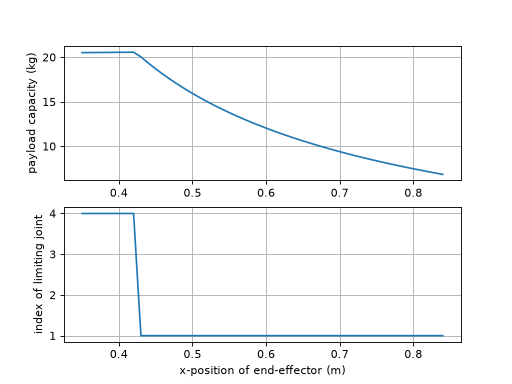
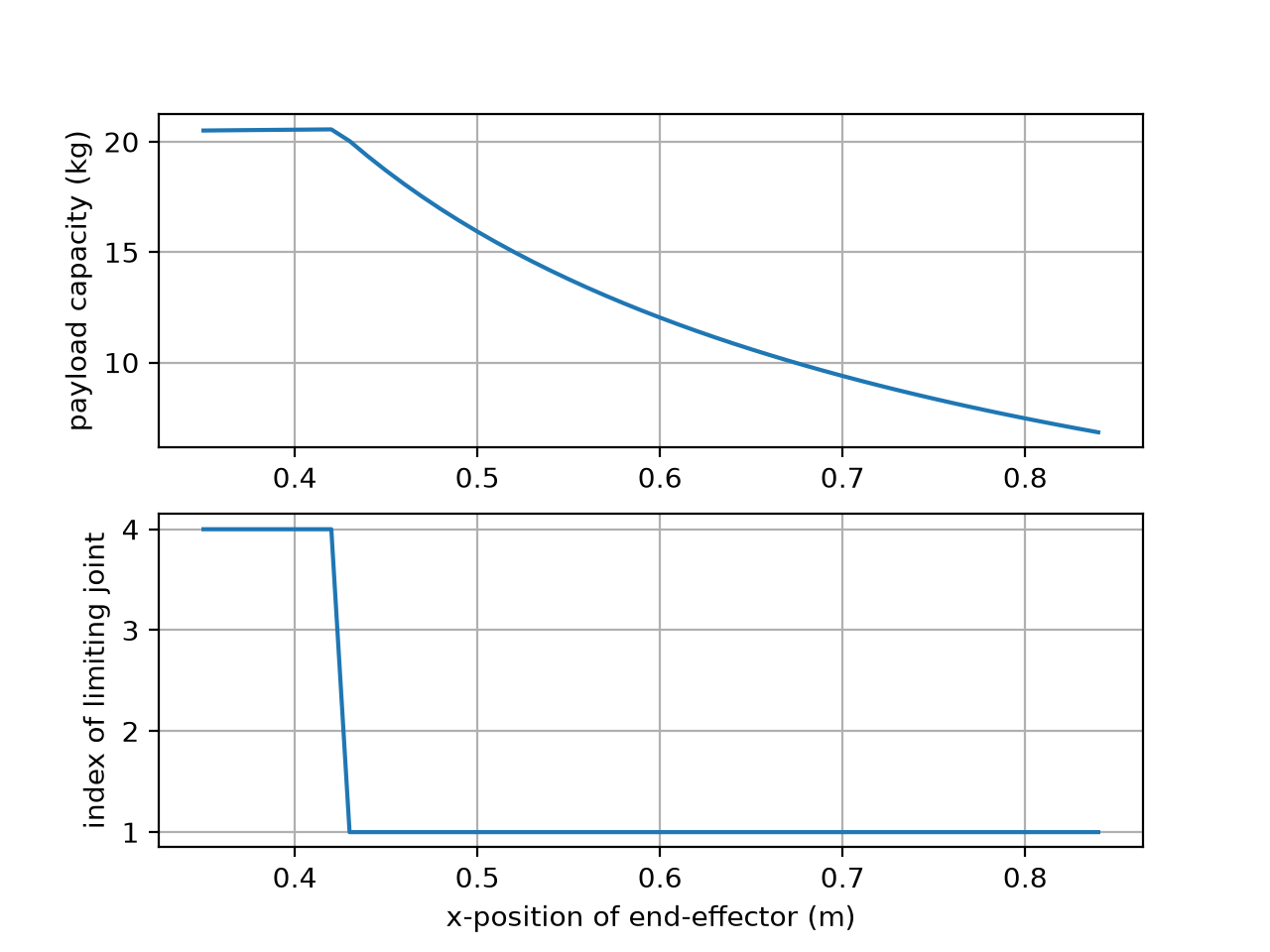
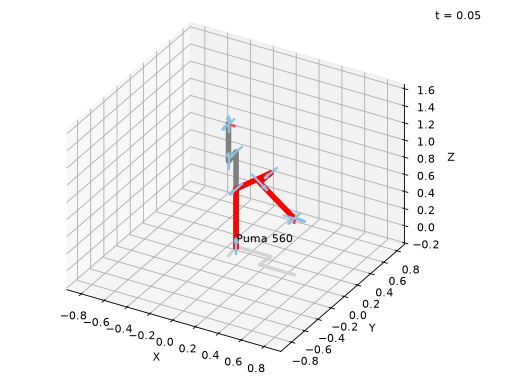
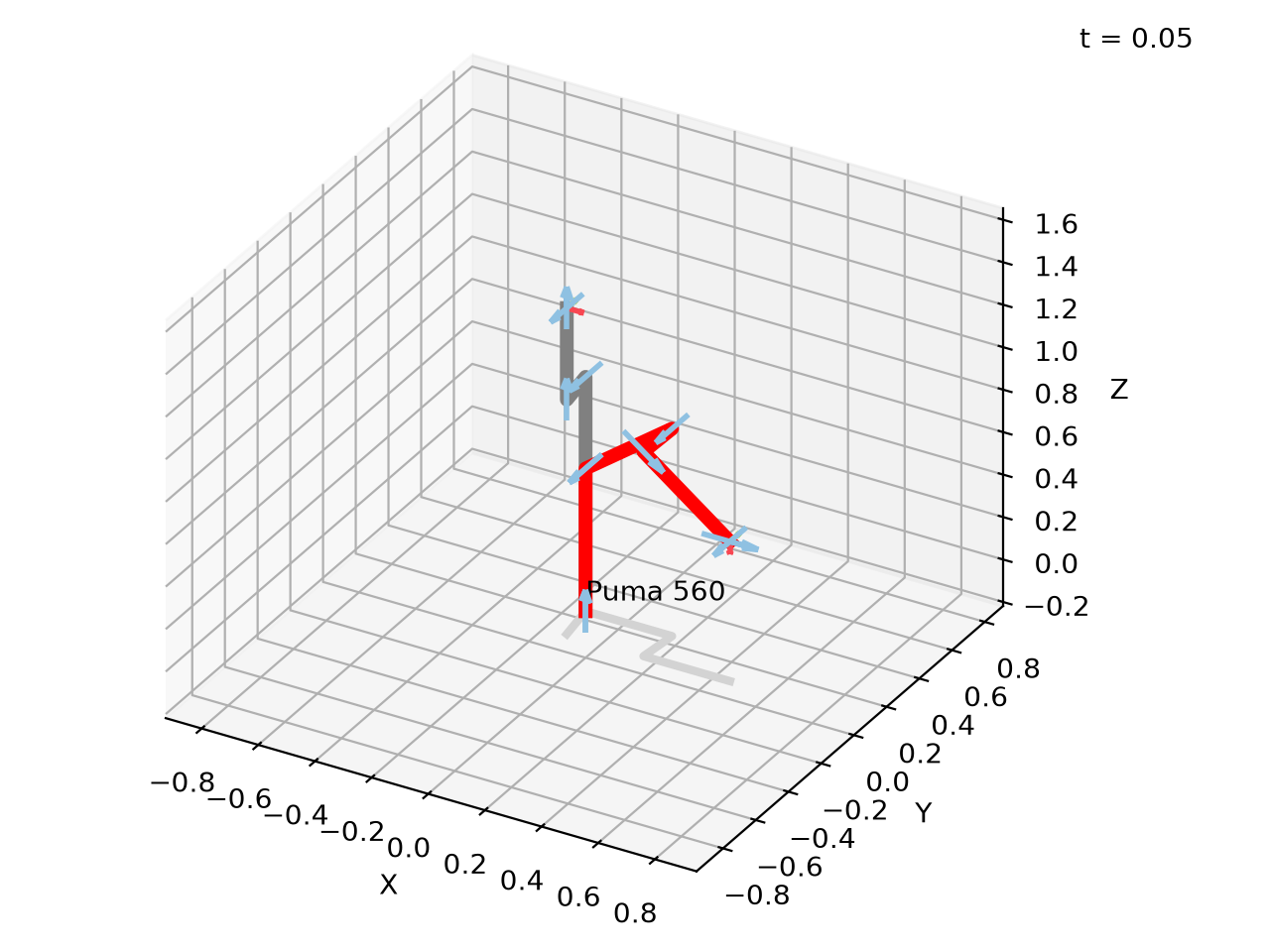
- class ERobot2(*args, **kwargs)[source]
Bases:
Robot2- property T: ndarray
Pose of the shape relative to its parent frame in the scene graph (or the world frame if it has no parent), as a 4x4 homogeneous transformation matrix. Set via the
poseargument of the constructor.This is a read/write property. The getter always returns a plain
ndarray; the setter also accepts anSE3.Warning
Because the getter returns an
ndarray, in-place operators likeshape.T *= deltado an elementwise multiply, not a pose composition, even whendeltais anSE3– useshape.T = shape.T * delta(orshape.T @= delta.A) instead.
- __getitem__(i)
Get link
This also supports iterating over each link in the robot object, from the base to the tool.
Examples
>>> import roboticstoolbox as rtb
>>> robot = rtb.models.DH.Puma560()
>>> print(robot[1]) # print the 2nd link
RevoluteDH:   θ=q,  d=0,  a=0.4318,  ⍺=0.0
>>> print([link.a for link in robot])  # print all the a_j values
[0, 0.4318, 0.0203, 0, 0, 0]
Notes
Robotsupports link lookup by name,eg.
robot['link1']
- __str__()
Pretty prints the ETS Model of the robot.
- Return type:
- Returns:
Pretty print of the robot model
Notes
Constant links are shown in blue.
End-effector links are prefixed with an @
Angles in degrees
- The robot base frame is denoted as
BASEand is equal to the robot’s
baseattribute.
- The robot base frame is denoted as
- accel(q, qd, torque, gravity=None)
Compute acceleration due to applied torque
- Parameters:
q (
Any) – Joint coordinatesqd (
Any) – Joint velocitytorque (
Any) – Joint torques of the robotgravity (
Any) – gravitational acceleration in the world frame, downwards gravitational force is equivalent to robot base acceleration upwards (positive); if not supplied, uses thegravityattribute of self
- Returns:
Joint accelerations
- Return type:
qdd = accel(q, qd, torque)calculates a vector (n) of joint accelerations that result from applying the actuator force/torque (n) to the manipulator in stateq(n) andqd(n), andnis the number of robot joints.\[\ddot{q} = \mathbf{M}^{-1} \left(\tau - \mathbf{C}(q)\dot{q} - \mathbf{g}(q)\right)\]Trajectory operation
If
q,qd, torque are matrices (m,n) thenqddis a matrix (m,n) where each row is the acceleration corresponding to the equivalent rows of q, qd, torque.Examples
>>> import roboticstoolbox as rtb
>>> puma = rtb.models.DH.Puma560()
>>> puma.accel(puma.qz, 0.5 * np.ones(6), np.zeros(6))
array([ -7.5544, -12.22  ,  -6.4022,  -5.4303,  -4.9518,  -2.1178])
Notes
- Useful for simulation of manipulator dynamics, in
conjunction with a numerical integration function.
- Uses the method 1 of Walker and Orin to compute the forward
dynamics.
- Featherstone’s method is more efficient for robots with large
numbers of joints.
Joint friction is considered.
References
- Efficient dynamic computer simulation of robotic mechanisms,
M. W. Walker and D. E. Orin, ASME Journal of Dynamic Systems, Measurement and Control, vol. 104, no. 3, pp. 205-211, 1982.
- accel_x(q, xd, wrench, gravity=None, pinv=False, representation='rpy/xyz')
Operational space acceleration due to applied wrench
- Parameters:
q (
Any) – Joint coordinatesxd (
Any) – Operational space velocity of the end-effectorwrench (
Any) – Wrench applied to the end-effectorgravity (
Any) – gravitational acceleration in the world frame, downwards gravitational force is equivalent to robot base acceleration upwards (positive); if not supplied, uses thegravityattribute of selfpinv (
bool) – use pseudo inverse rather than inverserepresentation (
Literal['rpy/xyz','rpy/zyx','eul','exp']) – the type of analytical Jacobian to use, default is'rpy/xyz'
- Returns:
Operational space accelerations of the end-effector
- Return type:
xdd = accel_x(q, xd, wrench)is the operational space acceleration due towrenchapplied to the end-effector of a robot in joint configurationqand operational space velocityxd.\[\ddot{x} = \dot{\mathbf{J}}_a(q, \dot{q})\dot{q} + \mathbf{J}_a(q) \mathbf{M}(q)^{-1} \left( \mathbf{J}_a(q)^T w - \mathbf{C}(q)\dot{q} - \mathbf{g}(q) \right)\]Trajectory operation
If
qis a matrix (m,n), andxdandwrenchare matrices (m,6), thenxddis a matrix (m,6) where each row is the acceleration corresponding to the equivalent rows ofq,xd, andwrench.Notes
- Useful for simulation of manipulator dynamics, in
conjunction with a numerical integration function.
- Uses the method 1 of Walker and Orin to compute the forward
dynamics.
- Featherstone’s method is more efficient for robots with large
numbers of joints.
Joint friction is considered.
See also
- addconfiguration(name, q)
Add a named joint configuration
Add a named configuration to the robot instance’s dictionary of named configurations.
- Parameters:
- Return type:
Examples
>>> import roboticstoolbox as rtb
>>> robot = rtb.models.DH.Puma560()
>>> robot.addconfiguration_attr("mypos", [0.1, 0.2, 0.3, 0.4, 0.5, 0.6])
>>> robot.configs["mypos"]
array([0.1, 0.2, 0.3, 0.4, 0.5, 0.6])
See also
- addconfiguration_attr(name, q, unit='rad')
Add a named joint configuration as an attribute
- Parameters:
- Return type:
Examples
>>> import roboticstoolbox as rtb
>>> robot = rtb.models.DH.Puma560()
>>> robot.addconfiguration_attr("mypos", [0.1, 0.2, 0.3, 0.4, 0.5, 0.6])
>>> robot.mypos
array([0.1, 0.2, 0.3, 0.4, 0.5, 0.6])
>>> robot.configs["mypos"]
array([0.1, 0.2, 0.3, 0.4, 0.5, 0.6])
Notes
Used in robot model init method to store the
qrconfiguration- Dynamically adding attributes to objects can cause issues with
Python type checking.
- Configuration is also added to the robot instance’s dictionary of
named configurations.
See also
- attach(object)
Attach a child node
- Parameters:
object (
SceneNode) – the node to attach as a child of this node- Seealso:
- Return type:
- attach_to(object)
Attach this node to a parent node
- Parameters:
object (
SceneNode) – the node to attach this node to, this node will become a child of the parent- Seealso:
- Return type:
- property base: SE2
Get/set robot base transform
- Returns:
robot tool transform
robot.baseis the robot base transformrobot.base = ...checks and sets the robot base transform
Notes
- The private attribute
_basewill be None in the case of no base transform, but this property will return
SE3()which is an identity matrix.
- The private attribute
- Setter accepts:
- property base_link: Link2
Get the robot base link
robot.base_linkis the robot base link
- Returns:
the first link in the robot tree
- property comment: str
Get/set robot comment
robot.commentis the robot commentrobot.comment = ...checks and sets the robot comment
- Parameters:
name – the new robot comment
- Returns:
robot comment
- property configs: dict[str, ndarray]
Named joint configurations
- Returns:
dictionary of joint configurations, such as
qrandqz, indexed by name
- property control_mode: str
Get/set robot control mode
robot.control_typeis the robot control moderobot.control_type = ...checks and sets the robot control mode
- Parameters:
control_mode – the new robot control mode
- Returns:
the current robot control mode
- copy()
Make a copy of the robot
- Return type:
- Returns:
a deep copy, which shares no state with the original
- coriolis(q, qd)
Coriolis and centripetal term
- Parameters:
- Returns:
Coriolis/centripetal velocity matrix
- Return type:
coriolis(q, qd)calculates the Coriolis/centripetal matrix (n,n) for the robot in configurationqand velocityqd, wherenis the number of joints.The product \(\mathbf{C} \dot{q}\) is the vector of joint force/torque due to velocity coupling. The diagonal elements are due to centripetal effects and the off-diagonal elements are due to Coriolis effects. This matrix is also known as the velocity coupling matrix, since it describes the disturbance forces on any joint due to velocity of all other joints.
Trajectory operation
If
qandqdare matrices (m,n), each row is interpreted as a joint configuration, and the result (n,n,m) is a 3d-matrix where each plane corresponds to a row ofqandqd.Examples
>>> import roboticstoolbox as rtb
>>> puma = rtb.models.DH.Puma560()
>>> puma.coriolis(puma.qz, 0.5 * np.ones((6,)))
array([[-0.4017, -0.5513, -0.2025, -0.0007, -0.0013,  0.    ],
       [ 0.2023, -0.1937, -0.3868, -0.    , -0.002 ,  0.    ],
       [ 0.1987,  0.193 , -0.    ,  0.    , -0.0001,  0.    ],
       [ 0.    ,  0.    ,  0.    ,  0.    ,  0.    ,  0.    ],
       [ 0.0007,  0.0007,  0.0001,  0.    ,  0.    ,  0.    ],
       [ 0.    ,  0.    ,  0.    ,  0.    ,  0.    ,  0.    ]])
Notes
- Joint viscous friction is also a joint force proportional to
velocity but it is eliminated in the computation of this value.
Computationally slow, involves \(n^2/2\) invocations of RNE.
- coriolis_x(q, qd, pinv=False, representation='rpy/xyz', J=None, Ji=None, Jd=None, C=None, Mx=None)
Operational space Coriolis and centripetal term
- Parameters:
q (
Any) – Joint coordinatesqd (
Any) – Joint velocitypinv (
bool) – use pseudo inverse rather than inverse (Default value = False)representation (
Literal['rpy/xyz','rpy/zyx','eul','exp']) – the type of analytical Jacobian to use, default is'rpy/xyz'J (
Any) – pre-computed analytical Jacobian (optional)Ji (
Any) – pre-computed inverse analytical Jacobian (optional)Jd (
Any) – pre-computed time-derivative of analytical Jacobian (optional)C (
Any) – pre-computed joint-space Coriolis matrix (optional)Mx (
Any) – pre-computed operational-space inertia matrix (optional)
- Returns:
Operational space velocity matrix
- Return type:
coriolis_x(q, qd)is the Coriolis/centripetal matrix (m,m) in operational space for the robot in configurationqand velocityqd, wherenis the number of joints.\[\mathbf{C}_x = \mathbf{J}(q)^{-T} \mathbf{C}(q, \dot{q}) \mathbf{J}(q)^{-1} - \mathbf{M}_x(q) \dot{\mathbf{J}}(q, \dot{q}) \mathbf{J}(q)^{-1}\]The product \(\mathbf{C} \dot{x}\) is the operational space wrench due to joint velocity coupling. This matrix is also known as the velocity coupling matrix, since it describes the disturbance forces on any joint due to velocity of all other joints.
The transformation to operational space requires an analytical, rather than geometric, Jacobian.
analyticalcan be one of:Value
Rotational representation
'rpy/xyz'RPY angular rates in XYZ order (default)
'rpy/zyx'RPY angular rates in XYZ order
'eul'Euler angular rates in ZYZ order
'exp'exponential coordinate rates
Trajectory operation
If
qandqdare matrices (m,n), each row is interpreted as a joint configuration, and the result is an array (m,6,6) where each matrix corresponds to a row ofqandqd.Examples
>>> import roboticstoolbox as rtb
>>> puma = rtb.models.DH.Puma560()
>>> puma.coriolis_x(puma.qn, 0.5 * np.ones((6,)))
array([[     12.3365,       4.6387,      13.7633,      -0.0409,
              0.0043,      -0.0409],
       [     -4.788 ,  -31430.2949,      -3.4675,       0.3301,
             -0.3188,       0.3301],
       [    -11.5011,      -1.7324,     -10.0545,      -0.0405,
              0.    ,      -0.0405],
       [     -0.0165, 4869725.6671,      -0.0165,      -0.1245,
              0.0278,      -0.1245],
       [     -0.1112,       0.0531,       0.1332,      -0.0251,
             -0.    ,      -0.0251],
       [     -0.0165, 4869725.6671,      -0.0165,      -0.1245,
              0.0278,      -0.1245]])
Notes
- Joint viscous friction is also a joint force proportional to
velocity but it is eliminated in the computation of this value.
Computationally slow, involves \(n^2/2\) invocations of RNE.
If the robot is not 6 DOF the
pinvoption is set True.pinv()is around 5x slower thaninv()
Warning
Assumes that the operational space has 6 DOF.
See also
- property default_backend: Any
Get default graphical backend
robot.default_backendGet the default graphical backend, used whenno explicit backend is passed to
Robot.plot. This is the value set for the robot, otherwise the value set for all robots byset_default_backend(), otherwiseNone.
robot.default_backend = ...Set the default graphical backend, used whenno explicit backend is passed to
Robot.plot. The default set here will be overridden if the particularRobotsubclass cannot support it.
- Returns:
backend name
- dfs_links(start, func=None)
A link search method
Visit all links from start in depth-first order and will apply func to each visited link
- dotfile(filename, etsbox=False, ets='full', jtype=False, static=True)
Write a link transform graph as a GraphViz dot file
The file can be processed using dot:
% dot -Tpng -o out.png dotfile.dot
The nodes are:
Base is shown as a grey square. This is the world frame origin, but can be changed using the
baseattribute of the robot.Link frames are indicated by circles
ETS transforms are indicated by rounded boxes
The edges are:
an arrow if
jtypeis False or the joint is fixedan arrow with a round head if
jtypeis True and the joint is revolutean arrow with a box head if
jtypeis True and the joint is prismatic
Edge labels or nodes in blue have a fixed transformation to the preceding link.
Notes
If
filenameis a file object then the file will not be closed after the GraphViz model is written.- Parameters:
file – Name of file to write to
etsbox (
bool) – Put the link ETS in a box, otherwise an edge labelets (
Literal['full','brief']) – Display the full ets with “full” or a brief version with “brief”jtype (
bool) – Arrowhead to node indicates revolute or prismatic typestatic (
bool) – Show static joints in blue and bold
- Return type:
See also
- dynamics()
Pretty print the dynamic parameters
The dynamic parameters (inertial and friction) are printed in a table, with one row per link.
Examples
>>> import roboticstoolbox as rtb
>>> robot = rtb.models.DH.Puma560()
>>> robot.dynamics()
┌───────┬───────┬─────────────────────────┬────────────────────────────────────────┬──────────┬───────────┬───────────────────┬───────┐
│   j   │   m   │            r            │                   I                    │    Jm    │     B     │        Tc         │   G   │
├───────┼───────┼─────────────────────────┼────────────────────────────────────────┼──────────┼───────────┼───────────────────┼───────┤
│ link1 │  0    │  0,  0,  0              │  0,  0.35,  0,  0,  0,  0              │  0.0002  │  0.00148  │  0.395, -0.435    │ -62.6 │
│ link2 │  17.4 │ -0.364,  0.006,  0.228  │  0.13,  0.524,  0.539,  0,  0,  0      │  0.0002  │  0.000817 │  0.126, -0.071    │  108  │
│ link3 │  4.8  │ -0.0203, -0.0141,  0.07 │  0.066,  0.086,  0.0125,  0,  0,  0    │  0.0002  │  0.00138  │  0.132, -0.105    │ -53.7 │
│ link4 │  0.82 │  0,  0.019,  0          │  0.0018,  0.0013,  0.0018,  0,  0,  0  │  3.3e-05 │  7.12e-05 │  0.0112, -0.0169  │  76   │
│ link5 │  0.34 │  0,  0,  0              │  0.0003,  0.0004,  0.0003,  0,  0,  0  │  3.3e-05 │  8.26e-05 │  0.00926, -0.0145 │  71.9 │
│ link6 │  0.09 │  0,  0,  0.032          │  0.00015,  0.00015,  4e-05,  0,  0,  0 │  3.3e-05 │  3.67e-05 │  0.00396, -0.0105 │  76.7 │
└───────┴───────┴─────────────────────────┴────────────────────────────────────────┴──────────┴───────────┴───────────────────┴───────┘
- Return type:
- dynamics_list()
Print dynamic parameters
Display the kinematic and dynamic parameters to the console in reable format
- Return type:
- dynchanged(what=None)
Dynamic parameters have changed
Called from a property setter to inform the robot that the cache of dynamic parameters is invalid.
See also
roboticstoolbox.Link._dirties_frne()- Return type:
- ets(start=None, end=None)
Robot to ETS
robot.ets()is an ETS representing the kinematics from base to end-effector.robot.ets(end=link)is an ETS representing the kinematics from base to the linklinkspecified as a Link reference or a name.robot.ets(start=l1, end=l2)is an ETS representing the kinematics from linkl1to linkl2.- Parameters:
- Raises:
ValueError – a link does not belong to this ERobot
TypeError – a bad link argument
- Return type:
- Returns:
elementary transform sequence
Examples
>>> import roboticstoolbox as rtb
>>> panda = rtb.models.ETS.Panda()
>>> panda.ets()
[ET.tz(param=0.333), ET.Rz(jindex=0), ET.Rx(param=-1.5707963267948966), ET.Rz(jindex=1), ET.Rx(param=1.5707963267948966), ET.tz(param=0.316), ET.Rz(jindex=2), ET.tx(param=0.0825), ET.Rx(param=1.5707963267948966), ET.Rz(jindex=3), ET.tx(param=-0.0825), ET.Rx(param=-1.5707963267948966), ET.tz(param=0.384), ET.Rz(jindex=4), ET.Rx(param=1.5707963267948966), ET.Rz(jindex=5), ET.tx(param=0.088), ET.Rx(param=1.5707963267948966), ET.tz(param=0.107), ET.Rz(jindex=6), ET.tz(param=0.10300000000000001), ET.Rz(param=-0.7853981633974483)]
- fdyn(T, q0, Q=None, Q_args=None, qd0=None, solver='RK45', solver_args=None, dt=None, progress=False)
Integrate forward dynamics
- Parameters:
T (
float) – integration timeQ (
Callable[[Any,float,ndarray,ndarray],ndarray] |None) – a function that computes generalized joint force as a function of time and/or stateQ_args (
dict|None) – positional arguments passed totorqueqd0 (
ndarray|Sequence[float] |None) – initial joint velocities, assumed zero if not givensolver (
str) – name of SciPy integrator to use, default'RK45'solver_args (
dict|None) – optional arguments passed to the SciPy integratordt (
float|None) – if given, interpolate the results to this timestepprogress (
bool) – show progress bar, default False
- Returns:
robot trajectory
- Return type:
tg = R.fdyn(T, q)integrates the dynamics of the robot with zero input torques over the time interval 0 toTand returns the trajectory as a namedtuple with elements:tthe time vector (M,)qthe joint coordinates (M,n)qdthe joint velocities (M,n)
tg = R.fdyn(T, q, torqfun)as above but the torque applied to the joints is given by the provided function:tau = function(robot, t, q, qd, **args)
where the inputs are:
the robot object
current time
current joint coordinates (n,)
current joint velocity (n,)
args, optional keyword arguments can be specified, these are passed in from the
targskeyword argument.
The function must return a Numpy array (n,) of joint forces/torques.
Examples
To apply zero joint torque to the robot without Coulomb friction:
>>> def myfunc(robot, t, q, qd):
>>>     return np.zeros((robot.n,))
>>> tg = robot.nofriction().fdyn(5, q0, myfunc)
>>> plt.figure()
>>> plt.plot(tg.t, tg.q)
>>> plt.show()
We could also use a lambda function:
>>> tg = robot.nofriction().fdyn(
>>>     5, q0, lambda r, t, q, qd: np.zeros((r.n,)))
The robot is controlled by a PD controller. We first define a function to compute the control which has additional parameters for the setpoint and control gains (qstar, P, D):
>>> def myfunc(robot, t, q, qd, qstar, P, D):
>>>     return (qstar - q) * P + qd * D  # P, D are (6,)
>>> tg = robot.fdyn(10, q0, myfunc, torque_args=(qstar, P, D))
Many integrators have variable step length which is problematic if we want to animate the result. If
dtis specified then the solver results are interpolated in time steps ofdt.Notes
- This function performs poorly with non-linear joint friction,
such as Coulomb friction. The R.nofriction() method can be used to set this friction to zero.
- If the function is not specified then zero force/torque is
applied to the manipulator joints.
Interpolation is performed using SciPy integrate.ode
The SciPy RK45 integrator is used by default
Interpolation is performed using SciPy interp1d
See also
- fellipse(q, opt='trans', unit='rad', centre='ee', add=True)
Create a force ellipsoid object for plotting with PyPlot.
- Parameters:
q (
ndarray|Sequence[float]) – the joint configuration of the robotopt (
Literal['trans','rot']) –'trans'or'rot'— plot the translational or rotational force ellipsoidunit (
Literal['rad','deg']) –'rad'or'deg'centre (
Union[Literal['ee'],ndarray,Sequence[float]]) – centre of the ellipsoid —'ee'for the end-effector or a 3-vector[x, y, z]in the world frameadd (
bool) – ifTrue, add the ellipsoid to the active plot environment
- Returns:
an EllipsePlot object
- Return type:
EllipsePlot
robot.fellipse(q)creates a force ellipsoid for the robot at poseq. By default the ellipsoid is centered at the end-effector.Notes
By default the ellipsoid related to translational motion is drawn. Use
opt='rot'to draw the rotational velocity ellipsoid.By default the ellipsoid is drawn at the end-effector. The option
centreallows its origin to be set to the specified 3-vector, or the string"ee"ensures it is drawn at the end-effector position.
- fkine_all(q)
Compute the pose of every link frame
- Parameters:
- Return type:
- Returns:
Pose of all links
T = robot.fkine_all(q)is an SE3 instance withrobot.nlinks + 1values:T[0]is the base transformT[i]is the pose of link whosenumberisi
References
J. Haviland, and P. Corke. “Manipulator Differential Kinematics Part I: Kinematics, Velocity, and Applications.” arXiv preprint arXiv:2207.01796 (2022).
- friction(qd)
Manipulator joint friction
- Parameters:
qd (
ndarray) – The joint velocities of the robot- Returns:
The joint friction forces/torques for the robot
- Return type:
robot.friction(qd)is a vector of joint friction forces/torques for the robot moving with joint velocitiesqd.The friction model includes:
Viscous friction which is a linear function of velocity.
Coulomb friction which is proportional to sign(qd).
\[\begin{split}\tau_j = G^2 B \dot{q}_j + |G_j| \left\{ \begin{array}{ll} \tau_{C,j}^+ & \mbox{if $\dot{q}_j > 0$} \\ \tau_{C,j}^- & \mbox{if $\dot{q}_j < 0$} \end{array} \right.\end{split}\]Notes
- The friction value should be added to the motor output torque to
determine the nett torque. It has a negative value when qd > 0.
- The returned friction value is referred to the output of the
gearbox.
- The friction parameters in the Link object are referred to the
motor.
Motor viscous friction is scaled up by \(G^2\).
Motor Coulomb friction is scaled up by \(G\).
- The appropriate Coulomb friction value to use in the
non-symmetric case depends on the sign of the joint velocity, not the motor velocity.
- Coulomb friction is zero for zero joint velocity, stiction is
not modeled.
- The absolute value of the gear ratio is used. Negative gear
ratios are tricky: the Puma560 robot has negative gear ratio for joints 1 and 3.
See also
- get_path(end=None, start=None)
Find a path from start to end
- Parameters:
- Raises:
ValueError – link not known or ambiguous
- Return type:
- Returns:
tuple of the link path, the number of links in that path, and the tool transform present after the end link
- graph(format='dot', filename=None, **kwargs)
Render a link transform graph as text
- Parameters:
format (
Literal['dot','mermaid','mermaid_fenced']) – graph output format:"dot","mermaid"or"mermaid_fenced", defaults to"dot"filename (
Union[str,IO[str],None]) – destination path or open text stream, defaults to Nonekwargs (
Any) – forformat="dot", forwarded todotfile()(etsbox,ets,jtype,static); ignored otherwise
- Return type:
- Returns:
rendered graph text
Creates graph text representing the robot’s link transform graph – the same structure
dotfile()/showgraph()render, in a choice of formats. Iffilenameis provided, the rendered text is also written to it."dot"produces the same GraphViz output asdotfile(), just returned as a string rather than requiring a real file –etsbox/ets/jtype/staticbehave exactly as they do there."mermaid"/"mermaid_fenced"render a simplified Mermaid flowchart: one node per link (a double circle for end-effectors, a hexagon for gripper links), edges labelled with the joint type (R/P) and joint index for actuated joints. Mermaid has no equivalent of DOT’s per-edge arrowhead/colour styling, sojtype/static/etsboxonly affect"dot"output."mermaid_fenced"wraps the same text in a fencedmermaidcode block, ready to paste into Markdown or render directly in a Jupyter cell:from IPython.display import Markdown, display display(Markdown(robot.graph(format="mermaid_fenced")))
See also
- property gravity: ndarray
Get/set default gravitational acceleration
robot.gravityis the default gravitational accelerationrobot.gravity = ...checks and sets default gravitationalacceleration
- gravload(q=None, gravity=None)
Compute gravity load
- Parameters:
- Returns:
The generalised joint force/torques due to gravity
- Return type:
robot.gravload(q)calculates the joint gravity loading (n) for the robot in the joint configurationqand using the default gravitational acceleration specified in the DHRobot object.robot.gravload(q, gravity=g)as above except the gravitational acceleration is explicitly specified asg.The return value is referenced to the load, not the motor, the gear ratio is not taken into account.
Trajectory operation
If q is a matrix (nxm) each column is interpreted as a joint configuration vector, and the result is a matrix (nxm) each column being the corresponding joint torques.
Examples
>>> import roboticstoolbox as rtb
>>> puma = rtb.models.DH.Puma560()
>>> puma.gravload(puma.qz)
array([ 0.    , 37.4837,  0.2489,  0.    ,  0.    ,  0.    ])
- gravload_x(q=None, gravity=None, pinv=False, representation='rpy/xyz', Ji=None)
Operational space gravity load
- Parameters:
q (
Any) – Joint coordinatesgravity (
Any) – gravitational acceleration in the world frame, downwards gravitational force is equivalent to robot base acceleration upwards (positive); if not supplied, uses thegravityattribute of selfpinv (
bool) – use pseudo inverse rather than inverse (Default value = False)representation (
Literal['rpy/xyz','rpy/zyx','eul','exp']) – the type of analytical Jacobian to use, default is'rpy/xyz'Ji (
Any) – pre-computed inverse analytical Jacobian (optional)
- Returns:
The operational space gravity wrench
- Return type:
robot.gravload_x(q)calculates the gravity wrench for the robot in the joint configurationqand using the default gravitational acceleration specified in the robot object.robot.gravload_x(q, gravity=g)as above except the gravitational acceleration is explicitly specified asg.\[\mathbf{G}_x = \mathbf{J}(q)^{-T} \mathbf{G}(q)\]The transformation to operational space requires an analytical, rather than geometric, Jacobian.
analyticalcan be one of:Value
Rotational representation
'rpy/xyz'RPY angular rates in XYZ order (default)
'rpy/zyx'RPY angular rates in XYZ order
'eul'Euler angular rates in ZYZ order
'exp'exponential coordinate rates
Trajectory operation
If q is a matrix (m,n), each row is interpreted as a joint configuration vector, and the result is a matrix (m,6) with one gravity wrench per row.
Examples
>>> import roboticstoolbox as rtb
>>> puma = rtb.models.DH.Puma560()
>>> puma.gravload_x(puma.qn)
array([-30.1218,   7.5797,  53.7378,  -0.    ,  -0.0283,  -0.    ])
Notes
If the robot is not 6 DOF the
pinvoption is set True.pinv()is around 5x slower thaninv()
Warning
Assumes that the operational space has 6 DOF.
See also
- property hascollision: Any
Robot has collision model
- Returns:
True if at least one link has associated collision geometry.
Examples
>>> import roboticstoolbox as rtb
>>> robot = rtb.models.DH.Puma560()
>>> robot.hascollision
False
See also
- property hasdynamics: bool
Robot has dynamic parameters
- Returns:
True if at least one link has a non-zero mass or motor inertia
These are the parameters that the inertial dynamics need. It is false for a model of the kinematics only, such as the default
rtb.models.Panda, and the dynamics methodsgravload,inertia,coriolis,accel,fdyn,itorqueandrneraiseValueErrorfor such a model, rather than return zeros or a confusing error. It is any link and not all, since the first link of the DH Puma560 has a mass of zero.The answer is cached, and recomputed only when the mass or motor inertia of a link has been changed, so it costs nothing to ask.
Changed in version 1.5.0: This was true if any dynamic parameter had been assigned, even to zero, and was not reset when the parameters were set back to zero. A robot made from DH links with no masses reported True. The dynamics methods now raise
ValueErrorif it is False, where they returned zeros or raisedLinAlgError.Warning
Behaviour change. Scripts that call the dynamics methods on a kinematics-only model, and accept the zeros, now get a
ValueError.Examples
>>> import roboticstoolbox as rtb
>>> robot = rtb.models.DH.Puma560()
>>> robot.hasdynamics
True
- property hasgeometry: Any
Robot has geometry model
At least one link has associated mesh to describe its shape.
- Returns:
Robot has geometry model
Examples
>>> import roboticstoolbox as rtb
>>> robot = rtb.models.DH.Puma560()
>>> robot.hasgeometry
True
See also
- hierarchy()
Pretty print the robot link hierarchy
- Return type:
- Returns:
Pretty print of the robot model
Examples
Makes a robot and prints the hierarchy
>>> import roboticstoolbox as rtb
>>> robot = rtb.models.URDF.Panda()
>>> robot.hierarchy()
 panda_link0
   panda_link1
     panda_link2
       panda_link3
         panda_link4
           panda_link5
             panda_link6
               panda_link7
                 panda_link8
                   panda_hand
                     panda_leftfinger
                     panda_rightfinger
- inertia(q)
Manipulator inertia matrix
inertia(q)is the symmetric joint inertia matrix (n,n) which relates joint torque to joint acceleration for the robot at joint configuration q.Trajectory operation
If
qis a matrix (m,n), each row is interpreted as a joint state vector, and the result is a 3d-matrix (nxnxk) where each plane corresponds to the inertia for the corresponding row of q.Examples
>>> import roboticstoolbox as rtb
>>> puma = rtb.models.DH.Puma560()
>>> puma.inertia(puma.qz)
array([[ 3.9611, -0.1627, -0.1389,  0.0016, -0.0004,  0.    ],
       [-0.1627,  4.4566,  0.3727,  0.    ,  0.0019,  0.    ],
       [-0.1389,  0.3727,  0.9387,  0.    ,  0.0019,  0.    ],
       [ 0.0016,  0.    ,  0.    ,  0.1924,  0.    ,  0.    ],
       [-0.0004,  0.0019,  0.0019,  0.    ,  0.1713,  0.    ],
       [ 0.    ,  0.    ,  0.    ,  0.    ,  0.    ,  0.1941]])
Notes
- The diagonal elements
M[j,j]are the inertia seen by joint actuator
j.
- The diagonal elements
- The off-diagonal elements
M[j,k]are coupling inertias that relate acceleration on joint
jto force/torque on jointk.
- The off-diagonal elements
- The diagonal terms include the motor inertia reflected through
the gear ratio.
See also
- inertia_x(q=None, pinv=False, representation='rpy/xyz', Ji=None)
Operational space inertia matrix
- Parameters:
- Returns:
The operational space inertia matrix
- Return type:
robot.inertia_x(q)is the operational space (Cartesian) inertia matrix which relates Cartesian force/torque to Cartesian acceleration at the joint configuration q.\[\mathbf{M}_x = \mathbf{J}(q)^{-T} \mathbf{M}(q) \mathbf{J}(q)^{-1}\]The transformation to operational space requires an analytical, rather than geometric, Jacobian.
analyticalcan be one of:Value
Rotational representation
'rpy/xyz'RPY angular rates in XYZ order (default)
'rpy/zyx'RPY angular rates in XYZ order
'eul'Euler angular rates in ZYZ order
'exp'exponential coordinate rates
Trajectory operation
If
qis a matrix (m,n), each row is interpreted as a joint state vector, and the result is a 3d-matrix (m,n,n) where each plane corresponds to the Cartesian inertia for the corresponding row ofq.Examples
>>> import roboticstoolbox as rtb
>>> puma = rtb.models.DH.Puma560()
>>> puma.inertia_x(puma.qn)
array([[17.2954, -2.7542, -9.6233,  0.    ,  0.2795,  0.    ],
       [-2.7542, 11.6452,  1.2459,  0.0001, -0.0703,  0.0001],
       [-9.6233,  1.2459, 13.3348,  0.    ,  0.2767,  0.    ],
       [ 0.    ,  0.0001,  0.    ,  0.1941,  0.    ,  0.1941],
       [ 0.2795, -0.0703,  0.2767,  0.    ,  0.1713,  0.    ],
       [ 0.    ,  0.0001,  0.    ,  0.1941,  0.    ,  0.1941]])
Notes
If the robot is not 6 DOF the
pinvoption is set True.pinv()is around 5x slower thaninv()
Warning
Assumes that the operational space has 6 DOF.
See also
- isprismatic(j)
Check if joint is prismatic
- Return type:
- Returns:
True if prismatic
Examples
>>> import roboticstoolbox as rtb
>>> puma = rtb.models.DH.Puma560()
>>> puma.prismaticjoints
[False, False, False, False, False, False]
>>> stanford = rtb.models.DH.Stanford()
>>> stanford.isprismatic(1)
False
See also
- isrevolute(j)
Check if joint is revolute
- Return type:
- Returns:
True if revolute
Examples
>>> import roboticstoolbox as rtb
>>> puma = rtb.models.DH.Puma560()
>>> puma.revolutejoints
[True, True, True, True, True, True]
>>> stanford = rtb.models.DH.Stanford()
>>> stanford.isrevolute(1)
True
See also
- itorque(q, qdd)
Inertia torque
- Parameters:
- Returns:
The inertia torque vector
- Return type:
itorque(q, qdd)is the inertia force/torque vector (n) at the specified joint configuration q (n) and acceleration qdd (n), andnis the number of robot joints. It is \(\mathbf{I}(q) \ddot{q}\).Trajectory operation
If
qandqddare matrices (m,n), each row is interpreted as a joint configuration, and the result is a matrix (m,n) where each row is the corresponding joint torques.Examples
>>> import roboticstoolbox as rtb
>>> puma = rtb.models.DH.Puma560()
>>> puma.itorque(puma.qz, 0.5 * np.ones((6,)))
array([1.8304, 2.3343, 0.5872, 0.0971, 0.0873, 0.0971])
Notes
- If the robot model contains non-zero motor inertia then this
will be included in the result.
See also
- jointdynamics(q, qd=None)
Transfer function of joint actuator
- Parameters:
- Returns:
transfer function denominators
- Return type:
tf = jointdynamics(qd, q)calculates a vector of n continuous-time transfer functions that represent the transfer function 1/(Js+B) for each joint based on the dynamic parameters of the robot and the configuration q (n). n is the number of robot joints. The result is a list of tuples (J, B) for each joint.tf = jointdynamics(q, qd)as above but include the linearized effects of Coulomb friction when operating at joint velocity QD (1xN).
- property keywords: list[str]
Keywords that describe the robot
- Returns:
the keywords, which the model catalog can filter on
- linkcolormap(linkcolors='viridis')
Create a colormap for robot joints.
- Parameters:
linkcolors (
list[Any] |str) – list of colors or colormap name, defaults to"viridis"- Return type:
- Returns:
the color map
cm = robot.linkcolormap()is an n-element colormap that gives a unique color for every link. The RGBA colors for linkjarecm(j).cm = robot.linkcolormap(cmap)as above butcmapis the name of a valid matplotlib colormap. The default, example above, is theviridiscolormap.cm = robot.linkcolormap(list of colors)as above but a colormap is created from a list of n color names given as strings, tuples or hexstrings.
>>> import roboticstoolbox as rtb
>>> robot = rtb.models.DH.Puma560()
>>> cm = robot.linkcolormap("inferno")
>>> print(cm(range(6))) # cm(i) is 3rd color in colormap
>>> cm = robot.linkcolormap(
...     ['red', 'g', (0,0.5,0), '#0f8040', 'yellow', 'cyan'])
>>> print(cm(range(6)))
Notes
Colormaps have 4-elements: red, green, blue, alpha (RGBA)
Names of supported colors and colormaps are defined in the matplotlib documentation.
- property links: list[Link2]
Robot links
- Returns:
A list of link objects
Notes
It is probably more concise to index the robot object rather than the list of links, ie. the following are equivalent: -
robot.links[i]-robot[i]
- property manufacturer: Any
Get/set robot manufacturer’s name
robot.manufactureris the robot manufacturer’s namerobot.manufacturer = ...checks and sets the manufacturer’s name
- Returns:
robot manufacturer’s name
- property n: int
Number of joints
- Returns:
Number of joints
Examples
>>> import roboticstoolbox as rtb
>>> robot = rtb.models.DH.Puma560()
>>> robot.n
6
See also
- property name: str
Get/set robot name
robot.nameis the robot namerobot.name = ...checks and sets the robot name
- Parameters:
name – the new robot name
- Returns:
the current robot name
- property nbranches: int
Number of branches
Number of branches in this robot. Computed as the number of links with zero children
- Returns:
number of branches in the robot’s kinematic tree
Examples
>>> import roboticstoolbox as rtb
>>> robot = rtb.models.ETS.Panda()
>>> robot.nbranches
1
- property nlinks: Any
Number of links
The returned number is the total of both variable joints and static links
- Returns:
Number of links
Examples
>>> import roboticstoolbox as rtb
>>> robot = rtb.models.DH.Puma560()
>>> robot.nlinks
6
See also
- nofriction(coulomb=True, viscous=False)
Remove manipulator joint friction
- Parameters:
- Return type:
- Returns:
A copy of the robot with dynamic parameters perturbed
nofriction()copies the robot and returns a robot with the same link parameters except the Coulomb and/or viscous friction parameter are set to zero.See also
- payload(m, p=None)
Add a payload to the end-effector
- Parameters:
- Return type:
payload(m, p) adds a payload with point mass m at position p in the end-effector coordinate frame.
payload(m) adds a payload with point mass m at the origin of the end-effector coordinate frame.
payload(0) removes added payload.
The point mass is combined with the mass, centre of mass and inertia of the end-effector link, and
pis expressed in that link’s frame. The link’s own parameters are kept, so each call replaces the payload added by the previous one, and a payload of zero mass leaves the dynamics unchanged.Note
The end-effector link is
ee_links[0]when the robot has a single end-effector. A robot with several end-effectors has no single end-effector link, and the payload is added tolinks[n - 1]as in earlier releases.
- payload_capacity(q, tau_m, w, frame='base')
Compute the payload capacity of the manipulator
- Parameters:
q (
ndarray|Sequence[float]) – Joint coordinates for trajectoryw (
ndarray|Sequence[float]) – External wrench applied to the end-effectorframe (
Literal['base','ee']) – the frame in whichwis expressed,"base"for the base frame (default) and"ee"for the end-effector frame, which includes the tool transform
- Returns:
Payload capacity of the manipulator
- Return type:
For each configuration, row of
q, compute the multiple of the applied external wrenchwthat can be applied to the end-effector without exceeding the actuator torque limitstau_m. Ifwis the weight of a 1 kg mass then the multiple is the capacity in kg. A load such as a weight is fixed in the world, sowis in the base frame by default; useframe="ee"for a wrench that is fixed to the end-effector, such as a force along the tool axis. This multiple is computed for each joint and can bea positive real number
infthe joint has no role in determining the payload capacitynanthe gravity load already exceeds the joint torque limit
The joint with the lowest payload capacity is the one that determines the overall payload capacity for that configuration.
The result is a matrix of payload capacities for each joint and configuration.
The joint force/torque limits
tau_mare given as an array of shape (n,) or (1,n) of maximum values, in which case the minimum is the negative of the maximum, or (2,n), in which case the first row is the minimum and the second row is the maximum.Examples
In this example we compute the payload capacity of the Puma560 robot along a straight line trajectory in the x-direction, moving from tightly folded to almost straight. The end-effector is oriented with the tool frame pointing in the x-direction, and a tool offset is added so that the load causes a moment on the wrist. The external wrench is a downward force of 9.81 N, which is equivalent to a 1 kg mass. The torque limits are the motor fuse limits from Table 2.17 of “Visual Control of Robots”, Corke (1996). The payload capacity, as well as the limiting joint, is plotted as a function of the x-position of the end-effector. The minimum payload capacity is also plotted, along with the index of the joint that determines the payload capacity.
>>> from roboticstoolbox import models
>>> import matplotlib.pyplot as plt
>>> import numpy as np
>>> from spatialmath import SE3
>>> puma = models.DH.Puma560()
>>> puma.tool = SE3.Tz(0.05)
>>> T = SE3.Tx(np.arange(0.35, 0.85, 0.01)) * SE3.Tz(puma.links[0].d) * SE3.Ry(90, "deg")
>>> sol = puma.ikine_a(T)
>>> w = [0,0,-9.81,0,0,0]
>>> cap = puma.payload_capacity(sol.q, [56, 97, 52,10,10,10], w)
>>> plt.plot(T.x, [np.min(c) for c in cap])
>>> plt.plot(T.x, [np.argmin(c) for c in cap])
(
Source code,png,hires.png,pdf)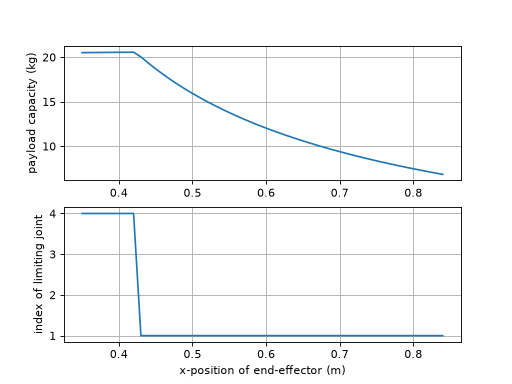
Derived from the MATLAB functions
payandpaycaporiginally contributed to the MATLAB Robotics Toolbox by Bryan Moutrie (@au-phiware). Ported to Python and adapted forrobotics-toolbox-pythonwith permission from the original author.Added in version 1.5.0.
- Seealso:
- perturb(p=0.1)
Perturb robot parameters
- Parameters:
p (
float) – The percent (+/-) to be perturbed. Default 10%- Return type:
- Returns:
A copy of the robot with dynamic parameters perturbed
rp = perturb(p) is a new robot object in which the dynamic parameters (link mass and inertia) have been perturbed. The perturbation is multiplicative so that values are multiplied by random numbers in the interval (1-p) to (1+p). The name string of the perturbed robot is prefixed by ‘P/’.
Useful for investigating the robustness of various model-based control schemes. For example to vary parameters in the range +/- 10 percent is: r2 = puma.perturb(0.1)
- plot(q, backend=None, block=False, dt=0.05, limits=None, vellipse=False, fellipse=False, fig=None, movie=None, loop=False, notebook=None, ax=None, env=None, view=None, **kwargs)
Graphical display and animation
robot.plot(q, 'pyplot')displays a graphical view of a robot based on the kinematic model and the joint configurationq. This is a stick figure polyline which joins the origins of the link coordinate frames. The plot will autoscale with an aspect ratio of 1.If
q(m,n) representing a joint-space trajectory it will create an animation with a pause ofdtseconds between each frame.- Parameters:
q (
ndarray|Sequence[float]) – The joint configuration of the robot.backend (
Optional[Literal['swift','pyplot','pyplot2']]) – The graphical backend to use, currently ‘swift’ and ‘pyplot’ are implemented. Defaults to ‘swift’ of aRobotand ‘pyplot` for aDHRobotblock (
bool) –Truewaits until the window is closed; the PyPlot backend has already shown the figure, soFalseandNonereturn at once, defaults to Falsedt (
float) – if q is a trajectory, this describes the delay in seconds between frameslimits (
ndarray|Sequence[float] |None) – Custom view limits for the plot. If not supplied will autoscale, [x1, x2, y1, y2, z1, z2] (this option is for ‘pyplot’ only)vellipse (
bool) – (Plot Option) Plot the velocity ellipse at the end-effector (this option is for ‘pyplot’ only)fellipse (
bool) – (Plot Option) Plot the force ellipse at the end-effector (this option is for ‘pyplot’ only)fig (
str|None) – (Plot Option) The figure label to plot in (this option is for ‘pyplot’ only)ax (
Any) – (Plot Option) Existing Matplotlib 3D axes to draw the scene on, instead of making a figure (this option is for ‘pyplot’ only)env (
Connector|None) – The scene returned by an earlierplot, to add this robot to, instead of making a new scene; see Several configurations below. The backend of the scene is used, sobackendis ignored, and the options that are set when a scene is made (limits,fig,ax,render_mode,inline_*,notebookandbrowser) cannot be givencolor – (Plot Option) The color of the robot’s line, any Matplotlib color (this option is for ‘pyplot’ only)
view (
str|None) – (Plot Option)"xy","xz"or"yz"to start with a flat view of that plane, the first axis to the right and the second up, orNone(default) for the usual three-dimensional view. The view is not locked, the plot can be rotated as usual. Withenvit changes the view of that scene (this option is for ‘pyplot’ only)movie (
str|None) – (Plot Option) The filename to save the movie to (this option is for ‘pyplot’ only)loop (
bool) – (Plot Option) Loop the movie (this option is for ‘pyplot’ only)notebook (
bool|None) – (Plot Option, Swift only)Trueshows Swift in a frame of the current notebook cell,Falseopens it in a browser window, andNone(default) chooses the frame in a notebook, unless abrowseris named, and a window otherwise, so the same call works in a script and in a notebook. The browser showing the notebook must be on the machine running the kernel, since the frame points atlocalhostbrowser – (Plot Option, Swift only) the browser for the window, or
None(default) for the system’s. This is a name known to Python’swebbrowsermodule, which depends on the operating system, for example"chrome","firefox"or"safari"on macOS and"google-chrome"or"chromium"on Linux, or a command line with%swhere the URL goes, for any other browser;webbrowser.get(name)tells you whether a name works. Naming a browser means a window, not the notebook frame.browser="notebook"is deprecated, usenotebook=True. Seeswift.Swift.Swift.launch()realtime – (Plot Option) Pace the steps of a trajectory in real time, one each
dt, defaults to True for a trajectory (this option is for ‘swift’ only)jointaxes – (Plot Option) Plot an arrow indicating the axes in which the joint revolves around(revolute joint) or translates along (prosmatic joint) (this option is for ‘pyplot’ only)
eeframe – (Plot Option) Plot the end-effector coordinate frame at the location of the end-effector. Uses three arrows, red, green and blue to indicate the x, y, and z-axes. (this option is for ‘pyplot’ only)
shadow – (Plot Option) Plot a shadow of the robot in the x-y plane. (this option is for ‘pyplot’ only)
name – (Plot Option) Plot the name of the robot near its base (this option is for ‘pyplot’ only)
render_mode – (Plot Option) Rendering mode for matplotlib backends:
'window','notebook-widget', or'notebook-inline'. If omitted, a mode is chosen from the environment, so the same call works for any%matplotlibsetting: for the interactiveipymplbackend a single pose is a widget that can be rotated, but a trajectory uses'notebook-inline', since a widget cannot update while the cell is running.inline_every_n – (Plot Option) In notebook-inline mode, push one rendered frame every N simulation steps. Larger N reduces output load.
inline_format – (Plot Option) In notebook-inline mode, frame format:
'svg'(default) or'png'.inline_dpi – (Plot Option) DPI for PNG inline frames only; ignored when
inline_format='svg'.
- Return type:
- Returns:
A reference to the environment object which controls the figure
Note
Python’s
webbrowsermodule cannot tell whether a browser is installed, so a browser that cannot be opened is not reported as such. On macOS the names"chrome","firefox"and"safari"are always accepted, whether or not the app is installed. If it is not, no window opens and there is no error: Swift waits about 10 seconds for the page to connect and then reportsCould not connect to the Swift simulator. If you see that, check that the browser named bybrowseris installed, or leave it asNoneto use the system’s default browser. Seeswift.Swift.Swift.launch().Several configurations
plotreturns the scene it made, and passing that asenvto anotherplotadds a robot to it instead of making a new scene. The robot is the same model, and each plot of it holds the pose it was given, so the robot is shown in two configurations at once, here the initial and the final. Give each acolor, and turn off what would be drawn twice.import roboticstoolbox as rtb puma = rtb.models.DH.Puma560() env = puma.plot(puma.qr, color="gray", block=False) puma.plot(puma.qn, env=env, color="red", name=False, block=False)
(
Source code,png,hires.png,pdf)
The scene can be given a pose to draw directly,
handle = env.add(puma, q=q), andhandle.q = qmoves only that drawing. A robot that is added without aqfollowspuma.q, as it always has. A trajectory can be plotted on top of an earlier plot in the same way; the earlier plot stays where it was. In a notebook, an animation needs the scene to have been made withrender_mode="notebook-inline".Notes
- By default this method will block until the figure is dismissed.
To avoid this set
block=False.
- For PyPlot, the polyline joins the origins of the link frames,
but for some Denavit-Hartenberg models those frames may not actually be on the robot, ie. the lines to not necessarily represent the links of the robot.
See also
- plot_ellipse(ellipse, block=True, limits=None, jointaxes=True, eeframe=True, shadow=True, name=True)
Plot an ellipsoid.
- Parameters:
ellipse (
EllipsePlot) – the ellipsoid to plotblock (
bool) –Truewaits until the window is closed; the PyPlot backend has already shown the figure, soFalseandNonereturn at once, defaults to Truelimits (
ndarray|Sequence[float] |None) – custom view limits[x1, x2, y1, y2, z1, z2]; autoscales if not suppliedjointaxes (
bool) – plot an arrow indicating the joint axiseeframe (
bool) – plot the end-effector coordinate frameshadow (
bool) – plot a shadow of the robot in the x-y planename (
bool) – plot the name of the robot near its base
- Returns:
a reference to the PyPlot object controlling the matplotlib figure
- Return type:
robot.plot_ellipse(ellipsoid)displays the ellipsoid.
- plot_fellipse(q, block=True, fellipse=None, limits=None, opt='trans', centre='ee', jointaxes=True, eeframe=True, shadow=True, name=True)
Plot the force ellipsoid for a manipulator.
- Parameters:
q (
ndarray|Sequence[float] |None) – the joint configuration of the robotblock (
bool) –Truewaits until the window is closed; the PyPlot backend has already shown the figure, soFalseandNonereturn at once, defaults to Truefellipse (
EllipsePlot|None) – a pre-built force ellipsoid to plotlimits (
ndarray|Sequence[float] |None) – custom view limits[x1, x2, y1, y2, z1, z2]; autoscales if not suppliedopt (
Literal['trans','rot']) –'trans'or'rot'— plot the translational or rotational force ellipsoidcentre (
Union[Literal['ee'],ndarray,Sequence[float]]) – coordinates to plot the ellipse —[x, y, z]or"ee"jointaxes (
bool) – plot an arrow indicating the joint axiseeframe (
bool) – plot the end-effector coordinate frameshadow (
bool) – plot a shadow of the robot in the x-y planename (
bool) – plot the name of the robot near its base
- Raises:
ValueError – if neither
qnorfellipseis supplied- Returns:
a reference to the PyPlot object controlling the matplotlib figure
- Return type:
robot.plot_fellipse(q)displays the force ellipsoid for the robot at poseq. The plot will autoscale with an aspect ratio of 1.robot.plot_fellipse(vellipse=ell)uses a pre-built ellipse object.Notes
By default the ellipsoid related to translational motion is drawn. Use
opt='rot'to draw the rotational velocity ellipsoid.By default the ellipsoid is drawn at the origin. Use
centreto specify a 3-vector, or"ee"to draw at the end-effector.
- plot_vellipse(q, block=True, vellipse=None, limits=None, opt='trans', centre='ee', jointaxes=True, eeframe=True, shadow=True, name=True)
Plot the velocity ellipsoid for a manipulator.
- Parameters:
q (
ndarray|Sequence[float] |None) – the joint configuration of the robotblock (
bool) –Truewaits until the window is closed; the PyPlot backend has already shown the figure, soFalseandNonereturn at once, defaults to Truevellipse (
EllipsePlot|None) – a pre-built velocity ellipsoid to plotlimits (
ndarray|Sequence[float] |None) – custom view limits[x1, x2, y1, y2, z1, z2]; autoscales if not suppliedopt (
Literal['trans','rot']) –'trans'or'rot'— plot the translational or rotational velocity ellipsoidcentre (
Union[Literal['ee'],ndarray,Sequence[float]]) – coordinates to plot the ellipse —[x, y, z]or"ee"jointaxes (
bool) – plot an arrow indicating the joint axiseeframe (
bool) – plot the end-effector coordinate frameshadow (
bool) – plot a shadow of the robot in the x-y planename (
bool) – plot the name of the robot near its base
- Raises:
ValueError – if neither
qnorvellipseis supplied- Returns:
a reference to the PyPlot object controlling the matplotlib figure
- Return type:
robot.plot_vellipse(q)displays the velocity ellipsoid for the robot at poseq. The plot will autoscale with an aspect ratio of 1.robot.plot_vellipse(vellipse=ell)uses a pre-built ellipse object.Notes
By default the ellipsoid related to translational motion is drawn. Use
opt='rot'to draw the rotational velocity ellipsoid.By default the ellipsoid is drawn at the origin. Use
centreto specify a 3-vector, or"ee"to draw at the end-effector.
- property prismaticjoints: list[bool]
Prismatic joints as bool array
- Returns:
array of joint type, True if prismatic
Examples
>>> import roboticstoolbox as rtb
>>> puma = rtb.models.DH.Puma560()
>>> puma.prismaticjoints
[False, False, False, False, False, False]
>>> stanford = rtb.models.DH.Stanford()
>>> stanford.prismaticjoints
[False, False, True, False, False, False]
Notes
Fixed joints, that maintain a constant link relative pose, are not included.
See also
- property q: ndarray
Get/set robot joint configuration
robot.qis the robot joint configurationrobot.q = ...checks and sets the joint configuration
- property qd: ndarray
Get/set robot joint velocity
robot.qdis the robot joint velocityrobot.qd = ...checks and sets the joint velocity
- property qdd: ndarray
Get/set robot joint acceleration
robot.qddis the robot joint accelerationrobot.qdd = ...checks and sets the robot joint acceleration
- property qlim: ndarray
Joint limits
Limits are extracted from the link objects. If joints limits are not set for:
a revolute joint [-𝜋. 𝜋] is returned
a prismatic joint an exception is raised
- Parameters:
qlim – An array of joints limits (2, n)
- Raises:
ValueError – unset limits for a prismatic joint
- Returns:
Array of joint limit values
Examples
>>> import roboticstoolbox as rtb
>>> robot = rtb.models.DH.Puma560()
>>> robot.qlim
array([[-2.7925, -0.7854, -3.927 , -1.9199, -1.7453, -4.6426],
       [ 2.7925,  3.927 ,  0.7854,  2.9671,  1.7453,  4.6426]])
- random_q()
Return a random joint configuration
The value for each joint is uniform randomly distributed between the limits set for the robot.
Notes
The joint limit for all joints must be set.
- Return type:
- Returns:
Random joint configuration :rtype: ndarray(n)
- property reach: float
Reach of the robot
- Returns:
Maximum reach of the robot
- Return type:
A conservative estimate of the reach of the robot. It is computed as the sum of the translational ETs that define the link transform.
Computed on the first access. If kinematic parameters subsequently change this will not be reflected.
Notes
Probably an overestimate of reach
Used by numerical inverse kinematics to scale translational error.
For a prismatic joint, uses
qlimif it is set
- property revolutejoints: list[bool]
Revolute joints as bool array
- Returns:
array of joint type, True if revolute
Examples
>>> import roboticstoolbox as rtb
>>> puma = rtb.models.DH.Puma560()
>>> puma.revolutejoints
[True, True, True, True, True, True]
>>> stanford = rtb.models.DH.Stanford()
>>> stanford.revolutejoints
[True, True, False, True, True, True]
Notes
Fixed joints, that maintain a constant link relative pose, are not included.
See also
- property scene_children: list[SceneNode]
Return the child nodes of this object in the scene graph.
Setting a new list of children updates each child’s
scene_parentto this object, but does not remove this object from any previous parent’sscene_children.This is a read/write property.
- Return type:
list(SceneNode)
- Seealso:
- property scene_parent: SceneNode | None
Return the parent node of this object in the scene graph.
Setting a new parent adds this object to the new parent’s
scene_children.This is a read/write property.
- Return type:
SceneNode | None
- Seealso:
- Setter accepts:
- segments()
Segments of branched robot
For a single-chain robot with structure:
L1 - L2 - L3
the return is
[[None, L1, L2, L3]]For a robot with structure:
L1 - L2 +-  L3 - L4
        +- L5 - L6
the return is
[[None, L1, L2], [L2, L3, L4], [L2, L5, L6]]Notes
the length of the list is the number of segments in the robot
- the first segment always starts with
Nonewhich represents the base transform (since there is no base link)
- the first segment always starts with
- the last link of one segment is also the first link of subsequent
segments
- classmethod set_default_backend(be)
Set the default graphical backend for all robots
Robot.set_default_backend("swift")sets the backend used byplot()for every robot, existing or created later, that has not been given one of its own byrobot.default_backend = .... The robot’s own value takes precedence.See also
- showgraph(display_graph=True, **kwargs)
Display a link transform graph in browser
robot.showgraph()displays a graph of the robot’s link frames and the ETS between them. It uses GraphViz dot.- The nodes are:
Base is shown as a grey square. This is the world frame origin, but can be changed using the
baseattribute of the robot.Link frames are indicated by circles
ETS transforms are indicated by rounded boxes
- The edges are:
an arrow if
jtypeis False or the joint is fixedan arrow with a round head if
jtypeis True and the joint is revolutean arrow with a box head if
jtypeis True and the joint is prismatic
Edge labels or nodes in blue have a fixed transformation to the preceding link.
- Parameters:
display_graph (
bool) – Open the graph in a browser if True. Otherwise will return the file pathetsbox – Put the link ETS in a box, otherwise an edge label
jtype – Arrowhead to node indicates revolute or prismatic type
static – Show static joints in blue and bold
- Return type:
Examples
>>> import roboticstoolbox as rtb
>>> panda = rtb.models.URDF.Panda()
>>> panda.showgraph()
- property structure: str
Return the joint structure string
A string with one letter per joint:
Rfor a revolute joint, andPfor a prismatic joint.- Returns:
joint configuration string
Examples
>>> import roboticstoolbox as rtb
>>> puma = rtb.models.DH.Puma560()
>>> puma.structure
'RRRRRR'
>>> stanford = rtb.models.DH.Stanford()
>>> stanford.structure
'RRPRRR'
Notes
Fixed joints, that maintain a constant link relative pose, are not included.
len(self.structure) == self.n.
- teach(q, block=True, limits=None, vellipse=False, fellipse=False, backend=None, view=None)
Graphical teach pendant
robot.teach(q)opens a graphical view (PyPlot or Swift – seebackend) which allows the user to “drive” a graphical robot using a graphical slider panel. The robot’s initial joint configuration isq.robot.teach()as above except the robot’s stored value ofqis used.- Parameters:
q (
ndarray|Sequence[float] |None) – The joint configuration of the robot (Optional, if not supplied will use the stored q values).block (
bool) –Truewaits until the window is closed; the PyPlot backend has already shown the figure, soFalseandNonereturn at once, defaults to Truelimits (
ndarray|Sequence[float] |None) – Custom view limits for the plot. If not supplied will autoscale, [x1, x2, y1, y2, z1, z2] (this option is for ‘pyplot’/’pyplot2’ only)vellipse (
bool) – (Plot Option) Plot the velocity ellipse at the end-effector (this option is for ‘pyplot’ only)fellipse (
bool) – (Plot Option) Plot the force ellipse at the end-effector (this option is for ‘pyplot’ only)backend (
Optional[Literal['swift','pyplot','pyplot2']]) – The graphical backend to use – ‘swift’, ‘pyplot’, or ‘pyplot2’. Defaults to whateverplot()would pick for this robot (see its ownbackendfor the resolution rule).view (
str|None) –"xy","xz"or"yz"to start with a flat view of that plane, the first axis to the right and the second up, orNone(default) for the usual three-dimensional view. The view is not locked, the plot can be rotated as usual (this option is for ‘pyplot’ only)
- Return type:
- Returns:
A reference to the environment object which controls the figure/view
Notes
Program execution is blocked until the teach window is dismissed. If
block=Falsethe method is non-blocking but you need to poll the window manager (PyPlot) or keep callingenv.step()yourself (Swift) to ensure the window/panel remains responsive.Once
teach()returns (block=True),robot.qholds the final pose the sliders were left at – true for every backend, even though Swift’s own live joint state during the session lives on the returned environment’s handle (env.swift_objects[0].q), notrobot.qitself, to keep the robot model plain and shareable while teaching is in progress (see swift’sAssemblyHandle).The slider limits are derived from the joint limit properties. If not set then:
For revolute joints they are assumed to be [-pi, +pi]
For prismatic joint they are assumed unknown and an error occurs.
- todegrees(q)
Convert joint angles to degrees
- Parameters:
q (
Any) – joint configuration as a vector or matrix (one row per pose)- Return type:
- Returns:
joint coordinates with revolute values converted to degrees and prismatic values unchanged, preserving a matrix input’s rows
A vector is converted elementwise. If
qis a matrix, with one column per joint, the conversion is performed columnwise.Examples
- property tool: SE3
Get/set robot tool transform
robot.toolis the robot tool transform as an SE3 objectrobot._toolis the robot tool transform as a numpy arrayrobot.tool = ...checks and sets the robot tool transform
- toradians(q)
Convert joint angles to radians
robot.toradians(q)converts joint coordinatesqto radians taking into account whether elements ofqcorrespond to revolute or prismatic joints, ie. prismatic joint values are not converted.If
qis a matrix, with one column per joint, the conversion is performed columnwise.- Parameters:
q (
Any) – The joint configuration of the robot- Return type:
- Returns:
a vector of joint coordinates in radians and metres
Examples
>>> import roboticstoolbox as rtb
>>> stanford = rtb.models.DH.Stanford()
>>> stanford.toradians([10, 20, 2, 30, 40, 50])
array([0.1745, 0.3491, 2.    , 0.5236, 0.6981, 0.8727])
- tree()
Render the whole tree this node lives in as indented text – walks up to the root first (the same root-finding as
update()), then renders down from there, with this node marked with a trailing<==so its position in the tree is visible.- Return type:
- tree_children()
Render this node’s own subtree as indented text (one
repr()per line), not walking through parents – the same “not through parents” scope as_propagate_scene_children().Nodes have no
.namein this package, so each line is that node’s ownrepr()(type, constructor params, color, pose) – usually enough to tell siblings apart, since it’s rare for two distinct nodes to share an identical pose as well as everything else.- Return type:
- update()
Recompute the world transform of every node in the scene graph this node belongs to, starting from the root and working down.
Call this after changing any node’s
T/pose(or itsscene_parent) – nothing propagates automatically. It doesn’t matter which node in the graph you call it on: this always walks up to the root first, then pushes fresh world transforms down through the whole tree, not just this node’s own subtree.- Return type:
- vellipse(q, opt='trans', unit='rad', centre='ee', scale=0.1, add=True)
Create a velocity ellipsoid object for plotting with PyPlot.
- Parameters:
q (
ndarray|Sequence[float]) – the joint configuration of the robotopt (
Literal['trans','rot']) –'trans'or'rot'— plot the translational or rotational velocity ellipsoidunit (
Literal['rad','deg']) –'rad'or'deg'centre (
Union[Literal['ee'],ndarray,Sequence[float]]) – centre of the ellipsoid —'ee'for the end-effector or a 3-vector[x, y, z]in the world framescale (
float) – scale factor for the ellipsoidadd (
bool) – ifTrue, add the ellipsoid to the active plot environment
- Returns:
an EllipsePlot object
- Return type:
EllipsePlot
robot.vellipse(q)creates a velocity ellipsoid for the robot at poseq. By default the ellipsoid is centered at the end-effector.Notes
By default the ellipsoid related to translational motion is drawn. Use
opt='rot'to draw the rotational velocity ellipsoid.By default the ellipsoid is drawn at the end-effector. The option
centreallows its origin to be set to the specified 3-vector, or the string"ee"ensures it is drawn at the end-effector position.
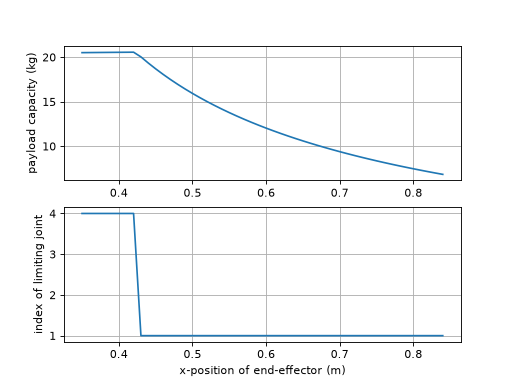
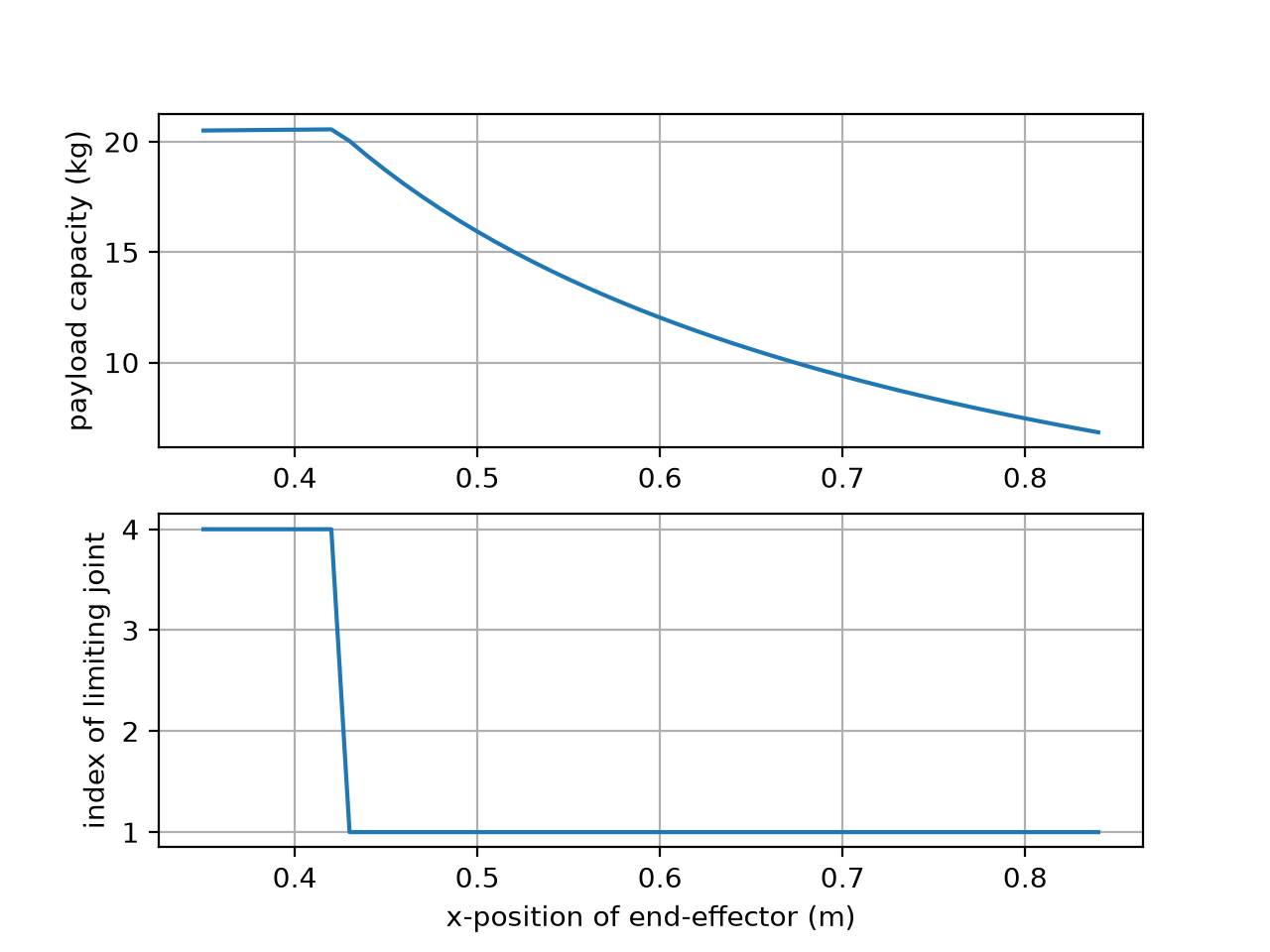
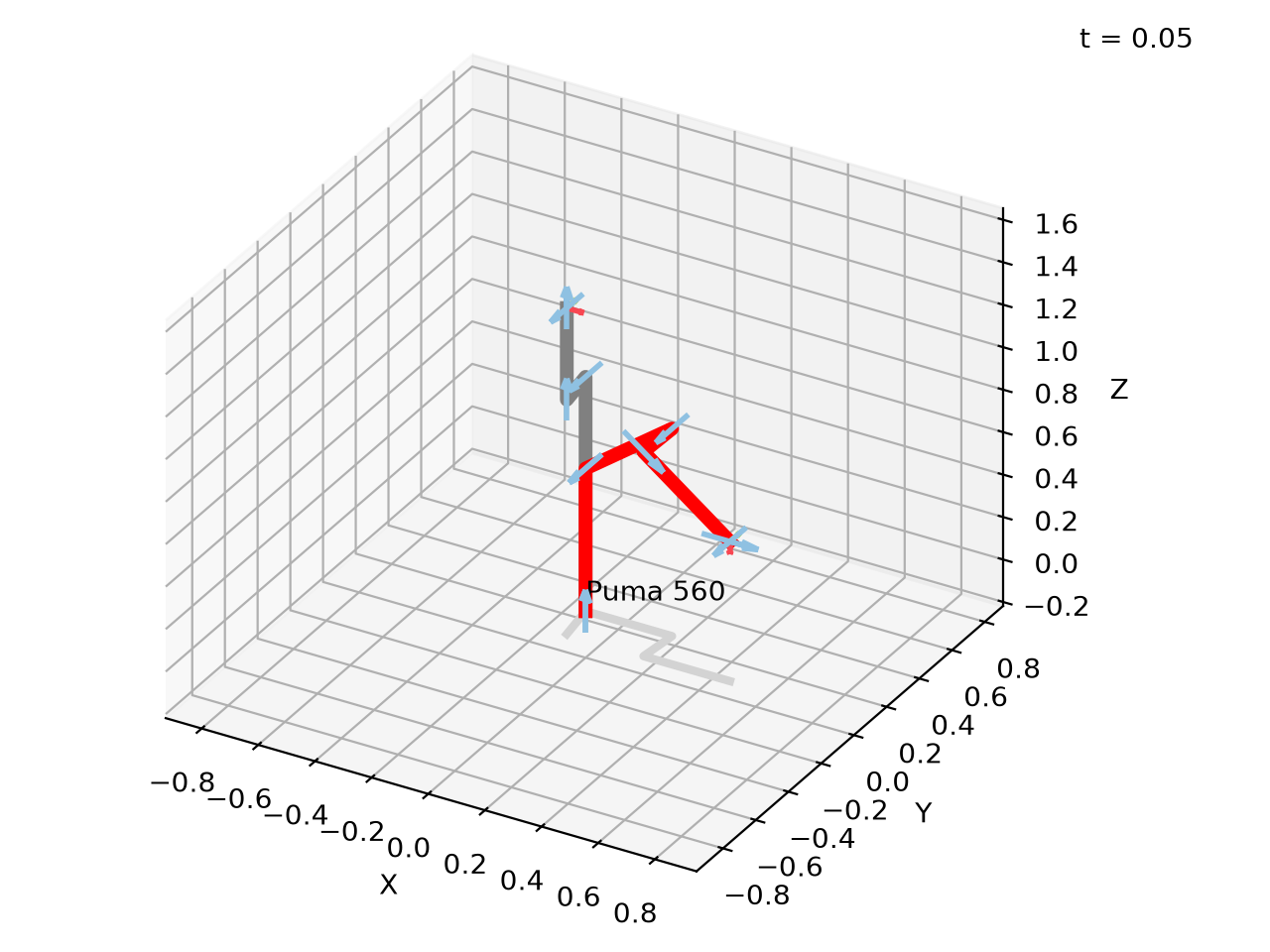
ELink
The ERobot is defined by a tree of ELink subclass objects.
@author: Jesse Haviland
- class ELink(*args, **kwargs)[source]
Bases:
Link- A(q=0.0)
Link transform matrix
- Parameters:
q (
float) – Joint coordinate (radians or metres). Not required for links with no variable- Return type:
- Returns:
link frame transformation matrix
link.A(q)is an SE(3) matrix that describes the rigid-body transformation from the previous to the current link frame to the next, which depends on the joint coordinateq.
- property B: float
Get/set motor viscous friction
link.Bis the motor viscous frictionlink.B = ...checks and sets the motor viscous friction
- Returns:
motor viscous friction
Notes
Referred to the motor side of the gearbox.
Viscous friction is the same for positive and negative motion.
- property G: float
Get/set gear ratio
link.Gis the transmission gear ratiolink.G = ...checks and sets the gear ratio
- Returns:
gear ratio
Notes
The ratio of motor motion : link motion
The gear ratio can be negative, see also the
flipattribute.The default is 1, the motor is coupled directly to the joint.
Changed in version 1.5.0: The default was 0, which silently discarded the motor inertia and friction of a link that did not set
G.See also
flip
- property I: ndarray
Get/set link inertia
- Returns:
link inertia
- Return type:
ndarray(3,3)
Link inertia is a symmetric 3x3 matrix describing the inertia with respect to a frame with its origin at the centre of mass, and with axes parallel to those of the link frame.
link.Iis the link inertialink.I = ...checks and sets the link inertia
The inertia matrix is
\(\begin{bmatrix} I_{xx} & I_{xy} & I_{xz} \\ I_{xy} & I_{yy} & I_{yz} \\I_{xz} & I_{yz} & I_{zz} \end{bmatrix}\)
and can be specified as either:
a 3 ⨉ 3 symmetric matrix
a 3-vector \((I_{xx}, I_{yy}, I_{zz})\)
a 6-vector \((I_{xx}, I_{yy}, I_{zz}, I_{xy}, I_{yz}, I_{xz})\)
Notes
Referred to the link side of the gearbox.
Warning
The array is read-only. To change the inertia assign a new value,
link.I = ..., since editing the array in place,link.I[0, 0] = 1, would bypass the setter and so the dynamics of the robot would not know that it had changed.Changed in version 1.5.0: The array is read-only, and
link.I[0, 0] = 1raisesValueError. It was writeable, and an edit was silently not seen by the dynamics of the robot.
- property Jm: float
Get/set motor inertia
link.Jmis the motor inertialink.Jm = ...checks and sets the motor inertia
- Returns:
motor inertia
Notes
Referred to the motor side of the gearbox.
- property T: ndarray
Pose of the shape relative to its parent frame in the scene graph (or the world frame if it has no parent), as a 4x4 homogeneous transformation matrix. Set via the
poseargument of the constructor.This is a read/write property. The getter always returns a plain
ndarray; the setter also accepts anSE3.Warning
Because the getter returns an
ndarray, in-place operators likeshape.T *= deltado an elementwise multiply, not a pose composition, even whendeltais anSE3– useshape.T = shape.T * delta(orshape.T @= delta.A) instead.
- property Tc: ndarray
Get/set motor Coulomb friction
- Returns:
motor Coulomb friction
- Return type:
ndarray(2,)
link.Tcis the motor Coulomb frictionlink.Tc = ...checks and sets the motor Coulomb friction. If a scalar is given the value is set to [T, -T], if a 2-vector it is assumed to be in the order [Tc⁺, Tc⁻]
Coulomb friction is a non-linear friction effect defined by two parameters such that
\[\begin{split}\tau = \left\{ \begin{array}{ll} \tau_C^+ & \mbox{if $\dot{q} > 0$} \\ \tau_C^- & \mbox{if $\dot{q} < 0$} \end{array} \right.\end{split}\]Notes
Referred to the motor side of the gearbox.
- \(\tau_C^+\) must be \(> 0\), and \(\tau_C^-\) must
be \(< 0\).
Warning
The array is read-only. To change the Coulomb friction assign a new value,
link.Tc = ..., since editing the array in place would bypass the setter and so the dynamics of the robot would not know that it had changed.Changed in version 1.5.0: The array is read-only, and an edit in place raises
ValueError. It was writeable, and an edit was silently not seen by the dynamics of the robot.
- property Ts: ndarray | None
Constant part of link ETS
- Returns:
constant part of link transform
- Return type:
ndarray(4,4) or None
The ETS for each Link comprises a constant part (possible the identity) followed by an optional joint variable transform. This property returns the constant part. If no constant part is given, this returns an identity matrix.
Examples
- __str__()
Pretty prints the ETS Model of the link
- Return type:
- Returns:
pretty print of the robot link
Will output angles in degrees
- attach(object)
Attach a child node
- Parameters:
object (
SceneNode) – the node to attach as a child of this node- Seealso:
- Return type:
- attach_to(object)
Attach this node to a parent node
- Parameters:
object (
SceneNode) – the node to attach this node to, this node will become a child of the parent- Seealso:
- Return type:
- property children: list[Link] | None
List of child links
- Returns:
child links
The list will be empty for a end-effector link
- closest_point(shape, inf_dist=1.0, skip=False)
Finds the closest point to a shape
- Parameters:
- Return type:
- Returns:
(d, p1, p2) where d is the distance between the shapes, p1 is the point in the world frame on the link [x, y, z], and p2 is the point in the world frame on the shape [x, y, z].
closest_point(shape, inf_dist) returns the minimum euclidean distance between this link and shape, provided it is less than inf_dist. It will also return the points on self and shape in the world frame which connect the line of length distance between the shapes. If the distance is negative then the shapes are collided.
- collided(shape, skip=False)
Checks for collision with a shape
- Parameters:
- Return type:
- Returns:
True if shapes have collided
iscollided(shape)checks if this link and shape have collided
- property collision: SceneGroup
Get/set joint collision geometry
The collision geometries are what is used to check for collisions.
link.collisionis the list of the collision geometries whichrepresent the collidable shape of the link. :return: the collision geometries :rtype: list of Shape
link.collision = ...checks and sets the collision geometrylink.collision.append(...)add collision geometry
- Setter accepts:
SceneGroup|list[Shape] |Shape
- copy()
Copy of link object
- Return type:
- Returns:
copy of link object
link.copy()is a new Link subclass instance with a copy of all the parameters.
- dyn(indent=0)
Inertial properties of link as a string
link.dyn()is a string representation the inertial properties of the link object in a multi-line format. The properties shown are mass, centre of mass, inertia, friction, gear ratio and motor properties.Examples
>>> import roboticstoolbox as rtb
>>> robot = rtb.models.DH.Puma560()
>>> print(robot.links[2])        # kinematic parameters
RevoluteDH:   θ=q,  d=0.15005,  a=0.0203,  ⍺=-1.5707963267948966
>>> print(robot.links[2].dyn())  # dynamic parameters
m     =       4.8
r     =     -0.02   -0.014     0.07
        |    0.066        0        0 |
I     = |        0    0.086        0 |
        |        0        0    0.013 |
Jm    =    0.0002
B     =    0.0014
Tc    =      0.13(+)     -0.1(-)
G     =       -54
qlim  =      -3.9 to     0.79
See also
dyntable
- property ets: ETS
Get/set link ets
link.etsis the link etslink.ets = ...checks and sets the link ets
- friction(qd, coulomb=True)
Compute joint friction
- Parameters:
- Return type:
- Returns:
the friction force/torque
friction(qd)is the joint friction force/torque for joint velocityqd. The friction model includes:Viscous friction which is a linear function of velocity.
Coulomb friction which is proportional to sign(qd).
\[\begin{split}\tau = G^2 B \dot{q} + |G| \left\{ \begin{array}{ll} \tau_C^+ & \mbox{if $\dot{q} > 0$} \\ \tau_C^- & \mbox{if $\dot{q} < 0$} \end{array} \right.\end{split}\]Notes
- The friction value should be added to the motor output torque to
determine the nett torque. It has a negative value when qd > 0.
- The returned friction value is referred to the output of the
gearbox.
- The friction parameters in the Link object are referred to the
motor.
Motor viscous friction is scaled up by \(G^2\).
Motor Coulomb friction is scaled up by math:
G.- The appropriate Coulomb friction value to use in the
non-symmetric case depends on the sign of the joint velocity, not the motor velocity.
- Coulomb friction is zero for zero joint velocity, stiction is
not modeled.
- The absolute value of the gear ratio is used. Negative gear
ratios are tricky: the Puma560 robot has negative gear ratio for joints 1 and 3.
- property geometry: SceneGroup
Get/set joint visual geometry
link.geometryis the list of the visual geometries whichrepresent the shape of the link :return: the visual geometries :rtype: list of Shape
link.geometry = ...checks and sets the geometrylink.geometry.append(...)add geometry
- Setter accepts:
SceneGroup|list[Shape] |Shape
- property hasdynamics: bool
Link has dynamic parameters (Link superclass)
- Returns:
True if the link has a non-zero mass or motor inertia
These are the parameters that the inertial dynamics need. The value is kept up to date by the setters of
mandJm, so it follows a mass that is set, and set back to zero.Changed in version 1.5.0: This was true if any dynamic parameter, or even a kinematic parameter of a DH link, had been assigned, even to zero. A link with only friction parameters, or one made with
m=0, now reports False.Examples
>>> import roboticstoolbox as rtb
>>> robot = rtb.models.DH.Puma560()
>>> robot[1].hasdynamics
True
- iscollided(shape, skip=False)
Checks for collision with a shape
- Parameters:
- Return type:
- Returns:
True if shapes have collided
iscollided(shape)checks if this link and shape have collided
- property isflip: bool
Get/set joint flip
- Returns:
joint flip
link.flipis the joint flip statuslink.flip = ...checks and sets the joint flip status
Joint flip defines the direction of motion of the joint.
flip = Falseis conventional motion direction:revolute motion is a positive rotation about the z-axis
prismatic motion is a positive translation along the z-axis
flip = Trueis the opposite motion direction:revolute motion is a negative rotation about the z-axis
prismatic motion is a negative translation along the z-axis
- property isjoint: bool
Test if link has joint
- Returns:
test if link has a joint
The ETS for each Link comprises a constant part (possible the identity) followed by an optional joint variable transform. This property returns the whether the Link contains the variable transform.
Examples
>>> from roboticstoolbox import models
>>> robot = models.URDF.Panda()
>>> robot[1].isjoint  # link with joint
True
>>> robot[8].isjoint  # static link
False
- islimit(q)
Checks if joint exceeds limit
link.islimit(q)is True ifqexceeds the joint limits defined bylink.Notes
If no limits are set always return False.
See also
- property jindex: int | None
Get/set joint index
link.jindexis the joint indexlink.jindex = ...checks and sets the joint index
- Returns:
joint index
For a serial-link manipulator the joints are numbered starting at zero and increasing sequentially toward the end-effector. For branched mechanisms this is not so straightforward. The link’s
jindexproperty specifies the index of its joint variable within a vector of joint coordinates.Notes
jindexvalues must be a sequence of integers startingat zero.
- Setter accepts:
- property m: float
Get/set link mass
link.mis the link masslink.m = ...checks and sets the link mass
- Returns:
link mass
- property name: str
Get/set link name
link.nameis the link namelink.name = ...checks and sets the link name
- Returns:
link name
- property nchildren: int
Number of child links
- Returns:
number of child links
Will be zero for an end-effector link
- nofriction(coulomb=True, viscous=False)
Clone link without friction
- Parameters:
- Return type:
link.nofriction()is a copy of the link instance with the same parameters except, the Coulomb and/or viscous friction parameters are set to zero.Notes
- For simulation it can be useful to remove Coulomb friction
which can cause problems for numerical integration.
- property parent: Optional[Self]
Parent link
- Returns:
Link’s parent
This is a reference to the links parent in the kinematic chain
Examples
>>> from roboticstoolbox import models
>>> robot = models.URDF.Panda()
>>> robot[0].parent  # base link has no parent
>>> robot[1].parent  # second link's parent
Link(name = "panda_link0")
- property qdlim: float | None
Get/set joint velocity limits
link.qdlimis the joint velocity limitslink.qdlim = ...checks and sets the joint velocity limits
- Returns:
joint velocity limits
Notes
The limits are not widely enforced within the toolbox.
If no joint velocity limits are specified the value is
None
See also
- Setter accepts:
- property qlim: ndarray | None
Get/set joint limits
link.qlimis the joint limitslink.qlim = ...checks and sets the joint limits
- Returns:
joint limits
- Return type:
ndarray(2,) or None
Notes
The limits are not widely enforced within the toolbox.
If no joint limits are specified the value is
None
See also
- property r: ndarray
Get/set link centre of mass
- Returns:
link centre of mass
- Return type:
ndarray(3,)
The link centre of mass is a 3-vector defined with respect to the link frame.
link.ris the link centre of masslink.r = ...checks and sets the link centre of mass
Warning
The array is read-only. To change the centre of mass assign a new value,
link.r = [0, 0.1, 0], since editing the array in place,link.r[1] = 0.1, would bypass the setter and so the dynamics of the robot would not know that it had changed.Changed in version 1.5.0: The array is read-only, and
link.r[1] = 0.1raisesValueError. It was writeable, and an edit was silently not seen by the dynamics of the robot.
- property robot: BaseRobot | None
Get forward reference to the robot which owns this link
link.robotis the robot referencelink.robot = ...checks and sets the robot reference
- Returns:
The robot object
- Setter accepts:
BaseRobot
- property scene_children: list[SceneNode]
Return the child nodes of this object in the scene graph.
Setting a new list of children updates each child’s
scene_parentto this object, but does not remove this object from any previous parent’sscene_children.This is a read/write property.
- Return type:
list(SceneNode)
- Seealso:
- property scene_parent: SceneNode | None
Return the parent node of this object in the scene graph.
Setting a new parent adds this object to the new parent’s
scene_children.This is a read/write property.
- Return type:
SceneNode | None
- Seealso:
- Setter accepts:
- property tlim: float | None
Get/set joint torque limits
link.tlimis the joint torque/force limitslink.tlim = ...checks and sets the joint torque limits
- Returns:
joint torque limits
Notes
The limits are not widely enforced within the toolbox.
If no joint torque limits are specified the value is
None
See also
- Setter accepts:
- tree()
Render the whole tree this node lives in as indented text – walks up to the root first (the same root-finding as
update()), then renders down from there, with this node marked with a trailing<==so its position in the tree is visible.- Return type:
- tree_children()
Render this node’s own subtree as indented text (one
repr()per line), not walking through parents – the same “not through parents” scope as_propagate_scene_children().Nodes have no
.namein this package, so each line is that node’s ownrepr()(type, constructor params, color, pose) – usually enough to tell siblings apart, since it’s rare for two distinct nodes to share an identical pose as well as everything else.- Return type:
- update()
Recompute the world transform of every node in the scene graph this node belongs to, starting from the root and working down.
Call this after changing any node’s
T/pose(or itsscene_parent) – nothing propagates automatically. It doesn’t matter which node in the graph you call it on: this always walks up to the root first, then pushes fresh world transforms down through the whole tree, not just this node’s own subtree.- Return type:
- class ELink2(*args, **kwargs)[source]
Bases:
Link2- A(q=0.0)
Link transform matrix
- Parameters:
q (
float) – Joint coordinate (radians or metres). Not required for links with no variable- Return type:
- Returns:
link frame transformation matrix
link.A(q)is an SE(2) matrix that describes the rigid-body transformation from the previous to the current link frame to the next, which depends on the joint coordinateq.
- property B: float
Get/set motor viscous friction
link.Bis the motor viscous frictionlink.B = ...checks and sets the motor viscous friction
- Returns:
motor viscous friction
Notes
Referred to the motor side of the gearbox.
Viscous friction is the same for positive and negative motion.
- property G: float
Get/set gear ratio
link.Gis the transmission gear ratiolink.G = ...checks and sets the gear ratio
- Returns:
gear ratio
Notes
The ratio of motor motion : link motion
The gear ratio can be negative, see also the
flipattribute.The default is 1, the motor is coupled directly to the joint.
Changed in version 1.5.0: The default was 0, which silently discarded the motor inertia and friction of a link that did not set
G.See also
flip
- property I: ndarray
Get/set link inertia
- Returns:
link inertia
- Return type:
ndarray(3,3)
Link inertia is a symmetric 3x3 matrix describing the inertia with respect to a frame with its origin at the centre of mass, and with axes parallel to those of the link frame.
link.Iis the link inertialink.I = ...checks and sets the link inertia
The inertia matrix is
\(\begin{bmatrix} I_{xx} & I_{xy} & I_{xz} \\ I_{xy} & I_{yy} & I_{yz} \\I_{xz} & I_{yz} & I_{zz} \end{bmatrix}\)
and can be specified as either:
a 3 ⨉ 3 symmetric matrix
a 3-vector \((I_{xx}, I_{yy}, I_{zz})\)
a 6-vector \((I_{xx}, I_{yy}, I_{zz}, I_{xy}, I_{yz}, I_{xz})\)
Notes
Referred to the link side of the gearbox.
Warning
The array is read-only. To change the inertia assign a new value,
link.I = ..., since editing the array in place,link.I[0, 0] = 1, would bypass the setter and so the dynamics of the robot would not know that it had changed.Changed in version 1.5.0: The array is read-only, and
link.I[0, 0] = 1raisesValueError. It was writeable, and an edit was silently not seen by the dynamics of the robot.
- property Jm: float
Get/set motor inertia
link.Jmis the motor inertialink.Jm = ...checks and sets the motor inertia
- Returns:
motor inertia
Notes
Referred to the motor side of the gearbox.
- property T: ndarray
Pose of the shape relative to its parent frame in the scene graph (or the world frame if it has no parent), as a 4x4 homogeneous transformation matrix. Set via the
poseargument of the constructor.This is a read/write property. The getter always returns a plain
ndarray; the setter also accepts anSE3.Warning
Because the getter returns an
ndarray, in-place operators likeshape.T *= deltado an elementwise multiply, not a pose composition, even whendeltais anSE3– useshape.T = shape.T * delta(orshape.T @= delta.A) instead.
- property Tc: ndarray
Get/set motor Coulomb friction
- Returns:
motor Coulomb friction
- Return type:
ndarray(2,)
link.Tcis the motor Coulomb frictionlink.Tc = ...checks and sets the motor Coulomb friction. If a scalar is given the value is set to [T, -T], if a 2-vector it is assumed to be in the order [Tc⁺, Tc⁻]
Coulomb friction is a non-linear friction effect defined by two parameters such that
\[\begin{split}\tau = \left\{ \begin{array}{ll} \tau_C^+ & \mbox{if $\dot{q} > 0$} \\ \tau_C^- & \mbox{if $\dot{q} < 0$} \end{array} \right.\end{split}\]Notes
Referred to the motor side of the gearbox.
- \(\tau_C^+\) must be \(> 0\), and \(\tau_C^-\) must
be \(< 0\).
Warning
The array is read-only. To change the Coulomb friction assign a new value,
link.Tc = ..., since editing the array in place would bypass the setter and so the dynamics of the robot would not know that it had changed.Changed in version 1.5.0: The array is read-only, and an edit in place raises
ValueError. It was writeable, and an edit was silently not seen by the dynamics of the robot.
- property Ts: ndarray | None
Constant part of link ETS
- Returns:
constant part of link transform
- Return type:
ndarray(4,4) or None
The ETS for each Link comprises a constant part (possible the identity) followed by an optional joint variable transform. This property returns the constant part. If no constant part is given, this returns an identity matrix.
Examples
- __str__()
Pretty prints the ETS Model of the link
- Return type:
- Returns:
pretty print of the robot link
Will output angles in degrees
- attach(object)
Attach a child node
- Parameters:
object (
SceneNode) – the node to attach as a child of this node- Seealso:
- Return type:
- attach_to(object)
Attach this node to a parent node
- Parameters:
object (
SceneNode) – the node to attach this node to, this node will become a child of the parent- Seealso:
- Return type:
- property children: list[Link] | None
List of child links
- Returns:
child links
The list will be empty for a end-effector link
- closest_point(shape, inf_dist=1.0, skip=False)
Finds the closest point to a shape
- Parameters:
- Return type:
- Returns:
(d, p1, p2) where d is the distance between the shapes, p1 is the point in the world frame on the link [x, y, z], and p2 is the point in the world frame on the shape [x, y, z].
closest_point(shape, inf_dist) returns the minimum euclidean distance between this link and shape, provided it is less than inf_dist. It will also return the points on self and shape in the world frame which connect the line of length distance between the shapes. If the distance is negative then the shapes are collided.
- collided(shape, skip=False)
Checks for collision with a shape
- Parameters:
- Return type:
- Returns:
True if shapes have collided
iscollided(shape)checks if this link and shape have collided
- property collision: SceneGroup
Get/set joint collision geometry
The collision geometries are what is used to check for collisions.
link.collisionis the list of the collision geometries whichrepresent the collidable shape of the link. :return: the collision geometries :rtype: list of Shape
link.collision = ...checks and sets the collision geometrylink.collision.append(...)add collision geometry
- Setter accepts:
SceneGroup|list[Shape] |Shape
- copy()
Copy of link object
- Return type:
- Returns:
copy of link object
link.copy()is a new Link subclass instance with a copy of all the parameters.
- dyn(indent=0)
Inertial properties of link as a string
link.dyn()is a string representation the inertial properties of the link object in a multi-line format. The properties shown are mass, centre of mass, inertia, friction, gear ratio and motor properties.Examples
>>> import roboticstoolbox as rtb
>>> robot = rtb.models.DH.Puma560()
>>> print(robot.links[2])        # kinematic parameters
RevoluteDH:   θ=q,  d=0.15005,  a=0.0203,  ⍺=-1.5707963267948966
>>> print(robot.links[2].dyn())  # dynamic parameters
m     =       4.8
r     =     -0.02   -0.014     0.07
        |    0.066        0        0 |
I     = |        0    0.086        0 |
        |        0        0    0.013 |
Jm    =    0.0002
B     =    0.0014
Tc    =      0.13(+)     -0.1(-)
G     =       -54
qlim  =      -3.9 to     0.79
See also
dyntable
- property ets: ETS
Get/set link ets
link.etsis the link etslink.ets = ...checks and sets the link ets
- friction(qd, coulomb=True)
Compute joint friction
- Parameters:
- Return type:
- Returns:
the friction force/torque
friction(qd)is the joint friction force/torque for joint velocityqd. The friction model includes:Viscous friction which is a linear function of velocity.
Coulomb friction which is proportional to sign(qd).
\[\begin{split}\tau = G^2 B \dot{q} + |G| \left\{ \begin{array}{ll} \tau_C^+ & \mbox{if $\dot{q} > 0$} \\ \tau_C^- & \mbox{if $\dot{q} < 0$} \end{array} \right.\end{split}\]Notes
- The friction value should be added to the motor output torque to
determine the nett torque. It has a negative value when qd > 0.
- The returned friction value is referred to the output of the
gearbox.
- The friction parameters in the Link object are referred to the
motor.
Motor viscous friction is scaled up by \(G^2\).
Motor Coulomb friction is scaled up by math:
G.- The appropriate Coulomb friction value to use in the
non-symmetric case depends on the sign of the joint velocity, not the motor velocity.
- Coulomb friction is zero for zero joint velocity, stiction is
not modeled.
- The absolute value of the gear ratio is used. Negative gear
ratios are tricky: the Puma560 robot has negative gear ratio for joints 1 and 3.
- property geometry: SceneGroup
Get/set joint visual geometry
link.geometryis the list of the visual geometries whichrepresent the shape of the link :return: the visual geometries :rtype: list of Shape
link.geometry = ...checks and sets the geometrylink.geometry.append(...)add geometry
- Setter accepts:
SceneGroup|list[Shape] |Shape
- property hasdynamics: bool
Link has dynamic parameters (Link superclass)
- Returns:
True if the link has a non-zero mass or motor inertia
These are the parameters that the inertial dynamics need. The value is kept up to date by the setters of
mandJm, so it follows a mass that is set, and set back to zero.Changed in version 1.5.0: This was true if any dynamic parameter, or even a kinematic parameter of a DH link, had been assigned, even to zero. A link with only friction parameters, or one made with
m=0, now reports False.Examples
>>> import roboticstoolbox as rtb
>>> robot = rtb.models.DH.Puma560()
>>> robot[1].hasdynamics
True
- iscollided(shape, skip=False)
Checks for collision with a shape
- Parameters:
- Return type:
- Returns:
True if shapes have collided
iscollided(shape)checks if this link and shape have collided
- property isflip: bool
Get/set joint flip
- Returns:
joint flip
link.flipis the joint flip statuslink.flip = ...checks and sets the joint flip status
Joint flip defines the direction of motion of the joint.
flip = Falseis conventional motion direction:revolute motion is a positive rotation about the z-axis
prismatic motion is a positive translation along the z-axis
flip = Trueis the opposite motion direction:revolute motion is a negative rotation about the z-axis
prismatic motion is a negative translation along the z-axis
- property isjoint: bool
Test if link has joint
- Returns:
test if link has a joint
The ETS for each Link comprises a constant part (possible the identity) followed by an optional joint variable transform. This property returns the whether the Link contains the variable transform.
Examples
>>> from roboticstoolbox import models
>>> robot = models.URDF.Panda()
>>> robot[1].isjoint  # link with joint
True
>>> robot[8].isjoint  # static link
False
- islimit(q)
Checks if joint exceeds limit
link.islimit(q)is True ifqexceeds the joint limits defined bylink.Notes
If no limits are set always return False.
See also
- property jindex: int | None
Get/set joint index
link.jindexis the joint indexlink.jindex = ...checks and sets the joint index
- Returns:
joint index
For a serial-link manipulator the joints are numbered starting at zero and increasing sequentially toward the end-effector. For branched mechanisms this is not so straightforward. The link’s
jindexproperty specifies the index of its joint variable within a vector of joint coordinates.Notes
jindexvalues must be a sequence of integers startingat zero.
- Setter accepts:
- property m: float
Get/set link mass
link.mis the link masslink.m = ...checks and sets the link mass
- Returns:
link mass
- property name: str
Get/set link name
link.nameis the link namelink.name = ...checks and sets the link name
- Returns:
link name
- property nchildren: int
Number of child links
- Returns:
number of child links
Will be zero for an end-effector link
- nofriction(coulomb=True, viscous=False)
Clone link without friction
- Parameters:
- Return type:
link.nofriction()is a copy of the link instance with the same parameters except, the Coulomb and/or viscous friction parameters are set to zero.Notes
- For simulation it can be useful to remove Coulomb friction
which can cause problems for numerical integration.
- property parent: Optional[Self]
Parent link
- Returns:
Link’s parent
This is a reference to the links parent in the kinematic chain
Examples
>>> from roboticstoolbox import models
>>> robot = models.URDF.Panda()
>>> robot[0].parent  # base link has no parent
>>> robot[1].parent  # second link's parent
Link(name = "panda_link0")
- property qdlim: float | None
Get/set joint velocity limits
link.qdlimis the joint velocity limitslink.qdlim = ...checks and sets the joint velocity limits
- Returns:
joint velocity limits
Notes
The limits are not widely enforced within the toolbox.
If no joint velocity limits are specified the value is
None
See also
- Setter accepts:
- property qlim: ndarray | None
Get/set joint limits
link.qlimis the joint limitslink.qlim = ...checks and sets the joint limits
- Returns:
joint limits
- Return type:
ndarray(2,) or None
Notes
The limits are not widely enforced within the toolbox.
If no joint limits are specified the value is
None
See also
- property r: ndarray
Get/set link centre of mass
- Returns:
link centre of mass
- Return type:
ndarray(3,)
The link centre of mass is a 3-vector defined with respect to the link frame.
link.ris the link centre of masslink.r = ...checks and sets the link centre of mass
Warning
The array is read-only. To change the centre of mass assign a new value,
link.r = [0, 0.1, 0], since editing the array in place,link.r[1] = 0.1, would bypass the setter and so the dynamics of the robot would not know that it had changed.Changed in version 1.5.0: The array is read-only, and
link.r[1] = 0.1raisesValueError. It was writeable, and an edit was silently not seen by the dynamics of the robot.
- property robot: BaseRobot | None
Get forward reference to the robot which owns this link
link.robotis the robot referencelink.robot = ...checks and sets the robot reference
- Returns:
The robot object
- Setter accepts:
BaseRobot
- property scene_children: list[SceneNode]
Return the child nodes of this object in the scene graph.
Setting a new list of children updates each child’s
scene_parentto this object, but does not remove this object from any previous parent’sscene_children.This is a read/write property.
- Return type:
list(SceneNode)
- Seealso:
- property scene_parent: SceneNode | None
Return the parent node of this object in the scene graph.
Setting a new parent adds this object to the new parent’s
scene_children.This is a read/write property.
- Return type:
SceneNode | None
- Seealso:
- Setter accepts:
- property tlim: float | None
Get/set joint torque limits
link.tlimis the joint torque/force limitslink.tlim = ...checks and sets the joint torque limits
- Returns:
joint torque limits
Notes
The limits are not widely enforced within the toolbox.
If no joint torque limits are specified the value is
None
See also
- Setter accepts:
- tree()
Render the whole tree this node lives in as indented text – walks up to the root first (the same root-finding as
update()), then renders down from there, with this node marked with a trailing<==so its position in the tree is visible.- Return type:
- tree_children()
Render this node’s own subtree as indented text (one
repr()per line), not walking through parents – the same “not through parents” scope as_propagate_scene_children().Nodes have no
.namein this package, so each line is that node’s ownrepr()(type, constructor params, color, pose) – usually enough to tell siblings apart, since it’s rare for two distinct nodes to share an identical pose as well as everything else.- Return type:
- update()
Recompute the world transform of every node in the scene graph this node belongs to, starting from the root and working down.
Call this after changing any node’s
T/pose(or itsscene_parent) – nothing propagates automatically. It doesn’t matter which node in the graph you call it on: this always walks up to the root first, then pushes fresh world transforms down through the whole tree, not just this node’s own subtree.- Return type:
ERobot models
Defined using ETS
A number of models are defined in terms of elementary transform sequences. They can be listed by:
>>> import roboticstoolbox as rtb
>>> rtb.models.catalog(mtype="ETS")
┌──────────────┬───────────────┬─────────────────────┬────────────┬─────┬──────┬──────────────────┬──────────┬──────────┬──────────┐
│    class     │  robot name   │    manufacturer     │ model type │ DoF │ dims │        structure │ dynamics │ geometry │ keywords │
├──────────────┼───────────────┼─────────────────────┼────────────┼─────┼──────┼──────────────────┼──────────┼──────────┼──────────┤
│ Panda        │ Panda         │ Franka Emika        │ ETS        │ 7   │ 3d   │ RRRRRRR          │          │          │          │
│ Frankie      │ Frankie       │ Franka Emika, Omron │ ETS        │ 9   │ 3d   │ RPRRRRRRR        │          │          │ mobile   │
│ Puma560      │ Puma560       │ Unimation           │ ETS        │ 6   │ 3d   │ RRRRRR           │          │          │          │
│ Planar_Y     │ Planar-Y      │                     │ ETS        │ 6   │ 3d   │ RRRRRR           │          │          │          │
│ GenericSeven │ Generic Seven │ Jesse's Imagination │ ETS        │ 7   │ 3d   │ RRRRRRR          │          │          │          │
│ XYPanda      │ XYPanda       │ Franka Emika        │ ETS        │ 9   │ 3d   │ PPRRRRRRR        │          │          │          │
└──────────────┴───────────────┴─────────────────────┴────────────┴─────┴──────┴──────────────────┴──────────┴──────────┴──────────┘
- class Panda[source]
Bases:
RobotCreate model of Franka-Emika Panda manipulator
panda = Panda() creates a robot object representing the Franka-Emika Panda robot arm. This robot is represented using the elementary transform sequence (ETS).
ETS taken from [1] based on https://frankaemika.github.io/docs/control_parameters.html
- References:
Kinematic Derivatives using the Elementary Transform Sequence, J. Haviland and P. Corke
- class Frankie[source]
Bases:
RobotA class representing the Franka Emika Panda robot arm. ETS taken from [1] based on https://frankaemika.github.io/docs/control_parameters.html
- Parameters:
et_list (list of etb.robot.et) – List of elementary transforms which represent the robot kinematics
q_idx (list of int) – List of indexes within the ets_list which correspond to joints
name (str, optional) – Name of the robot
manufacturer (str, optional) – Manufacturer of the robot
base (float np.ndarray(4,4), optional) – Location of the base is the world frame
tool (float np.ndarray(4,4), optional) – Offset of the flange of the robot to the end-effector
qz (float np.ndarray(7,)) – The zero joint angle configuration of the robot
qr (float np.ndarray(7,)) – The ready state joint angle configuration of the robot
- References: [1] Kinematic Derivatives using the Elementary Transform
Sequence, J. Haviland and P. Corke
- class Puma560[source]
Bases:
RobotCreate model of Franka-Emika Panda manipulator
puma = Puma560()creates a robot object representing the classic Unimation Puma560 robot arm. This robot is represented using the elementary transform sequence (ETS).Note
The model has different joint offset conventions compared to
DH.Puma560(). For this robot:Zero joint angles
qzis the vertical configuration, corresponding toqrwithDH.Puma560()qbentis the bent configuration, corresponding toqzwithDH.Puma560()
- References:
“A Simple and Systematic Approach to Assigning Denavit–Hartenberg Parameters,”, P. I. Corke, in IEEE Transactions on Robotics, vol. 23, no. 3, pp. 590-594, June 2007, doi: 10.1109/TRO.2007.896765.
- class Planar_Y[source]
Bases:
RobotCreate model of a branched planar manipulator:
L0 -- L1 -+- L2a -- L3a -- EEa
        |
        +- L2b -- L3b -- EEb
Planar_Y()creates a planar branched manipulator model.- References:
Kinematic Derivatives using the Elementary Transform Sequence, J. Haviland and P. Corke
- class Planar2[source]
Bases:
Robot2Create model of a branched planar manipulator:
L0 -- L1 -+- L2a -- L3a -- EEa
        |
        +- L2b -- L3b -- EEb
Planar_Y()creates a planar branched manipulator model.- References:
Kinematic Derivatives using the Elementary Transform Sequence, J. Haviland and P. Corke
- class GenericSeven[source]
Bases:
RobotCreate model of a generic seven degree-of-freedom robot
robot = GenericSeven() creates a robot object. This robot is represented using the elementary transform sequence (ETS).
- class XYPanda(workspace=5)[source]
Bases:
RobotCreate model of Franka-Emika Panda manipulator on an XY platform
xypanda = XYPanda() creates a robot object representing the Franka-Emika Panda robot arm mounted on an XY platform. This robot is represented using the elementary transform sequence (ETS).
ETS taken from [1] based on https://frankaemika.github.io/docs/control_parameters.html
- References:
Kinematic Derivatives using the Elementary Transform Sequence, J. Haviland and P. Corke
Defined from URDF
Any URDF or xacro file can be loaded with the class below, which is also the superclass of the models.
- class URDFRobot(urdf_path, manufacturer='', gripper_link_index=None, gripper_link_name=None, patch=None, extra_packages=None, **kwargs)[source]
Bases:
RobotBase class for robot models loaded from a URDF or xacro file.
Subclasses pass the path and manufacturer directly to
super().__init__():class UR5(URDFRobot): def __init__(self): super().__init__( "ur5", manufacturer="Universal Robotics", gripper_link_name=["tool0", "ee_link"], ) self.qz = np.zeros(6) ...
gripper_link_name(a name, or a list of candidate names tried in order) survives an upstream URDF reordering that would silently break a raw positionalgripper_link_index– see #578. Prefer it for new models;gripper_link_indexremains for models where a stable, well-known link name isn’t available.
A number of models are defined by a URDF or xacro file. They can be listed by:
>>> import roboticstoolbox as rtb
>>> rtb.models.catalog(mtype="URDF")
┌─────────────┬───────────────────────┬────────────────────┬────────────┬─────┬──────┬──────────────────┬──────────┬──────────┬──────────┐
│ class │ robot name │ manufacturer │ model type │ DoF │ dims │ structure │ dynamics │ geometry │ keywords │
├─────────────┼───────────────────────┼────────────────────┼────────────┼─────┼──────┼──────────────────┼──────────┼──────────┼──────────┤
│ Panda │ panda │ Franka Emika │ URDF │ 7 │ 3d │ RRRRRRR │ │ Y │ │
│ Frankie │ panda │ Franka Emika │ URDF │ 7 │ 3d │ RRRRRRR │ Y │ Y │ │
│ FrankieOmni │ FrankieOmni │ Custom │ URDF │ 10 │ 3d │ PPRRRRRRRR │ Y │ Y │ │
│ UR3 │ ur3 │ Universal Robotics │ URDF │ 6 │ 3d │ RRRRRR │ Y │ Y │ │
│ UR5 │ ur5 │ Universal Robotics │ URDF │ 6 │ 3d │ RRRRRR │ Y │ Y │ │
│ UR10 │ ur10 │ Universal Robotics │ URDF │ 6 │ 3d │ RRRRRR │ Y │ Y │ │
│ Puma560 │ Puma560 │ Unimation │ URDF │ 6 │ 3d │ RRRRRR │ │ Y │ │
│ px100 │ px100 │ Interbotix │ URDF │ 7 │ 3d │ RRRRRPP │ Y │ Y │ │
│ px150 │ px150 │ Interbotix │ URDF │ 8 │ 3d │ RRRRRRPP │ Y │ Y │ │
│ rx150 │ rx150 │ Interbotix │ URDF │ 8 │ 3d │ RRRRRRPP │ Y │ Y │ │
│ rx200 │ rx200 │ Interbotix │ URDF │ 8 │ 3d │ RRRRRRPP │ Y │ Y │ │
│ vx300 │ vx300 │ Interbotix │ URDF │ 8 │ 3d │ RRRRRRPP │ Y │ Y │ │
│ vx300s │ vx300s │ Interbotix │ URDF │ 9 │ 3d │ RRRRRRRPP │ Y │ Y │ │
│ wx200 │ wx200 │ Interbotix │ URDF │ 8 │ 3d │ RRRRRRPP │ Y │ Y │ │
│ wx250 │ wx250 │ Interbotix │ URDF │ 8 │ 3d │ RRRRRRPP │ Y │ Y │ │
│ wx250s │ wx250s │ Interbotix │ URDF │ 9 │ 3d │ RRRRRRRPP │ Y │ Y │ │
│ Jaco │ j2n6s200 │ Kinova │ URDF │ 10 │ 3d │ RRRRRRRRRR │ Y │ Y │ │
│ PR2 │ pr2 │ Willow Garage │ URDF │ 38 │ 3d │ RRRRRRRRRRRRPRR… │ Y │ Y │ │
│ LBR │ kuka_lbr_iiwa_14_r820 │ Kuka │ URDF │ 7 │ 3d │ RRRRRRR │ │ Y │ │
│ KinovaGen3 │ gen3 │ Kinova │ URDF │ 7 │ 3d │ RRRRRRR │ Y │ Y │ │
│ YuMi │ yumi │ ABB │ URDF │ 14 │ 3d │ RRRRRRRRRRRRRR │ Y │ Y │ │
│ Fetch │ fetch │ Fetch │ URDF │ 10 │ 3d │ RRPRRRRRRR │ Y │ Y │ │
│ Valkyrie │ valkyrie │ NASA │ URDF │ 59 │ 3d │ RRRRRRRRRRRRRRR… │ Y │ Y │ │
│ AL5D │ AL5D │ Lynxmotion │ URDF │ 4 │ 3d │ RRRR │ Y │ Y │ │
└─────────────┴───────────────────────┴────────────────────┴────────────┴─────┴──────┴──────────────────┴──────────┴──────────┴──────────┘
Importable from ]8;;https://github.com/robot-descriptions/robot_descriptions.py\robot_descriptions]8;;\:
┌────────────────────────────┬────────────────────────────┬────────────────────────────┬────────────┬─────┬──────────────────────────────┐
│ robot_descriptions name │ robot name │ manufacturer │ model type │ DoF │ keywords │
├────────────────────────────┼────────────────────────────┼────────────────────────────┼────────────┼─────┼──────────────────────────────┤
│ a1 │ A1 │ UNITREE Robotics │ URDF │ 12 │ quadruped │
│ ability_hand │ Ability Hand │ PSYONIC, Inc. │ URDF │ │ end_effector │
│ aero_hand_open │ Aero Hand Open │ TetherIA │ URDF │ │ end_effector │
│ aliengo │ Aliengo │ UNITREE Robotics │ URDF │ 12 │ quadruped │
│ allegro_hand │ Allegro Hand │ Wonik Robotics │ URDF │ │ end_effector │
│ anymal_b │ ANYmal B │ ANYbotics │ URDF │ 12 │ quadruped │
│ anymal_c │ ANYmal C │ ANYbotics │ URDF │ 12 │ quadruped │
│ anymal_d │ ANYmal D │ ANYbotics │ URDF │ 12 │ quadruped │
│ atlas_drc │ Atlas DRC (v3) │ Boston Dynamics │ URDF │ │ humanoid │
│ atlas_v4 │ Atlas v4 │ Boston Dynamics │ URDF │ │ humanoid │
│ b1 │ B1 │ UNITREE Robotics │ URDF │ 12 │ quadruped │
│ b2 │ B2 │ UNITREE Robotics │ URDF │ 12 │ quadruped │
│ bambot │ BamBot │ Tim Qian │ URDF │ │ mobile_manipulator │
│ barrett_hand │ BarrettHand │ Barrett Technology │ URDF │ │ end_effector │
│ baxter │ Baxter │ Rethink Robotics │ URDF │ 15 │ dual_arm │
│ berkeley_humanoid │ Berkeley Humanoid │ Hybrid Robotics │ URDF │ │ humanoid │
│ bolt │ Bolt │ ODRI │ URDF │ 6 │ biped │
│ booster_t1 │ Booster T1 │ Booster Robotics │ URDF │ │ humanoid │
│ cassie │ Cassie │ Agility Robotics │ URDF │ 16 │ biped │
│ cf2 │ Crazyflie 2.0 │ Bitcraze │ URDF │ 0 │ drone │
│ double_pendulum │ Double Pendulum │ │ URDF │ 2 │ educational │
│ draco3 │ Draco3 │ Apptronik │ URDF │ │ humanoid │
│ edo │ e.DO │ Comau │ URDF │ │ arm │
│ elf2 │ Elf2 │ BXI Robotics │ URDF │ │ humanoid │
│ ergocub │ ergoCub │ IIT │ URDF │ │ humanoid │
│ eve_r3 │ Eve R3 │ Halodi │ URDF │ │ mobile_manipulator │
│ fanuc_m710ic │ M-710iC │ Fanuc │ URDF │ │ arm │
│ fer │ FER │ Franka Robotics │ URDF │ │ arm │
│ fetch │ Fetch │ Fetch Robotics │ URDF │ │ mobile_manipulator │
│ finger_edu │ FingerEdu │ │ URDF │ 3 │ educational │
│ fr3 │ FR3 │ Franka Robotics │ URDF │ │ arm │
│ fr3_v2_1 │ FR3 v2.1 │ Franka Robotics │ URDF │ │ arm │
│ fr3_v2 │ FR3 v2 │ Franka Robotics │ URDF │ │ arm │
│ g1 │ G1 │ UNITREE Robotics │ URDF │ │ humanoid │
│ gen2 │ Gen2 │ Kinova │ URDF │ │ arm │
│ gen3 │ Gen3 │ Kinova │ URDF │ │ arm │
│ gen3_lite │ Gen3 Lite │ Kinova │ URDF │ │ arm │
│ ginger │ Ginger │ Paaila Technology │ URDF │ │ mobile_manipulator │
│ go1 │ Go1 │ UNITREE Robotics │ URDF │ 12 │ quadruped │
│ go2 │ Go2 │ UNITREE Robotics │ URDF │ 12 │ quadruped │
│ gr1 │ GR-1 │ Fourier │ URDF │ │ humanoid │
│ h1_2 │ H1_2 │ UNITREE Robotics │ URDF │ │ humanoid │
│ h1 │ H1 │ UNITREE Robotics │ URDF │ │ humanoid │
│ hyq │ HyQ │ IIT │ URDF │ 12 │ quadruped │
│ icub │ iCub │ IIT │ URDF │ │ humanoid │
│ iiwa14 │ iiwa 14 │ KUKA │ URDF │ │ arm │
│ iiwa7 │ iiwa 7 │ KUKA │ URDF │ │ arm │
│ j2n4s300 │ Jaco2 j2n4s300 │ Kinova │ URDF │ │ arm │
│ j2n6s200 │ Jaco2 j2n6s200 │ Kinova │ URDF │ │ arm │
│ j2n6s300 │ Jaco2 j2n6s300 │ Kinova │ URDF │ │ arm │
│ j2n7s300 │ Jaco2 j2n7s300 │ Kinova │ URDF │ │ arm │
│ j2s6s200 │ Jaco2 j2s6s200 │ Kinova │ URDF │ │ arm │
│ j2s6s300 │ Jaco2 j2s6s300 │ Kinova │ URDF │ │ arm │
│ j2s7s300 │ Jaco2 j2s7s300 │ Kinova │ URDF │ │ arm │
│ jaxon │ JAXON │ JSK │ URDF │ │ humanoid │
│ jvrc │ JVRC-1 │ AIST │ URDF │ │ humanoid │
│ laikago │ Laikago │ UNITREE Robotics │ URDF │ 12 │ quadruped │
│ leap_hand_v1 │ LEAP Hand v1 │ Carnegie Mellon University │ URDF │ │ end_effector │
│ mini_cheetah │ Mini Cheetah │ MIT │ URDF │ 12 │ quadruped │
│ minitaur │ Minitaur │ Ghost Robotics │ URDF │ 16 │ quadruped │
│ n1 │ N1 │ Fourier │ URDF │ │ humanoid │
│ nextage │ NEXTAGE │ Kawada Robotics │ URDF │ 15 │ dual_arm │
│ omx_f │ OMX-F │ ROBOTIS │ URDF │ │ arm │
│ omx_l │ OMX-L │ ROBOTIS │ URDF │ │ arm │
│ omy_3m │ OMY-3M │ ROBOTIS │ URDF │ │ arm │
│ omy_f3m │ OMY-F3M │ ROBOTIS │ URDF │ │ arm │
│ omy_l100 │ OMY-L100 │ ROBOTIS │ URDF │ │ arm │
│ open_manipulator_x │ OpenMANIPULATOR-X │ ROBOTIS │ URDF │ │ arm │
│ panda │ Panda │ Franka Robotics │ URDF │ │ arm │
│ pepper │ Pepper │ SoftBank Robotics │ URDF │ │ mobile_manipulator │
│ piper │ PiPER │ AgileX │ URDF │ │ arm │
│ poppy_ergo_jr │ Poppy Ergo Jr │ Poppy Project │ URDF │ │ arm │
│ poppy_torso │ Poppy Torso │ Poppy Project │ URDF │ 13 │ dual_arm │
│ pr2 │ PR2 │ Willow Garage │ URDF │ │ dual_arm, mobile_manipulator │
│ r2 │ Robonaut 2 │ NASA JSC Robotics │ URDF │ │ humanoid │
│ rby1 │ RBY1 │ Rainbow Robotics │ URDF │ │ mobile_manipulator │
│ reachy │ Reachy │ Pollen Robotics │ URDF │ │ mobile_manipulator │
│ rhea │ Rhea │ Gabrael Levine │ URDF │ 7 │ biped │
│ rizon4 │ Rizon4 │ Flexiv Robotics │ URDF │ │ arm │
│ robotiq_2f85 │ Robotiq 2F-85 │ Robotiq │ URDF │ │ end_effector │
│ robotiq_2f85_v4 │ Robotiq 2F-85 v4 │ Robotiq │ URDF │ │ end_effector │
│ romeo │ Romeo │ Aldebaran Robotics │ URDF │ │ humanoid │
│ rsk │ RSK Omnidirectional │ Robot Soccer Kit │ URDF │ │ wheeled │
│ sigmaban │ SigmaBan │ Rhoban │ URDF │ │ humanoid │
│ simple_humanoid │ Simple Humanoid │ │ URDF │ 29 │ educational, humanoid │
│ skydio_x2 │ Skydio X2 │ Skydio │ URDF │ 6 │ drone │
│ so_arm100 │ SO-ARM100 │ The Robot Studio │ URDF │ │ arm │
│ so_arm101 │ SO-ARM101 │ The Robot Studio │ URDF │ │ arm │
│ so_arm101_parallel_gripper │ SO-ARM101 Parallel Gripper │ Robonine │ URDF │ │ end_effector │
│ solo │ Solo │ ODRI │ URDF │ 12 │ quadruped │
│ spryped │ Spryped │ Benjamin Bokser │ URDF │ 8 │ biped │
│ stretch │ Stretch RE1 │ Hello Robot │ URDF │ │ mobile_manipulator │
│ stretch_se3 │ Stretch SE3 │ Hello Robot │ URDF │ │ mobile_manipulator │
│ talos │ TALOS │ PAL Robotics │ URDF │ │ humanoid │
│ tiago │ TIAGo │ PAL Robotics │ URDF │ │ mobile_manipulator │
│ toddlerbot │ ToddlerBot │ Stanford University │ URDF │ │ humanoid │
│ trifinger_edu │ TriFingerEdu │ │ URDF │ 9 │ educational │
│ upkie │ Upkie │ Tast's Robots │ URDF │ 6 │ biped, wheeled │
│ ur10 │ UR10 │ Universal Robots │ URDF │ │ arm │
│ ur10 │ UR10 (official) │ Universal Robots │ URDF │ │ arm │
│ ur10e │ UR10e │ Universal Robots │ URDF │ │ arm │
│ ur12e │ UR12e │ Universal Robots │ URDF │ │ arm │
│ ur15 │ UR15 │ Universal Robots │ URDF │ │ arm │
│ ur16e │ UR16e │ Universal Robots │ URDF │ │ arm │
│ ur18 │ UR18 │ Universal Robots │ URDF │ │ arm │
│ ur20 │ UR20 │ Universal Robots │ URDF │ │ arm │
│ ur30 │ UR30 │ Universal Robots │ URDF │ │ arm │
│ ur3 │ UR3 │ Universal Robots │ URDF │ │ arm │
│ ur3 │ UR3 (official) │ Universal Robots │ URDF │ │ arm │
│ ur3e │ UR3e │ Universal Robots │ URDF │ │ arm │
│ ur5 │ UR5 │ Universal Robots │ URDF │ │ arm │
│ ur5 │ UR5 (official) │ Universal Robots │ URDF │ │ arm │
│ ur5e │ UR5e │ Universal Robots │ URDF │ │ arm │
│ ur7e │ UR7e │ Universal Robots │ URDF │ │ arm │
│ ur8long │ UR8 Long │ Universal Robots │ URDF │ │ arm │
│ valkyrie │ Valkyrie │ NASA JSC Robotics │ URDF │ │ humanoid │
│ wl_p311d │ WL P311D │ LimX Dynamics │ URDF │ │ quadruped, wheeled │
│ wl_p311e │ WL P311E │ LimX Dynamics │ URDF │ │ quadruped, wheeled │
│ xarm6 │ xArm6 │ UFACTORY │ URDF │ │ arm │
│ xarm7 │ xArm7 │ UFACTORY │ URDF │ │ arm │
│ yam │ YAM │ I2RT Robotics │ URDF │ │ arm │
│ yumi │ YuMi │ ABB │ URDF │ 16 │ dual_arm │
│ z1 │ Z1 │ UNITREE Robotics │ URDF │ │ arm │
└────────────────────────────┴────────────────────────────┴────────────────────────────┴────────────┴─────┴──────────────────────────────┘
- class Panda(use_robot_descriptions=False)[source]
Bases:
URDFRobotClass that imports a Panda URDF model
Panda()is a class which imports a Franka-Emika Panda robot definition from a URDF file. The model describes its kinematic and graphical characteristics.>>> import roboticstoolbox as rtb >>> robot = rtb.models.URDF.Panda() >>> print(robot) URDFRobot.Panda: panda (by Franka Emika), 7 joints (RRRRRRR), 1 gripper, geometry, collision ┌──────┬──────────────┬───────┬─────────────┬────────────────────────────────────────────────┐ │ link │ link │ joint │ parent │ ETS: parent to link │ ├──────┼──────────────┼───────┼─────────────┼────────────────────────────────────────────────┤ │ 0 │ panda_link0 │ │ BASE │ SE3() │ │ 1 │ panda_link1 │ 0 │ panda_link0 │ SE3(0, 0, 0.333) ⊕ Rz(q0) │ │ 2 │ panda_link2 │ 1 │ panda_link1 │ SE3(-90°, -0°, 0°) ⊕ Rz(q1) │ │ 3 │ panda_link3 │ 2 │ panda_link2 │ SE3(0, -0.316, 0; 90°, -0°, 0°) ⊕ Rz(q2) │ │ 4 │ panda_link4 │ 3 │ panda_link3 │ SE3(0.0825, 0, 0; 90°, -0°, 0°) ⊕ Rz(q3) │ │ 5 │ panda_link5 │ 4 │ panda_link4 │ SE3(-0.0825, 0.384, 0; -90°, -0°, 0°) ⊕ Rz(q4) │ │ 6 │ panda_link6 │ 5 │ panda_link5 │ SE3(90°, -0°, 0°) ⊕ Rz(q5) │ │ 7 │ panda_link7 │ 6 │ panda_link6 │ SE3(0.088, 0, 0; 90°, -0°, 0°) ⊕ Rz(q6) │ │ 8 │ @panda_link8 │ │ panda_link7 │ SE3(0, 0, 0.107) │ └──────┴──────────────┴───────┴─────────────┴────────────────────────────────────────────────┘ ┌──────┬─────┬────────┬─────┬───────┬─────┬───────┬──────┐ │ name │ q0 │ q1 │ q2 │ q3 │ q4 │ q5 │ q6 │ ├──────┼─────┼────────┼─────┼───────┼─────┼───────┼──────┤ │ qr │ 0° │ -17.2° │ 0° │ -126° │ 0° │ 115° │ 45° │ │ qz │ 0° │ 0° │ 0° │ 0° │ 0° │ 0° │ 0° │ └──────┴─────┴────────┴─────┴───────┴─────┴───────┴──────┘
Defined joint configurations are:
qz, zero joint angle configuration, ‘L’ shaped configuration
qr, vertical ‘READY’ configuration
- Parameters:
use_robot_descriptions (
bool) – ifTrue, load the Panda URDF from the robot_descriptions package instead of the toolbox’s own bundledqut_frankie_descriptionxacro (the default,False). The bundled model has real collision geometry (a hand-built capsule approximation) but no inertial (mass/CoM/inertia) data at all –rne()/inertia()/coriolis()/gravload()are all silently zero. Therobot_descriptionsmodel has real inertial data, but its collision geometry is plain meshes, which are roughly an order of magnitude slower to collision-check against than the bundled model’s capsules – noticeable in a real-time reactive-avoidance loop (seeexamples/neo.py). See the wiki’s Panda models page for the full comparison and rationale.
Code author: Jesse Haviland
Section author: Peter Corke
- class Frankie[source]
Bases:
URDFRobotClass that imports a Frankie URDF model
Frankie()is a class which imports a Frankie robot definition from a URDF file. The model describes its kinematic and graphical characteristics.The model is loaded via the robot_descriptions package.
>>> import roboticstoolbox as rtb
>>> robot = rtb.models.URDF.Frankie()
>>> print(robot)
URDFRobot.Frankie: panda (by Franka Emika), 7 joints (RRRRRRR), 1 gripper, dynamics, geometry, collision
┌──────┬──────────────┬───────┬─────────────┬────────────────────────────────────────────────┐
│ link │     link     │ joint │   parent    │              ETS: parent to link               │
├──────┼──────────────┼───────┼─────────────┼────────────────────────────────────────────────┤
│    0 │ panda_link0  │       │ BASE        │ SE3()                                          │
│    1 │ panda_link1  │     0 │ panda_link0 │ SE3(0, 0, 0.333) ⊕ Rz(q0)                      │
│    2 │ panda_link2  │     1 │ panda_link1 │ SE3(-90°, -0°, 0°) ⊕ Rz(q1)                    │
│    3 │ panda_link3  │     2 │ panda_link2 │ SE3(0, -0.316, 0; 90°, -0°, 0°) ⊕ Rz(q2)       │
│    4 │ panda_link4  │     3 │ panda_link3 │ SE3(0.0825, 0, 0; 90°, -0°, 0°) ⊕ Rz(q3)       │
│    5 │ panda_link5  │     4 │ panda_link4 │ SE3(-0.0825, 0.384, 0; -90°, -0°, 0°) ⊕ Rz(q4) │
│    6 │ panda_link6  │     5 │ panda_link5 │ SE3(90°, -0°, 0°) ⊕ Rz(q5)                     │
│    7 │ panda_link7  │     6 │ panda_link6 │ SE3(0.088, 0, 0; 90°, -0°, 0°) ⊕ Rz(q6)        │
│    8 │ @panda_link8 │       │ panda_link7 │ SE3(0, 0, 0.107)                               │
└──────┴──────────────┴───────┴─────────────┴────────────────────────────────────────────────┘

┌──────┬─────┬────────┬─────┬───────┬─────┬───────┬──────┐
│ name │ q0  │ q1     │ q2  │ q3    │ q4  │ q5    │ q6   │
├──────┼─────┼────────┼─────┼───────┼─────┼───────┼──────┤
│   qr │  0° │ -17.2° │  0° │ -126° │  0° │  115° │  45° │
│   qz │  0° │  0°    │  0° │  0°   │  0° │  0°   │  0°  │
└──────┴─────┴────────┴─────┴───────┴─────┴───────┴──────┘
Defined joint configurations are:
qz, zero joint angle configuration, ‘L’ shaped configuration
qr, vertical ‘READY’ configuration
Loaded via the robot_descriptions package (real inertial data, plain-mesh collision geometry), unlike
Panda’s bundled default. See the wiki’s Panda models page for why the two differ.Code author: Jesse Haviland
Section author: Peter Corke
- class FrankieOmni[source]
Bases:
RobotClass that imports an Omnidirectional Frankie URDF model
FrankieOmni()is a class which imports a FrankieOmni robot definition from a URDF file. The model describes its kinematic and graphical characteristics.>>> import roboticstoolbox as rtb >>> robot = rtb.models.URDF.FrankieOmni() >>> print(robot) Robot.FrankieOmni: FrankieOmni (by Custom), 10 joints (PPRRRRRRRR), 1 gripper, 12 branches, dynamics, geometry, collision ┌──────┬────────────────────────┬───────┬───────────────────┬────────────────────────────────────────────────┐ │ link │ link │ joint │ parent │ ETS: parent to link │ ├──────┼────────────────────────┼───────┼───────────────────┼────────────────────────────────────────────────┤ │ 0 │ virtual0 │ │ BASE │ SE3() │ │ 1 │ virtual1 │ 0 │ virtual0 │ SE3() ⊕ tx(q0) │ │ 2 │ virtual2 │ 1 │ virtual1 │ SE3() ⊕ ty(q1) │ │ 3 │ base_link │ 2 │ virtual2 │ SE3() ⊕ Rz(q2) │ │ 4 │ chassis_link │ │ base_link │ SE3() │ │ 5 │ left_side_cover_link │ │ chassis_link │ SE3() │ │ 6 │ right_side_cover_link │ │ chassis_link │ SE3() │ │ 7 │ front_cover_link │ │ chassis_link │ SE3() │ │ 8 │ rear_cover_link │ │ chassis_link │ SE3() │ │ 9 │ front_lights_link │ │ chassis_link │ SE3() │ │ 10 │ rear_lights_link │ │ chassis_link │ SE3() │ │ 11 │ top_link │ │ chassis_link │ SE3() │ │ 12 │ axle_link │ │ chassis_link │ SE3(0, 0, 0.05) │ │ 13 │ front_rocker_link │ │ axle_link │ SE3(0.319, 0, 0) │ │ 14 │ front_left_wheel_link │ │ front_rocker_link │ SE3(0, 0.2755, 0) │ │ 15 │ front_right_wheel_link │ │ front_rocker_link │ SE3(0, -0.2755, 0) │ │ 16 │ rear_rocker_link │ │ axle_link │ SE3(-0.319, 0, 0) │ │ 17 │ rear_left_wheel_link │ │ rear_rocker_link │ SE3(0, 0.2755, 0) │ │ 18 │ rear_right_wheel_link │ │ rear_rocker_link │ SE3(0, -0.2755, 0) │ │ 19 │ base_arm │ │ base_link │ tz(0.28) │ │ 20 │ panda_link0 │ │ base_arm │ SE3() │ │ 21 │ panda_link1 │ 3 │ panda_link0 │ SE3(0, 0, 0.333) ⊕ Rz(q3) │ │ 22 │ panda_link2 │ 4 │ panda_link1 │ SE3(-90°, -0°, 0°) ⊕ Rz(q4) │ │ 23 │ panda_link3 │ 5 │ panda_link2 │ SE3(0, -0.316, 0; 90°, -0°, 0°) ⊕ Rz(q5) │ │ 24 │ panda_link4 │ 6 │ panda_link3 │ SE3(0.0825, 0, 0; 90°, -0°, 0°) ⊕ Rz(q6) │ │ 25 │ panda_link5 │ 7 │ panda_link4 │ SE3(-0.0825, 0.384, 0; -90°, -0°, 0°) ⊕ Rz(q7) │ │ 26 │ panda_link6 │ 8 │ panda_link5 │ SE3(90°, -0°, 0°) ⊕ Rz(q8) │ │ 27 │ panda_link7 │ 9 │ panda_link6 │ SE3(0.088, 0, 0; 90°, -0°, 0°) ⊕ Rz(q9) │ │ 28 │ @panda_link8 │ │ panda_link7 │ SE3(0, 0, 0.107) │ └──────┴────────────────────────┴───────┴───────────────────┴────────────────────────────────────────────────┘ ┌──────┬────┬────┬─────┬─────┬────────┬─────┬───────┬─────┬───────┬──────┐ │ name │ q0 │ q1 │ q2 │ q3 │ q4 │ q5 │ q6 │ q7 │ q8 │ q9 │ ├──────┼────┼────┼─────┼─────┼────────┼─────┼───────┼─────┼───────┼──────┤ │ qr │ 0 │ 0 │ 0° │ 0° │ -17.2° │ 0° │ -126° │ 0° │ 115° │ 45° │ │ qz │ 0 │ 0 │ 0° │ 0° │ 0° │ 0° │ 0° │ 0° │ 0° │ 0° │ └──────┴────┴────┴─────┴─────┴────────┴─────┴───────┴─────┴───────┴──────┘
Defined joint configurations are:
qz, zero joint angle configuration, ‘L’ shaped configuration
qr, vertical ‘READY’ configuration
The arm is loaded from the same bundled
qut_frankie_descriptionxacro asPanda’s default (no inertial data), spliced by hand onto a separately-loadedclearpath_ridgeback_descriptionmobile base – it has nouse_robot_descriptions-style option, since the base+arm splice is done manually rather than throughURDFRobot’s own loader. See the wiki’s Panda models page for the full picture.Code author: Jesse Haviland
Section author: Peter Corke
- class UR3[source]
Bases:
URDFRobotClass that imports a UR3 URDF model
UR3()is a class which imports a Universal Robotics UR3 robot definition from a URDF file. The model describes its kinematic and graphical characteristics.The model is loaded via the robot_descriptions package.
>>> import roboticstoolbox as rtb
>>> robot = rtb.models.URDF.UR3()
>>> print(robot)
URDFRobot.UR3: ur3 (by Universal Robotics), 6 joints (RRRRRR), 3 branches, dynamics, geometry, collision
┌──────┬────────────────┬───────┬────────────────┬──────────────────────────────────────────┐
│ link │      link      │ joint │     parent     │           ETS: parent to link            │
├──────┼────────────────┼───────┼────────────────┼──────────────────────────────────────────┤
│    0 │ world          │       │ BASE           │ SE3()                                    │
│    1 │ base_link      │       │ world          │ SE3()                                    │
│    2 │ shoulder_link  │     0 │ base_link      │ SE3(0, 0, 0.1519) ⊕ Rz(q0)               │
│    3 │ upper_arm_link │     1 │ shoulder_link  │ SE3(0, 0.1198, 0; 0°, 90°, -0°) ⊕ Ry(q1) │
│    4 │ forearm_link   │     2 │ upper_arm_link │ SE3(0, -0.0925, 0.2437) ⊕ Ry(q2)         │
│    5 │ wrist_1_link   │     3 │ forearm_link   │ SE3(0, 0, 0.2132; 0°, 90°, -0°) ⊕ Ry(q3) │
│    6 │ wrist_2_link   │     4 │ wrist_1_link   │ SE3(0, 0.08505, 0) ⊕ Rz(q4)              │
│    7 │ wrist_3_link   │     5 │ wrist_2_link   │ SE3(0, 0, 0.08535) ⊕ Ry(q5)              │
│    8 │ @ee_link       │       │ wrist_3_link   │ SE3(0, 0.0819, 0; 0°, -0°, 90°)          │
│    9 │ @tool0         │       │ wrist_3_link   │ SE3(0, 0.0819, 0; -90°, -0°, 0°)         │
│   10 │ @base          │       │ base_link      │ SE3(0°, -0°, 180°)                       │
└──────┴────────────────┴───────┴────────────────┴──────────────────────────────────────────┘

┌──────┬───────┬─────┬─────┬─────┬──────┬─────┐
│ name │ q0    │ q1  │ q2  │ q3  │ q4   │ q5  │
├──────┼───────┼─────┼─────┼─────┼──────┼─────┤
│   qr │  180° │  0° │  0° │  0° │  90° │  0° │
│   qz │  0°   │  0° │  0° │  0° │  0°  │  0° │
└──────┴───────┴─────┴─────┴─────┴──────┴─────┘
Defined joint configurations are:
qz, zero joint angle configuration, ‘L’ shaped configuration
qr, vertical ‘READY’ configuration
Code author: Jesse Haviland
Section author: Peter Corke
- class UR5[source]
Bases:
URDFRobotClass that imports a UR5 URDF model
UR3()is a class which imports a Universal Robotics UR5 robot definition from a URDF file. The model describes its kinematic and graphical characteristics.The model is loaded via the robot_descriptions package.
>>> import roboticstoolbox as rtb
>>> robot = rtb.models.URDF.UR5()
>>> print(robot)
URDFRobot.UR5: ur5 (by Universal Robotics), 6 joints (RRRRRR), 1 gripper, 3 branches, dynamics, geometry, collision
┌──────┬────────────────┬───────┬────────────────┬──────────────────────────────────────────┐
│ link │      link      │ joint │     parent     │           ETS: parent to link            │
├──────┼────────────────┼───────┼────────────────┼──────────────────────────────────────────┤
│    0 │ world          │       │ BASE           │ SE3()                                    │
│    1 │ base_link      │       │ world          │ SE3()                                    │
│    2 │ shoulder_link  │     0 │ base_link      │ SE3(0, 0, 0.08916) ⊕ Rz(q0)              │
│    3 │ upper_arm_link │     1 │ shoulder_link  │ SE3(0, 0.1358, 0; 0°, 90°, -0°) ⊕ Ry(q1) │
│    4 │ forearm_link   │     2 │ upper_arm_link │ SE3(0, -0.1197, 0.425) ⊕ Ry(q2)          │
│    5 │ wrist_1_link   │     3 │ forearm_link   │ SE3(0, 0, 0.3922; 0°, 90°, -0°) ⊕ Ry(q3) │
│    6 │ wrist_2_link   │     4 │ wrist_1_link   │ SE3(0, 0.093, 0) ⊕ Rz(q4)                │
│    7 │ @wrist_3_link  │     5 │ wrist_2_link   │ SE3(0, 0, 0.09465) ⊕ Ry(q5)              │
│    8 │ ee_link        │       │ wrist_3_link   │ SE3(0, 0.0823, 0; 0°, -0°, 90°)          │
│    9 │ base           │       │ base_link      │ SE3(0°, -0°, 180°)                       │
└──────┴────────────────┴───────┴────────────────┴──────────────────────────────────────────┘

┌──────┬────────┬────────┬────────┬──────┬────────┬─────┐
│ name │ q0     │ q1     │ q2     │ q3   │ q4     │ q5  │
├──────┼────────┼────────┼────────┼──────┼────────┼─────┤
│   qr │  180°  │  0°    │  0°    │  0°  │  90°   │  0° │
│   qz │  0°    │  0°    │  0°    │  0°  │  0°    │  0° │
│   qn │ -40.4° │  20.7° │ -85.6° │  65° │ -40.4° │  0° │
│   q1 │  0°    │ -90°   │  90°   │  0°  │  90°   │  0° │
└──────┴────────┴────────┴────────┴──────┴────────┴─────┘
Defined joint configurations are:
qz, zero joint angle configuration, ‘L’ shaped configuration
qr, vertical ‘READY’ configuration
Code author: Jesse Haviland
Section author: Peter Corke
- class UR10[source]
Bases:
URDFRobotClass that imports a UR10 URDF model
UR3()is a class which imports a Universal Robotics UR310 robot definition from a URDF file. The model describes its kinematic and graphical characteristics.The model is loaded via the robot_descriptions package.
>>> import roboticstoolbox as rtb
>>> robot = rtb.models.URDF.UR10()
>>> print(robot)
URDFRobot.UR10: ur10 (by Universal Robotics), 6 joints (RRRRRR), 3 branches, dynamics, geometry, collision
┌──────┬────────────────┬───────┬────────────────┬──────────────────────────────────────────┐
│ link │      link      │ joint │     parent     │           ETS: parent to link            │
├──────┼────────────────┼───────┼────────────────┼──────────────────────────────────────────┤
│    0 │ world          │       │ BASE           │ SE3()                                    │
│    1 │ base_link      │       │ world          │ SE3()                                    │
│    2 │ shoulder_link  │     0 │ base_link      │ SE3(0, 0, 0.1273) ⊕ Rz(q0)               │
│    3 │ upper_arm_link │     1 │ shoulder_link  │ SE3(0, 0.2209, 0; 0°, 90°, -0°) ⊕ Ry(q1) │
│    4 │ forearm_link   │     2 │ upper_arm_link │ SE3(0, -0.1719, 0.612) ⊕ Ry(q2)          │
│    5 │ wrist_1_link   │     3 │ forearm_link   │ SE3(0, 0, 0.5723; 0°, 90°, -0°) ⊕ Ry(q3) │
│    6 │ wrist_2_link   │     4 │ wrist_1_link   │ SE3(0, 0.1149, 0) ⊕ Rz(q4)               │
│    7 │ wrist_3_link   │     5 │ wrist_2_link   │ SE3(0, 0, 0.1157) ⊕ Ry(q5)               │
│    8 │ @ee_link       │       │ wrist_3_link   │ SE3(0, 0.0922, 0; 0°, -0°, 90°)          │
│    9 │ @tool0         │       │ wrist_3_link   │ SE3(0, 0.0922, 0; -90°, -0°, 0°)         │
│   10 │ @base          │       │ base_link      │ SE3(0°, -0°, 180°)                       │
└──────┴────────────────┴───────┴────────────────┴──────────────────────────────────────────┘

┌──────┬───────┬─────┬─────┬─────┬──────┬─────┐
│ name │ q0    │ q1  │ q2  │ q3  │ q4   │ q5  │
├──────┼───────┼─────┼─────┼─────┼──────┼─────┤
│   qr │  180° │  0° │  0° │  0° │  90° │  0° │
│   qz │  0°   │  0° │  0° │  0° │  0°  │  0° │
└──────┴───────┴─────┴─────┴─────┴──────┴─────┘
Defined joint configurations are:
qz, zero joint angle configuration, ‘L’ shaped configuration
qr, vertical ‘READY’ configuration
Code author: Jesse Haviland
Section author: Peter Corke
- class Puma560[source]
Bases:
URDFRobotClass that imports a Puma 560 URDF model
Puma560()is a class which imports a Unimation Puma560 robot definition from a URDF file. The model describes its kinematic and graphical characteristics.>>> import roboticstoolbox as rtb >>> robot = rtb.models.URDF.Puma560() >>> print(robot) URDFRobot.Puma560: Puma560 (by Unimation), 6 joints (RRRRRR), geometry, collision ┌──────┬────────┬───────┬────────┬───────────────────────────────────────────────────┐ │ link │ link │ joint │ parent │ ETS: parent to link │ ├──────┼────────┼───────┼────────┼───────────────────────────────────────────────────┤ │ 0 │ link1 │ │ BASE │ SE3() │ │ 1 │ link2 │ 0 │ link1 │ SE3(0, 0, 0.5486; 90°, -0°, 0°) ⊕ Ry(q0) │ │ 2 │ link3 │ 1 │ link2 │ SE3(0, 0.07493, 0.1422) ⊕ Rz(q1) │ │ 3 │ link4 │ 2 │ link3 │ SE3(0.4318, 0, 0.0254; 0°, -0°, 90°) ⊕ Rz(q2) │ │ 4 │ link5 │ 3 │ link4 │ SE3(0.3518, 0, -0.0381; -90°, -0°, -90°) ⊕ Rz(q3) │ │ 5 │ link6 │ 4 │ link5 │ SE3(0, 0, 0.0803; 90°, -0°, 0°) ⊕ Rz(q4) │ │ 6 │ @link7 │ 5 │ link6 │ SE3(0, 0.05334, 0; -90°, -0°, 0°) ⊕ Rz(q5) │ └──────┴────────┴───────┴────────┴───────────────────────────────────────────────────┘ ┌──────┬───────┬────────┬────────┬────────┬────────┬────────┐ │ name │ q0 │ q1 │ q2 │ q3 │ q4 │ q5 │ ├──────┼───────┼────────┼────────┼────────┼────────┼────────┤ │ qr │ 0° │ 90° │ -90° │ 0° │ 0° │ 0° │ │ qz │ 0° │ 0° │ 0° │ 0° │ 0° │ 0° │ │ ru │ -0° │ 45° │ 180° │ -0° │ 45° │ 0° │ │ rd │ -0° │ -47.8° │ 5.39° │ -180° │ 47.6° │ 180° │ │ lu │ 152° │ -225° │ 5.39° │ 145° │ 55.8° │ 21.4° │ │ ld │ 152° │ -132° │ 180° │ 38.6° │ 49.3° │ 152° │ │ qs │ 0° │ 0° │ -90° │ 0° │ 0° │ 0° │ │ qn │ 0° │ 45° │ 180° │ 0° │ 45° │ 0° │ └──────┴───────┴────────┴────────┴────────┴────────┴────────┘
Defined joint configurations are:
qz, zero joint angle configuration, ‘L’ shaped configuration
qr, vertical ‘READY’ configuration
qs, arm is stretched out in the x-direction
qn, arm is at a nominal non-singular configuration
Warning
This file has been modified so that the zero-angle pose is the same as the DH model in the toolbox.
j3rotation is changed from -𝜋/2 to 𝜋/2. Dimensions are also slightly different. Both models include the pedestal height.Note
The original file is from https://github.com/nimasarli/puma560_description/blob/master/urdf/puma560_robot.urdf.xacro
Code author: Jesse Haviland
Section author: Peter Corke
- class px100[source]
Bases:
URDFRobotClass that imports a PX100 URDF model
px100()is a class which imports an Interbotix px100 robot definition from a URDF file. The model describes its kinematic and graphical characteristics.>>> import roboticstoolbox as rtb >>> robot = rtb.models.URDF.px100() >>> print(robot) URDFRobot.px100: px100 (by Interbotix), 7 joints (RRRRRPP), 4 branches, dynamics, geometry, collision ┌──────┬─────────────────────┬───────┬───────────────────┬────────────────────────────────────────────┐ │ link │ link │ joint │ parent │ ETS: parent to link │ ├──────┼─────────────────────┼───────┼───────────────────┼────────────────────────────────────────────┤ │ 0 │ /base_link │ │ BASE │ SE3() │ │ 1 │ /shoulder_link │ 0 │ /base_link │ SE3(0, 0, 0.0508) ⊕ Rz(q0) │ │ 2 │ /upper_arm_link │ 1 │ /shoulder_link │ SE3(0, 0, 0.04225) ⊕ Ry(q1) │ │ 3 │ /forearm_link │ 2 │ /upper_arm_link │ SE3(0.035, 0, 0.1; 180°, -0°, 0°) ⊕ Ry(q2) │ │ 4 │ /gripper_link │ 3 │ /forearm_link │ SE3(0.1, 0, 0) ⊕ Ry(q3) │ │ 5 │ /ee_arm_link │ │ /gripper_link │ SE3(0.063, 0, 0; -180°, -0°, 0°) │ │ 6 │ @/gripper_prop_link │ 4 │ /ee_arm_link │ SE3(0.0055, 0, 0) ⊕ Rx(q4) │ │ 7 │ /gripper_bar_link │ │ /ee_arm_link │ SE3() │ │ 8 │ /fingers_link │ │ /gripper_bar_link │ SE3(0.023, 0, 0) │ │ 9 │ @/left_finger_link │ 5 │ /fingers_link │ SE3() ⊕ ty(q5) │ │ 10 │ @/right_finger_link │ 6 │ /fingers_link │ SE3() ⊕ ty(q6) │ │ 11 │ @/ee_gripper_link │ │ /fingers_link │ SE3(0.02757, 0, 0) │ └──────┴─────────────────────┴───────┴───────────────────┴────────────────────────────────────────────┘ ┌──────┬─────┬────────┬─────┬───────┬─────┬────┬────────┐ │ name │ q0 │ q1 │ q2 │ q3 │ q4 │ q5 │ q6 │ ├──────┼─────┼────────┼─────┼───────┼─────┼────┼────────┤ │ qr │ 0° │ -17.2° │ 0° │ -126° │ 0° │ 2 │ 0.785 │ │ qz │ 0° │ 0° │ 0° │ 0° │ 0° │ 0 │ 0 │ └──────┴─────┴────────┴─────┴───────┴─────┴────┴────────┘
Defined joint configurations are:
qz, zero joint angle configuration, ‘L’ shaped configuration
qr, vertical ‘READY’ configuration
Code author: Jesse Haviland
Section author: Peter Corke
- class px150[source]
Bases:
URDFRobotClass that imports a PX150 URDF model
px150()is a class which imports an Interbotix px150 robot definition from a URDF file. The model describes its kinematic and graphical characteristics.>>> import roboticstoolbox as rtb >>> robot = rtb.models.URDF.px150() >>> print(robot) URDFRobot.px150: px150 (by Interbotix), 8 joints (RRRRRRPP), 4 branches, dynamics, geometry, collision ┌──────┬─────────────────────┬───────┬───────────────────┬────────────────────────────────────────────┐ │ link │ link │ joint │ parent │ ETS: parent to link │ ├──────┼─────────────────────┼───────┼───────────────────┼────────────────────────────────────────────┤ │ 0 │ /base_link │ │ BASE │ SE3() │ │ 1 │ /shoulder_link │ 0 │ /base_link │ SE3(0, 0, 0.065) ⊕ Rz(q0) │ │ 2 │ /upper_arm_link │ 1 │ /shoulder_link │ SE3(0, 0, 0.03891) ⊕ Ry(q1) │ │ 3 │ /forearm_link │ 2 │ /upper_arm_link │ SE3(0.05, 0, 0.15; 180°, -0°, 0°) ⊕ Ry(q2) │ │ 4 │ /wrist_link │ 3 │ /forearm_link │ SE3(0.15, 0, 0) ⊕ Ry(q3) │ │ 5 │ /gripper_link │ 4 │ /wrist_link │ SE3(0.065, 0, 0; -180°, -0°, 0°) ⊕ Rx(q4) │ │ 6 │ /ee_arm_link │ │ /gripper_link │ SE3(0.043, 0, 0) │ │ 7 │ @/gripper_prop_link │ 5 │ /ee_arm_link │ SE3(0.0055, 0, 0) ⊕ Rx(q5) │ │ 8 │ /gripper_bar_link │ │ /ee_arm_link │ SE3() │ │ 9 │ /fingers_link │ │ /gripper_bar_link │ SE3(0.023, 0, 0) │ │ 10 │ @/left_finger_link │ 6 │ /fingers_link │ SE3() ⊕ ty(q6) │ │ 11 │ @/right_finger_link │ 7 │ /fingers_link │ SE3() ⊕ ty(q7) │ │ 12 │ @/ee_gripper_link │ │ /fingers_link │ SE3(0.02757, 0, 0) │ └──────┴─────────────────────┴───────┴───────────────────┴────────────────────────────────────────────┘ ┌──────┬─────┬────────┬─────┬───────┬─────┬───────┬────────┬────┐ │ name │ q0 │ q1 │ q2 │ q3 │ q4 │ q5 │ q6 │ q7 │ ├──────┼─────┼────────┼─────┼───────┼─────┼───────┼────────┼────┤ │ qr │ 0° │ -17.2° │ 0° │ -126° │ 0° │ 115° │ 0.785 │ 0 │ │ qz │ 0° │ 0° │ 0° │ 0° │ 0° │ 0° │ 0 │ 0 │ └──────┴─────┴────────┴─────┴───────┴─────┴───────┴────────┴────┘
Defined joint configurations are:
qz, zero joint angle configuration, ‘L’ shaped configuration
qr, vertical ‘READY’ configuration
Code author: Jesse Haviland
Section author: Peter Corke
- class rx150[source]
Bases:
URDFRobotClass that imports a RX150 URDF model
rx150()is a class which imports an Interbotix rx150 robot definition from a URDF file. The model describes its kinematic and graphical characteristics.>>> import roboticstoolbox as rtb >>> robot = rtb.models.URDF.rx150() >>> print(robot) URDFRobot.rx150: rx150 (by Interbotix), 8 joints (RRRRRRPP), 4 branches, dynamics, geometry, collision ┌──────┬─────────────────────┬───────┬───────────────────┬────────────────────────────────────────────┐ │ link │ link │ joint │ parent │ ETS: parent to link │ ├──────┼─────────────────────┼───────┼───────────────────┼────────────────────────────────────────────┤ │ 0 │ /base_link │ │ BASE │ SE3() │ │ 1 │ /shoulder_link │ 0 │ /base_link │ SE3(0, 0, 0.065) ⊕ Rz(q0) │ │ 2 │ /upper_arm_link │ 1 │ /shoulder_link │ SE3(0, 0, 0.03891) ⊕ Ry(q1) │ │ 3 │ /forearm_link │ 2 │ /upper_arm_link │ SE3(0.05, 0, 0.15; 180°, -0°, 0°) ⊕ Ry(q2) │ │ 4 │ /wrist_link │ 3 │ /forearm_link │ SE3(0.15, 0, 0) ⊕ Ry(q3) │ │ 5 │ /gripper_link │ 4 │ /wrist_link │ SE3(0.065, 0, 0; -180°, -0°, 0°) ⊕ Rx(q4) │ │ 6 │ /ee_arm_link │ │ /gripper_link │ SE3(0.043, 0, 0) │ │ 7 │ @/gripper_prop_link │ 5 │ /ee_arm_link │ SE3(0.0055, 0, 0) ⊕ Rx(q5) │ │ 8 │ /gripper_bar_link │ │ /ee_arm_link │ SE3() │ │ 9 │ /fingers_link │ │ /gripper_bar_link │ SE3(0.023, 0, 0) │ │ 10 │ @/left_finger_link │ 6 │ /fingers_link │ SE3() ⊕ ty(q6) │ │ 11 │ @/right_finger_link │ 7 │ /fingers_link │ SE3() ⊕ ty(q7) │ │ 12 │ @/ee_gripper_link │ │ /fingers_link │ SE3(0.02757, 0, 0) │ └──────┴─────────────────────┴───────┴───────────────────┴────────────────────────────────────────────┘ ┌──────┬─────┬────────┬─────┬───────┬─────┬───────┬────────┬────┐ │ name │ q0 │ q1 │ q2 │ q3 │ q4 │ q5 │ q6 │ q7 │ ├──────┼─────┼────────┼─────┼───────┼─────┼───────┼────────┼────┤ │ qr │ 0° │ -17.2° │ 0° │ -126° │ 0° │ 115° │ 0.785 │ 0 │ │ qz │ 0° │ 0° │ 0° │ 0° │ 0° │ 0° │ 0 │ 0 │ └──────┴─────┴────────┴─────┴───────┴─────┴───────┴────────┴────┘
Defined joint configurations are:
qz, zero joint angle configuration, ‘L’ shaped configuration
qr, vertical ‘READY’ configuration
Code author: Jesse Haviland
Section author: Peter Corke
- class rx200[source]
Bases:
URDFRobotClass that imports a RX200 URDF model
rx200()is a class which imports an Interbotix rx200 robot definition from a URDF file. The model describes its kinematic and graphical characteristics.>>> import roboticstoolbox as rtb >>> robot = rtb.models.URDF.rx200() >>> print(robot) URDFRobot.rx200: rx200 (by Interbotix), 8 joints (RRRRRRPP), 4 branches, dynamics, geometry, collision ┌──────┬─────────────────────┬───────┬───────────────────┬───────────────────────────────────────────┐ │ link │ link │ joint │ parent │ ETS: parent to link │ ├──────┼─────────────────────┼───────┼───────────────────┼───────────────────────────────────────────┤ │ 0 │ /base_link │ │ BASE │ SE3() │ │ 1 │ /shoulder_link │ 0 │ /base_link │ SE3(0, 0, 0.065) ⊕ Rz(q0) │ │ 2 │ /upper_arm_link │ 1 │ /shoulder_link │ SE3(0, 0, 0.03891) ⊕ Ry(q1) │ │ 3 │ /forearm_link │ 2 │ /upper_arm_link │ SE3(0.05, 0, 0.2; 180°, -0°, 0°) ⊕ Ry(q2) │ │ 4 │ /wrist_link │ 3 │ /forearm_link │ SE3(0.2, 0, 0) ⊕ Ry(q3) │ │ 5 │ /gripper_link │ 4 │ /wrist_link │ SE3(0.065, 0, 0; -180°, -0°, 0°) ⊕ Rx(q4) │ │ 6 │ /ee_arm_link │ │ /gripper_link │ SE3(0.043, 0, 0) │ │ 7 │ @/gripper_prop_link │ 5 │ /ee_arm_link │ SE3(0.0055, 0, 0) ⊕ Rx(q5) │ │ 8 │ /gripper_bar_link │ │ /ee_arm_link │ SE3() │ │ 9 │ /fingers_link │ │ /gripper_bar_link │ SE3(0.023, 0, 0) │ │ 10 │ @/left_finger_link │ 6 │ /fingers_link │ SE3() ⊕ ty(q6) │ │ 11 │ @/right_finger_link │ 7 │ /fingers_link │ SE3() ⊕ ty(q7) │ │ 12 │ @/ee_gripper_link │ │ /fingers_link │ SE3(0.02757, 0, 0) │ └──────┴─────────────────────┴───────┴───────────────────┴───────────────────────────────────────────┘ ┌──────┬─────┬────────┬─────┬───────┬─────┬───────┬────────┬────┐ │ name │ q0 │ q1 │ q2 │ q3 │ q4 │ q5 │ q6 │ q7 │ ├──────┼─────┼────────┼─────┼───────┼─────┼───────┼────────┼────┤ │ qr │ 0° │ -17.2° │ 0° │ -126° │ 0° │ 115° │ 0.785 │ 0 │ │ qz │ 0° │ 0° │ 0° │ 0° │ 0° │ 0° │ 0 │ 0 │ └──────┴─────┴────────┴─────┴───────┴─────┴───────┴────────┴────┘
Defined joint configurations are:
qz, zero joint angle configuration, ‘L’ shaped configuration
qr, vertical ‘READY’ configuration
Code author: Jesse Haviland
Section author: Peter Corke
- class vx300[source]
Bases:
URDFRobotClass that imports a VX300 URDF model
vx300()is a class which imports an Interbotix vx300 robot definition from a URDF file. The model describes its kinematic and graphical characteristics.>>> import roboticstoolbox as rtb >>> robot = rtb.models.URDF.vx300() >>> print(robot) URDFRobot.vx300: vx300 (by Interbotix), 8 joints (RRRRRRPP), 4 branches, dynamics, geometry, collision ┌──────┬─────────────────────┬───────┬───────────────────┬──────────────────────────────────────────────┐ │ link │ link │ joint │ parent │ ETS: parent to link │ ├──────┼─────────────────────┼───────┼───────────────────┼──────────────────────────────────────────────┤ │ 0 │ /base_link │ │ BASE │ SE3() │ │ 1 │ /shoulder_link │ 0 │ /base_link │ SE3(0, 0, 0.0787) ⊕ Rz(q0) │ │ 2 │ /upper_arm_link │ 1 │ /shoulder_link │ SE3(0, 0, 0.04805) ⊕ Ry(q1) │ │ 3 │ /forearm_link │ 2 │ /upper_arm_link │ SE3(0.05955, 0, 0.3; 180°, -0°, 0°) ⊕ Ry(q2) │ │ 4 │ /wrist_link │ 3 │ /forearm_link │ SE3(0.3, 0, 0) ⊕ Ry(q3) │ │ 5 │ /gripper_link │ 4 │ /wrist_link │ SE3(0.06974, 0, 0; -180°, -0°, 0°) ⊕ Rx(q4) │ │ 6 │ /ee_arm_link │ │ /gripper_link │ SE3(0.04283, 0, 0) │ │ 7 │ @/gripper_prop_link │ 5 │ /ee_arm_link │ SE3(0.005675, 0, 0) ⊕ Rx(q5) │ │ 8 │ /gripper_bar_link │ │ /ee_arm_link │ SE3() │ │ 9 │ /fingers_link │ │ /gripper_bar_link │ SE3(0.02587, 0, 0) │ │ 10 │ @/left_finger_link │ 6 │ /fingers_link │ SE3() ⊕ ty(q6) │ │ 11 │ @/right_finger_link │ 7 │ /fingers_link │ SE3() ⊕ ty(q7) │ │ 12 │ @/ee_gripper_link │ │ /fingers_link │ SE3(0.0385, 0, 0) │ └──────┴─────────────────────┴───────┴───────────────────┴──────────────────────────────────────────────┘ ┌──────┬─────┬────────┬─────┬───────┬─────┬───────┬────────┬────┐ │ name │ q0 │ q1 │ q2 │ q3 │ q4 │ q5 │ q6 │ q7 │ ├──────┼─────┼────────┼─────┼───────┼─────┼───────┼────────┼────┤ │ qr │ 0° │ -17.2° │ 0° │ -126° │ 0° │ 115° │ 0.785 │ 0 │ │ qz │ 0° │ 0° │ 0° │ 0° │ 0° │ 0° │ 0 │ 0 │ └──────┴─────┴────────┴─────┴───────┴─────┴───────┴────────┴────┘
Defined joint configurations are:
qz, zero joint angle configuration, ‘L’ shaped configuration
qr, vertical ‘READY’ configuration
Code author: Jesse Haviland
Section author: Peter Corke
- class vx300s[source]
Bases:
URDFRobotClass that imports a VX300s URDF model
vx300s()is a class which imports an Interbotix vx300s robot definition from a URDF file. The model describes its kinematic and graphical characteristics.>>> import roboticstoolbox as rtb >>> robot = rtb.models.URDF.vx300s() >>> print(robot) URDFRobot.vx300s: vx300s (by Interbotix), 9 joints (RRRRRRRPP), 4 branches, dynamics, geometry, collision ┌──────┬─────────────────────┬───────┬─────────────────────┬──────────────────────────────────────────────┐ │ link │ link │ joint │ parent │ ETS: parent to link │ ├──────┼─────────────────────┼───────┼─────────────────────┼──────────────────────────────────────────────┤ │ 0 │ /base_link │ │ BASE │ SE3() │ │ 1 │ /shoulder_link │ 0 │ /base_link │ SE3(0, 0, 0.0787) ⊕ Rz(q0) │ │ 2 │ /upper_arm_link │ 1 │ /shoulder_link │ SE3(0, 0, 0.04805) ⊕ Ry(q1) │ │ 3 │ /upper_forearm_link │ 2 │ /upper_arm_link │ SE3(0.05955, 0, 0.3; 180°, -0°, 0°) ⊕ Ry(q2) │ │ 4 │ /lower_forearm_link │ 3 │ /upper_forearm_link │ SE3(0.2, 0, 0) ⊕ Rx(q3) │ │ 5 │ /wrist_link │ 4 │ /lower_forearm_link │ SE3(0.1, 0, 0) ⊕ Ry(q4) │ │ 6 │ /gripper_link │ 5 │ /wrist_link │ SE3(0.06974, 0, 0; -180°, -0°, 0°) ⊕ Rx(q5) │ │ 7 │ /ee_arm_link │ │ /gripper_link │ SE3(0.04283, 0, 0) │ │ 8 │ @/gripper_prop_link │ 6 │ /ee_arm_link │ SE3(0.005675, 0, 0) ⊕ Rx(q6) │ │ 9 │ /gripper_bar_link │ │ /ee_arm_link │ SE3() │ │ 10 │ /fingers_link │ │ /gripper_bar_link │ SE3(0.02587, 0, 0) │ │ 11 │ @/left_finger_link │ 7 │ /fingers_link │ SE3() ⊕ ty(q7) │ │ 12 │ @/right_finger_link │ 8 │ /fingers_link │ SE3() ⊕ ty(q8) │ │ 13 │ @/ee_gripper_link │ │ /fingers_link │ SE3(0.0385, 0, 0) │ └──────┴─────────────────────┴───────┴─────────────────────┴──────────────────────────────────────────────┘ ┌──────┬─────┬────────┬─────┬───────┬─────┬───────┬──────┬────┬────┐ │ name │ q0 │ q1 │ q2 │ q3 │ q4 │ q5 │ q6 │ q7 │ q8 │ ├──────┼─────┼────────┼─────┼───────┼─────┼───────┼──────┼────┼────┤ │ qr │ 0° │ -17.2° │ 0° │ -126° │ 0° │ 115° │ 45° │ 0 │ 0 │ │ qz │ 0° │ 0° │ 0° │ 0° │ 0° │ 0° │ 0° │ 0 │ 0 │ └──────┴─────┴────────┴─────┴───────┴─────┴───────┴──────┴────┴────┘
Defined joint configurations are:
qz, zero joint angle configuration, ‘L’ shaped configuration
qr, vertical ‘READY’ configuration
Code author: Jesse Haviland
Section author: Peter Corke
- class wx200[source]
Bases:
URDFRobotClass that imports a WX200 URDF model
wx200()is a class which imports an Interbotix wx200 robot definition from a URDF file. The model describes its kinematic and graphical characteristics.>>> import roboticstoolbox as rtb >>> robot = rtb.models.URDF.wx200() >>> print(robot) URDFRobot.wx200: wx200 (by Interbotix), 8 joints (RRRRRRPP), 4 branches, dynamics, geometry, collision ┌──────┬─────────────────────┬───────┬───────────────────┬───────────────────────────────────────────┐ │ link │ link │ joint │ parent │ ETS: parent to link │ ├──────┼─────────────────────┼───────┼───────────────────┼───────────────────────────────────────────┤ │ 0 │ /base_link │ │ BASE │ SE3() │ │ 1 │ /shoulder_link │ 0 │ /base_link │ SE3(0, 0, 0.0716) ⊕ Rz(q0) │ │ 2 │ /upper_arm_link │ 1 │ /shoulder_link │ SE3(0, 0, 0.03865) ⊕ Ry(q1) │ │ 3 │ /forearm_link │ 2 │ /upper_arm_link │ SE3(0.05, 0, 0.2; 180°, -0°, 0°) ⊕ Ry(q2) │ │ 4 │ /wrist_link │ 3 │ /forearm_link │ SE3(0.2, 0, 0) ⊕ Ry(q3) │ │ 5 │ /gripper_link │ 4 │ /wrist_link │ SE3(0.065, 0, 0; -180°, -0°, 0°) ⊕ Rx(q4) │ │ 6 │ /ee_arm_link │ │ /gripper_link │ SE3(0.043, 0, 0) │ │ 7 │ @/gripper_prop_link │ 5 │ /ee_arm_link │ SE3(0.0055, 0, 0) ⊕ Rx(q5) │ │ 8 │ /gripper_bar_link │ │ /ee_arm_link │ SE3() │ │ 9 │ /fingers_link │ │ /gripper_bar_link │ SE3(0.023, 0, 0) │ │ 10 │ @/left_finger_link │ 6 │ /fingers_link │ SE3() ⊕ ty(q6) │ │ 11 │ @/right_finger_link │ 7 │ /fingers_link │ SE3() ⊕ ty(q7) │ │ 12 │ @/ee_gripper_link │ │ /fingers_link │ SE3(0.02757, 0, 0) │ └──────┴─────────────────────┴───────┴───────────────────┴───────────────────────────────────────────┘ ┌──────┬─────┬────────┬─────┬───────┬─────┬───────┬────────┬────┐ │ name │ q0 │ q1 │ q2 │ q3 │ q4 │ q5 │ q6 │ q7 │ ├──────┼─────┼────────┼─────┼───────┼─────┼───────┼────────┼────┤ │ qr │ 0° │ -17.2° │ 0° │ -126° │ 0° │ 115° │ 0.785 │ 0 │ │ qz │ 0° │ 0° │ 0° │ 0° │ 0° │ 0° │ 0 │ 0 │ └──────┴─────┴────────┴─────┴───────┴─────┴───────┴────────┴────┘
Defined joint configurations are:
qz, zero joint angle configuration, ‘L’ shaped configuration
qr, vertical ‘READY’ configuration
Code author: Jesse Haviland
Section author: Peter Corke
- class wx250[source]
Bases:
URDFRobotClass that imports a WX250 URDF model
wx250()is a class which imports an Interbotix wx250 robot definition from a URDF file. The model describes its kinematic and graphical characteristics.>>> import roboticstoolbox as rtb >>> robot = rtb.models.URDF.wx250() >>> print(robot) URDFRobot.wx250: wx250 (by Interbotix), 8 joints (RRRRRRPP), 4 branches, dynamics, geometry, collision ┌──────┬─────────────────────┬───────┬───────────────────┬───────────────────────────────────────────────┐ │ link │ link │ joint │ parent │ ETS: parent to link │ ├──────┼─────────────────────┼───────┼───────────────────┼───────────────────────────────────────────────┤ │ 0 │ /base_link │ │ BASE │ SE3() │ │ 1 │ /shoulder_link │ 0 │ /base_link │ SE3(0, 0, 0.0716) ⊕ Rz(q0) │ │ 2 │ /upper_arm_link │ 1 │ /shoulder_link │ SE3(0, 0, 0.03865) ⊕ Ry(q1) │ │ 3 │ /forearm_link │ 2 │ /upper_arm_link │ SE3(0.04975, 0, 0.25; 180°, -0°, 0°) ⊕ Ry(q2) │ │ 4 │ /wrist_link │ 3 │ /forearm_link │ SE3(0.25, 0, 0) ⊕ Ry(q3) │ │ 5 │ /gripper_link │ 4 │ /wrist_link │ SE3(0.065, 0, 0; -180°, -0°, 0°) ⊕ Rx(q4) │ │ 6 │ /ee_arm_link │ │ /gripper_link │ SE3(0.043, 0, 0) │ │ 7 │ @/gripper_prop_link │ 5 │ /ee_arm_link │ SE3(0.0055, 0, 0) ⊕ Rx(q5) │ │ 8 │ /gripper_bar_link │ │ /ee_arm_link │ SE3() │ │ 9 │ /fingers_link │ │ /gripper_bar_link │ SE3(0.023, 0, 0) │ │ 10 │ @/left_finger_link │ 6 │ /fingers_link │ SE3() ⊕ ty(q6) │ │ 11 │ @/right_finger_link │ 7 │ /fingers_link │ SE3() ⊕ ty(q7) │ │ 12 │ @/ee_gripper_link │ │ /fingers_link │ SE3(0.02757, 0, 0) │ └──────┴─────────────────────┴───────┴───────────────────┴───────────────────────────────────────────────┘ ┌──────┬─────┬────────┬─────┬───────┬─────┬───────┬────────┬────┐ │ name │ q0 │ q1 │ q2 │ q3 │ q4 │ q5 │ q6 │ q7 │ ├──────┼─────┼────────┼─────┼───────┼─────┼───────┼────────┼────┤ │ qr │ 0° │ -17.2° │ 0° │ -126° │ 0° │ 115° │ 0.785 │ 0 │ │ qz │ 0° │ 0° │ 0° │ 0° │ 0° │ 0° │ 0 │ 0 │ └──────┴─────┴────────┴─────┴───────┴─────┴───────┴────────┴────┘
Defined joint configurations are:
qz, zero joint angle configuration, ‘L’ shaped configuration
qr, vertical ‘READY’ configuration
Code author: Jesse Haviland
Section author: Peter Corke
- class wx250s[source]
Bases:
URDFRobotClass that imports a wx250s URDF model
wx250s()is a class which imports an Interbotix wx250s robot definition from a URDF file. The model describes its kinematic and graphical characteristics.>>> import roboticstoolbox as rtb >>> robot = rtb.models.URDF.wx250s() >>> print(robot) URDFRobot.wx250s: wx250s (by Interbotix), 9 joints (RRRRRRRPP), 4 branches, dynamics, geometry, collision ┌──────┬─────────────────────┬───────┬─────────────────────┬───────────────────────────────────────────────┐ │ link │ link │ joint │ parent │ ETS: parent to link │ ├──────┼─────────────────────┼───────┼─────────────────────┼───────────────────────────────────────────────┤ │ 0 │ /base_link │ │ BASE │ SE3() │ │ 1 │ /shoulder_link │ 0 │ /base_link │ SE3(0, 0, 0.0716) ⊕ Rz(q0) │ │ 2 │ /upper_arm_link │ 1 │ /shoulder_link │ SE3(0, 0, 0.03865) ⊕ Ry(q1) │ │ 3 │ /upper_forearm_link │ 2 │ /upper_arm_link │ SE3(0.04975, 0, 0.25; 180°, -0°, 0°) ⊕ Ry(q2) │ │ 4 │ /lower_forearm_link │ 3 │ /upper_forearm_link │ SE3(0.175, 0, 0) ⊕ Rx(q3) │ │ 5 │ /wrist_link │ 4 │ /lower_forearm_link │ SE3(0.075, 0, 0) ⊕ Ry(q4) │ │ 6 │ /gripper_link │ 5 │ /wrist_link │ SE3(0.065, 0, 0; -180°, -0°, 0°) ⊕ Rx(q5) │ │ 7 │ /ee_arm_link │ │ /gripper_link │ SE3(0.043, 0, 0) │ │ 8 │ @/gripper_prop_link │ 6 │ /ee_arm_link │ SE3(0.0055, 0, 0) ⊕ Rx(q6) │ │ 9 │ /gripper_bar_link │ │ /ee_arm_link │ SE3() │ │ 10 │ /fingers_link │ │ /gripper_bar_link │ SE3(0.023, 0, 0) │ │ 11 │ @/left_finger_link │ 7 │ /fingers_link │ SE3() ⊕ ty(q7) │ │ 12 │ @/right_finger_link │ 8 │ /fingers_link │ SE3() ⊕ ty(q8) │ │ 13 │ @/ee_gripper_link │ │ /fingers_link │ SE3(0.02757, 0, 0) │ └──────┴─────────────────────┴───────┴─────────────────────┴───────────────────────────────────────────────┘ ┌──────┬─────┬────────┬─────┬───────┬─────┬───────┬──────┬────┬────┐ │ name │ q0 │ q1 │ q2 │ q3 │ q4 │ q5 │ q6 │ q7 │ q8 │ ├──────┼─────┼────────┼─────┼───────┼─────┼───────┼──────┼────┼────┤ │ qr │ 0° │ -17.2° │ 0° │ -126° │ 0° │ 115° │ 45° │ 0 │ 0 │ │ qz │ 0° │ 0° │ 0° │ 0° │ 0° │ 0° │ 0° │ 0 │ 0 │ └──────┴─────┴────────┴─────┴───────┴─────┴───────┴──────┴────┴────┘
Defined joint configurations are:
qz, zero joint angle configuration, ‘L’ shaped configuration
qr, vertical ‘READY’ configuration
Code author: Jesse Haviland
Section author: Peter Corke
- class Jaco[source]
Bases:
URDFRobotClass that imports a Kinova Jaco URDF model
Jaco()is a class which imports a Kinova Jaco 2 (j2n6s200) robot definition from a URDF file. The model describes its kinematic and graphical characteristics.The model is loaded via the robot_descriptions package.
>>> import roboticstoolbox as rtb
>>> robot = rtb.models.URDF.Jaco()
>>> print(robot)
URDFRobot.Jaco: j2n6s200 (by Kinova), 10 joints (RRRRRRRRRR), 1 gripper, 3 branches, dynamics, geometry, collision
┌──────┬────────────────────────────┬───────┬────────────────────────┬─────────────────────────────────────────────────────────────┐
│ link │            link            │ joint │         parent         │                     ETS: parent to link                     │
├──────┼────────────────────────────┼───────┼────────────────────────┼─────────────────────────────────────────────────────────────┤
│    0 │ world                      │       │ BASE                   │ SE3()                                                       │
│    1 │ root                       │       │ world                  │ SE3()                                                       │
│    2 │ j2n6s200_link_base         │       │ root                   │ SE3()                                                       │
│    3 │ j2n6s200_link_1            │     0 │ j2n6s200_link_base     │ SE3(0, 0, 0.1568; 180°, 7.017e-15°, 180°) ⊕ Rz(q0)          │
│    4 │ j2n6s200_link_2            │     1 │ j2n6s200_link_1        │ SE3(0, 0.0016, -0.1187; -90°, -0°, 180°) ⊕ Rz(q1)           │
│    5 │ j2n6s200_link_3            │     2 │ j2n6s200_link_2        │ SE3(0, -0.41, 0; 180°, 7.017e-15°, 180°) ⊕ Rz(q2)           │
│    6 │ j2n6s200_link_4            │     3 │ j2n6s200_link_3        │ SE3(0, 0.2073, -0.0114; -90°, -0°, 180°) ⊕ Rz(q3)           │
│    7 │ j2n6s200_link_5            │     4 │ j2n6s200_link_4        │ SE3(0, -0.03703, -0.06414; 60°, -0°, 180°) ⊕ Rz(q4)         │
│    8 │ @j2n6s200_link_6           │     5 │ j2n6s200_link_5        │ SE3(0, -0.03703, -0.06414; 60°, -0°, 180°) ⊕ Rz(q5)         │
│    9 │ j2n6s200_link_finger_1     │     6 │ j2n6s200_link_6        │ SE3(-0.0025, 0.03095, -0.1148; -90°, 37.2°, 90°) ⊕ Rz(q6)   │
│   10 │ j2n6s200_link_finger_tip_1 │     7 │ j2n6s200_link_finger_1 │ SE3(0.044, -0.003, 0) ⊕ Rz(q7)                              │
│   11 │ j2n6s200_link_finger_2     │     8 │ j2n6s200_link_6        │ SE3(-0.0025, -0.03095, -0.1148; -90°, 37.2°, -90°) ⊕ Rz(q8) │
│   12 │ j2n6s200_link_finger_tip_2 │     9 │ j2n6s200_link_finger_2 │ SE3(0.044, -0.003, 0) ⊕ Rz(q9)                              │
└──────┴────────────────────────────┴───────┴────────────────────────┴─────────────────────────────────────────────────────────────┘

┌──────┬─────┬──────┬──────┬─────┬─────┬─────┬─────┬─────┬─────┬─────┐
│ name │ q0  │ q1   │ q2   │ q3  │ q4  │ q5  │ q6  │ q7  │ q8  │ q9  │
├──────┼─────┼──────┼──────┼─────┼─────┼─────┼─────┼─────┼─────┼─────┤
│   qr │  0° │  45° │  60° │  0° │  0° │  0° │  0° │  0° │  0° │  0° │
│   qz │  0° │  0°  │  0°  │  0° │  0° │  0° │  0° │  0° │  0° │  0° │
└──────┴─────┴──────┴──────┴─────┴─────┴─────┴─────┴─────┴─────┴─────┘
Defined joint configurations are:
qz, zero joint angle configuration
qr, nominal ‘ready’ configuration
Code author: Peter Corke
Section author: Peter Corke
- class PR2[source]
Bases:
URDFRobotClass that imports a PR2 URDF model
PR2()is a class which imports a Willow Garage PR2 robot definition from a URDF file. The model describes its kinematic and graphical characteristics.The model is loaded via the robot_descriptions package.
>>> import roboticstoolbox as rtb
>>> robot = rtb.models.URDF.PR2()
>>> print(robot)
URDFRobot.PR2: pr2 (by Willow Garage), 38 joints (RRRRRRRRRRRRPRRRRRRRRRRRRRRRRRRRRRRRRR), 17 branches, dynamics, geometry, collision
┌──────┬─────────────────────────────────────┬───────┬─────────────────────────┬────────────────────────────────────────┐
│ link │                link                 │ joint │         parent          │          ETS: parent to link           │
├──────┼─────────────────────────────────────┼───────┼─────────────────────────┼────────────────────────────────────────┤
│    0 │ base_footprint                      │       │ BASE                    │ SE3()                                  │
│    1 │ base_link                           │       │ base_footprint          │ SE3(0, 0, 0.051)                       │
│    2 │ @base_bellow_link                   │       │ base_link               │ SE3(-0.29, 0, 0.8)                     │
│    3 │ fl_caster_rotation_link             │     0 │ base_link               │ SE3(0.2246, 0.2246, 0.0282) ⊕ Rz(q0)   │
│    4 │ @fl_caster_l_wheel_link             │     1 │ fl_caster_rotation_link │ SE3(0, 0.049, 0) ⊕ Ry(q1)              │
│    5 │ @fl_caster_r_wheel_link             │     2 │ fl_caster_rotation_link │ SE3(0, -0.049, 0) ⊕ Ry(q2)             │
│    6 │ fr_caster_rotation_link             │     3 │ base_link               │ SE3(0.2246, -0.2246, 0.0282) ⊕ Rz(q3)  │
│    7 │ @fr_caster_l_wheel_link             │     4 │ fr_caster_rotation_link │ SE3(0, 0.049, 0) ⊕ Ry(q4)              │
│    8 │ @fr_caster_r_wheel_link             │     5 │ fr_caster_rotation_link │ SE3(0, -0.049, 0) ⊕ Ry(q5)             │
│    9 │ bl_caster_rotation_link             │     6 │ base_link               │ SE3(-0.2246, 0.2246, 0.0282) ⊕ Rz(q6)  │
│   10 │ @bl_caster_l_wheel_link             │     7 │ bl_caster_rotation_link │ SE3(0, 0.049, 0) ⊕ Ry(q7)              │
│   11 │ @bl_caster_r_wheel_link             │     8 │ bl_caster_rotation_link │ SE3(0, -0.049, 0) ⊕ Ry(q8)             │
│   12 │ br_caster_rotation_link             │     9 │ base_link               │ SE3(-0.2246, -0.2246, 0.0282) ⊕ Rz(q9) │
│   13 │ @br_caster_l_wheel_link             │    10 │ br_caster_rotation_link │ SE3(0, 0.049, 0) ⊕ Ry(q10)             │
│   14 │ @br_caster_r_wheel_link             │    11 │ br_caster_rotation_link │ SE3(0, -0.049, 0) ⊕ Ry(q11)            │
│   15 │ torso_lift_link                     │    12 │ base_link               │ SE3(-0.05, 0, 0.7397) ⊕ tz(q12)        │
│   16 │ head_pan_link                       │    13 │ torso_lift_link         │ SE3(-0.01707, 0, 0.3815) ⊕ Rz(q13)     │
│   17 │ head_tilt_link                      │    14 │ head_pan_link           │ SE3(0.068, 0, 0) ⊕ Ry(q14)             │
│   18 │ @head_plate_frame                   │       │ head_tilt_link          │ SE3(0.0232, 0, 0.0645)                 │
│   19 │ @laser_tilt_mount_link              │    15 │ torso_lift_link         │ SE3(0.09893, 0, 0.227) ⊕ Ry(q15)       │
│   20 │ r_shoulder_pan_link                 │    16 │ torso_lift_link         │ SE3(0, -0.188, 0) ⊕ Rz(q16)            │
│   21 │ r_shoulder_lift_link                │    17 │ r_shoulder_pan_link     │ SE3(0.1, 0, 0) ⊕ Ry(q17)               │
│   22 │ r_upper_arm_roll_link               │    18 │ r_shoulder_lift_link    │ SE3() ⊕ Rx(q18)                        │
│   23 │ r_upper_arm_link                    │       │ r_upper_arm_roll_link   │ SE3()                                  │
│   24 │ r_elbow_flex_link                   │    19 │ r_upper_arm_link        │ SE3(0.4, 0, 0) ⊕ Ry(q19)               │
│   25 │ r_forearm_roll_link                 │    20 │ r_elbow_flex_link       │ SE3() ⊕ Rx(q20)                        │
│   26 │ r_forearm_link                      │       │ r_forearm_roll_link     │ SE3()                                  │
│   27 │ r_wrist_flex_link                   │    21 │ r_forearm_link          │ SE3(0.321, 0, 0) ⊕ Ry(q21)             │
│   28 │ r_wrist_roll_link                   │    22 │ r_wrist_flex_link       │ SE3() ⊕ Rx(q22)                        │
│   29 │ r_gripper_palm_link                 │       │ r_wrist_roll_link       │ SE3()                                  │
│   30 │ @r_gripper_motor_accelerometer_link │       │ r_gripper_palm_link     │ SE3()                                  │
│   31 │ r_gripper_l_finger_link             │    23 │ r_gripper_palm_link     │ SE3(0.07691, 0.01, 0) ⊕ Rz(q23)        │
│   32 │ @r_gripper_l_finger_tip_link        │    24 │ r_gripper_l_finger_link │ SE3(0.09137, 0.00495, 0) ⊕ Rz(-q24)    │
│   33 │ r_gripper_r_finger_link             │    25 │ r_gripper_palm_link     │ SE3(0.07691, -0.01, 0) ⊕ Rz(-q25)      │
│   34 │ @r_gripper_r_finger_tip_link        │    26 │ r_gripper_r_finger_link │ SE3(0.09137, -0.00495, 0) ⊕ Rz(q26)    │
│   35 │ l_shoulder_pan_link                 │    27 │ torso_lift_link         │ SE3(0, 0.188, 0) ⊕ Rz(q27)             │
│   36 │ l_shoulder_lift_link                │    28 │ l_shoulder_pan_link     │ SE3(0.1, 0, 0) ⊕ Ry(q28)               │
│   37 │ l_upper_arm_roll_link               │    29 │ l_shoulder_lift_link    │ SE3() ⊕ Rx(q29)                        │
│   38 │ l_upper_arm_link                    │       │ l_upper_arm_roll_link   │ SE3()                                  │
│   39 │ l_elbow_flex_link                   │    30 │ l_upper_arm_link        │ SE3(0.4, 0, 0) ⊕ Ry(q30)               │
│   40 │ l_forearm_roll_link                 │    31 │ l_elbow_flex_link       │ SE3() ⊕ Rx(q31)                        │
│   41 │ l_forearm_link                      │       │ l_forearm_roll_link     │ SE3()                                  │
│   42 │ l_wrist_flex_link                   │    32 │ l_forearm_link          │ SE3(0.321, 0, 0) ⊕ Ry(q32)             │
│   43 │ l_wrist_roll_link                   │    33 │ l_wrist_flex_link       │ SE3() ⊕ Rx(q33)                        │
│   44 │ l_gripper_palm_link                 │       │ l_wrist_roll_link       │ SE3()                                  │
│   45 │ @l_gripper_motor_accelerometer_link │       │ l_gripper_palm_link     │ SE3()                                  │
│   46 │ l_gripper_l_finger_link             │    34 │ l_gripper_palm_link     │ SE3(0.07691, 0.01, 0) ⊕ Rz(q34)        │
│   47 │ @l_gripper_l_finger_tip_link        │    35 │ l_gripper_l_finger_link │ SE3(0.09137, 0.00495, 0) ⊕ Rz(-q35)    │
│   48 │ l_gripper_r_finger_link             │    36 │ l_gripper_palm_link     │ SE3(0.07691, -0.01, 0) ⊕ Rz(-q36)      │
│   49 │ @l_gripper_r_finger_tip_link        │    37 │ l_gripper_r_finger_link │ SE3(0.09137, -0.00495, 0) ⊕ Rz(q37)    │
└──────┴─────────────────────────────────────┴───────┴─────────────────────────┴────────────────────────────────────────┘

┌──────┬─────┬─────┬─────┬─────┬─────┬─────┬─────┬─────┬─────┬─────┬─────┬─────┬─────┬─────┬─────┬─────┬─────┬─────┬─────┬─────┬─────┬─────┬─────┬─────┬─────┬─────┬─────┬─────┬─────┬─────┬─────┬─────┬─────┬─────┬─────┬─────┬─────┬─────┐
│ name │ q0  │ q1  │ q2  │ q3  │ q4  │ q5  │ q6  │ q7  │ q8  │ q9  │ q10 │ q11 │ q12 │ q13 │ q14 │ q15 │ q16 │ q17 │ q18 │ q19 │ q20 │ q21 │ q22 │ q23 │ q24 │ q25 │ q26 │ q27 │ q28 │ q29 │ q30 │ q31 │ q32 │ q33 │ q34 │ q35 │ q36 │ q37 │
├──────┼─────┼─────┼─────┼─────┼─────┼─────┼─────┼─────┼─────┼─────┼─────┼─────┼─────┼─────┼─────┼─────┼─────┼─────┼─────┼─────┼─────┼─────┼─────┼─────┼─────┼─────┼─────┼─────┼─────┼─────┼─────┼─────┼─────┼─────┼─────┼─────┼─────┼─────┤
│   qr │  0° │  0° │  0° │  0° │  0° │  0° │  0° │  0° │  0° │  0° │  0° │  0° │  0  │  0° │  0° │  0° │  0° │  0° │  0° │  0° │  0° │  0° │  0° │  0° │  0° │  0° │  0° │  0° │  0° │  0° │  0° │  0° │  0° │  0° │  0° │  0° │  0° │  0° │
│   qz │  0° │  0° │  0° │  0° │  0° │  0° │  0° │  0° │  0° │  0° │  0° │  0° │  0  │  0° │  0° │  0° │  0° │  0° │  0° │  0° │  0° │  0° │  0° │  0° │  0° │  0° │  0° │  0° │  0° │  0° │  0° │  0° │  0° │  0° │  0° │  0° │  0° │  0° │
└──────┴─────┴─────┴─────┴─────┴─────┴─────┴─────┴─────┴─────┴─────┴─────┴─────┴─────┴─────┴─────┴─────┴─────┴─────┴─────┴─────┴─────┴─────┴─────┴─────┴─────┴─────┴─────┴─────┴─────┴─────┴─────┴─────┴─────┴─────┴─────┴─────┴─────┴─────┘
Code author: Jesse Haviland
Section author: Peter Corke
- class LBR[source]
Bases:
URDFRobotClass that imports a Kuka LBR iiwa URDF model
LBR()is a class which imports a Kuka LBR iiwa 14 R820 robot definition from a URDF file. The robot has a payload of 14 kg, and a reach of 820 mm.The model describes its kinematic and graphical characteristics.
>>> import roboticstoolbox as rtb
>>> robot = rtb.models.URDF.LBR()
>>> print(robot)
URDFRobot.LBR: kuka_lbr_iiwa_14_r820 (by Kuka), 7 joints (RRRRRRR), 2 branches, geometry, collision
┌──────┬───────────┬───────┬───────────┬───────────────────────────────────┐
│ link │   link    │ joint │  parent   │        ETS: parent to link        │
├──────┼───────────┼───────┼───────────┼───────────────────────────────────┤
│    0 │ base_link │       │ BASE      │ SE3()                             │
│    1 │ link_1    │     0 │ base_link │ SE3() ⊕ Rz(q0)                    │
│    2 │ link_2    │     1 │ link_1    │ SE3(-0.0004362, 0, 0.36) ⊕ Ry(q1) │
│    3 │ link_3    │     2 │ link_2    │ SE3() ⊕ Rz(q2)                    │
│    4 │ link_4    │     3 │ link_3    │ SE3(0.0004362, 0, 0.42) ⊕ Ry(-q3) │
│    5 │ link_5    │     4 │ link_4    │ SE3() ⊕ Rz(q4)                    │
│    6 │ link_6    │     5 │ link_5    │ SE3(0, 0, 0.4) ⊕ Ry(q5)           │
│    7 │ link_7    │     6 │ link_6    │ SE3() ⊕ Rz(q6)                    │
│    8 │ @tool0    │       │ link_7    │ SE3(0, 0, 0.126)                  │
│    9 │ @base     │       │ base_link │ SE3()                             │
└──────┴───────────┴───────┴───────────┴───────────────────────────────────┘

┌──────┬─────┬────────┬─────┬───────┬─────┬────────┬──────┐
│ name │ q0  │ q1     │ q2  │ q3    │ q4  │ q5     │ q6   │
├──────┼─────┼────────┼─────┼───────┼─────┼────────┼──────┤
│   qr │  0° │ -17.2° │  0° │ -109° │  0° │  85.9° │  45° │
│   qz │  0° │  0°    │  0° │  0°   │  0° │  0°    │  0°  │
└──────┴─────┴────────┴─────┴───────┴─────┴────────┴──────┘
Defined joint configurations are:
qz, zero joint angle configuration, ‘L’ shaped configuration
qr, vertical ‘READY’ configuration
qs, arm is stretched out in the x-direction
qn, arm is at a nominal non-singular configuration
Code author: Jesse Haviland
Section author: Peter Corke
- class KinovaGen3[source]
Bases:
URDFRobotClass that imports a KinovaGen3 URDF model
KinovaGen3()is a class which imports a KinovaGen3 robot definition from a URDF file. The model describes its kinematic and graphical characteristics.>>> import roboticstoolbox as rtb >>> robot = rtb.models.URDF.KinovaGen3() >>> print(robot) URDFRobot.KinovaGen3: gen3 (by Kinova), 7 joints (RRRRRRR), 1 gripper, dynamics, geometry, collision ┌──────┬────────────────────────┬───────┬────────────────────────┬────────────────────────────────────────────────────────────────────┐ │ link │ link │ joint │ parent │ ETS: parent to link │ ├──────┼────────────────────────┼───────┼────────────────────────┼────────────────────────────────────────────────────────────────────┤ │ 0 │ world │ │ BASE │ SE3() │ │ 1 │ base_link │ │ world │ SE3() │ │ 2 │ shoulder_link │ 0 │ base_link │ SE3(0, 0, 0.1564; -180°, 1.583e-16°, -2.825e-34°) ⊕ Rz(q0) │ │ 3 │ half_arm_1_link │ 1 │ shoulder_link │ SE3(0, 0.005375, -0.1284; 90°, 1.223e-15°, -6.361e-15°) ⊕ Rz(q1) │ │ 4 │ half_arm_2_link │ 2 │ half_arm_1_link │ SE3(0, -0.2104, -0.006375; -90°, 7.062e-31°, -1.669e-14°) ⊕ Rz(q2) │ │ 5 │ forearm_link │ 3 │ half_arm_2_link │ SE3(0, 0.006375, -0.2104; 90°, -3.836e-15°, -9.541e-15°) ⊕ Rz(q3) │ │ 6 │ spherical_wrist_1_link │ 4 │ forearm_link │ SE3(0, -0.2084, -0.006375; -90°, 1.272e-14°, -3.651e-15°) ⊕ Rz(q4) │ │ 7 │ spherical_wrist_2_link │ 5 │ spherical_wrist_1_link │ SE3(0, 0.000175, -0.1059; 90°, 5.276e-26°, -4.707e-13°) ⊕ Rz(q5) │ │ 8 │ bracelet_link │ 6 │ spherical_wrist_2_link │ SE3(0, -0.1059, -0.000175; -90°, -3.181e-15°, 5.523e-15°) ⊕ Rz(q6) │ │ 9 │ @end_effector_link │ │ bracelet_link │ SE3(0, 0, -0.06153; 180°, 6.299e-31°, 0°) │ └──────┴────────────────────────┴───────┴────────────────────────┴────────────────────────────────────────────────────────────────────┘ ┌──────┬─────┬──────┬───────┬───────┬─────┬──────┬──────┐ │ name │ q0 │ q1 │ q2 │ q3 │ q4 │ q5 │ q6 │ ├──────┼─────┼──────┼───────┼───────┼─────┼──────┼──────┤ │ qr │ 0° │ 15° │ 180° │ 230° │ 0° │ 55° │ 90° │ │ qz │ 0° │ 0° │ 0° │ 0° │ 0° │ 0° │ 0° │ └──────┴─────┴──────┴───────┴───────┴─────┴──────┴──────┘
Defined joint configurations are:
qz, zero joint angle configuration, ‘L’ shaped configuration
qr, vertical ‘READY’ configuration
qs, arm is stretched out in the x-direction
qn, arm is at a nominal non-singular configuration
Code author: Jesse Haviland
Section author: Peter Corke
- class YuMi[source]
Bases:
RobotClass that imports an ABB YuMi URDF model
YuMi()is a class which imports an ABB YuMi (IRB14000) robot definition from a URDF file. The model describes its kinematic and graphical characteristics.The model is loaded via the robot_descriptions package.
>>> import roboticstoolbox as rtb
>>> robot = rtb.models.URDF.YuMi()
>>> print(robot)
Robot.YuMi: yumi (by ABB), 14 joints (RRRRRRRRRRRRRR), 2 grippers, 2 branches, dynamics, geometry, collision
┌──────┬─────────────────┬───────┬────────────────┬───────────────────────────────────────────────────────────────────┐
│ link │      link       │ joint │     parent     │                        ETS: parent to link                        │
├──────┼─────────────────┼───────┼────────────────┼───────────────────────────────────────────────────────────────────┤
│    0 │ world           │       │ BASE           │ SE3()                                                             │
│    1 │ yumi_base_link  │       │ world          │ SE3(0, 0, 0.1)                                                    │
│    2 │ yumi_body       │       │ yumi_base_link │ SE3()                                                             │
│    3 │ yumi_link_1_r   │     0 │ yumi_body      │ SE3(0.05355, -0.0725, 0.4149; -56.12°, -32.56°, -132.7°) ⊕ Rz(q0) │
│    4 │ yumi_link_2_r   │     1 │ yumi_link_1_r  │ SE3(0.03, 0, 0.1; 90°, -0°, 0°) ⊕ Rz(q1)                          │
│    5 │ yumi_link_3_r   │     2 │ yumi_link_2_r  │ SE3(-0.03, 0.1728, 0; -90°, -0°, 0°) ⊕ Rz(q2)                     │
│    6 │ yumi_link_4_r   │     3 │ yumi_link_3_r  │ SE3(-0.04188, 0, 0.07873; 0°, -90°, 90°) ⊕ Rz(q3)                 │
│    7 │ yumi_link_5_r   │     4 │ yumi_link_4_r  │ SE3(0.0405, 0.1646, 0; -90°, -0°, 0°) ⊕ Rz(q4)                    │
│    8 │ yumi_link_6_r   │     5 │ yumi_link_5_r  │ SE3(-0.027, 0, 0.1004; 90°, -0°, 0°) ⊕ Rz(q5)                     │
│    9 │ yumi_link_7_r   │     6 │ yumi_link_6_r  │ SE3(0.027, 0.029, 0; -90°, -0°, 0°) ⊕ Rz(q6)                      │
│   10 │ @gripper_r_base │       │ yumi_link_7_r  │ SE3(0, 0, 0.007; 0°, -0°, -180°)                                  │
│   11 │ yumi_link_1_l   │     7 │ yumi_body      │ SE3(0.05355, 0.0725, 0.4149; 56.04°, -32.75°, 132.8°) ⊕ Rz(q7)    │
│   12 │ yumi_link_2_l   │     8 │ yumi_link_1_l  │ SE3(0.03, 0, 0.1; 90°, -0°, 0°) ⊕ Rz(q8)                          │
│   13 │ yumi_link_3_l   │     9 │ yumi_link_2_l  │ SE3(-0.03, 0.1728, 0; -90°, -0°, 0°) ⊕ Rz(q9)                     │
│   14 │ yumi_link_4_l   │    10 │ yumi_link_3_l  │ SE3(-0.04188, 0, 0.07873; 0°, -90°, 90°) ⊕ Rz(q10)                │
│   15 │ yumi_link_5_l   │    11 │ yumi_link_4_l  │ SE3(0.0405, 0.1646, 0; -90°, -0°, 0°) ⊕ Rz(q11)                   │
│   16 │ yumi_link_6_l   │    12 │ yumi_link_5_l  │ SE3(-0.027, 0, 0.1004; 90°, -0°, 0°) ⊕ Rz(q12)                    │
│   17 │ yumi_link_7_l   │    13 │ yumi_link_6_l  │ SE3(0.027, 0.029, 0; -90°, -0°, 0°) ⊕ Rz(q13)                     │
│   18 │ @gripper_l_base │       │ yumi_link_7_l  │ SE3(0, 0, 0.007; 0°, -0°, -180°)                                  │
└──────┴─────────────────┴───────┴────────────────┴───────────────────────────────────────────────────────────────────┘

┌──────┬─────┬────────┬─────┬───────┬─────┬───────┬──────┬─────┬────────┬─────┬───────┬─────┬───────┬──────┐
│ name │ q0  │ q1     │ q2  │ q3    │ q4  │ q5    │ q6   │ q7  │ q8     │ q9  │ q10   │ q11 │ q12   │ q13  │
├──────┼─────┼────────┼─────┼───────┼─────┼───────┼──────┼─────┼────────┼─────┼───────┼─────┼───────┼──────┤
│   qr │  0° │ -17.2° │  0° │ -126° │  0° │  115° │  45° │  0° │ -17.2° │  0° │ -126° │  0° │  115° │  45° │
│   qz │  0° │  0°    │  0° │  0°   │  0° │  0°   │  0°  │  0° │  0°    │  0° │  0°   │  0° │  0°   │  0°  │
│   q1 │  0° │ -22.9° │  0° │  0°   │  0° │  0°   │  0°  │  0° │ -22.9° │  0° │  0°   │  0° │  0°   │  0°  │
└──────┴─────┴────────┴─────┴───────┴─────┴───────┴──────┴─────┴────────┴─────┴───────┴─────┴───────┴──────┘
Defined joint configurations are:
qz, zero joint angle configuration, ‘L’ shaped configuration
qr, vertical ‘READY’ configuration
- Reference:
Code author: Jesse Haviland
Section author: Peter Corke
- class Fetch[source]
Bases:
URDFRobotClass that imports a Fetch URDF model
Fetch()is a class which imports a Fetch robot definition from a URDF file. The model describes its kinematic and graphical characteristics.The model is loaded via the robot_descriptions package.
>>> import roboticstoolbox as rtb
>>> robot = rtb.models.URDF.Fetch()
>>> print(robot)
URDFRobot.Fetch: fetch (by Fetch), 10 joints (RRPRRRRRRR), 1 gripper, 9 branches, dynamics, geometry, collision
┌──────┬─────────────────────────────────┬───────┬─────────────────────────┬────────────────────────────────────────────────────────────────┐
│ link │              link               │ joint │         parent          │                      ETS: parent to link                       │
├──────┼─────────────────────────────────┼───────┼─────────────────────────┼────────────────────────────────────────────────────────────────┤
│    0 │ base_link                       │       │ BASE                    │ SE3()                                                          │
│    1 │ r_wheel_link                    │     0 │ base_link               │ SE3(0.001291, -0.1874, 0.05532; -3.508e-15°, -0°, 0°) ⊕ Ry(q0) │
│    2 │ l_wheel_link                    │     1 │ base_link               │ SE3(0.001291, 0.1874, 0.05532; -3.508e-15°, -0°, 0°) ⊕ Ry(q1)  │
│    3 │ torso_lift_link                 │     2 │ base_link               │ SE3(-0.08687, 0, 0.3774; -3.508e-15°, -0°, 0°) ⊕ tz(q2)        │
│    4 │ head_pan_link                   │     3 │ torso_lift_link         │ SE3(0.05312, 0, 0.603) ⊕ Rz(q3)                                │
│    5 │ head_tilt_link                  │     4 │ head_pan_link           │ SE3(0.1425, 0, 0.058) ⊕ Ry(q4)                                 │
│    6 │ head_camera_link                │       │ head_tilt_link          │ SE3(0.055, 0, 0.0225)                                          │
│    7 │ head_camera_rgb_frame           │       │ head_camera_link        │ SE3(0, 0.02, 0)                                                │
│    8 │ head_camera_rgb_optical_frame   │       │ head_camera_rgb_frame   │ SE3(90°, -0°, -90°)                                            │
│    9 │ head_camera_depth_frame         │       │ head_camera_link        │ SE3(0, 0.045, 0)                                               │
│   10 │ head_camera_depth_optical_frame │       │ head_camera_depth_frame │ SE3(-90°, -0°, -90°)                                           │
│   11 │ shoulder_pan_link               │     5 │ torso_lift_link         │ SE3(0.1195, 0, 0.3486) ⊕ Rz(q5)                                │
│   12 │ shoulder_lift_link              │     6 │ shoulder_pan_link       │ SE3(0.117, 0, 0.06) ⊕ Ry(q6)                                   │
│   13 │ upperarm_roll_link              │     7 │ shoulder_lift_link      │ SE3(0.219, 0, 0) ⊕ Rx(q7)                                      │
│   14 │ elbow_flex_link                 │     8 │ upperarm_roll_link      │ SE3(0.133, 0, 0) ⊕ Ry(q8)                                      │
│   15 │ @forearm_roll_link              │     9 │ elbow_flex_link         │ SE3(0.197, 0, 0) ⊕ Rx(q9)                                      │
│   16 │ bellows_link2                   │       │ torso_lift_link         │ SE3()                                                          │
│   17 │ estop_link                      │       │ base_link               │ SE3(-0.1246, 0.2389, 0.3113; 90°, -0°, 0°)                     │
│   18 │ laser_link                      │       │ base_link               │ SE3(0.235, 0, 0.2878; -180°, -0°, 0°)                          │
│   19 │ torso_fixed_link                │       │ base_link               │ SE3(-0.08687, 0, 0.3774; -3.508e-15°, -0°, 0°)                 │
└──────┴─────────────────────────────────┴───────┴─────────────────────────┴────────────────────────────────────────────────────────────────┘

┌──────┬─────┬─────┬───────┬────────┬────────┬────────┬────────┬─────┬────────┬─────┐
│ name │ q0  │ q1  │ q2    │ q3     │ q4     │ q5     │ q6     │ q7  │ q8     │ q9  │
├──────┼─────┼─────┼───────┼────────┼────────┼────────┼────────┼─────┼────────┼─────┤
│   qr │  0° │  0° │  0.05 │  75.6° │  80.2° │ -11.5° │  98.5° │  0° │  95.1° │  0° │
│   qz │  0° │  0° │  0    │  0°    │  0°    │  0°    │  0°    │  0° │  0°    │  0° │
└──────┴─────┴─────┴───────┴────────┴────────┴────────┴────────┴─────┴────────┴─────┘
Defined joint configurations are:
qz, zero joint angle configuration, arm is stretched out in the x-direction
qr, tucked arm configuration
Code author: Kerry He
Section author: Peter Corke
- class Valkyrie(variant='A')[source]
Bases:
RobotClass that imports a NASA Valkyrie URDF model
Valkyrie()is a class which imports a NASA Valkyrie robot definition from a URDF file. The model describes its kinematic and graphical characteristics.The model is loaded via the robot_descriptions package.
>>> import roboticstoolbox as rtb
>>> robot = rtb.models.URDF.Valkyrie()
>>> print(robot)
Robot.Valkyrie: valkyrie (by NASA), 59 joints (RRRRRRRRRRRRRRRRRRRRRRRRRRRRRRRRRRRRRRRRRRRRRRRRRRRRRRRRRRR), 23 branches, dynamics, geometry, collision
┌──────┬──────────────────────────────┬───────┬─────────────────────────────┬──────────────────────────────────────────────────────────┐
│ link │             link             │ joint │           parent            │                   ETS: parent to link                    │
├──────┼──────────────────────────────┼───────┼─────────────────────────────┼──────────────────────────────────────────────────────────┤
│    0 │ pelvis                       │       │ BASE                        │ SE3()                                                    │
│    1 │ torsoYawLink                 │     0 │ pelvis                      │ SE3() ⊕ Rz(q0)                                           │
│    2 │ torsoPitchLink               │     1 │ torsoYawLink                │ SE3(0.04191, 0, 0) ⊕ Ry(q1)                              │
│    3 │ torso                        │     2 │ torsoPitchLink              │ SE3(0, 0, 0.0203) ⊕ Rx(q2)                               │
│    4 │ lowerNeckPitchLink           │     3 │ torso                       │ SE3(0.02035, 0, 0.3384) ⊕ Ry(q3)                         │
│    5 │ neckYawLink                  │     4 │ lowerNeckPitchLink          │ SE3(-0.05192, 0, 0) ⊕ Rz(q4)                             │
│    6 │ upperNeckPitchLink           │     5 │ neckYawLink                 │ SE3(-0.06, 0, 0.196) ⊕ Ry(q5)                            │
│    7 │ head                         │       │ upperNeckPitchLink          │ SE3(0.1836, 0, 0.07535; -180°, 7.5°, 0°)                 │
│    8 │ hokuyo_link                  │     6 │ head                        │ SE3(-0.0446, 0, 0.088) ⊕ Rx(q6)                          │
│    9 │ @head_hokuyo_frame           │       │ hokuyo_link                 │ SE3(0.03, 0, 0.015)                                      │
│   10 │ left_camera_frame            │       │ head                        │ SE3(0, 0.035, -0.002)                                    │
│   11 │ @left_camera_optical_frame   │       │ left_camera_frame           │ SE3(-90°, -0°, -90°)                                     │
│   12 │ right_camera_frame           │       │ head                        │ SE3(0, -0.035, -0.002)                                   │
│   13 │ @right_camera_optical_frame  │       │ right_camera_frame          │ SE3(-90°, -0°, -90°)                                     │
│   14 │ @center_top_led_frame        │       │ head                        │ SE3(0.01125, 0, 0.0105)                                  │
│   15 │ @center_bottom_led_frame     │       │ head                        │ SE3(0.01125, 0, -0.0155)                                 │
│   16 │ @left_led_frame              │       │ head                        │ SE3(-0.01443, 0.07452, 0.05035; 0°, -8.594°, 30.37°)     │
│   17 │ @right_led_frame             │       │ head                        │ SE3(-0.01443, -0.07452, 0.05035; 0°, -8.594°, -30.37°)   │
│   18 │ @head_imu_link               │       │ head                        │ SE3(-0.0475, 0.035, 0)                                   │
│   19 │ rightShoulderPitchLink       │     7 │ torso                       │ SE3(-0.0316, 0, 0.2984) ⊕ Ry(q7)                         │
│   20 │ rightShoulderRollLink        │     8 │ rightShoulderPitchLink      │ SE3(0, -0.2499, 0) ⊕ Rx(q8)                              │
│   21 │ rightShoulderYawLink         │     9 │ rightShoulderRollLink       │ SE3() ⊕ Ry(q9)                                           │
│   22 │ rightElbowPitchLink          │    10 │ rightShoulderYawLink        │ SE3(0.0254, -0.33, 0) ⊕ Rz(q10)                          │
│   23 │ rightForearmLink             │    11 │ rightElbowPitchLink         │ SE3(-0.0254, 0, 0) ⊕ Ry(q11)                             │
│   24 │ rightWristRollLink           │    12 │ rightForearmLink            │ SE3(0, -0.2871, 0) ⊕ Rx(q12)                             │
│   25 │ rightPalm                    │    13 │ rightWristRollLink          │ SE3() ⊕ Rz(q13)                                          │
│   26 │ rightThumbRollLink           │    14 │ rightPalm                   │ SE3(0.0049, -0.0351, 0.0228; 20°, -0°, 0°) ⊕ Ry(q14)     │
│   27 │ rightThumbPitch1Link         │    15 │ rightThumbRollLink          │ SE3(0, 0, 0.0229; -20°, -0°, 0°) ⊕ Rx(q15)               │
│   28 │ rightThumbPitch2Link         │    16 │ rightThumbPitch1Link        │ SE3(0, -0.0066, 0.0375) ⊕ Rx(q16)                        │
│   29 │ @rightThumbPitch3Link        │    17 │ rightThumbPitch2Link        │ SE3(0, -0.0049, 0.0275) ⊕ Rx(q17)                        │
│   30 │ rightIndexFingerPitch1Link   │    18 │ rightPalm                   │ SE3(0.0022, -0.0976, 0.0235; -9.998°, -0°, 0°) ⊕ Rz(q18) │
│   31 │ rightIndexFingerPitch2Link   │    19 │ rightIndexFingerPitch1Link  │ SE3(0, -0.0381, 0) ⊕ Rz(q19)                             │
│   32 │ @rightIndexFingerPitch3Link  │    20 │ rightIndexFingerPitch2Link  │ SE3(0, -0.0229, 0) ⊕ Rz(q20)                             │
│   33 │ rightMiddleFingerPitch1Link  │    21 │ rightPalm                   │ SE3(0.0022, -0.097, -0.0119; 7.002°, -0°, 0°) ⊕ Rz(q21)  │
│   34 │ rightMiddleFingerPitch2Link  │    22 │ rightMiddleFingerPitch1Link │ SE3(0, -0.0381, 0) ⊕ Rz(q22)                             │
│   35 │ @rightMiddleFingerPitch3Link │    23 │ rightMiddleFingerPitch2Link │ SE3(0, -0.0229, 0) ⊕ Rz(q23)                             │
│   36 │ rightPinkyPitch1Link         │    24 │ rightPalm                   │ SE3(0.0022, -0.0838, -0.041; 7.002°, -0°, 0°) ⊕ Rz(q24)  │
│   37 │ rightPinkyPitch2Link         │    25 │ rightPinkyPitch1Link        │ SE3(0, -0.0381, 0) ⊕ Rz(q25)                             │
│   38 │ @rightPinkyPitch3Link        │    26 │ rightPinkyPitch2Link        │ SE3(0, -0.0229, 0) ⊕ Rz(q26)                             │
│   39 │ leftShoulderPitchLink        │    27 │ torso                       │ SE3(-0.0316, 0, 0.2984) ⊕ Ry(q27)                        │
│   40 │ leftShoulderRollLink         │    28 │ leftShoulderPitchLink       │ SE3(0, 0.2499, 0) ⊕ Rx(q28)                              │
│   41 │ leftShoulderYawLink          │    29 │ leftShoulderRollLink        │ SE3() ⊕ Ry(q29)                                          │
│   42 │ leftElbowPitchLink           │    30 │ leftShoulderYawLink         │ SE3(0.0254, 0.33, 0) ⊕ Rz(q30)                           │
│   43 │ leftForearmLink              │    31 │ leftElbowPitchLink          │ SE3(-0.0254, 0, 0) ⊕ Ry(q31)                             │
│   44 │ leftWristRollLink            │    32 │ leftForearmLink             │ SE3(0, 0.2871, 0) ⊕ Rx(q32)                              │
│   45 │ leftPalm                     │    33 │ leftWristRollLink           │ SE3() ⊕ Rz(q33)                                          │
│   46 │ leftThumbRollLink            │    34 │ leftPalm                    │ SE3(0.0049, 0.0351, 0.0228; -20°, -0°, 0°) ⊕ Ry(q34)     │
│   47 │ leftThumbPitch1Link          │    35 │ leftThumbRollLink           │ SE3(0, 0, 0.0229; 20°, -0°, 0°) ⊕ Rx(q35)                │
│   48 │ leftThumbPitch2Link          │    36 │ leftThumbPitch1Link         │ SE3(0, 0.0066, 0.0375) ⊕ Rx(q36)                         │
│   49 │ @leftThumbPitch3Link         │    37 │ leftThumbPitch2Link         │ SE3(0, 0.0049, 0.0275) ⊕ Rx(q37)                         │
│   50 │ leftIndexFingerPitch1Link    │    38 │ leftPalm                    │ SE3(0.0022, 0.0976, 0.0235; 9.998°, -0°, 0°) ⊕ Rz(q38)   │
│   51 │ leftIndexFingerPitch2Link    │    39 │ leftIndexFingerPitch1Link   │ SE3(0, 0.0381, 0) ⊕ Rz(q39)                              │
│   52 │ @leftIndexFingerPitch3Link   │    40 │ leftIndexFingerPitch2Link   │ SE3(0, 0.0229, 0) ⊕ Rz(q40)                              │
│   53 │ leftMiddleFingerPitch1Link   │    41 │ leftPalm                    │ SE3(0.0022, 0.097, -0.0119; -7.002°, -0°, 0°) ⊕ Rz(q41)  │
│   54 │ leftMiddleFingerPitch2Link   │    42 │ leftMiddleFingerPitch1Link  │ SE3(0, 0.0381, 0) ⊕ Rz(q42)                              │
│   55 │ @leftMiddleFingerPitch3Link  │    43 │ leftMiddleFingerPitch2Link  │ SE3(0, 0.0229, 0) ⊕ Rz(q43)                              │
│   56 │ leftPinkyPitch1Link          │    44 │ leftPalm                    │ SE3(0.0022, 0.0838, -0.041; -7.002°, -0°, 0°) ⊕ Rz(q44)  │
│   57 │ leftPinkyPitch2Link          │    45 │ leftPinkyPitch1Link         │ SE3(0, 0.0381, 0) ⊕ Rz(q45)                              │
│   58 │ @leftPinkyPitch3Link         │    46 │ leftPinkyPitch2Link         │ SE3(0, 0.0229, 0) ⊕ Rz(q46)                              │
│   59 │ @leftTorsoImu_Frame          │       │ torso                       │ SE3(-0.06276, 0.1342, 0.3631; -89.99°, -0°, 0°)          │
│   60 │ @rightHazardCamera_Frame     │       │ torso                       │ SE3(0.0345, -0.0406, 0.1135; 89.95°, -0°, 89.95°)        │
│   61 │ @leftHazardCamera_Frame      │       │ torso                       │ SE3(0.0345, 0.0406, 0.1135; 89.95°, -0°, 89.95°)         │
│   62 │ rightHipYawLink              │    47 │ pelvis                      │ SE3(0, -0.1016, -0.1853) ⊕ Rz(q47)                       │
│   63 │ rightHipRollLink             │    48 │ rightHipYawLink             │ SE3() ⊕ Rx(q48)                                          │
│   64 │ rightHipPitchLink            │    49 │ rightHipRollLink            │ SE3(0, 0, -0.0609) ⊕ Ry(q49)                             │
│   65 │ rightKneePitchLink           │    50 │ rightHipPitchLink           │ SE3(0.0001122, -0.0361, -0.431) ⊕ Ry(q50)                │
│   66 │ rightAnklePitchLink          │    51 │ rightKneePitchLink          │ SE3(-0.01024, 0, -0.4063) ⊕ Ry(q51)                      │
│   67 │ rightFoot                    │    52 │ rightAnklePitchLink         │ SE3() ⊕ Rx(q52)                                          │
│   68 │ @rightCOP_Frame              │       │ rightFoot                   │ SE3(0.0189, 0, -0.0783)                                  │
│   69 │ @rightFootSixAxis_Frame      │       │ rightFoot                   │ SE3(0.02156, 0, -0.05105; 179.9°, -0°, 0°)               │
│   70 │ leftHipYawLink               │    53 │ pelvis                      │ SE3(0, 0.1016, -0.1853) ⊕ Rz(q53)                        │
│   71 │ leftHipRollLink              │    54 │ leftHipYawLink              │ SE3() ⊕ Rx(q54)                                          │
│   72 │ leftHipPitchLink             │    55 │ leftHipRollLink             │ SE3(0, 0, -0.0609) ⊕ Ry(q55)                             │
│   73 │ leftKneePitchLink            │    56 │ leftHipPitchLink            │ SE3(0.0001122, 0.0361, -0.431) ⊕ Ry(q56)                 │
│   74 │ leftAnklePitchLink           │    57 │ leftKneePitchLink           │ SE3(-0.01024, 0, -0.4063) ⊕ Ry(q57)                      │
│   75 │ leftFoot                     │    58 │ leftAnklePitchLink          │ SE3() ⊕ Rx(q58)                                          │
│   76 │ @leftCOP_Frame               │       │ leftFoot                    │ SE3(0.0189, 0, -0.0783)                                  │
│   77 │ @leftFootSixAxis_Frame       │       │ leftFoot                    │ SE3(0.02156, 0, -0.05105; 179.9°, -0°, 0°)               │
└──────┴──────────────────────────────┴───────┴─────────────────────────────┴──────────────────────────────────────────────────────────┘
Defined joint configurations are:
qz, zero joint angle configuration, ‘L’ shaped configuration
qr, vertical ‘READY’ configuration
Code author: Peter Corke
- class AL5D[source]
Bases:
URDFRobotClass that imports a AL5D URDF model
AL5D()is a class which imports a Lynxmotion AL5D robot definition from a URDF file. The model describes its kinematic and graphical characteristics.>>> import roboticstoolbox as rtb >>> robot = rtb.models.URDF.AL5D() >>> print(robot) URDFRobot.AL5D: AL5D (by Lynxmotion), 4 joints (RRRR), dynamics, geometry ┌──────┬────────┬───────┬────────┬─────────────────────────────────────────────────────┐ │ link │ link │ joint │ parent │ ETS: parent to link │ ├──────┼────────┼───────┼────────┼─────────────────────────────────────────────────────┤ │ 0 │ base │ │ BASE │ SE3() │ │ 1 │ link1 │ 0 │ base │ SE3(0, 0, 0.06858; 180°, 3.379e-08°, 180°) ⊕ Rz(q0) │ │ 2 │ link2 │ 1 │ link1 │ SE3(0.002, 0, 0; 0°, 90°, -90°) ⊕ Rz(q1) │ │ 3 │ link3 │ 2 │ link2 │ SE3(0.1468, 0, 0; 180°, 3.379e-08°, -90°) ⊕ Rz(q2) │ │ 4 │ @link4 │ 3 │ link3 │ SE3(0.1775, 0, 0; 180°, -0°, 90°) ⊕ Rz(q3) │ └──────┴────────┴───────┴────────┴─────────────────────────────────────────────────────┘ ┌──────┬─────┬─────┬──────┬─────┐ │ name │ q0 │ q1 │ q2 │ q3 │ ├──────┼─────┼─────┼──────┼─────┤ │ qz │ 0° │ 0° │ 0° │ 0° │ │ up │ 0° │ 0° │ 90° │ 0° │ └──────┴─────┴─────┴──────┴─────┘
Defined joint configurations are:
qz, zero joint angle configuration, ‘L’ shaped configuration
up, robot pointing upwards
Code author: Tassos Natsakis