Image.draw_box#
- Image.draw_box(**kwargs: Any) None[source][source]#
Draw box into image
- Parameters:
kwargs – parameters passed to
draw_box
There are myriad ways to specify the corners of the box.
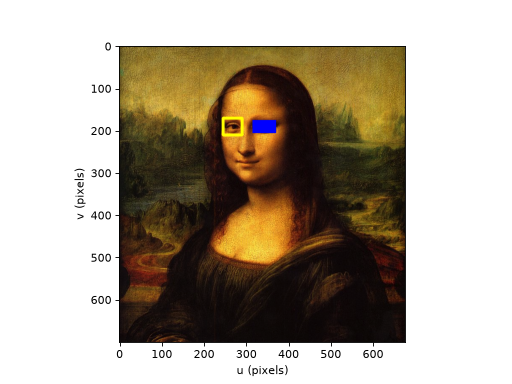
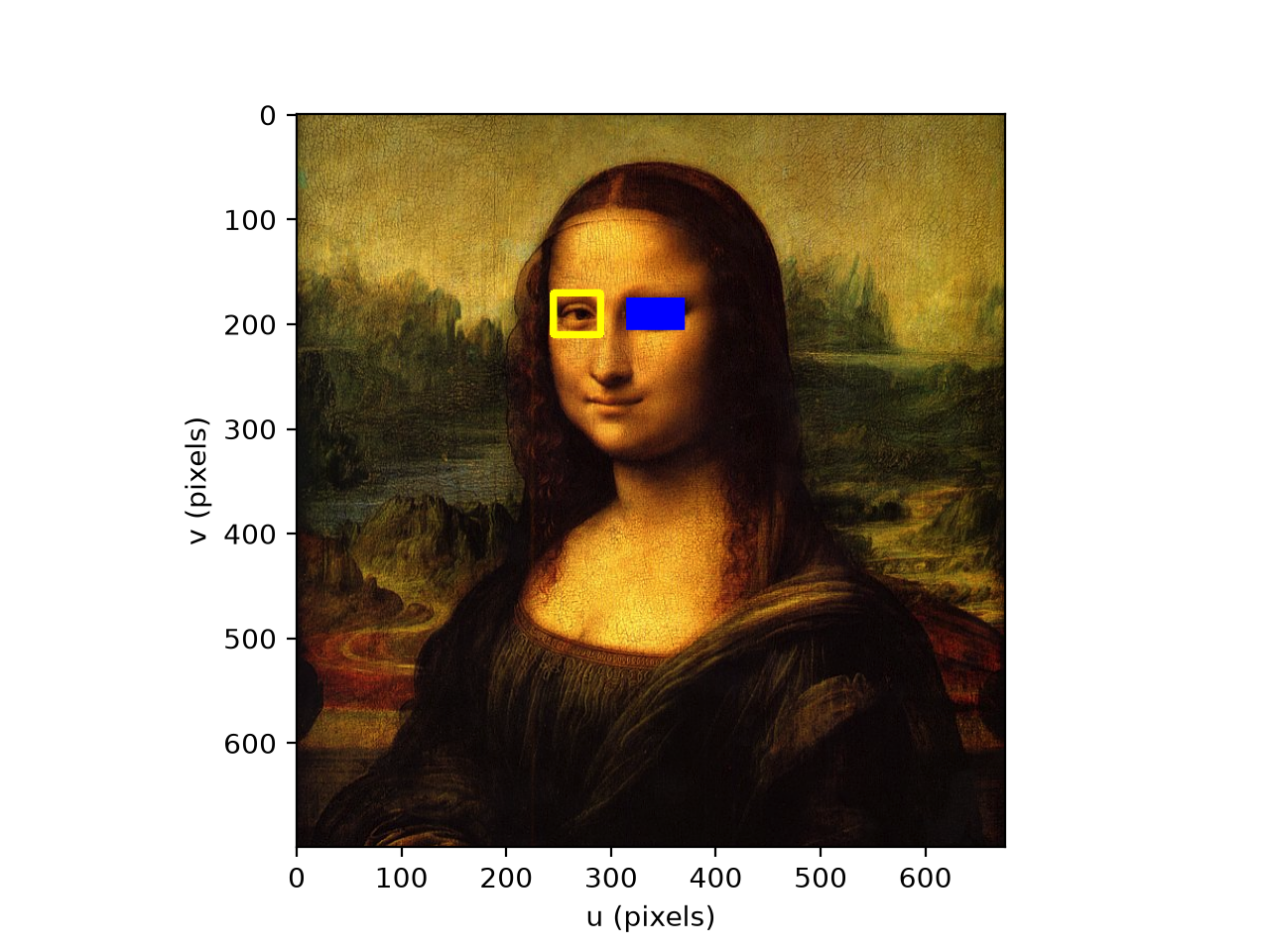
Example, draw boxes over the eyes of the Mona Lisa:
from machinevisiontoolbox import Image
img = Image.Read("monalisa.png")
img.draw_box(lb=(245,170), rt=(290, 210), color="yellow", thickness=5)
img.draw_box(lb=(315, 175), rt=(370,205), color="blue", thickness=-1)
img.disp()
(
Source code,png,hires.png,pdf)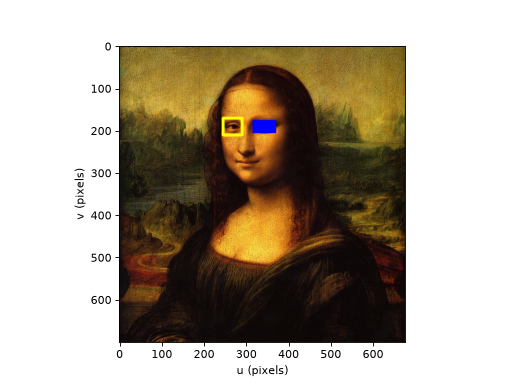
Note
If
imagehas multiple planes thencolorshould have the same number of elements as the image has planes. If it is a scalar that value is used for each color plane. For a color imagecolorcan be a string color name.Warning
The image is drawn into in place. OpenCV requires that its pixel data is C-contiguous, otherwise a
ValueErroris raised. Images read from file are, but an image created from a transposed or reversed array might not be: create it withImage(array, copy=True)to get a contiguous copy. SeeImage.- Seealso: