Image.draw_circle#
- Image.draw_circle(centre: tuple[int, int] | ndarray, radius: int, center: tuple[int, int] | ndarray | None = None, **kwargs: Any) None[source][source]#
Draw circle into image
- Parameters:
centre (array_like(2)) – centre coordinate (u,v)
radius (int) – circle radius in pixels
kwargs – parameters passed to
draw_circle
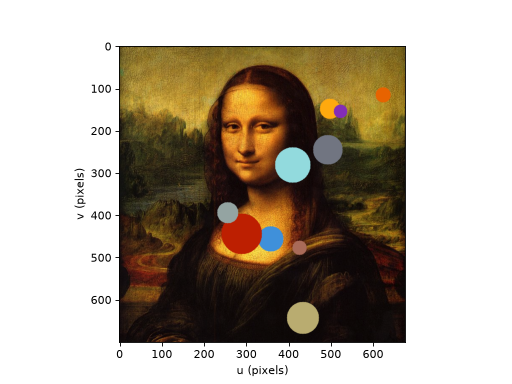
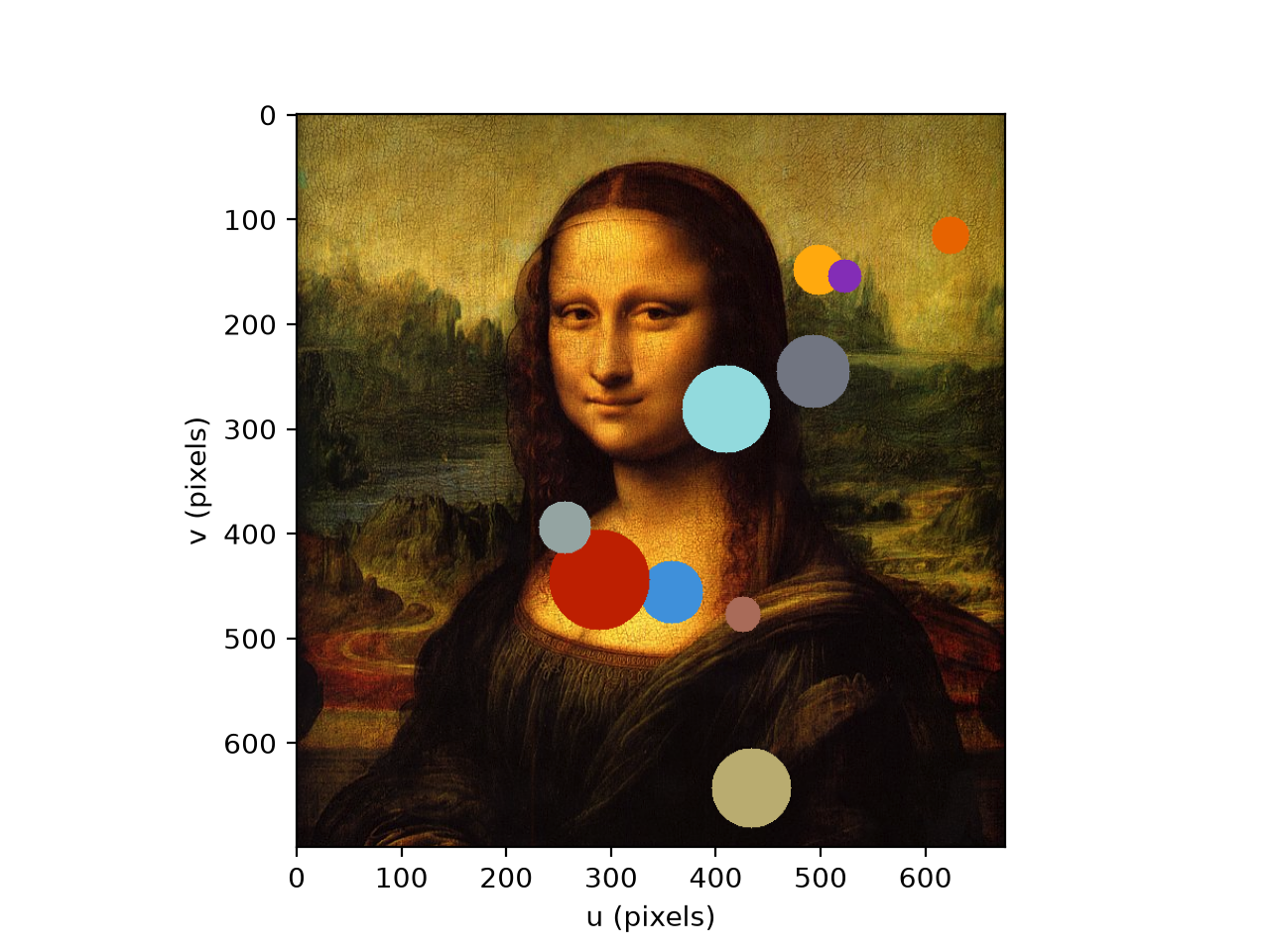
Example, “burn” some circles (confetti) into the Mona Lisa:
>>> from machinevisiontoolbox import Image
>>> import matplotlib as mpl
>>> img = Image.Read("monalisa.png")
>>> colors = mpl.color_sequences["petroff10"]
>>> for color in colors:
...     u = np.random.randint(20, img.umax-20)
        v = np.random.randint(20, img.vmax-20)
        r = np.random.randint(10, 50)
        img.draw_circle((u, v), r, thickness=-1, color=[255*c for c in color])
>>> img.disp(img)
(
Source code,png,hires.png,pdf)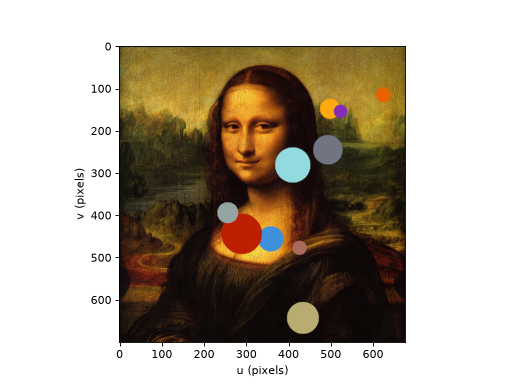
Note
If
imagehas multiple planes thencolorshould have the same number of elements as the image has planes. If it is a scalar that value is used for each color plane. For a color imagecolorcan be a string color name.Warning
The image is drawn into in place, see
draw_boxfor the requirement that the pixel data is C-contiguous.- Seealso: