Image.Chequerboard#
- classmethod Image.Chequerboard(square: int = 32, *, size: int | Sequence[int] | None = None, dtype: Dtype | None = None, colororder: str | None = None, like=None) Self[source]#
Create chequerboard pattern
- Parameters:
size (int or 2-tuple, optional) – image size, width x height, defaults to 256x256
square (int, optional) – cell dimension in pixels, defaults to 32
dtype (str or NumPy dtype, optional) – image data type, defaults to “uint8”
The short-name aliases
'int','float','double','half'are also accepted and resolve to the Toolbox’s own defaults (uint8,float32,float64,float16respectively) – this matters because NumPy’s ownnp.dtype('float')resolves tofloat64, notfloat32. SeeDTYPE_ALIASES. :param colororder: color plane names for the output image, defaults to None :type colororder: str or None, optional :param like: template image supplying defaultsize,dtypeandcolororderwhen those are not given explicitly- Returns:
chequerboard pattern
- Return type:
Create a chquerboard pattern with black and white square cells of side length
square.The pixel values within the cells are:
float image: black squares 0.0, white squares 1.0
int image: black squares 0, white squares maximum positive value of the integer type
Example:
>>> from machinevisiontoolbox import Image
>>> Image.Chequerboard(square=2, size=8).print()
   255 255   0   0 255 255   0   0
   255 255   0   0 255 255   0   0
     0   0 255 255   0   0 255 255
     0   0 255 255   0   0 255 255
   255 255   0   0 255 255   0   0
   255 255   0   0 255 255   0   0
     0   0 255 255   0   0 255 255
     0   0 255 255   0   0 255 255
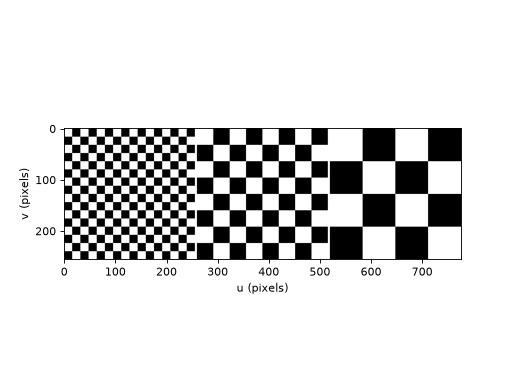
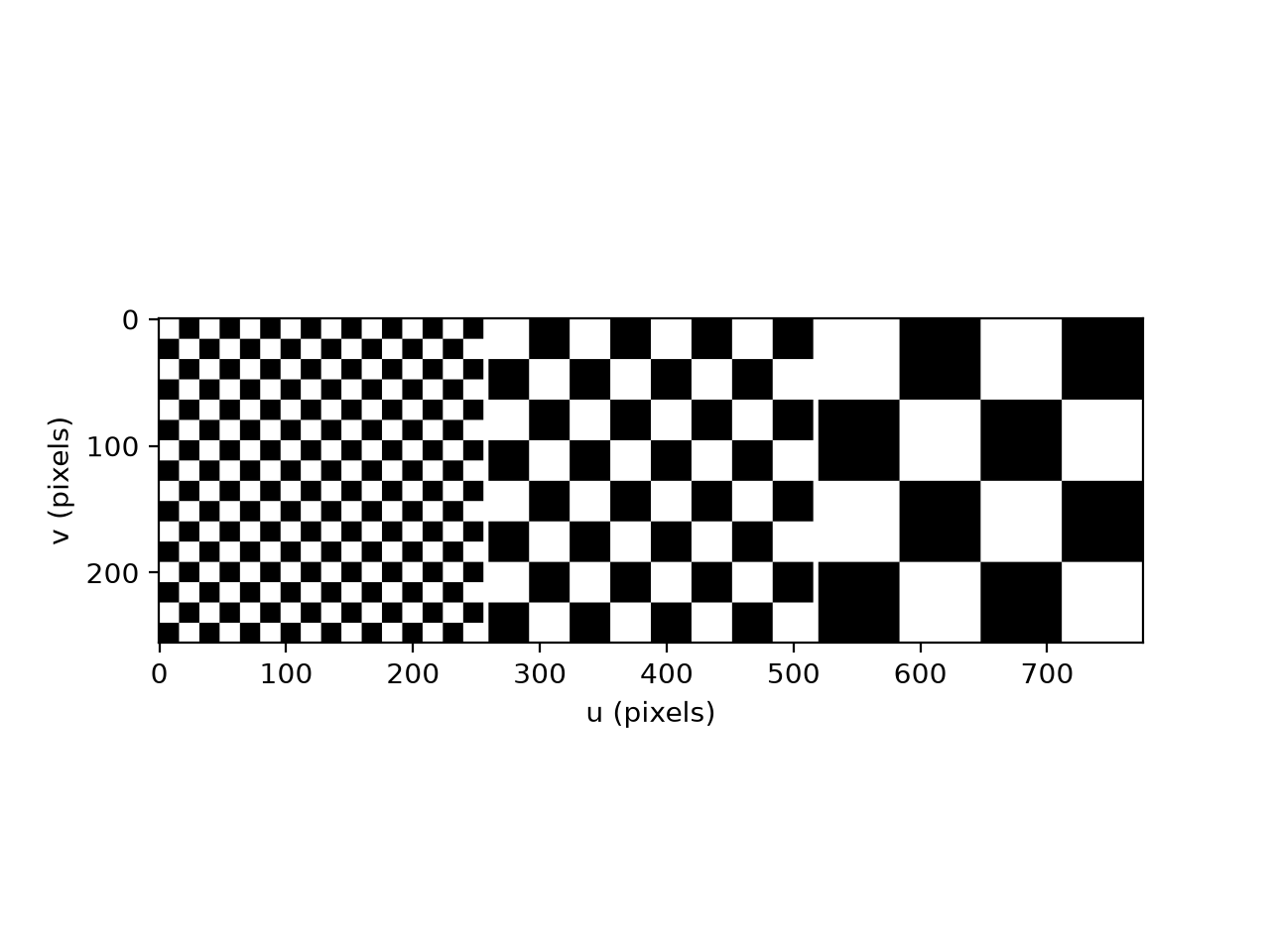
squareequal to 16, 32 and 64:(
Source code,png,hires.png,pdf)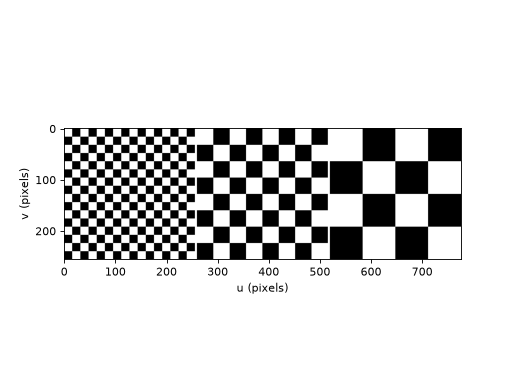
Note
There is no check for
sizebeing an integral multiple ofsquareso the last row and column may be of different size to the others.