Image.draw_point#
- Image.draw_point(pos: tuple[int, int] | ndarray, marker: str = '+', text: str | None = None, **kwargs: Any) None[source][source]#
Draw a marker in image
- Parameters:
pos (array_like(2), ndarray(2,n), list of 2-tuples) – position of marker
marker (str, optional) – marker character, defaults to “+”
text (str, optional) – text label, defaults to None
kwargs – parameters passed to
draw_point
Example:
>>> from machinevisiontoolbox import Image
>>> img = Image.Read("monalisa.png")
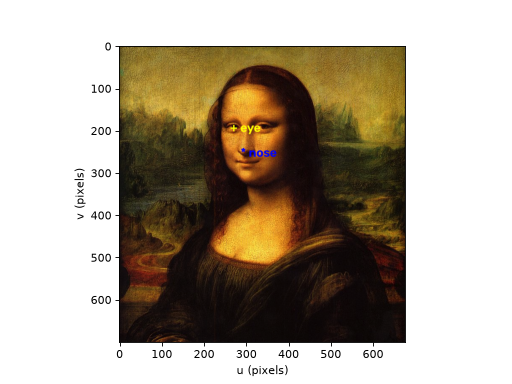
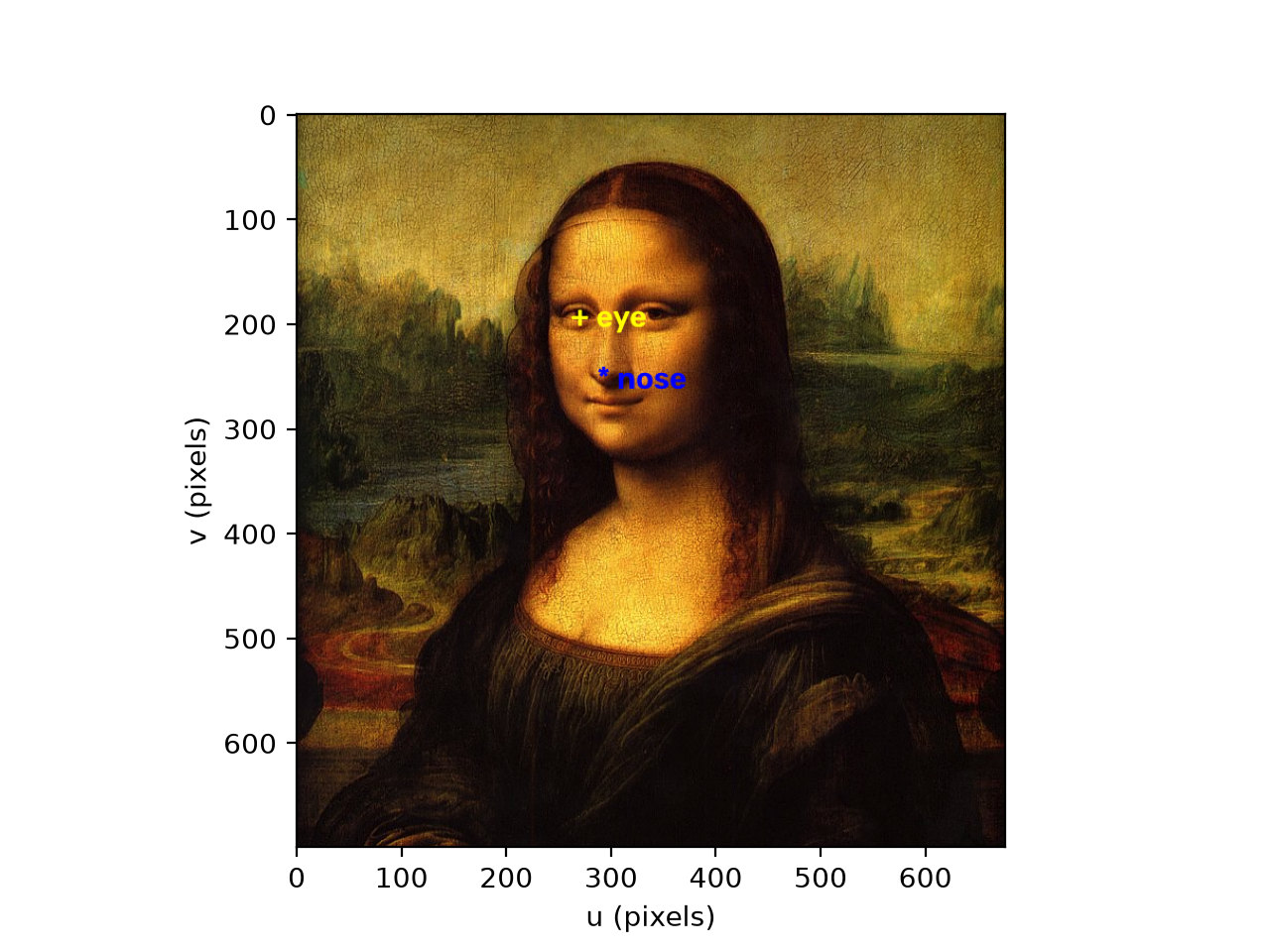
>>> img.draw_point((270,194), "+", "eye", fontsize=1, color="yellow")
>>> img.draw_point((293,246), "*", "nose", fontsize=1, color="blue")
>>> img.disp()
<matplotlib.image.AxesImage object at 0x7fe785f43410>
(
Source code,png,hires.png,pdf)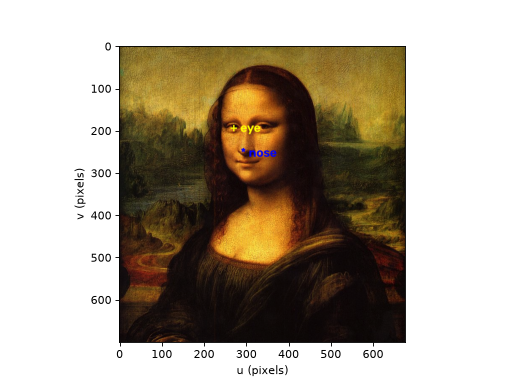
Note
If
imagehas multiple planes thencolorshould have the same number of elements as the image has planes. If it is a scalar that value is used for each color plane. For a color imagecolorcan be a string color name.Warning
The image is drawn into in place, see
draw_boxfor the requirement that the pixel data is C-contiguous.- Seealso: