Blobs.label_image#
- Blobs.label_image(image: Any = None) Any[source][source]#
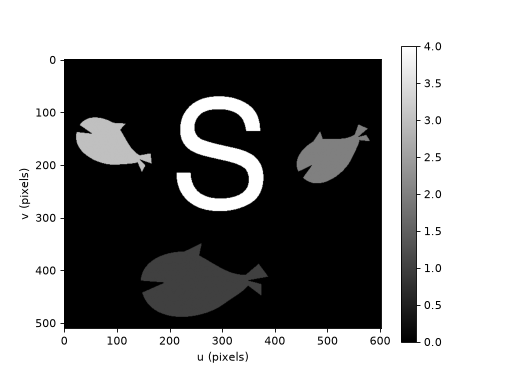
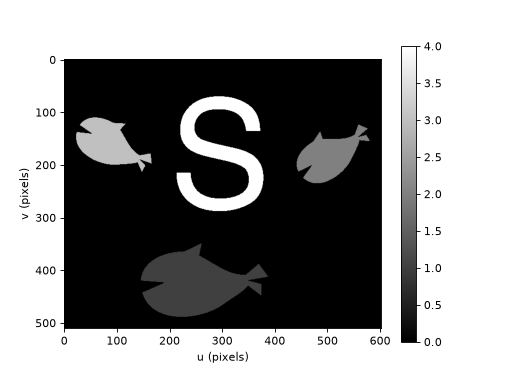
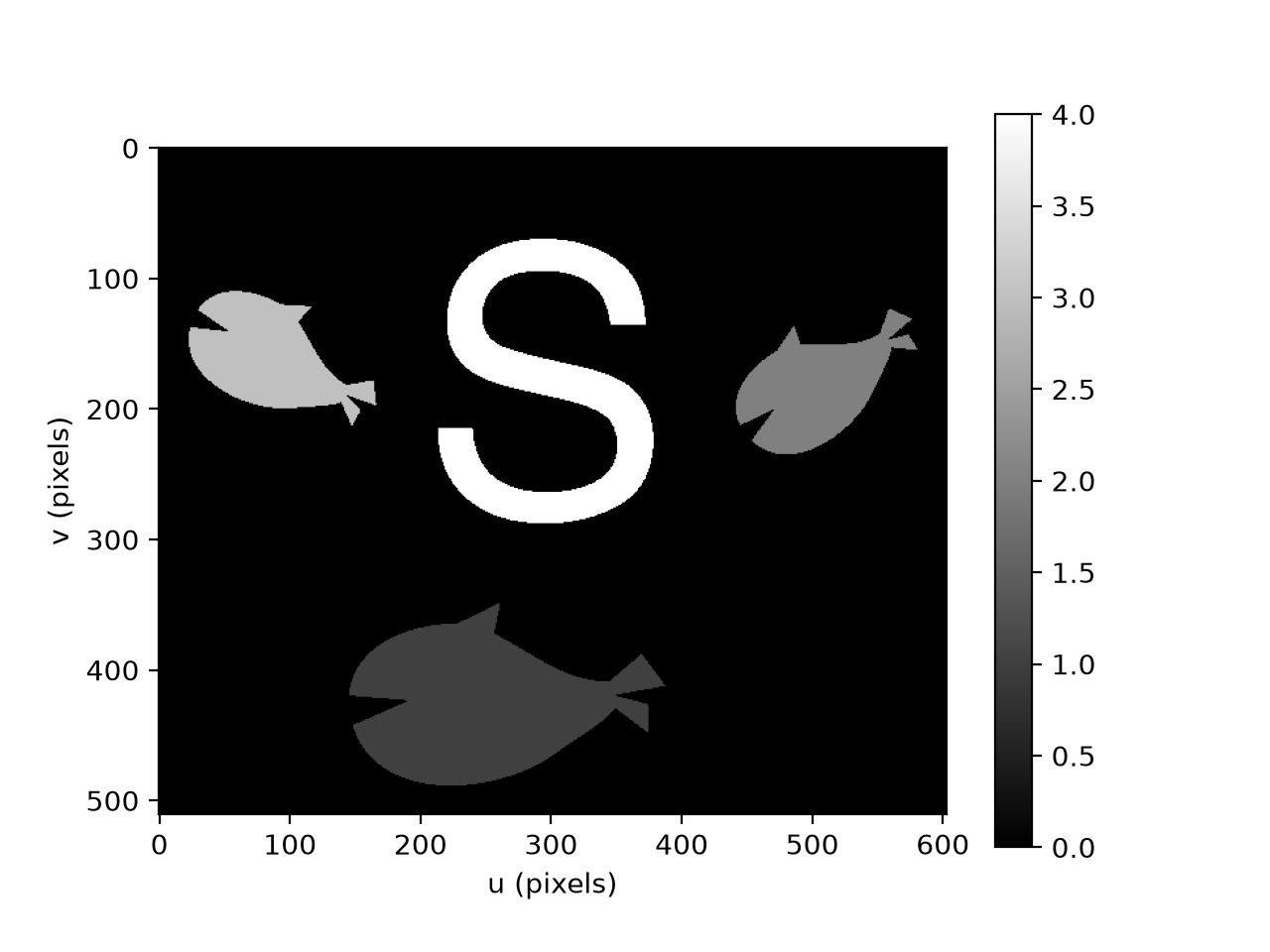
Create label image from blobs
- Parameters:
image (
Image, optional) – image to draw into, defaults to new image- Returns:
greyscale label image
- Return type:
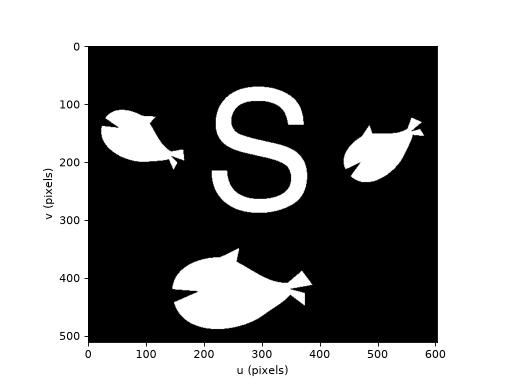
The perimeter information from the blobs is used to generate a greyscale label image where the greyvalue of each region corresponds to the blob index.
Note
The label image is reconstituted from the OpenCV contours that are saved within the
Blobsobject.- Seealso:
labels_binary